Best Apps for Counting Calories From Photos
Discover the top apps that help you easily count calories from pictures of your food. Support your health goals with technology that fits your lifestyle.
Why Use Calorie Counting Apps?
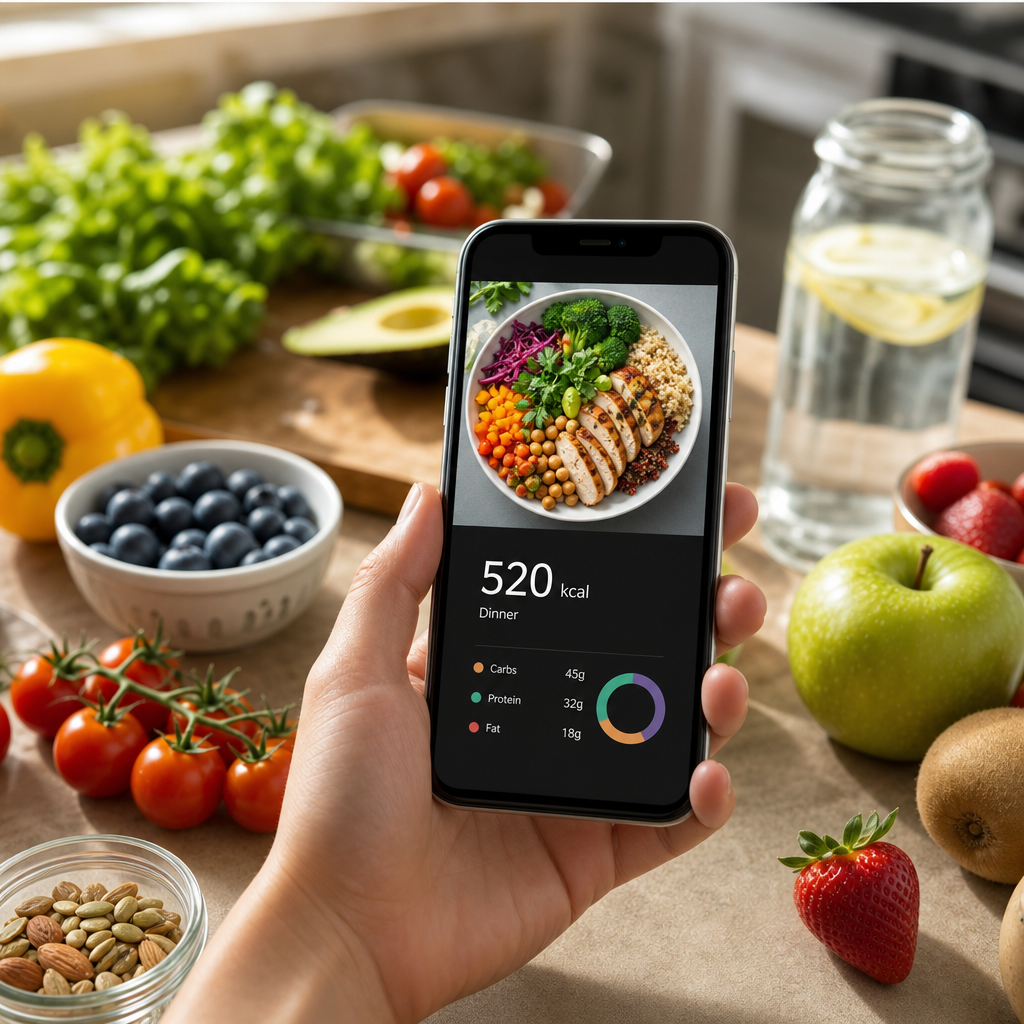
Today's world is increasingly fast-paced, leaving little time for meticulous meal planning. Many individuals looking to manage their weight or enhance their fitness journey find it beneficial to track calories. With calorie counting apps, especially those that allow you to count calories from photos, this task becomes simple and quick. Instead of manually typing out what you ate, you can snap a picture, and the app will do the heavy lifting for you.
Using these apps not only simplifies tracking but also provides insights into your nutrition. You'll be able to see breakdowns of macronutrients, understand portion sizes better, and make informed decisions about your meals. That said, let's dive into the best calorie counting apps on the market that can analyze your food photos effortlessly.
1. MyFitnessPal
MyFitnessPal has become one of the most popular fitness apps globally, and for good reason. This app boasts a massive database of over 11 million foods, making it easier than ever to find your meals. With its photo recognition feature, you can upload an image of your food and let the app suggest the calorie count and nutrition facts, which you can then approve or adjust as necessary.
The app is not only user-friendly but offers additional features like community support, personalized goals, and integrations with other devices and fitness apps like Fitbit. Plus, with its premium version, you can unlock advanced tracking features, including macronutrient breakdowns per meal.
2. Lose It!
Lose It! is another top-tier calorie counting app that uses image recognition to help you track your meals. After snapping a photo, the app lets you confirm the type of food and portion size, providing a detailed nutritional analysis quickly. What sets Lose It! apart is its personalized weight loss plans that adapt to your preferences and goals.
One of the most engaging features of this app is its social component, allowing you to connect with friends for motivational support and sharing meal ideas. The app also offers a neat feature called 'Snap It,' which enhances its photo-sharing capabilities, giving you visibility into your meal successes.
On average, a cup of pasta can contain about 200 calories. Using Lose It!, you'd snap a picture of your dish and within seconds have an accurate estimate, making it convenient during busy days or while dining out.
3. Yummly
Yummly isn’t just a recipe app; it's a robust meal planner that also tracks nutrition. With its photo recognition tech, Yummly allows users to photograph their meals and simply input the serving size. The app will then calculate the necessary calorie count while also suggesting recipes that fit within your dietary restrictions.
In addition to counting calories, Yummly excels in creating personalized meal plans based on your cooking preferences or dietary goals, whether vegetarian, gluten-free, or keto. By leveraging its database of recipes, it helps streamline both calorie counting and meal planning.
4. MyPlate by LIVESTRONG
MyPlate by LIVESTRONG is an excellent app that combines food tracking with health education. After taking a photo of your meal, MyPlate provides detailed nutrition analysis and serves up tools to help you reach your fitness objectives. The app emphasizes portion control and balance, making it a great choice for those managing their weight.
One fantastic feature is the ability to track your water intake alongside your meals, ensuring you're maintaining hydration levels, which is often overlooked in weight management. Its user interface is straightforward and makes tracking as easy as snapping a picture.
5. FatSecret
FatSecret is another comprehensive calorie counting app that utilizes food photo recognition to decode your meals. Once you've captured your food image, the app prompts you to confirm the dish, breaking down not just calories but also protein, carbohydrates, and fats. This makes it ideal for those who are particularly focused on macronutrient intake.
Moreover, FatSecret offers a unique social platform where users can share meals, recipes, and progress with each other, adding a layer of community engagement that can be motivating. This interaction can make a weight-loss journey feel less isolating and more collaborative.
6. CaloryGuard
CaloryGuard is designed for those who want straightforward calorie counting without any distractions. The app allows users to take photos of their meals, and within moments, provides accurate nutritional data. It's a minimalist approach that focuses solely on helping you track your intake effectively.
The app helps users easily recognize food items and portion sizes, thus simplifying the calorie counting process. This no-frills app is perfect for someone who is just starting their health journey and doesn’t want to deal with overwhelming features.
7. Cronometer
For individuals seeking a deeper understanding of their nutritional intake, Cronometer is the app of choice. While it does involve manual logging, its integration of photo tracking allows for user-friendly entry of meals. Its vast database provides detailed insights into micronutrients, making it a strong contender for health enthusiasts.
Cronometer also includes a feature for tracking supplements and recipes, which can be particularly helpful for individuals with specific dietary needs. For instance, if you're trying to balance your micronutrient intake as a vegan, Cronometer can guide you on what foods to incorporate while tracking calories effortlessly.
Practical Tips for Using Photo Calorie Apps
While these apps make counting calories much more manageable, there are a few practical tips to maximize their effectiveness. First, always ensure your food images are well-lit, as the clearer the photo, the more accurately the app can identify the food items. Second, familiarize yourself with the nutritional values of common foods to make better decisions about portion sizes after receiving app suggestions.
Consistency is key—log your meals regularly to create an accurate picture of your eating habits. You may find it useful to set a reminder to check your app throughout the day, which can further reinforce your commitment to your health goals.
Frequently Asked Questions
Are there any free options for photo calorie counting apps?
Yes, several of these apps, including MyFitnessPal and Lose It!, offer free versions with basic features. While premium features are available, the free versions are quite functional for general calorie tracking.
How accurate are calories counted by these apps?
The accuracy can vary based on the app’s database and the meal photo quality. It’s always good to cross-check with food packaging or verified databases for precision, especially for homemade meals.
Can I set dietary preferences in these apps?
Yes, many of these apps, like Yummly and MyPlate, allow you to set dietary preferences, which will tailor recommendations according to your needs, such as vegetarian or ketogenic diets.
What features should I look for in a calorie counting app?
Look for user-friendly photo recognition, a comprehensive food database, nutritional breakdowns, community features, and the ability to track both macronutrients and water intake for a well-rounded approach.
Do these apps help with weight loss?
Absolutely! By consistently tracking your calorie intake and nutrition, you can identify habits and make informed choices, which supports your weight loss or health enhancement goals.
Ready to take control of your nutrition? Download Cal AI and take a photo of your food to instantly estimate calories, track protein, carbs, and fats, and analyze your meals with AI!
Share this article
Cal AI
Track meals faster with Cal AI
Scan food, estimate calories, and keep your nutrition log moving without typing every ingredient.
Author
Cal AI Editorial Team
Practical guides on nutrition, calorie tracking, meal planning, and building healthier habits with Cal AI.
Editorial policyFrequently asked questions
Are there any free options for photo calorie counting apps?
Yes, several of these apps, including MyFitnessPal and Lose It!, offer free versions with basic features. While premium features are available, the free versions are quite functional for general calorie tracking.
How accurate are calories counted by these apps?
The accuracy can vary based on the app’s database and the meal photo quality. It’s always good to cross-check with food packaging or verified databases for precision, especially for homemade meals.
Can I set dietary preferences in these apps?
Yes, many of these apps, like Yummly and MyPlate, allow you to set dietary preferences, which will tailor recommendations according to your needs, such as vegetarian or ketogenic diets.
What features should I look for in a calorie counting app?
Look for user-friendly photo recognition, a comprehensive food database, nutritional breakdowns, community features, and the ability to track both macronutrients and water intake for a well-rounded approach.
Do these apps help with weight loss?
Absolutely! By consistently tracking your calorie intake and nutrition, you can identify habits and make informed choices, which supports your weight loss or health enhancement goals.
Related articles
 Signs of Dehydration You Should KnowLearn to recognize the key signs of dehydration to maintain optimal health and prevent hunger-related issues.
 Cal AI Review: Your Ultimate Nutrition TrackerDiscover how Cal AI revolutionizes calorie counting and meal tracking with its advanced features. Our comprehensive review covers usability, effectiveness, and more.
 What Is a Smart Calorie Tracker?Explore the world of smart calorie trackers, options available, and how they can enhance your nutrition tracking and wellness journey.
 What Are Macros? A Beginner's Guide to Understanding MacronutrientsDive into the world of macronutrients. Learn about carbs, proteins, and fats and how they contribute to a balanced diet.
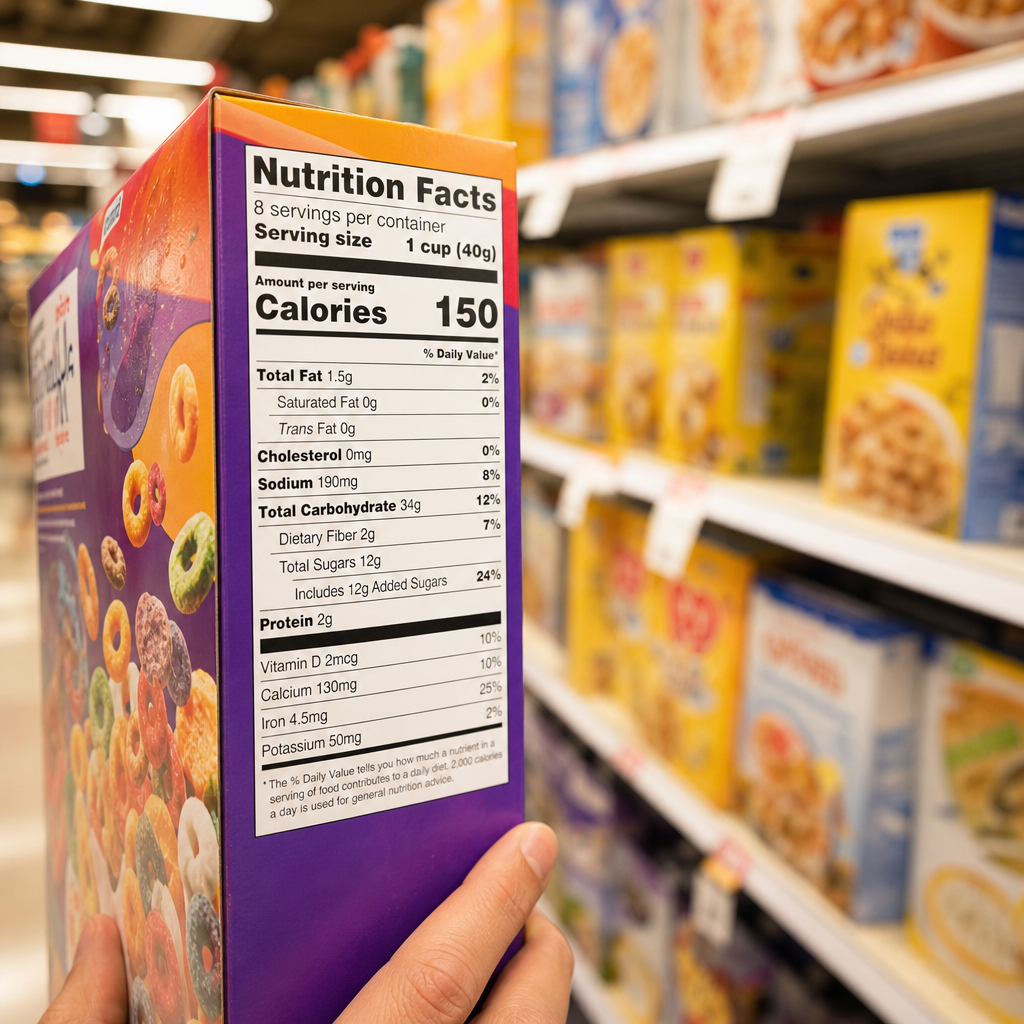 How to Read Food Labels: Your Ultimate Guide to Making Informed ChoicesLearn how to effectively read food labels to make informed dietary choices and enhance your health with our comprehensive guide.
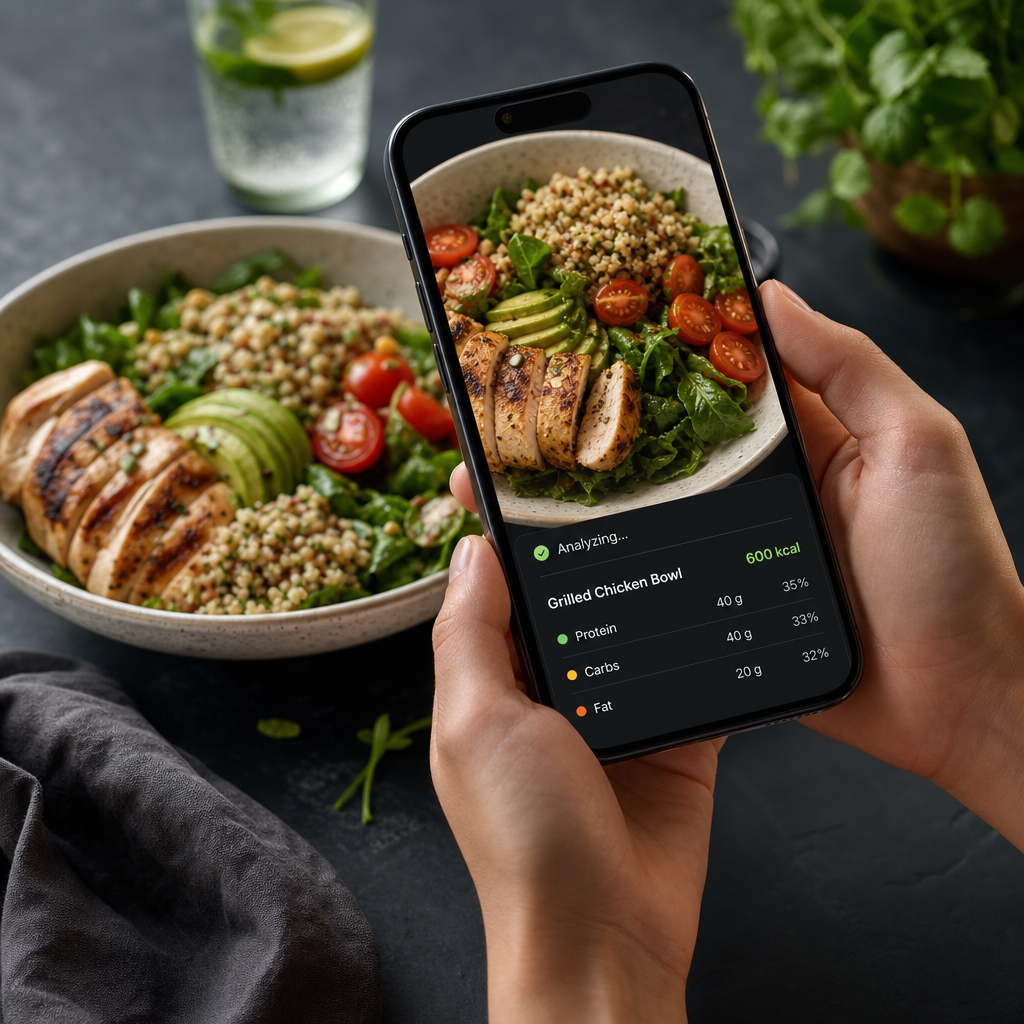 How Does Cal AI Work? A Breakdown of Functionality and TechnologyDiscover the technology and functionality behind Cal AI, the innovative app that helps track your nutrition goals effortlessly.
 Unlocking Your Weight Loss Journey with AI Calorie TrackersDiscover how AI calorie trackers can significantly aid your weight loss journey through personalized insights and real-time analysis.
 AI Calorie Tracker for Muscle Gain: Maximizing Your Gains with PrecisionDiscover how AI calorie trackers can revolutionize your muscle gain journey by ensuring accurate caloric surplus tracking.
 Best AI Nutrition Apps: Transform Your Dietary HabitsExplore the top AI-powered nutrition apps designed to enhance your dietary choices, making it easier than ever to achieve your health goals.
 How to Count Calories From a Food Photo: A Step-by-Step GuideDiscover how to accurately count calories using food photos with modern mobile apps and technology for your dieting journey. Learn more now!
 Can You Lose Weight With an AI Calorie Tracker?Explore how AI calorie trackers can enhance your weight loss journey by providing precise data, personalized insights, and meal tracking features.
 Utilizing an AI Food Scanner for Effective Weight LossExplore how an AI food scanner can revolutionize your weight loss journey by efficiently tracking caloric intake and nutritional content.
 How AI Calculates Protein, Fat, and CarbsDive into how AI calculates nutrition by analyzing food images to assess macronutrient distribution for better meal planning and nutritional insights.
 Batch Cooking for Weight Loss: A Smart Strategy to Manage PortionsDiscover how batch cooking can streamline your meal prep, help manage portions, and support your weight loss journey effectively.
 Why Hydration Matters in a Calorie DeficitDiscover the crucial role hydration plays in your weight loss journey, especially when operating in a calorie deficit.
 How to Calculate Macros for Muscle GainLearn effective strategies for calculating your macronutrients to support muscle growth and achieve your fitness goals.
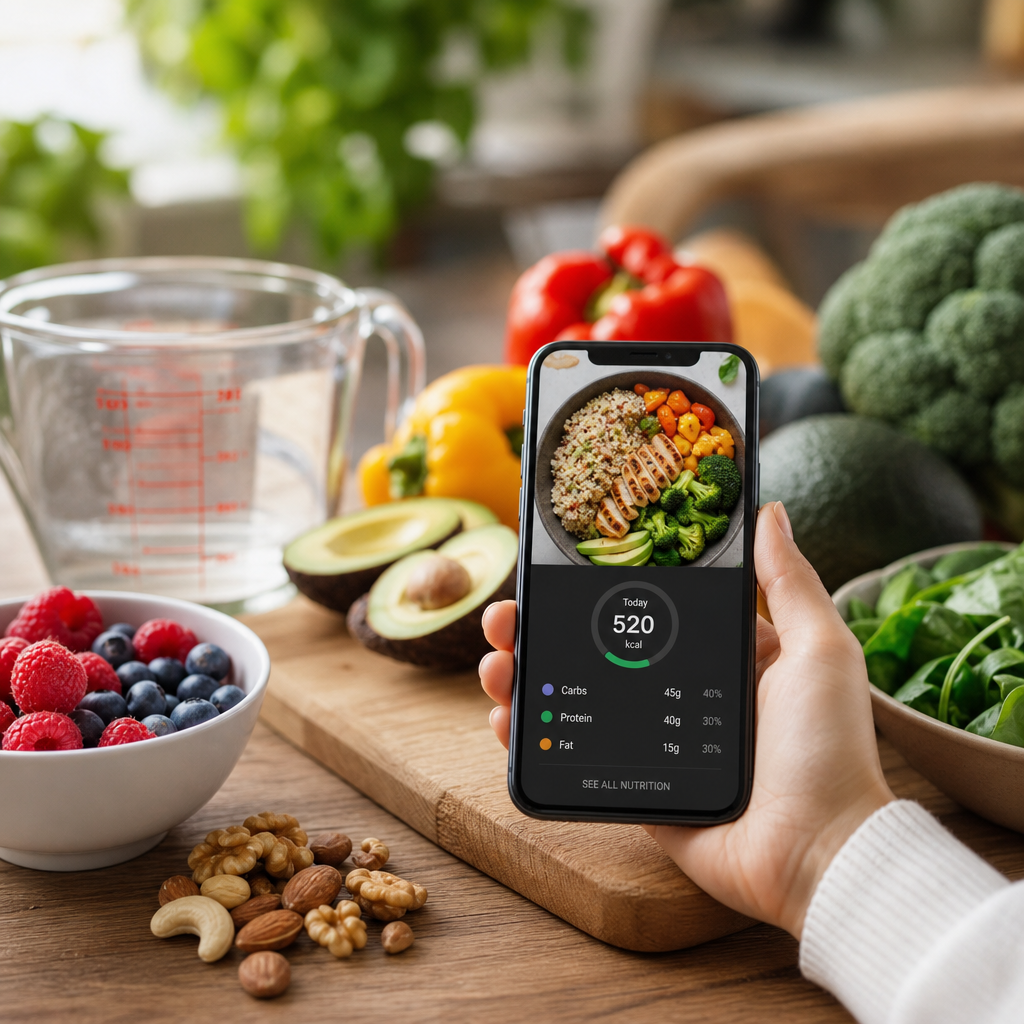 Discover the Best AI Calorie Tracker Apps for Your DietExplore the top AI-powered calorie tracker apps that can help you manage your diet and reach your health goals effectively.
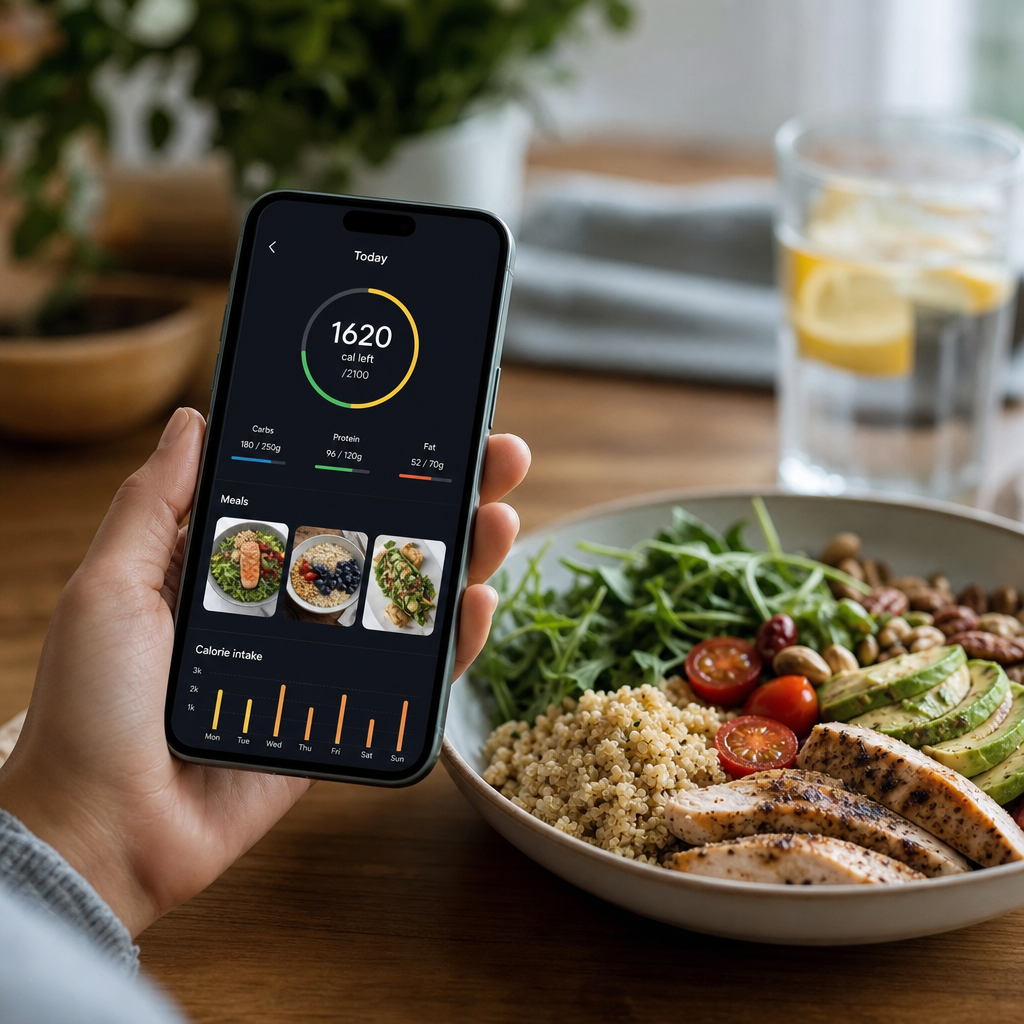 AI Calorie Counter: Comprehensive Review of the Top AppsDiscover our in-depth review of popular AI calorie counter apps, evaluating their features, usability, and effectiveness to help you track your nutrition effortlessly.
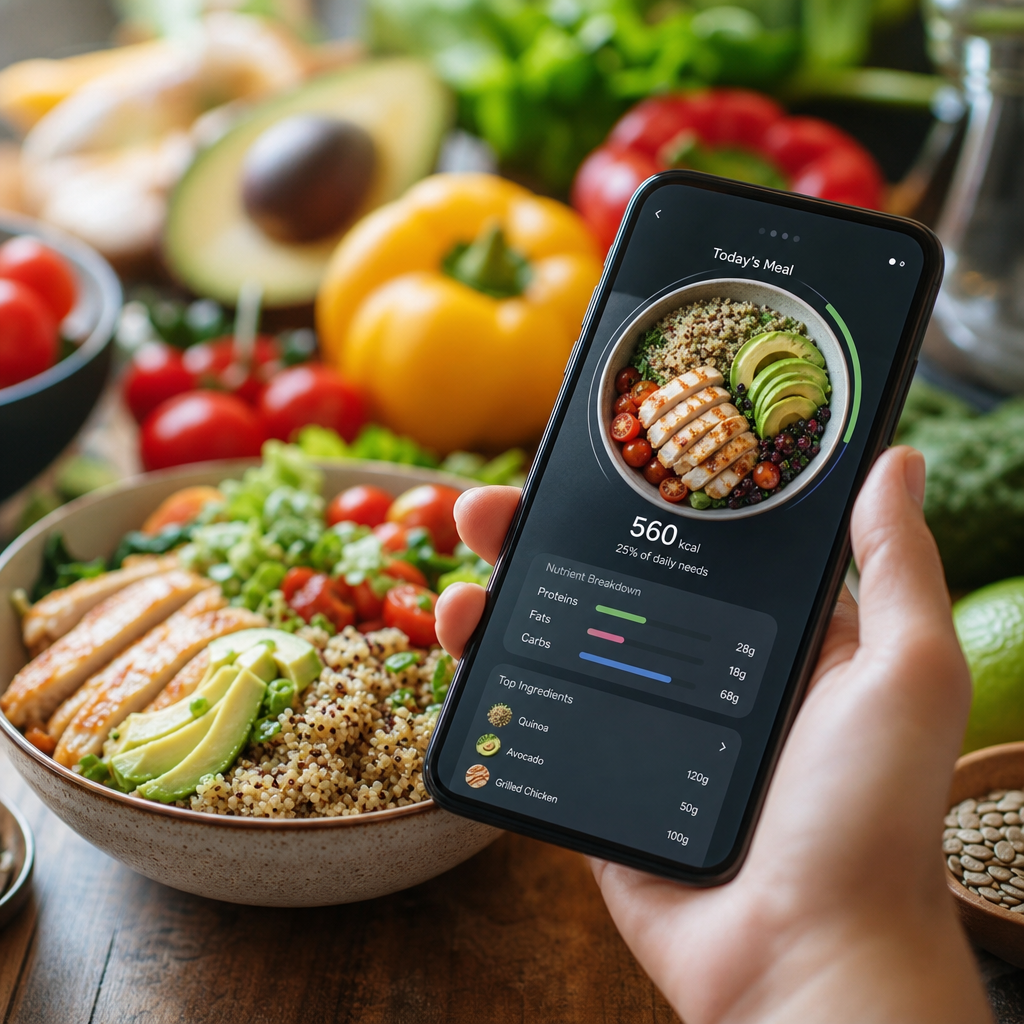 How AI Calorie Counting Works: Unpacking the Technology Behind the AlgorithmDiscover how AI calorie counting apps utilize advanced technology to help you track nutrition and achieve your fitness goals.
 How Much Water Should You Drink for Weight Loss?Learn the optimal water intake for weight loss, its benefits, and practical tips to stay hydrated in your weight loss journey.
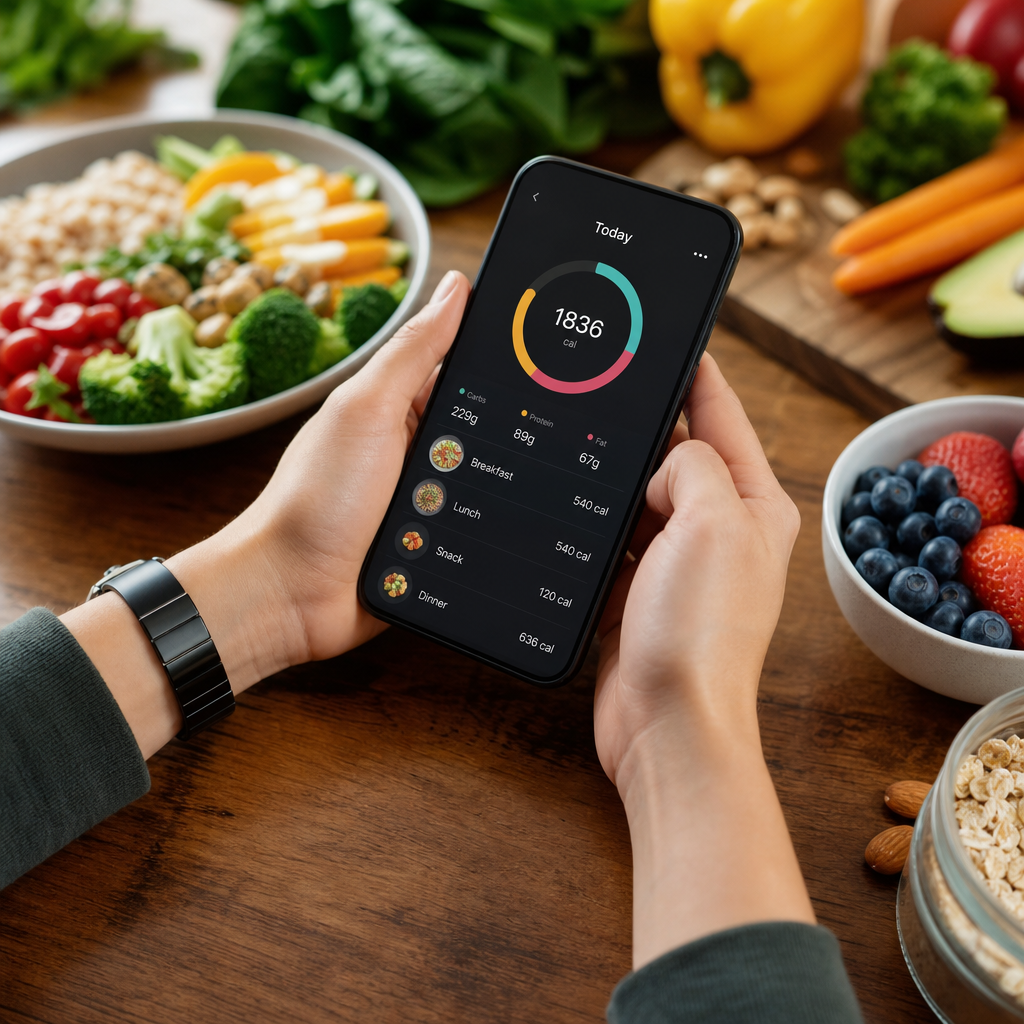 Cal AI Review 2026: The Future of Nutritional TrackingExplore a comprehensive review of Cal AI's anticipated features and reliability in 2026 for effective nutritional tracking.
 Calories vs Macros: What Matters More in Your Diet?Discover the crucial differences between calories and macros in dieting. Understand which plays a more significant role in your weight loss success.
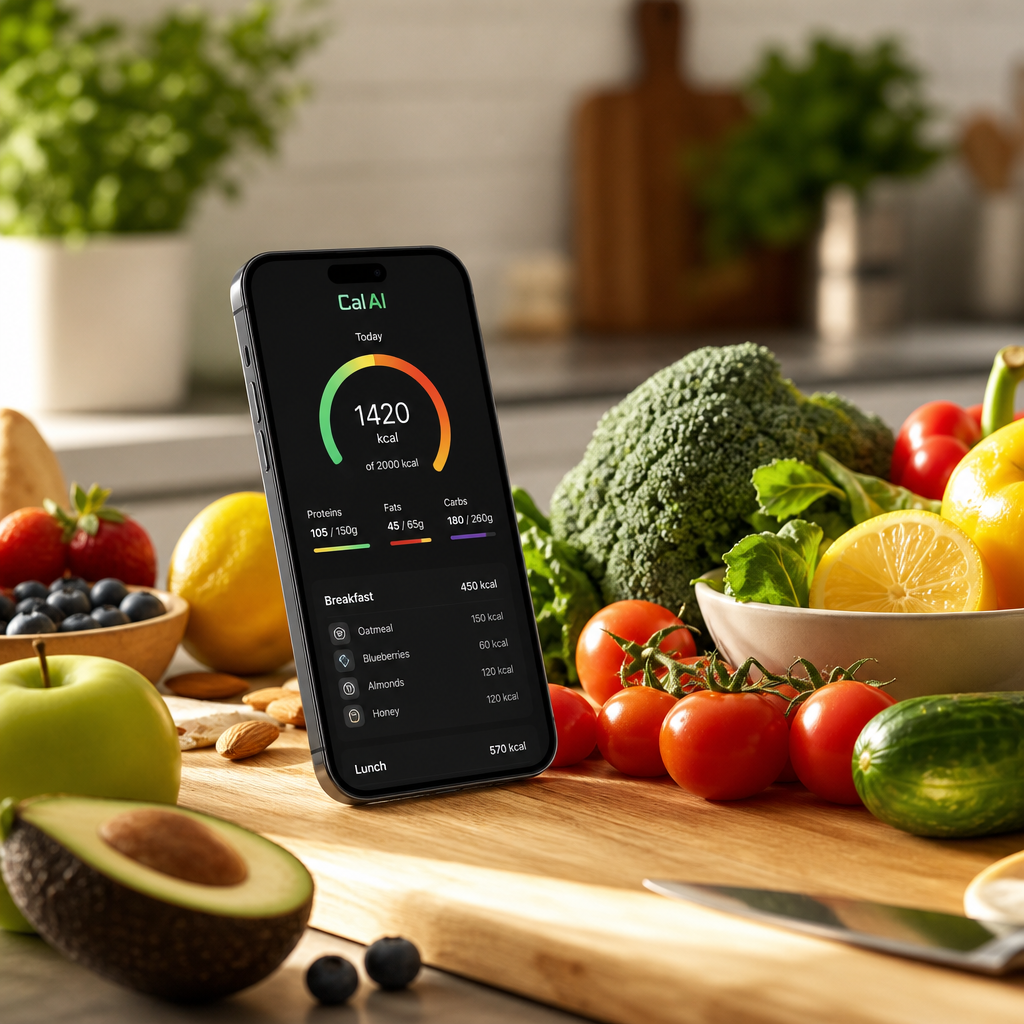 What Is Cal AI? Your Guide to AI-Powered Nutrition SolutionsDiscover how Cal AI can transform your approach to nutrition by offering instant meal analysis, calorie observation, and more!
 The Best Macro Ratio for Weight Loss: Optimizing Your IntakeDiscover the best macronutrient ratios for effective weight loss. Learn how to adjust your intake for optimal results while maintaining a healthy lifestyle.
 How Much Protein Do You Need Per Day? A Comprehensive GuideDiscover your daily protein requirements tailored to your personal health goals with our in-depth guide. Find out how to calculate your needs effectively.
 The Ultimate Weight Loss Vegetables List: Your Guide to Slimming SuccessDiscover the top weight loss vegetables list that can support your dieting journey with delicious, low-calorie options perfect for meals and snacks.
 How to Calculate Meal Calories in 5 SecondsMaster quick calorie calculation techniques to keep your meals healthy and on track, especially for busy lifestyles.
 Discovering Free Online Calorie Counter by Photo ToolsExplore the best free online calorie counter by photo tools for effective meal tracking without breaking the bank. Perfect for budget-conscious users!
 How Many Calories Are in an Egg? A Comprehensive GuideExplore the caloric content of eggs, different cooking methods, and how they fit into a healthy diet while tracking your nutrition goals.
 How Many Calories Are in French Fries? A Portion-by-Portion BreakdownFrench fries can range from a light side dish to a calorie-heavy snack depending on portion size, cooking method, and toppings. Here’s a practical breakdown of calories in french fries.