How to Calculate Meal Calories in 5 Seconds
Master quick calorie calculation techniques to keep your meals healthy and on track, especially for busy lifestyles.

Understanding Calories and Their Importance
To effectively manage your nutrition and reach your fitness goals, understanding calories is key. Calories measure the energy provided by the food we eat. Whether you're looking to lose weight, maintain your current health, or even build muscle, knowing how many calories your meals contain is essential.
Busy individuals and students often find themselves making quick meal decisions. Actually, they need tools and techniques that allow them to estimate calories without spending much time. A small miscalculation can throw off your dietary plans, so the faster you can accurately assess a meal’s calorie content, the better.
The Creators of Caloric Values: Nutrition Labels and Databases
Before jumping into quick calculations, it helps to familiarize yourself with how caloric values are determined. When you look at nutrition labels on food packaging, the calorie count is based on standard serving sizes. Similarly, comprehensive nutrition databases such as the USDA FoodData Central provide detailed caloric information for various foods.
Utilizing these resources can provide baseline calorie information, but for quick estimations during meal times or dining out, understanding serving size will save time. For example, a typical serving of grilled chicken is around 3 ounces and contains approximately 140 calories. This standard can streamline your calculations significantly.
Using Technology to Calculate Meal Calories Quickly
One of the most innovative methods to quickly calculate meal calories is through technology. Numerous apps and photo-based calorie counters allow you to snap a picture of your meal and provide instant calorie estimates. Applications like MyFitnessPal and Cal AI are particularly user-friendly, giving you a detailed macronutrient breakdown in seconds.
To use these apps effectively, you can follow these simple steps: 1) Take a clear photo of your meal; 2) Upload it to the app; 3) Review the suggested calorie estimate and macronutrient info. Voila! In less than 5 seconds, you've assessed your meal's caloric impact.
Quick Mental Math Techniques for Estimating Calories
Even without technology, there are effective mental math techniques that can help estimate meal calories quickly. For instance, you can use the 'thumb rule', which involves estimating the size of your protein portion and multiplying by a set calorie amount. For example, a palm-sized portion of chicken or fish (about 4-6 ounces) equals roughly 200-300 calories.
Here are some quick mental math tricks to use during meals:
- Proteins: 100 calories per ounce
- Carbohydrates: 100 calories per half-cup
- Fats: 100 calories per tablespoon Using these estimates enables fast calculation for any meal composition.
Portion Visualizations: A Handy Guide
Understanding portion sizes visually can be a game-changer for quickly calculating calories. Many people don't have a food scale at hand, but knowing how to visualize portion sizes can provide approximate data. Here’s a quick reference guide:
- A cupped hand equals around one cup of food (typically 200 calories, depending on food type).
- A closed fist often mirrors a serving of carbohydrates like rice or pasta (about 200-250 calories).
- A thumb represents a serving of fats (about 100 calories). By memorizing these visual cues, you can gauge your meals' calories in seconds.
Evaluating Meal Components for Precision
Instead of calculating calories for an entire dish, consider breaking it down into its components for easier and more accurate assessment. For instance, if you’re eating a pasta dish with meat sauce and a side salad, estimate the calories for each component separately. Calculate the pasta (around 200-300 calories), the sauce (about 150 calories), and the salad (around 50 calories), and sum them up for a total around 400-500 calories.
This modular method allows for precise adjustments if you want to reduce calories by replacing heavier components with lighter options, such as substituting traditional pasta with zucchini noodles.
Final Thoughts: Staying Consistent and Avoiding Overloaded Calculations
To make meal calorie calculation a habit, practice daily. Consistency is key in making it a natural part of your meal preparation process. Start by integrating the methods discussed and keep a log or journal to monitor your progress. This may help you find what techniques work best for you.
Ultimately, whether you're a busy professional or a student, counting calories doesn't have to be exhausting or time-consuming. By implementing technology, visual reference techniques, and mental shortcuts, you can seamlessly integrate calorie counting into your busy lifestyle.
Frequently Asked Questions
Can I really estimate meal calories in 5 seconds?
Yes! With the right tools such as apps, visualization techniques, and quick mental math, you can make accurate calorie estimates rapidly. It’s all about practice and familiarity.
What apps are best for calculating meal calories quickly?
Apps like MyFitnessPal, Cal AI, and Lose It! are great for quickly calculating calories and provide a detailed breakdown of macronutrients as well.
How do I visually estimate portion sizes for calories?
You can use your hands for visual portion sizes, like a closed fist for carbohydrates or a palm for proteins, to estimate calorie content quickly.
Is it necessary to calculate calories for every meal?
Not necessarily. While it can be informative, focus on balanced meals and practice occasional calculations to maintain a healthy diet without stress.
Can these techniques help with weight loss?
Yes! By accurately estimating meal calories, you can better manage your caloric intake and contribute to weight loss and healthier eating habits.
Ready to simplify your caloric counting? Try Cal AI! Take a photo of your meal, instantly estimate calories, and analyze your meal with AI to track your nutrition goals effortlessly.
Share this article
Cal AI
Track meals faster with Cal AI
Scan food, estimate calories, and keep your nutrition log moving without typing every ingredient.
Author
Cal AI Editorial Team
Practical guides on nutrition, calorie tracking, meal planning, and building healthier habits with Cal AI.
Editorial policyFrequently asked questions
Can I really estimate meal calories in 5 seconds?
Yes! With the right tools such as apps, visualization techniques, and quick mental math, you can make accurate calorie estimates rapidly. It’s all about practice and familiarity.
What apps are best for calculating meal calories quickly?
Apps like MyFitnessPal, Cal AI, and Lose It! are great for quickly calculating calories and provide a detailed breakdown of macronutrients as well.
How do I visually estimate portion sizes for calories?
You can use your hands for visual portion sizes, like a closed fist for carbohydrates or a palm for proteins, to estimate calorie content quickly.
Is it necessary to calculate calories for every meal?
Not necessarily. While it can be informative, focus on balanced meals and practice occasional calculations to maintain a healthy diet without stress.
Can these techniques help with weight loss?
Yes! By accurately estimating meal calories, you can better manage your caloric intake and contribute to weight loss and healthier eating habits.
Related articles
 Discovering Free Online Calorie Counter by Photo ToolsExplore the best free online calorie counter by photo tools for effective meal tracking without breaking the bank. Perfect for budget-conscious users!
 How Many Calories Are in an Americano? A Deep Dive into Your Favorite BrewDiscover the calorie content in an Americano and how it fits into a calorie-conscious diet. Explore variations, preparation methods, and health considerations.
 How Many Calories Are in an Egg? A Comprehensive GuideExplore the caloric content of eggs, different cooking methods, and how they fit into a healthy diet while tracking your nutrition goals.
 How Many Calories Are in French Fries? A Portion-by-Portion BreakdownFrench fries can range from a light side dish to a calorie-heavy snack depending on portion size, cooking method, and toppings. Here’s a practical breakdown of calories in french fries.
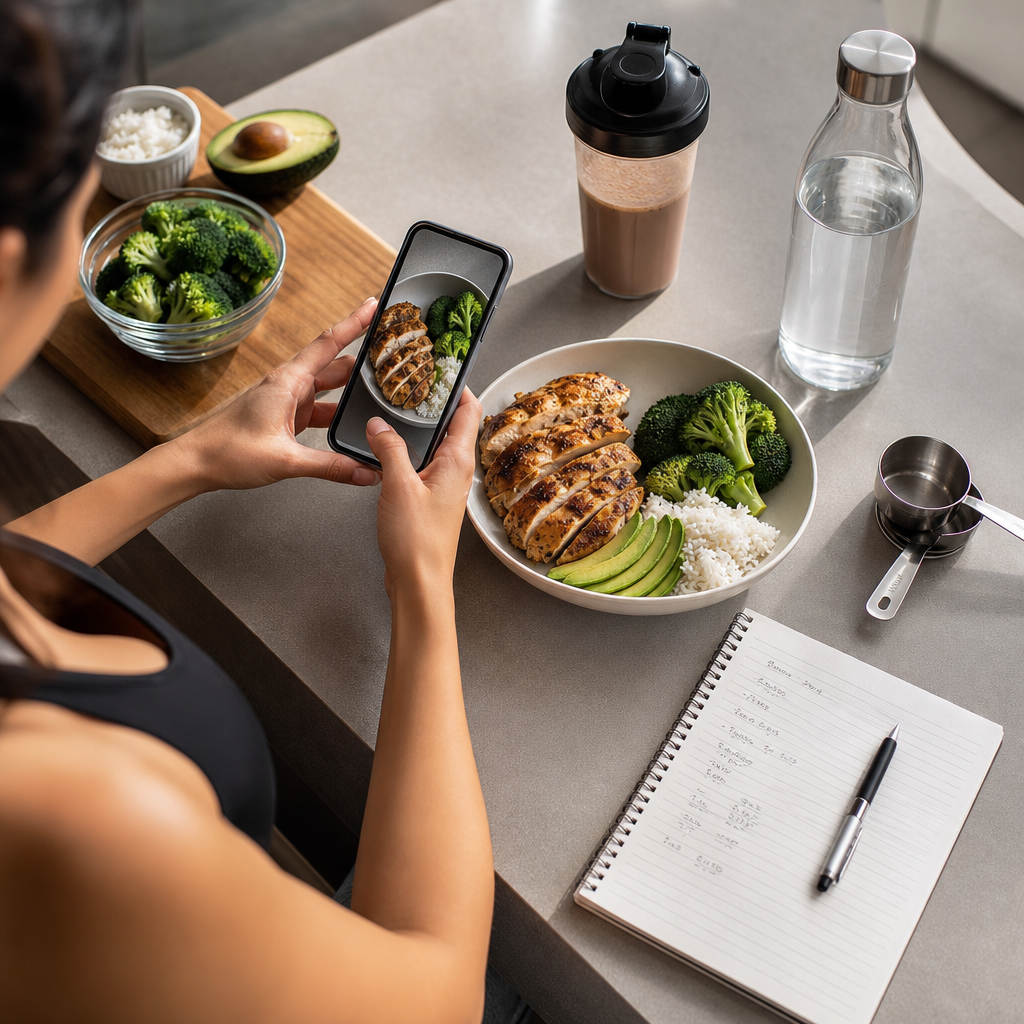 AI vs Manual Calorie Counting: Which Method Fits Your Goals?Compare AI calorie trackers and manual calorie counting for weight loss, muscle gain, and everyday nutrition tracking. See the pros, cons, and real-world use cases.
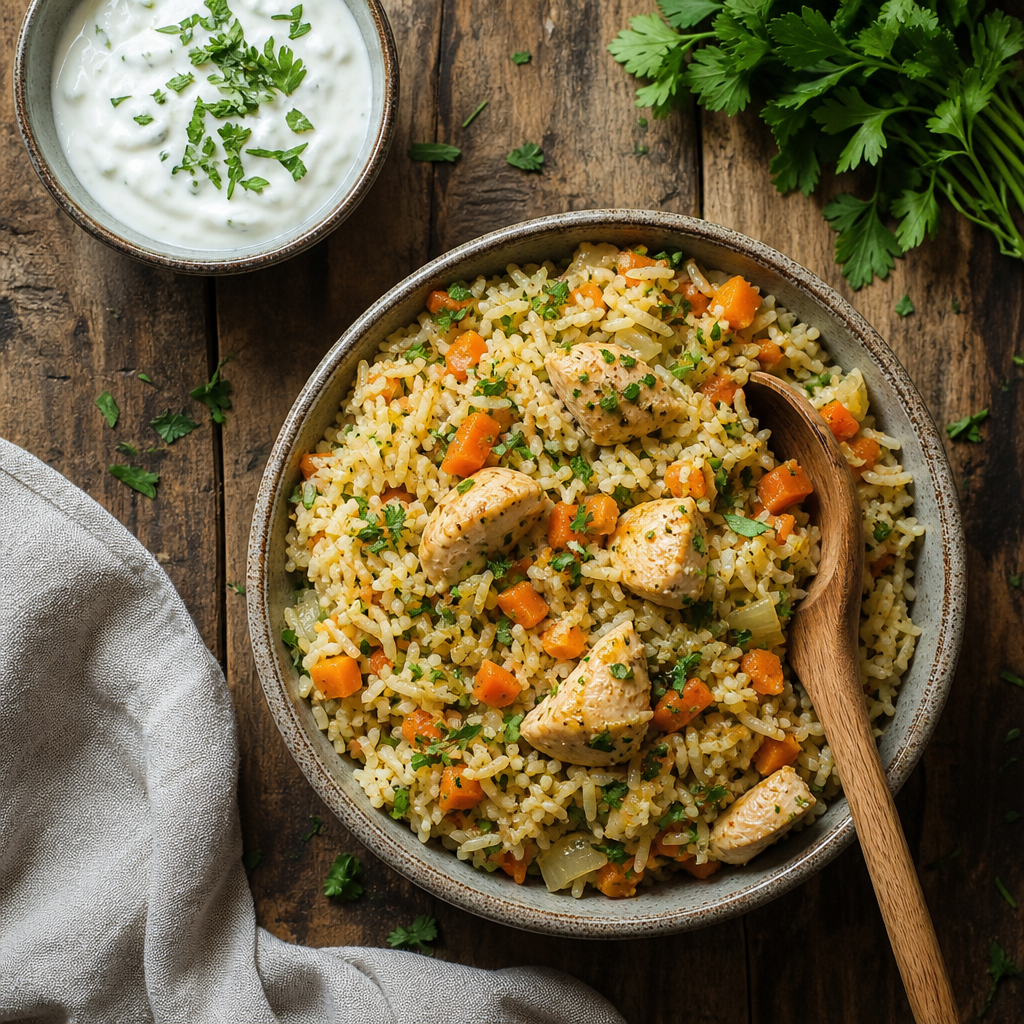 How Many Calories Are in Pilaf? A Practical Guide to Calories in PilafPilaf can be a light rice side dish or a rich one-pot meal, depending on the grains, oils, and meats used. Here’s how to estimate calories in pilaf with real serving examples.
 Dehydration Loss of Appetite: How Not Drinking Enough Can Mute Hunger SignalsDehydration loss of appetite is more common than many people realize. Learn how fluid balance affects hunger, digestion, and practical ways to tell thirst from true appetite.
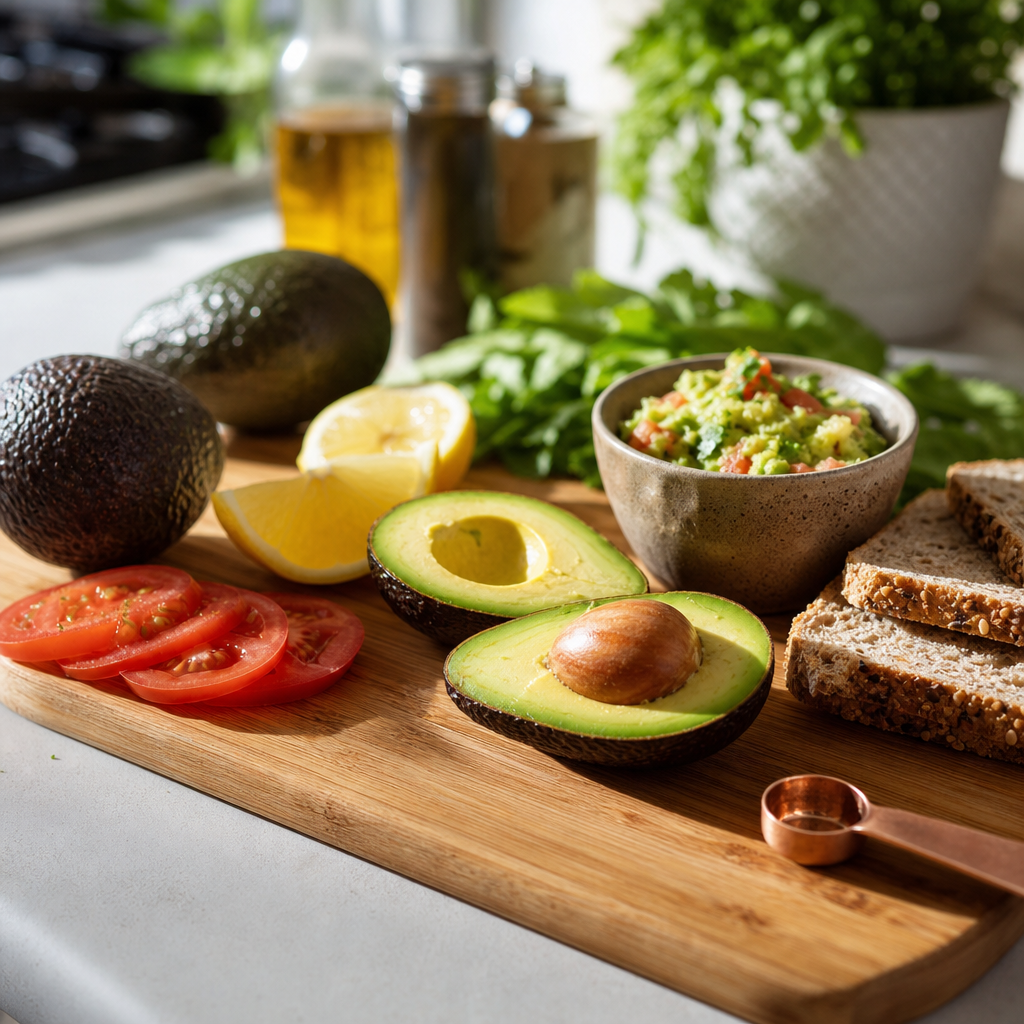 How Many Calories Are in an Avocado?Wondering about calories in avocado? This guide breaks down serving sizes, nutrition facts, health benefits, and easy ways to fit avocado into weight-conscious meals.
 How Many Calories Are in Chocolate? A Practical Guide to Dark, Milk, and White ChocolateWondering how many calories are in chocolate? This guide breaks down calories in chocolate by type, serving size, and cocoa content so you can enjoy it without guessing.
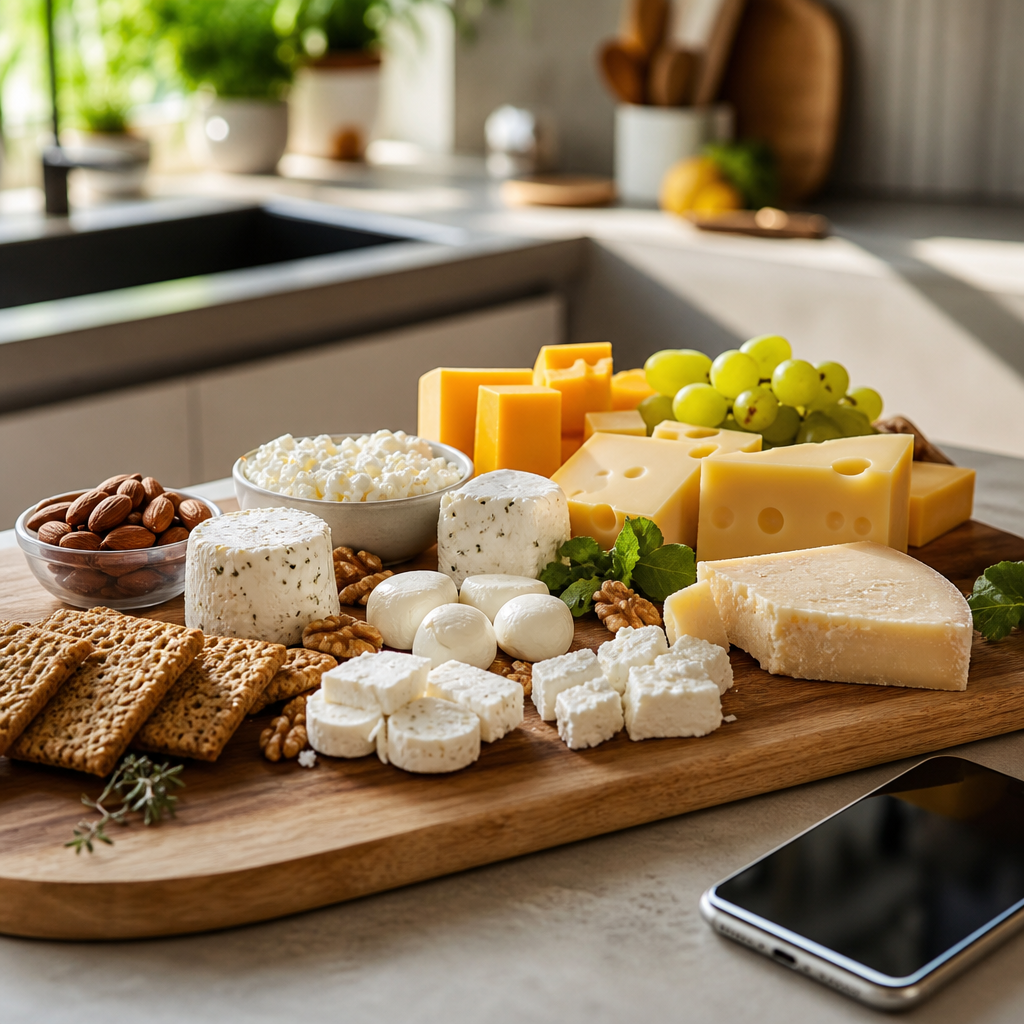 How Many Calories Are in Cheese? A Practical Guide for Cheese LoversWondering how many calories are in cheese? This guide breaks down calories in cheese by type, serving size, and fat content so you can choose smarter portions without giving up flavor.
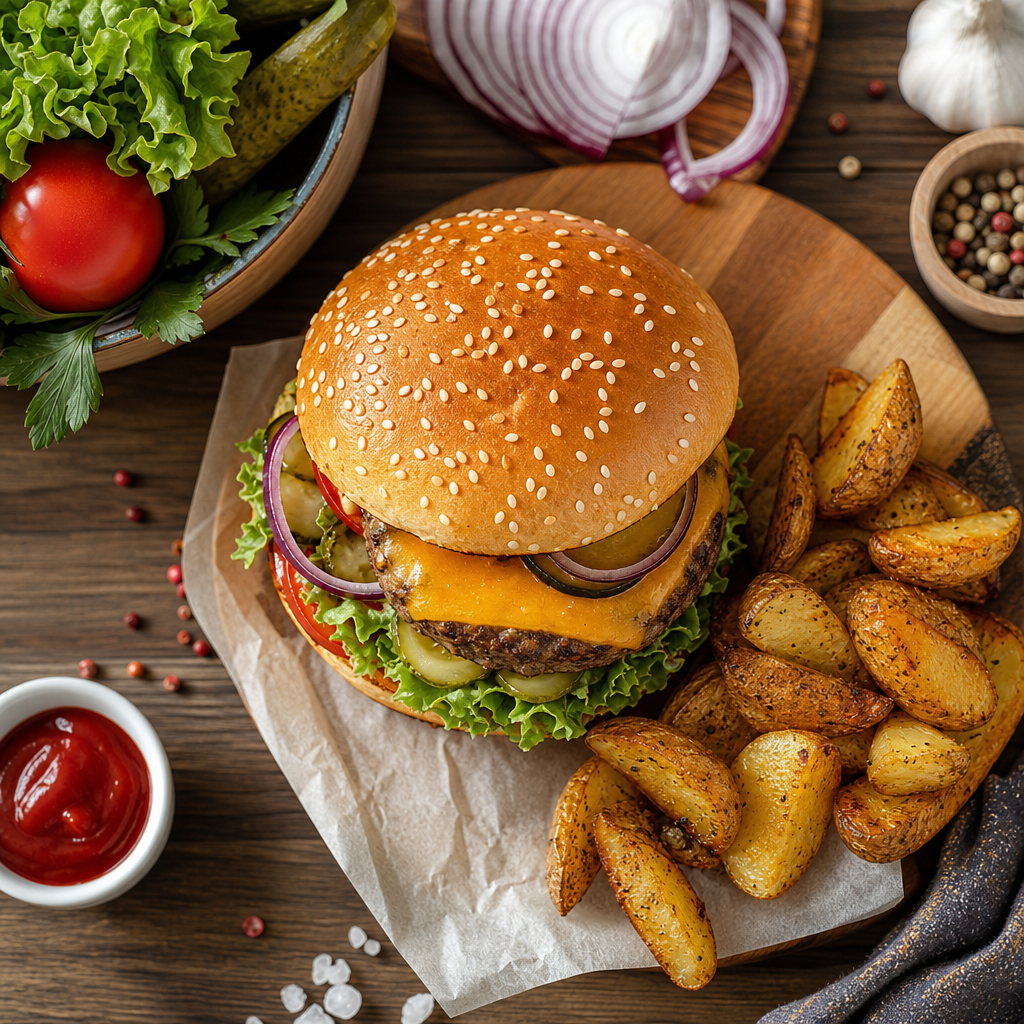 How Many Calories Are in a Burger? A Practical Guide to calories in burger CountsBurger calories can swing wildly depending on patty size, cheese, sauces, and bun choice. Learn the typical calories in burger meals and how to estimate them fast.
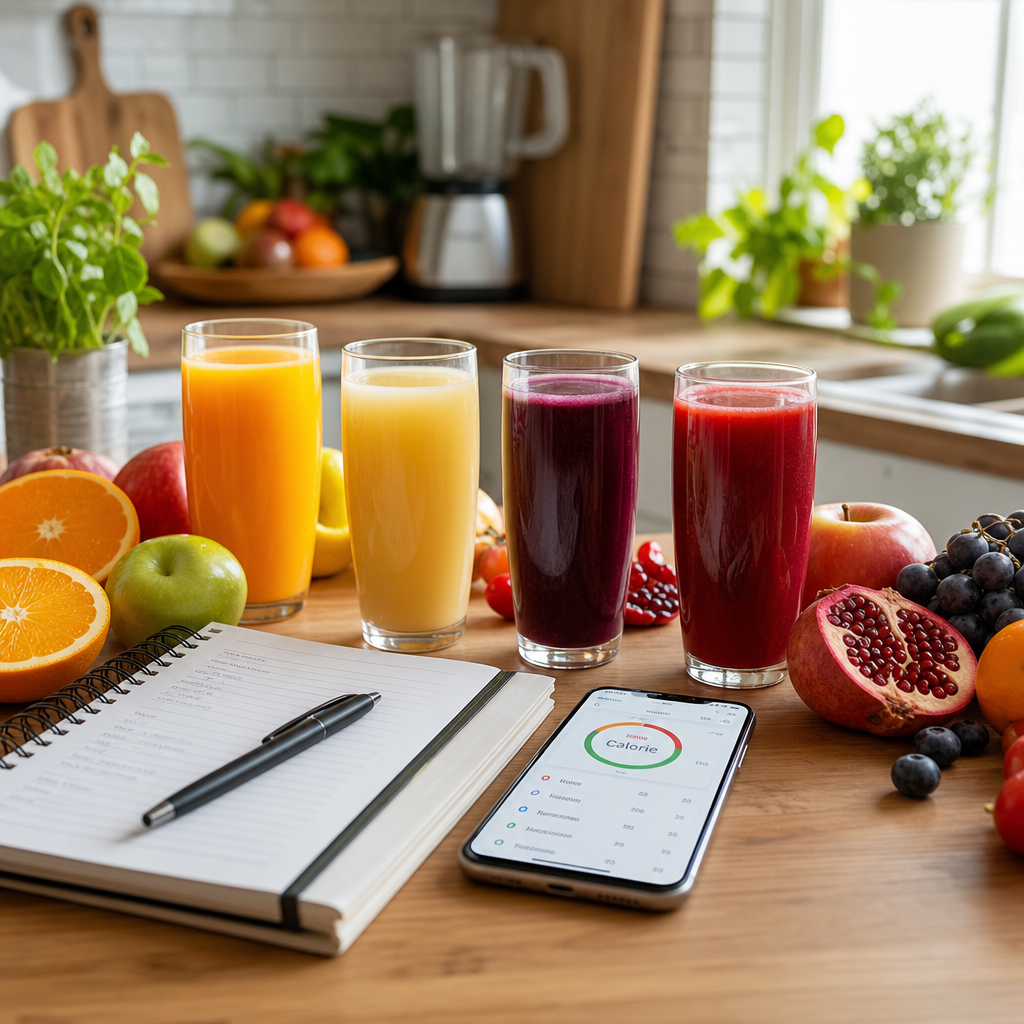 How Many Calories Are in Juice? A Practical Guide to Calories in JuiceJuice can look healthy, but the calorie count changes fast depending on the fruit, serving size, and whether sugar has been added. Here’s how to compare popular juices and make smarter choices.
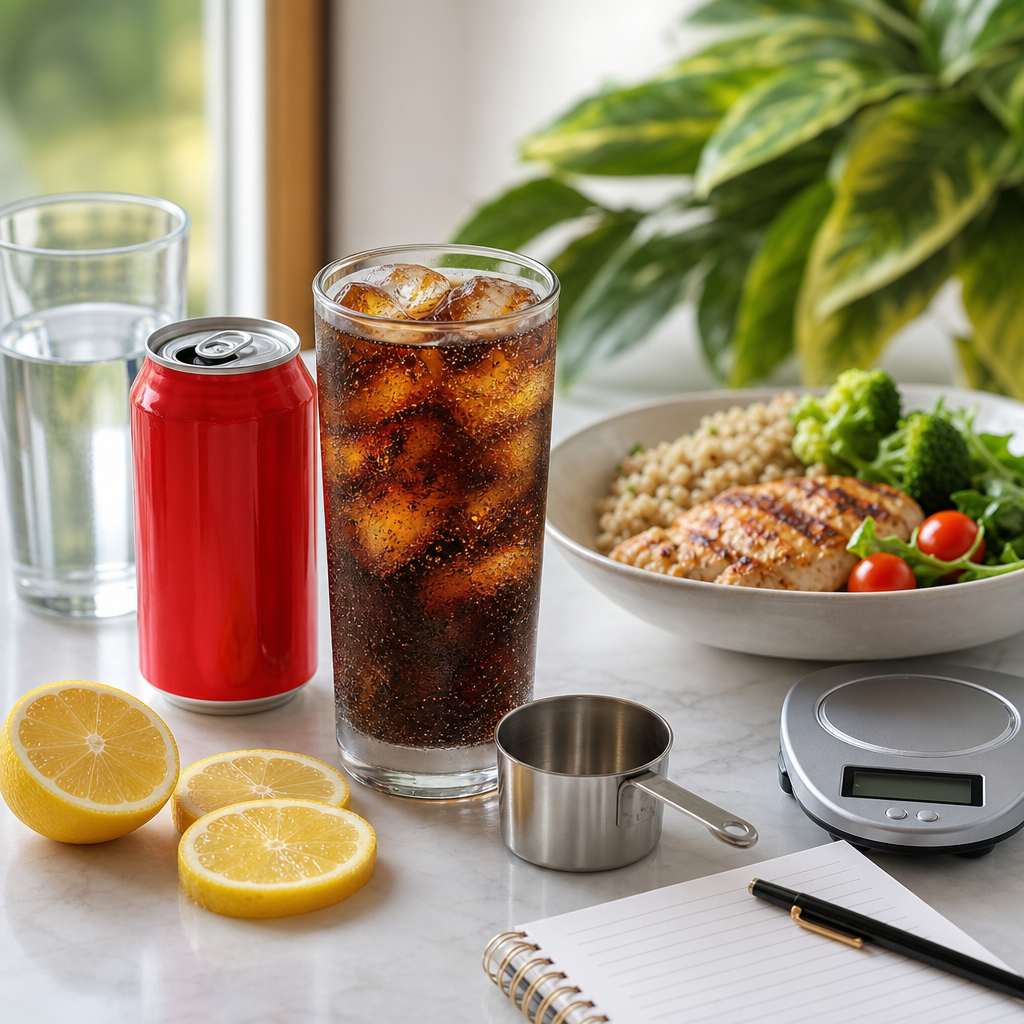 How Many Calories Are in Coca-Cola? A Practical Guide to Calories in Coca-ColaCoca-Cola’s calorie count is easy to underestimate, especially when portions get larger. Here’s a clear breakdown of calories in Coca-Cola, plus sugar, serving sizes, and better ways to fit soda into your day.
 Cal AI Free vs Premium: Which Version Fits Your Budget and Goals?A clear breakdown of Cal AI free vs premium, including features, limits, and real-life use cases so you can decide if the upgrade is worth it.