How to Count Calories From a Food Photo: A Step-by-Step Guide
Discover how to accurately count calories using food photos with modern mobile apps and technology for your dieting journey. Learn more now!

Introduction to Counting Calories from Food Photos
With the rise of technology, counting calories has become more straightforward and visually appealing than ever. Utilizing your smartphone to snap a picture of your meals can simplify the process of tracking your caloric intake. This method leverages image recognition and database technology to help health-conscious individuals and dieters accurately estimate the calories in their food without laborious fistfuls of notes or tedious entries.
Understanding how to count calories from a food photo can be crucial, especially for those looking to manage their weight or stay on track with their nutritional goals. This guide will walk you through the methods and tools you can employ to make this process as efficient and accurate as possible.
Selecting the Right Apps
Not all calorie-counting apps are created equal. When considering how to count calories from food photos, look for features such as image recognition, extensive food databases, and integration capabilities with fitness trackers. Here are some popular options:
MyFitnessPal: Known for its large food database, it allows users to simply take a photo of their food for calorie estimation.
Lifesum: Offers meal recognition and calorie counting, plus additional tips for weight management.
Lose It!: Features a photo function to calculate calories and a community for motivation.
Selecting an app suitable for your lifestyle can enhance the accuracy and ease of tracking your meals, ensuring you remain motivated towards achieving your health goals.
How Image Recognition Works
Most calorie counting apps utilize image recognition technology to analyze food photos. When you upload a photo, the app's algorithms identify the food items present in the image, referencing a vast database to estimate calorie content based on portion sizes. The process generally involves:
Image Analysis: The AI identifies key features of the food items, distinguishing between various shapes, colors, and textures.
Database Matching: Once identified, the AI matches the items with known calorie values in the app's database.
Portion Estimation: Some apps further refine estimates by asking for information about portion sizes through visual guides or user input.
Understanding the mechanics behind this enables users to utilize the features more effectively, enhancing their calorie counting accuracy when using photos.
Taking the Perfect Food Photo
To ensure the accuracy of calorie estimates, taking a high-quality photo is key. Here are some tips to capture an ideal shot of your meal:
Natural Lighting: Use natural daylight to illuminate the food; this enhances the colors and details.
Focus on the Meal: Ensure the camera is focused on the food item, avoiding clutter in the background.
Variety in Angles: Sometimes a top-down view works best, other times a side view; try different angles to find the best representation.
Properly capturing the details of food makes it easier for the app's recognition software to accurately identify food items, leading to better calorie estimation.
Estimating Portion Sizes for Better Accuracy
While image recognition technology does its best, you may still need to provide additional input regarding portion sizes for exact estimates. Engaging in mindful eating practices can help you gauge how much you're consuming. Here’s how you can estimate portion sizes more accurately:
Use Common Objects: Familiarize yourself with common object sizes; for example, a baseball is roughly the size of a cup. This helps you guesstimate the amount effectively.
Tools of the Trade: Consider using measuring cups or a food scale initially until you become more adept at estimating portion sizes.
Reference Foods: Use known food serving sizes to compare against your meal, enhancing your confidence in estimating calories.
By being mindful about portion sizes, you improve the accuracy of the calorie counts generated by the app, tailoring it to your consumption habits.
Analyzing Results and Adjusting Diets
Once you've scanned your food photos and received calorie estimates, it's time to analyze the information. Regularly reviewing these results enables you to track your dietary patterns and adjust your habits accordingly. Consider:
Daily Caloric Intake Goals: Cross-reference your app's outputs with your daily caloric needs, adjusting food choices to stay within your target range.
Macronutrient Balance: Use the app to monitor not only calorie intakes but also the balance of proteins, fats, and carbohydrates. For a healthy diet, a typical distribution is 45-65% carbohydrates, 20-35% fats, and 10-35% proteins.
Meal Timing: Pay attention to meal frequency and timing to optimize energy levels throughout the day and to prevent overeating.
By understanding how your food intake aligns with your goals, you'll have a clearer pathway to successful weight management.
Real-Life Example: Using a Food Photo to Count Calories
Let’s illustrate the process of counting calories from a food photo with a practical example. Suppose you enjoy a classic breakfast of scrambled eggs, avocado toast, and a side of fruit. You take a photo and upload it to your chosen app.
Imagine the app recognizes:
Scrambled Eggs (2 large): Approximately 140 calories
Whole Wheat Bread (1 slice): Approximately 80 calories
Avocado (1/2 medium): Approximately 120 calories
Mixed Berries (1 cup): Approximately 70 calories
Total: 410 calories. With this estimate, you can evaluate how well this breakfast fits into your daily goals. If your target is 2000 calories per day, you’re on track. But, if you're looking to reduce calories, you might consider replacing the eggs with egg whites or halving the avocado.
Concrete examples facilitate accountability in nutrition management, illustrating the real impact of using food photography for calorie counting.
Frequently Asked Questions
Can I count calories accurately with a food photo?
Yes, if the app is reliable and you provide accurate portion size information, calorie counts can be quite accurate.
What if the app doesn’t recognize my food photo?
Many apps allow for manual entry of calories for items they don't recognize, ensuring you can still keep track.
Are there any limitations to using calorie counting apps?
Yes, various factors like portion sizes, food preparation methods, and unlisted ingredients may affect accuracy.
Is it necessary to weigh my food for accuracy?
While weighing food provides the best accuracy, estimating with common measurements can work if done carefully.
How can I improve my calorie counting skills?
Practice estimating portion sizes and using the app frequently, as this builds familiarity and accuracy over time.
Ready to take control of your nutrition? Try Cal AI! Snap a photo of your food and instantly estimate calories while viewing protein, carbs, and fat breakdowns. Analyze your meals effortlessly and track your nutrition goals with ease!
Share this article
Cal AI
Track meals faster with Cal AI
Scan food, estimate calories, and keep your nutrition log moving without typing every ingredient.
Author
Cal AI Editorial Team
Practical guides on nutrition, calorie tracking, meal planning, and building healthier habits with Cal AI.
Editorial policyFrequently asked questions
Can I count calories accurately with a food photo?
Yes, if the app is reliable and you provide accurate portion size information, calorie counts can be quite accurate.
What if the app doesn’t recognize my food photo?
Many apps allow for manual entry of calories for items they don't recognize, ensuring you can still keep track.
Are there any limitations to using calorie counting apps?
Yes, various factors like portion sizes, food preparation methods, and unlisted ingredients may affect accuracy.
Is it necessary to weigh my food for accuracy?
While weighing food provides the best accuracy, estimating with common measurements can work if done carefully.
How can I improve my calorie counting skills?
Practice estimating portion sizes and using the app frequently, as this builds familiarity and accuracy over time.
Related articles
 Do You Have to Pay for Cal AI? Understanding the Payment StructureDiscover whether Cal AI requires a payment and the features associated with its cost. Explore options that cater to diverse nutrition needs.
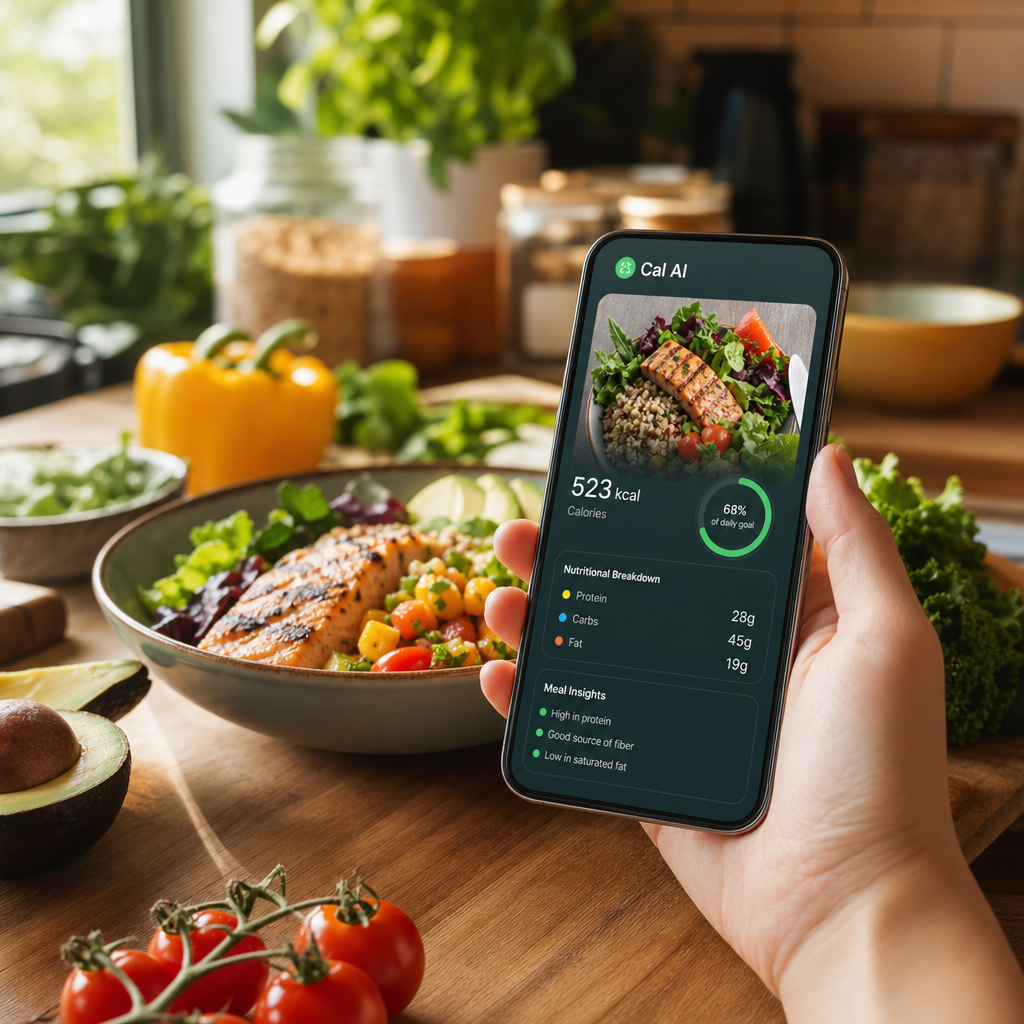 Cal AI Review: Your Ultimate Nutrition TrackerDiscover how Cal AI revolutionizes calorie counting and meal tracking with its advanced features. Our comprehensive review covers usability, effectiveness, and more.
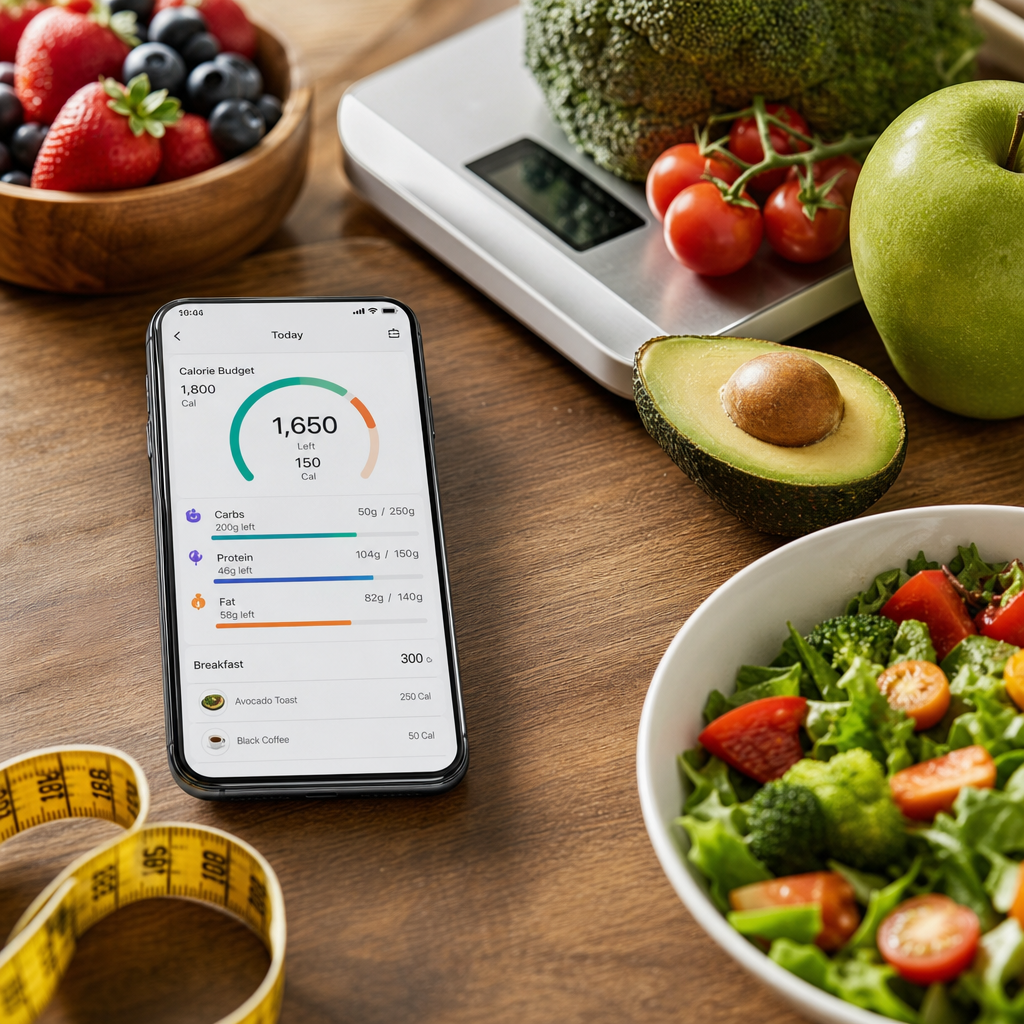 What Is a Smart Calorie Tracker?Explore the world of smart calorie trackers, options available, and how they can enhance your nutrition tracking and wellness journey.
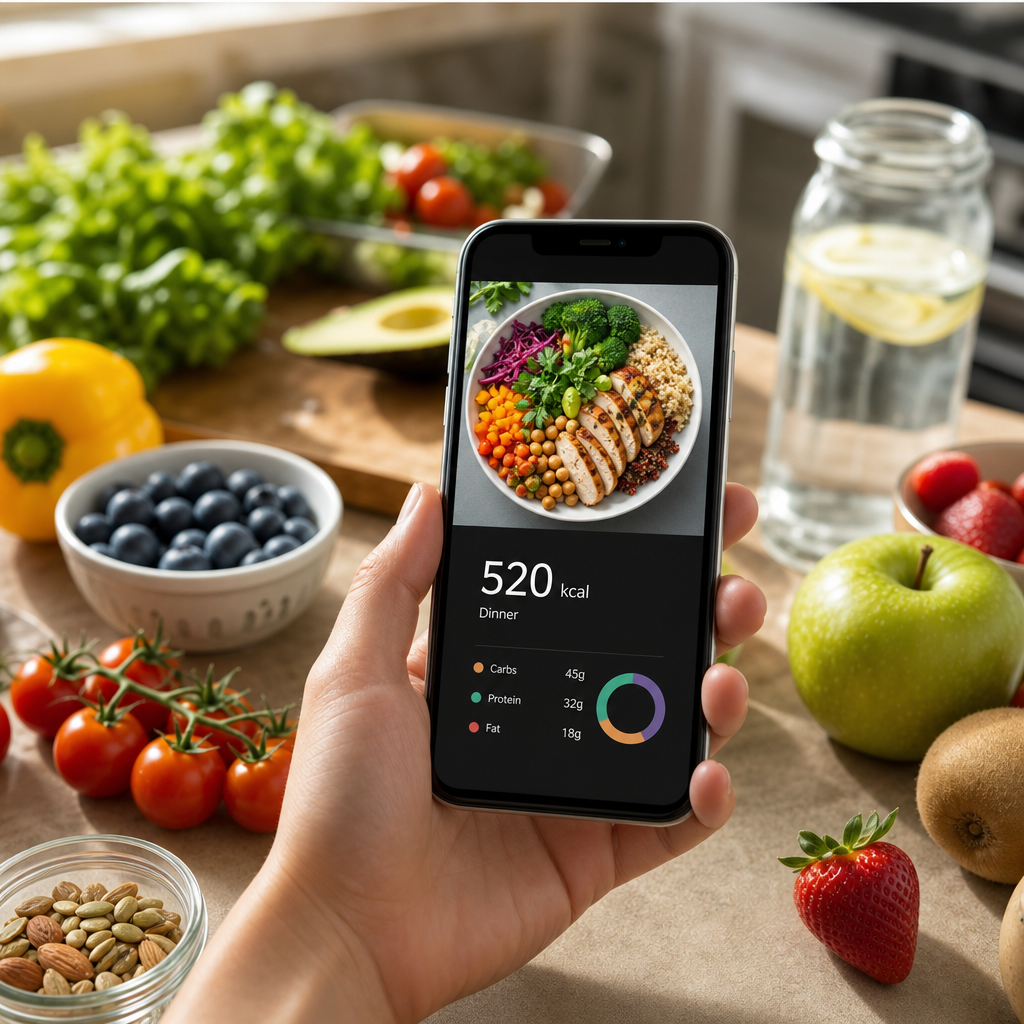 Best Apps for Counting Calories From PhotosDiscover the top apps that help you easily count calories from pictures of your food. Support your health goals with technology that fits your lifestyle.
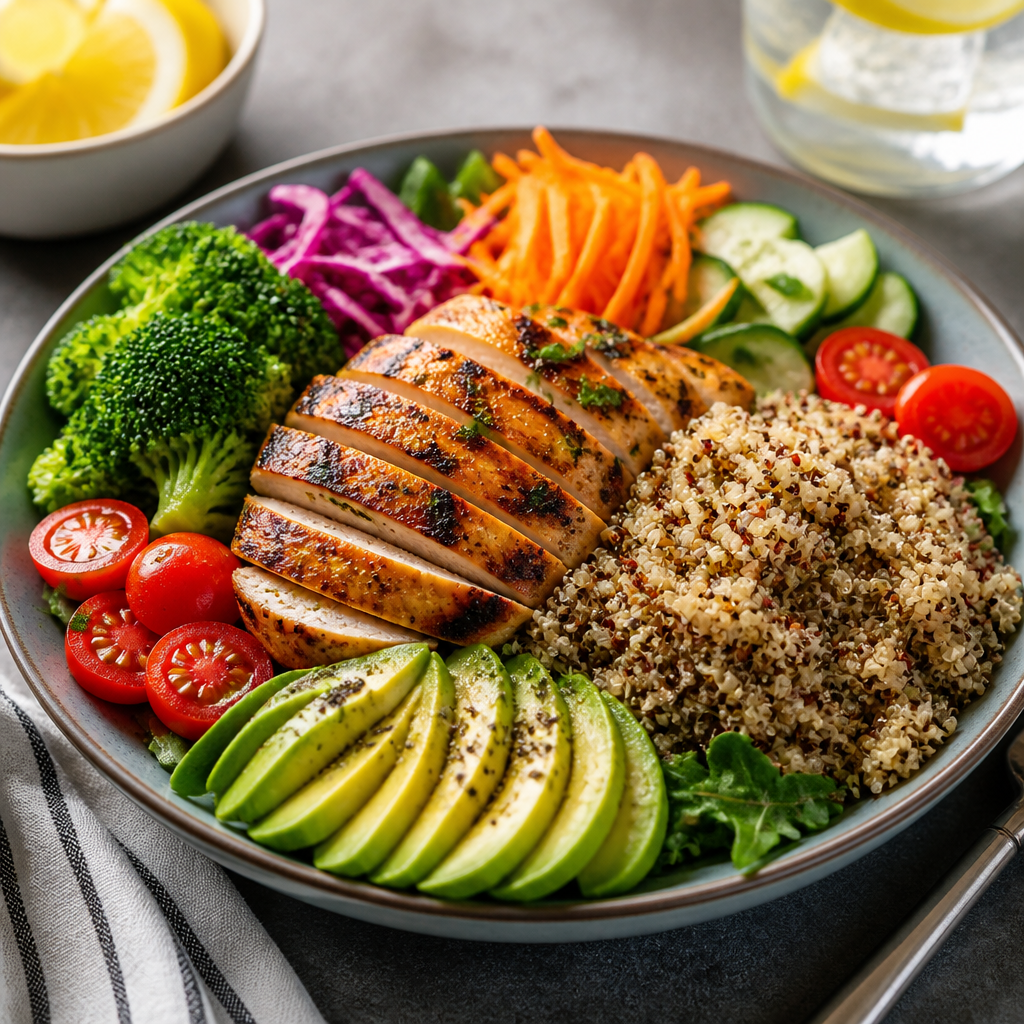 What Are Macros? A Beginner's Guide to Understanding MacronutrientsDive into the world of macronutrients. Learn about carbs, proteins, and fats and how they contribute to a balanced diet.
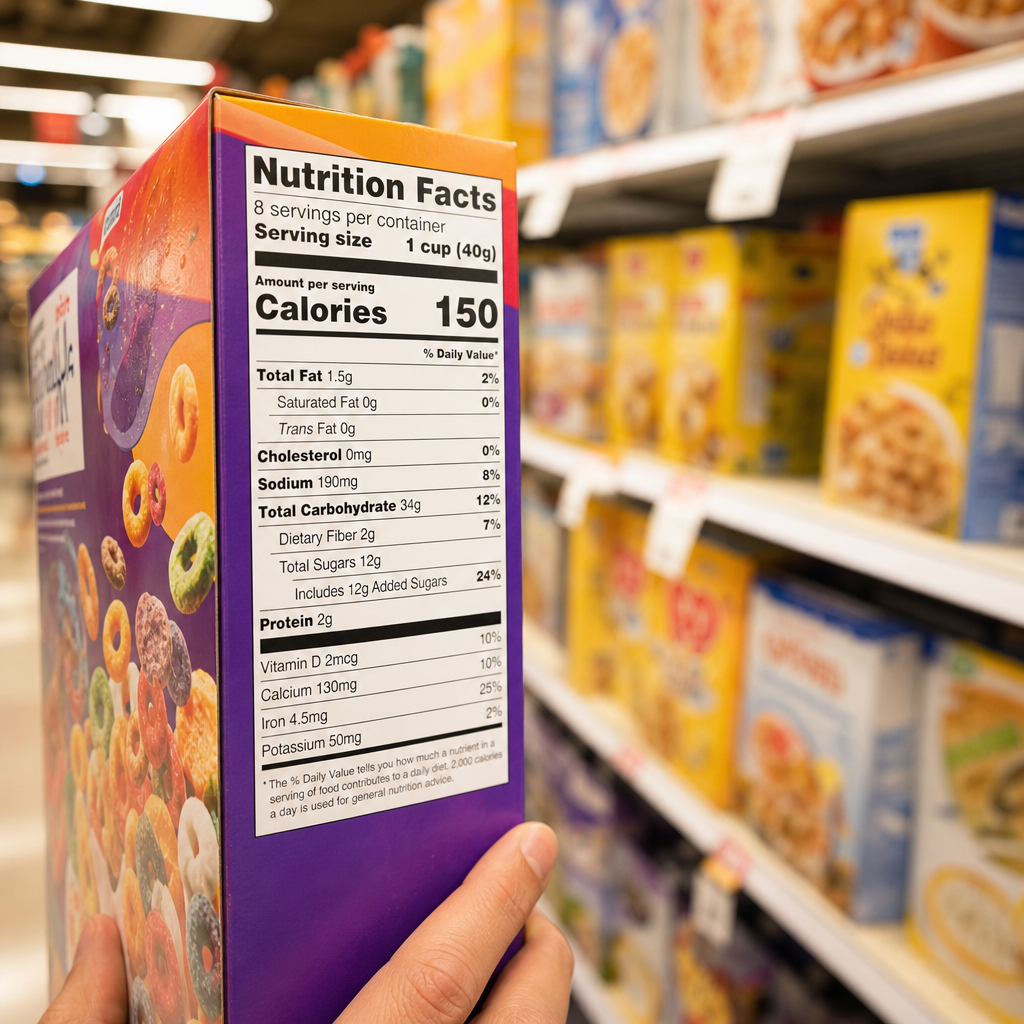 How to Read Food Labels: Your Ultimate Guide to Making Informed ChoicesLearn how to effectively read food labels to make informed dietary choices and enhance your health with our comprehensive guide.
 How to Cook Meals for the Entire Week: A Comprehensive GuideStreamline your cooking process with these effective tips and strategies for preparing meals for the entire week.
 Mastering Meal Prep for Effective Calorie TrackingDiscover how meal prep can streamline your calorie tracking journey while delivering delicious, nutritious meals.
 How to Choose Healthier Foods Using LabelsUnlock the secrets of food labels with effective strategies to make healthier food choices and improve your nutrition.
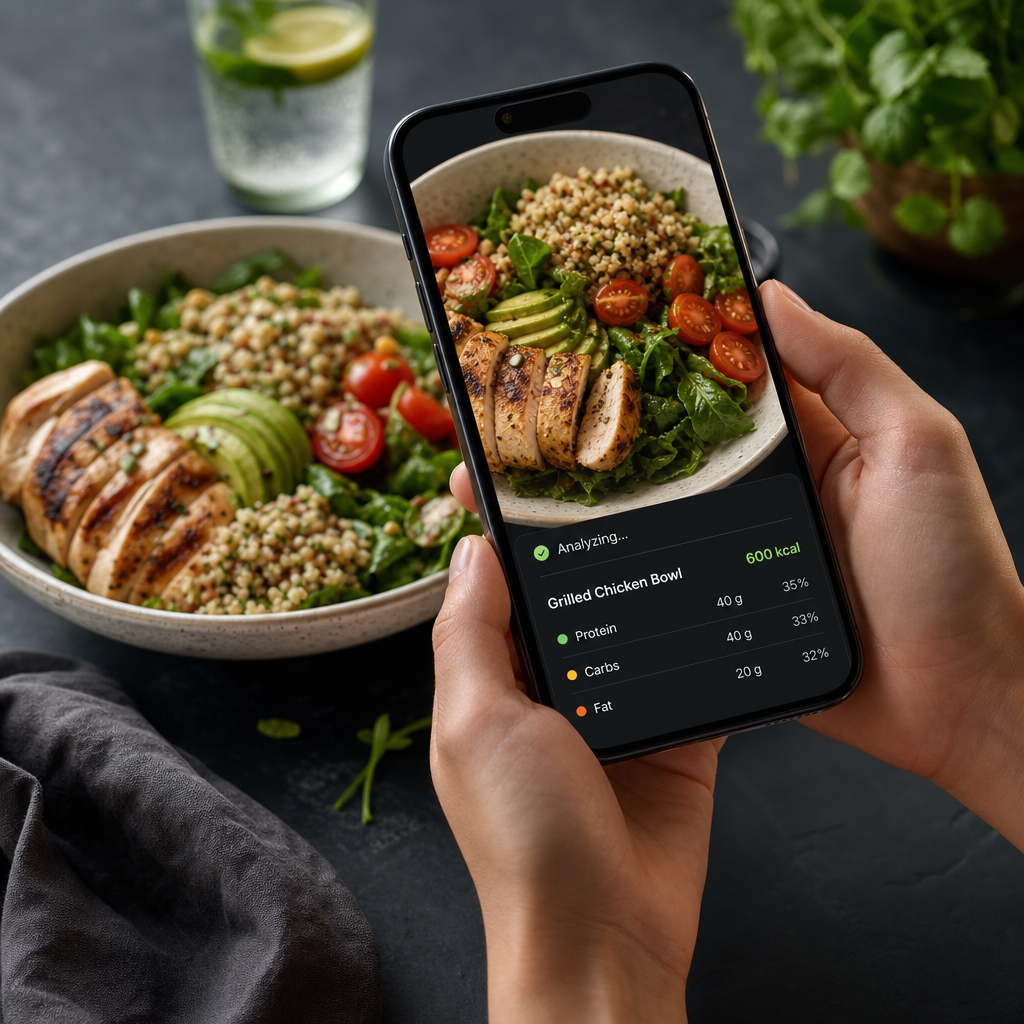 How Does Cal AI Work? A Breakdown of Functionality and TechnologyDiscover the technology and functionality behind Cal AI, the innovative app that helps track your nutrition goals effortlessly.
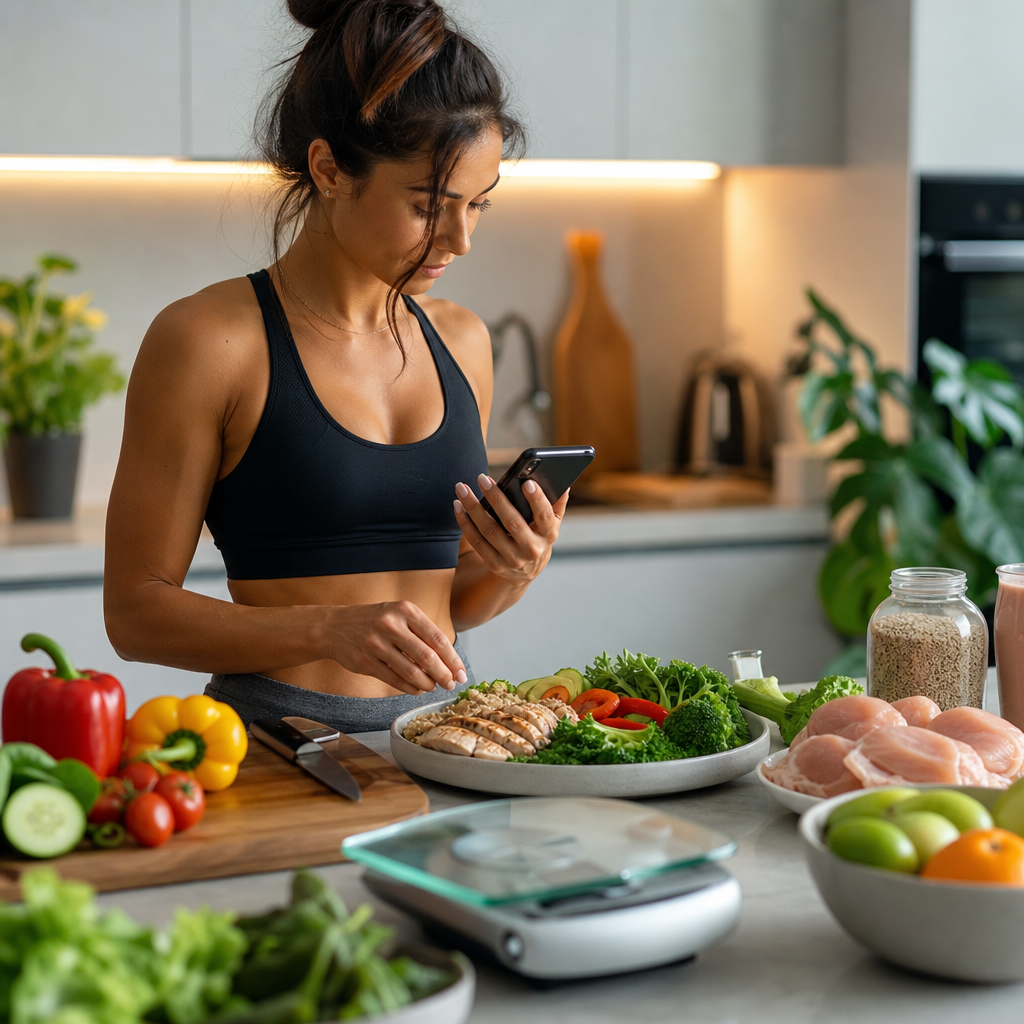 How AI Automatically Tracks Calories: A Game Changer for Busy LifestylesDiscover how AI-driven technologies simplify calorie tracking, making healthy eating easier for busy individuals.
 Utilizing an AI Food Scanner for Effective Weight LossExplore how an AI food scanner can revolutionize your weight loss journey by efficiently tracking caloric intake and nutritional content.
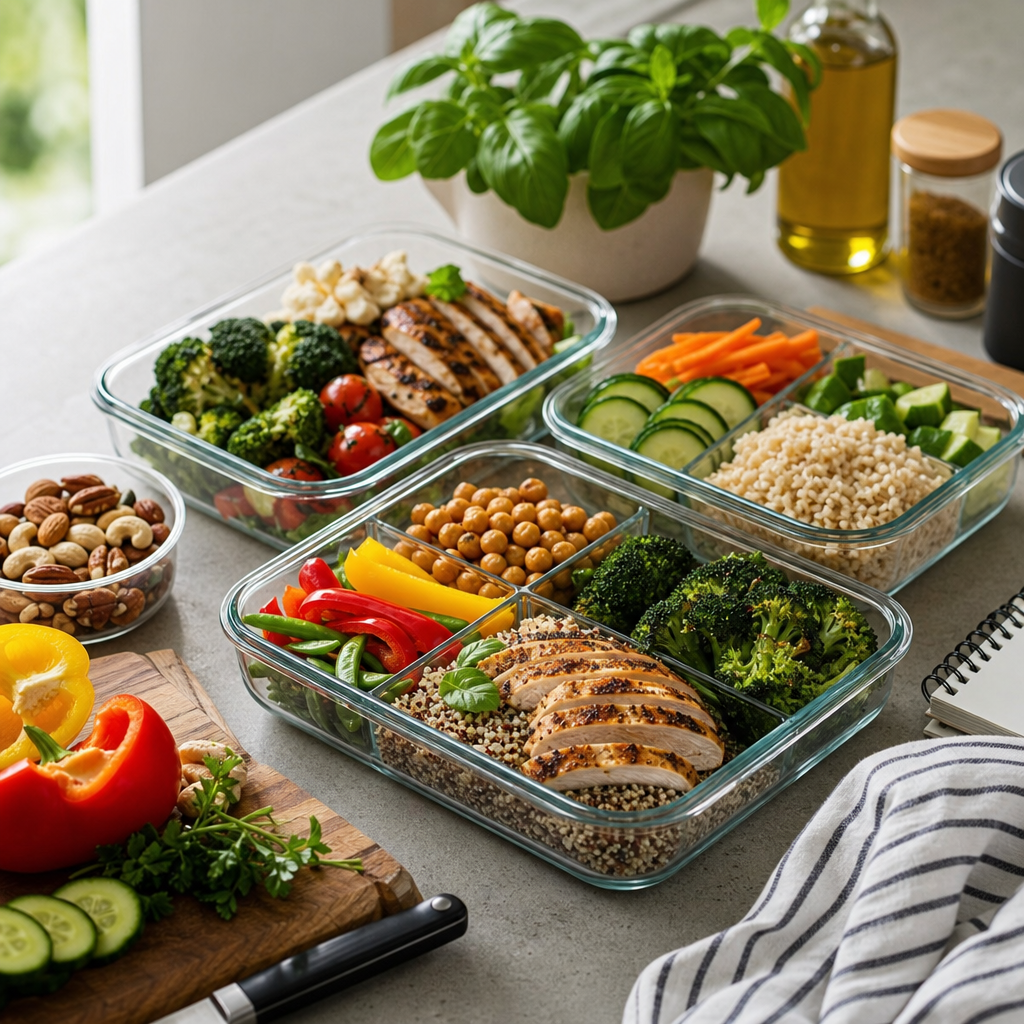 The Ultimate Weekly Meal Prep Guide for Busy Professionals and FamiliesTransform your weekly meal prep with this comprehensive guide. Save time, eat healthier, and enjoy delicious prepared meals all week long.
 How Many Calories Are in Ice Cream?Discover the calories in various ice cream flavors and explore healthier alternatives that satisfy your sweet tooth without sacrificing your diet.
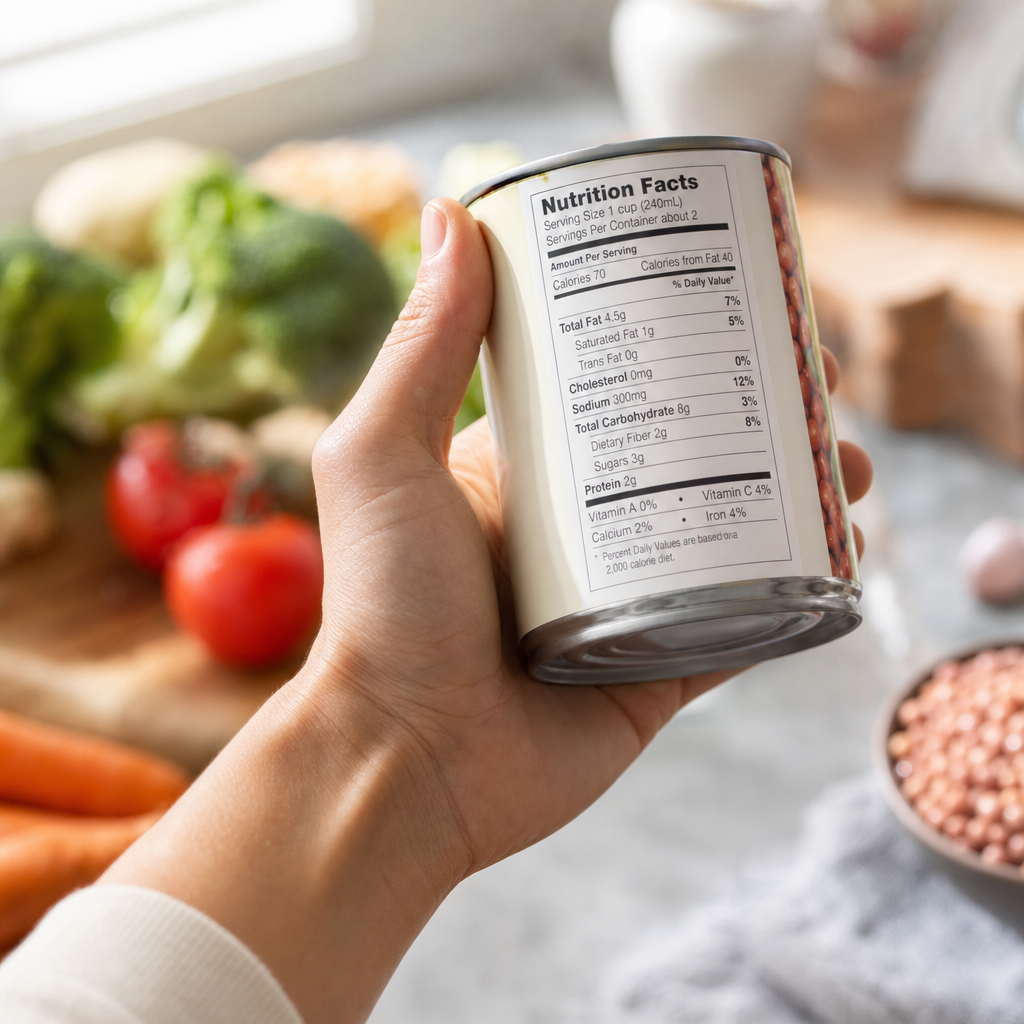 Common Food Label Reading Mistakes to Avoid for Better Dietary ChoicesLearn how to decode food labels with confidence by avoiding these common mistakes. Make healthier choices with the right information.
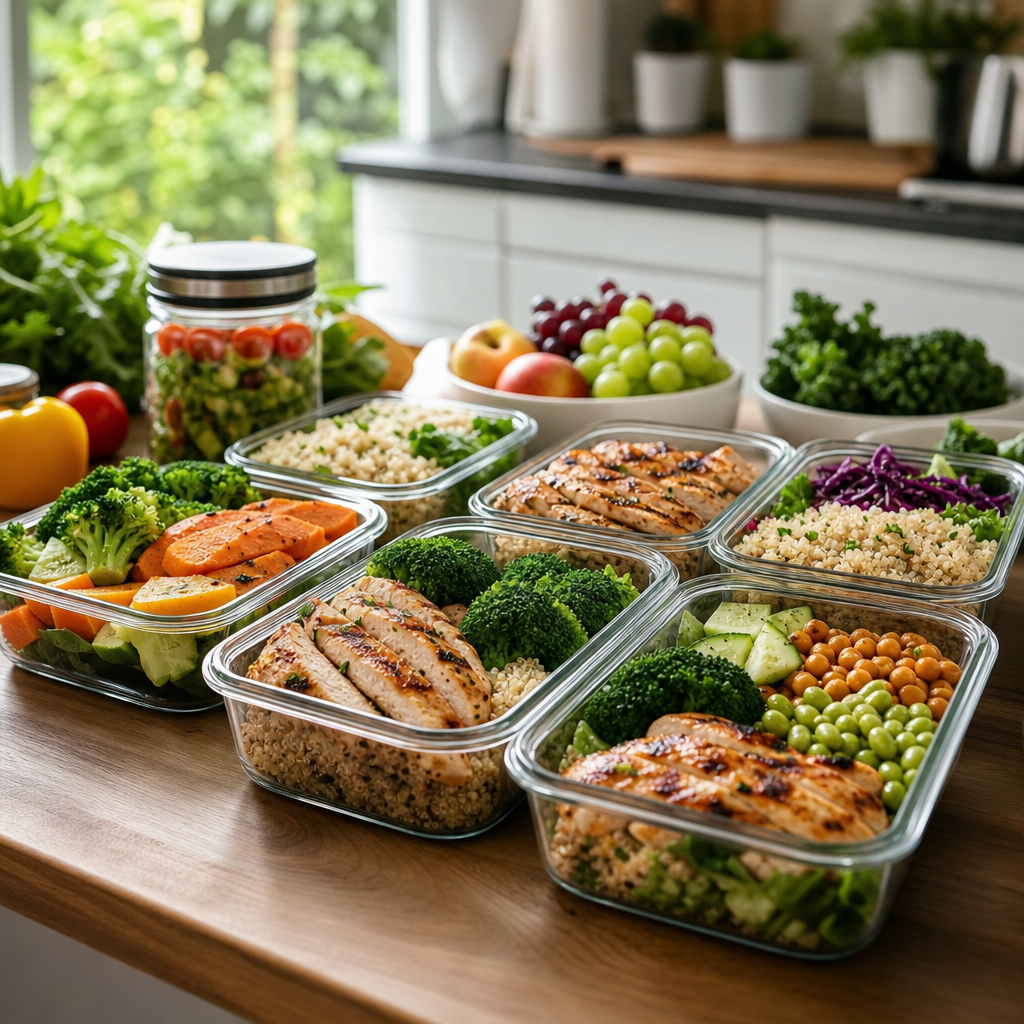 Batch Cooking for Weight Loss: A Smart Strategy to Manage PortionsDiscover how batch cooking can streamline your meal prep, help manage portions, and support your weight loss journey effectively.
 Real Stories: Cal AI User Reviews and ExperiencesDive into authentic Cal AI user reviews showcasing personal journeys in nutrition tracking and health management.
 How Many Calories Are in a Tomato? A Comprehensive BreakdownDiscover the calorie content of tomatoes, their nutritional benefits, and how to incorporate them into your diet for optimal health.
 Crunching Numbers: The Best Low-Calorie Vegetables for SnackingExplore a variety of nutritious, low-calorie vegetables perfect for satisfying snacks while keeping your health goals in check.
 How Many Calories Are in a Pear?Explore the nutritional breakdown and health benefits of pears, an underrated fruit full of flavor and low in calories.
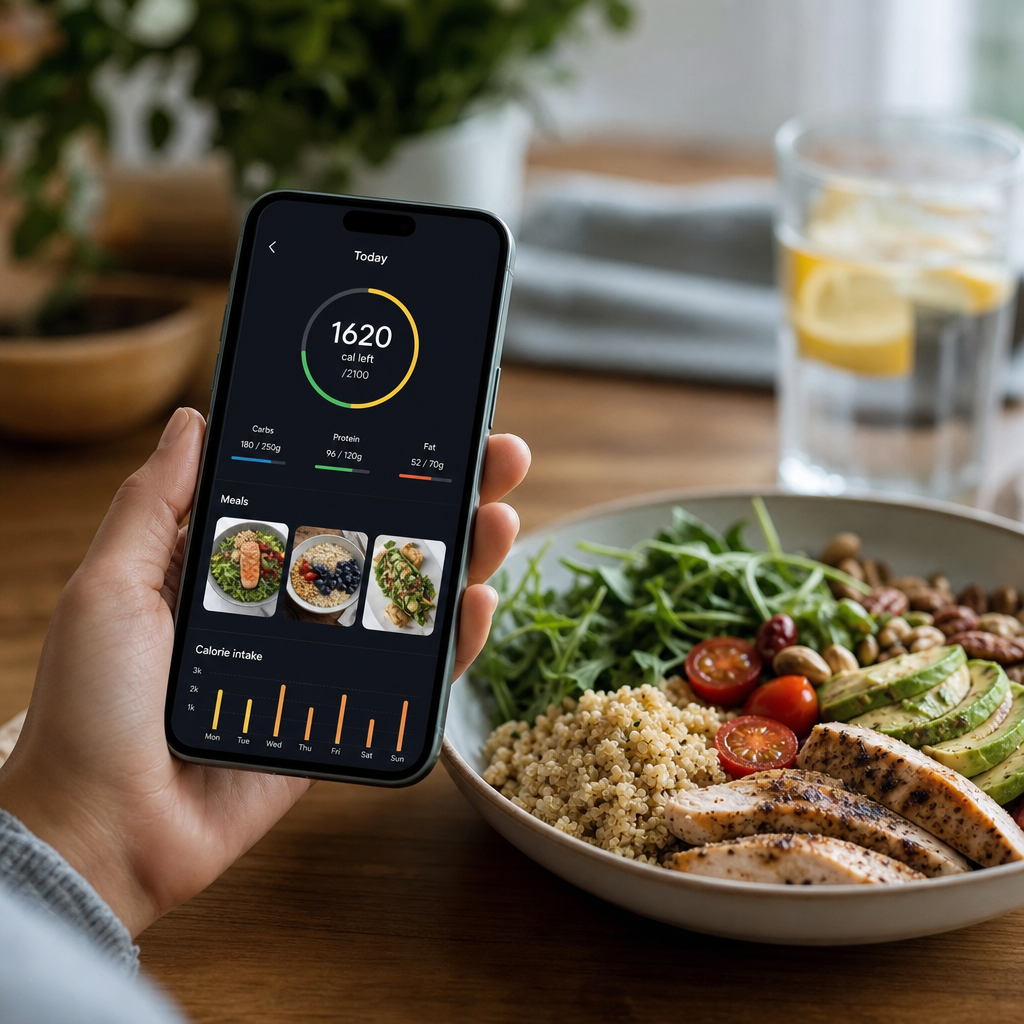 AI Calorie Counter: Comprehensive Review of the Top AppsDiscover our in-depth review of popular AI calorie counter apps, evaluating their features, usability, and effectiveness to help you track your nutrition effortlessly.
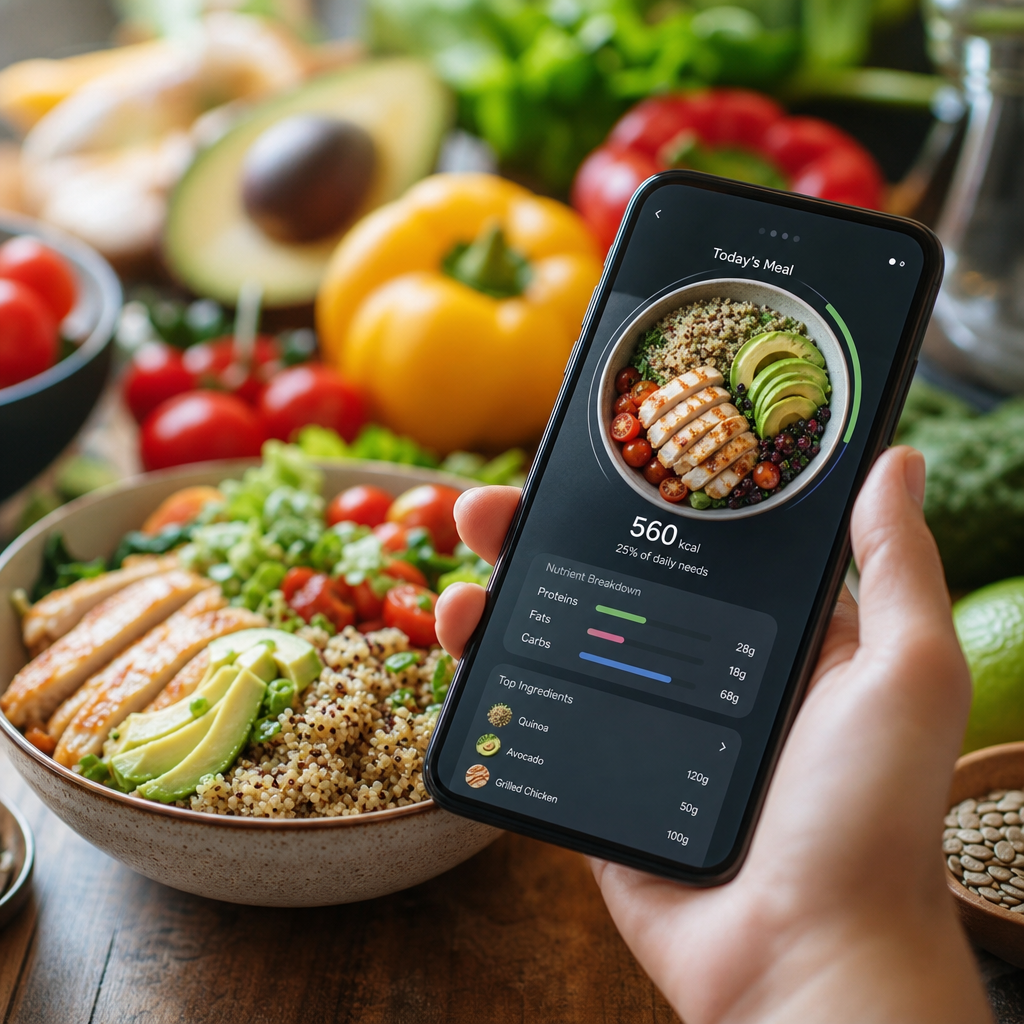 How AI Calorie Counting Works: Unpacking the Technology Behind the AlgorithmDiscover how AI calorie counting apps utilize advanced technology to help you track nutrition and achieve your fitness goals.
 How Much Water Should You Drink for Weight Loss?Learn the optimal water intake for weight loss, its benefits, and practical tips to stay hydrated in your weight loss journey.
 How Many Calories Are in Pizza? A Comprehensive GuideDiscover the calorie counts for different pizza types and toppings. Make informed choices while enjoying your favorite slice!
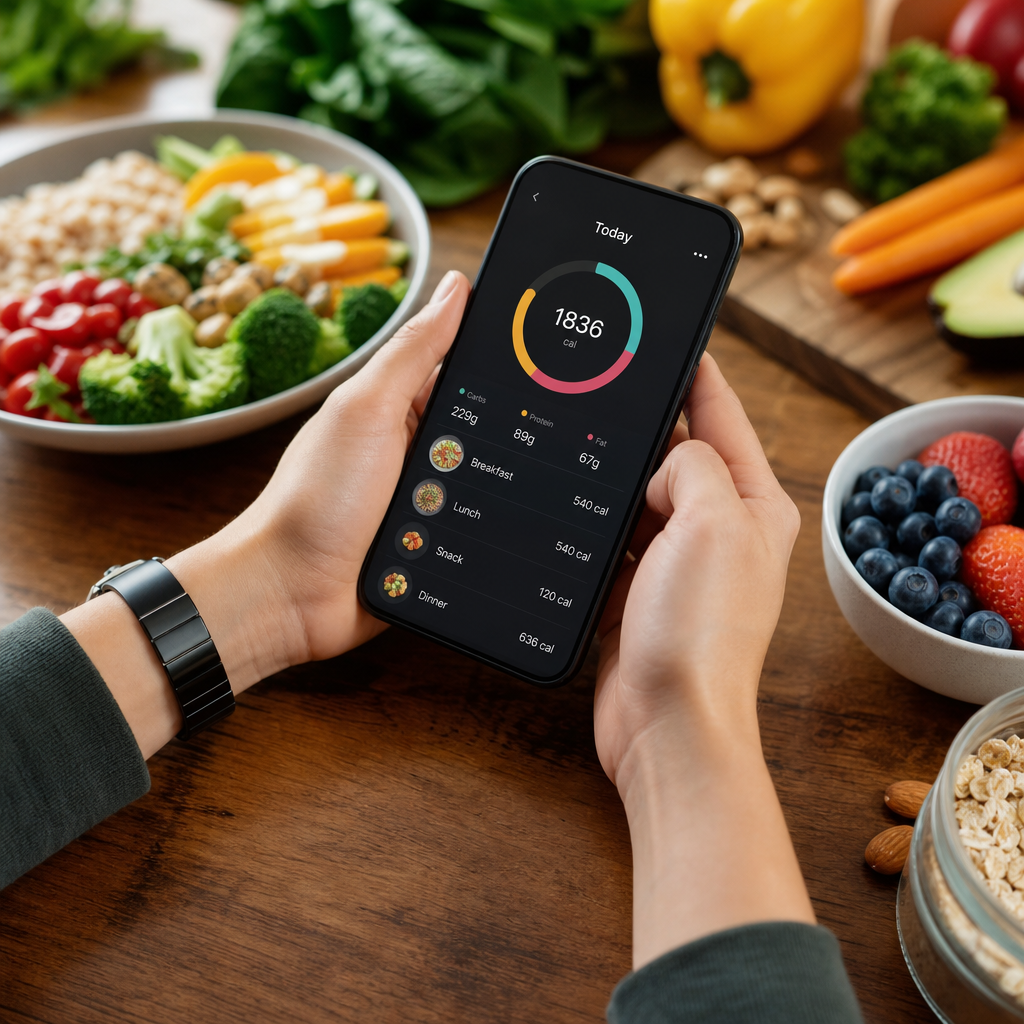 Cal AI Review 2026: The Future of Nutritional TrackingExplore a comprehensive review of Cal AI's anticipated features and reliability in 2026 for effective nutritional tracking.
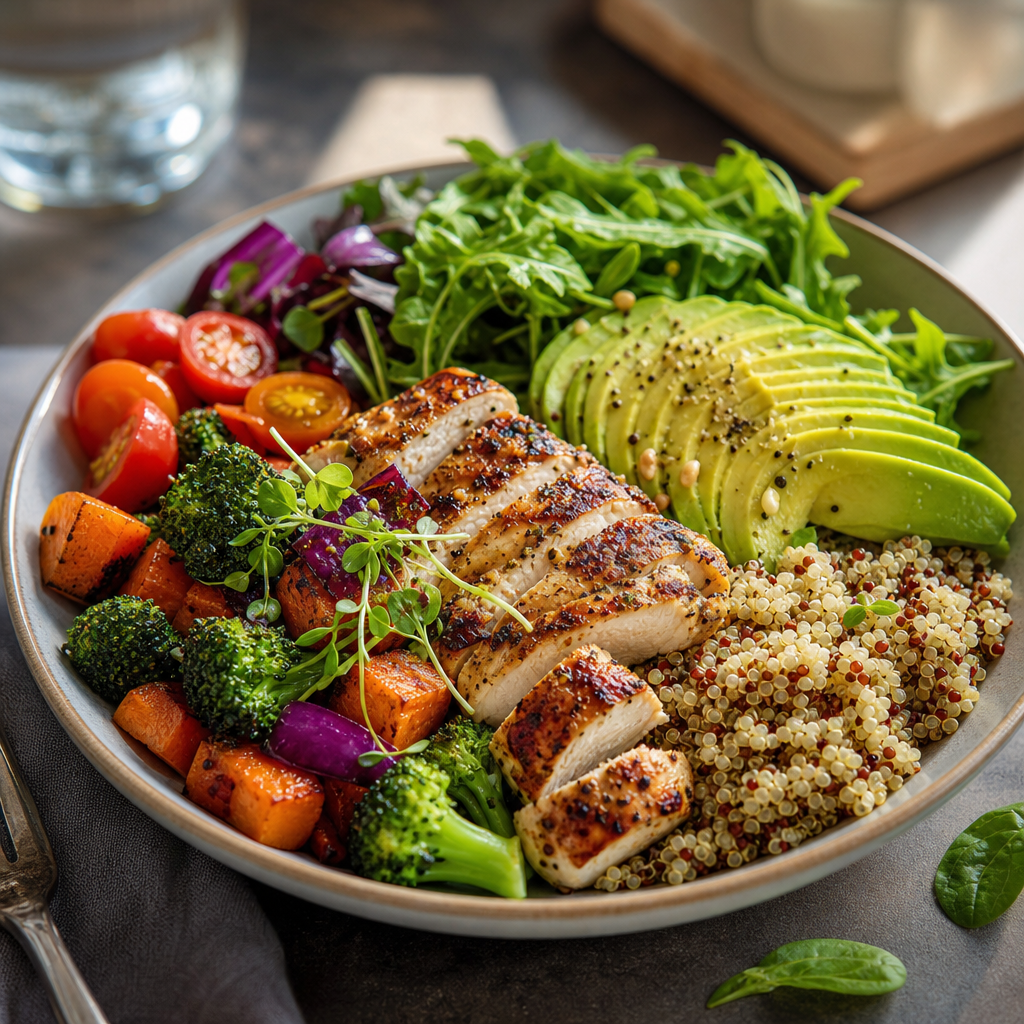 The Best Macro Ratio for Weight Loss: Optimizing Your IntakeDiscover the best macronutrient ratios for effective weight loss. Learn how to adjust your intake for optimal results while maintaining a healthy lifestyle.
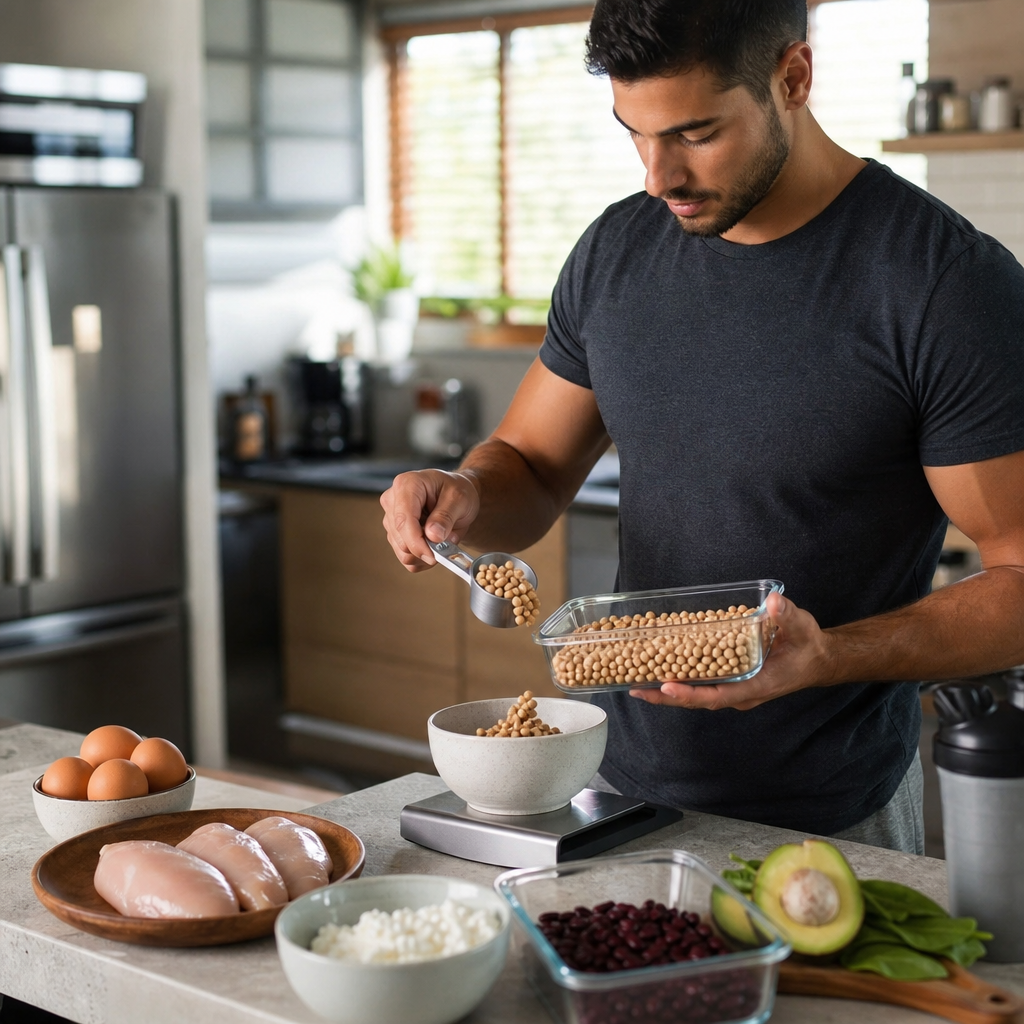 How Much Protein Do You Need Per Day? A Comprehensive GuideDiscover your daily protein requirements tailored to your personal health goals with our in-depth guide. Find out how to calculate your needs effectively.
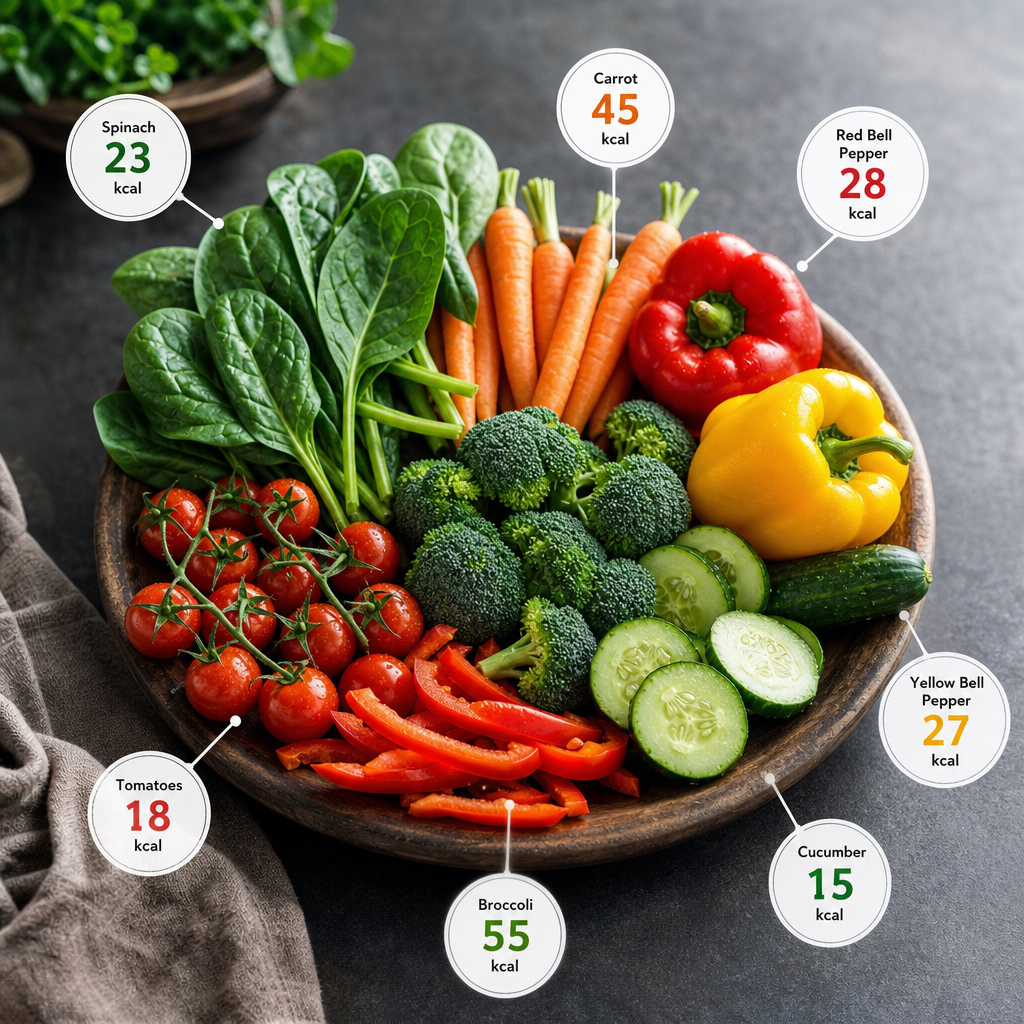 The Complete Vegetable Calorie Chart: Making Informed Dietary ChoicesExplore our complete vegetable calorie chart to make informed decisions for your diet, ensuring healthy calorie intake while enjoying a variety of vegetables.
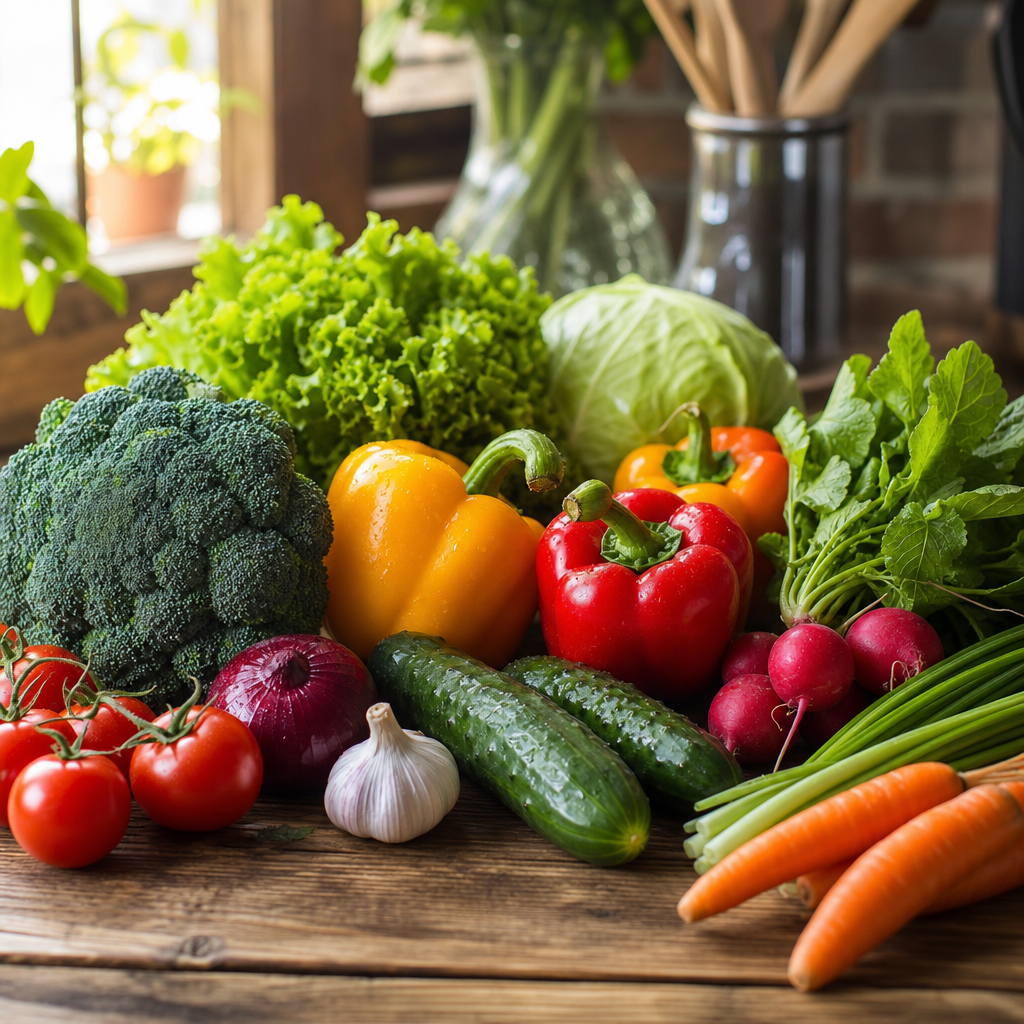 The Ultimate Weight Loss Vegetables List: Your Guide to Slimming SuccessDiscover the top weight loss vegetables list that can support your dieting journey with delicious, low-calorie options perfect for meals and snacks.
 How Many Calories Are in Oatmeal? A Comprehensive GuideUncover the calories in oatmeal, from plain oats to popular toppings, and learn to customize your breakfast for optimal health.