How to Use Cal AI for Effective Calorie Tracking
In today's fast-paced world, busy professionals often struggle to maintain a balanced diet while juggling work commitments and personal life. That’s where effective calorie tracking comes into play. Enter the Cal AI app, your personal assistant for mastering calorie tracking with minimal effort. In this article, we'll explore practical tips for utilizing this powerful tool to help you stay on top of your nutritional goals.
Understanding the Cal AI App
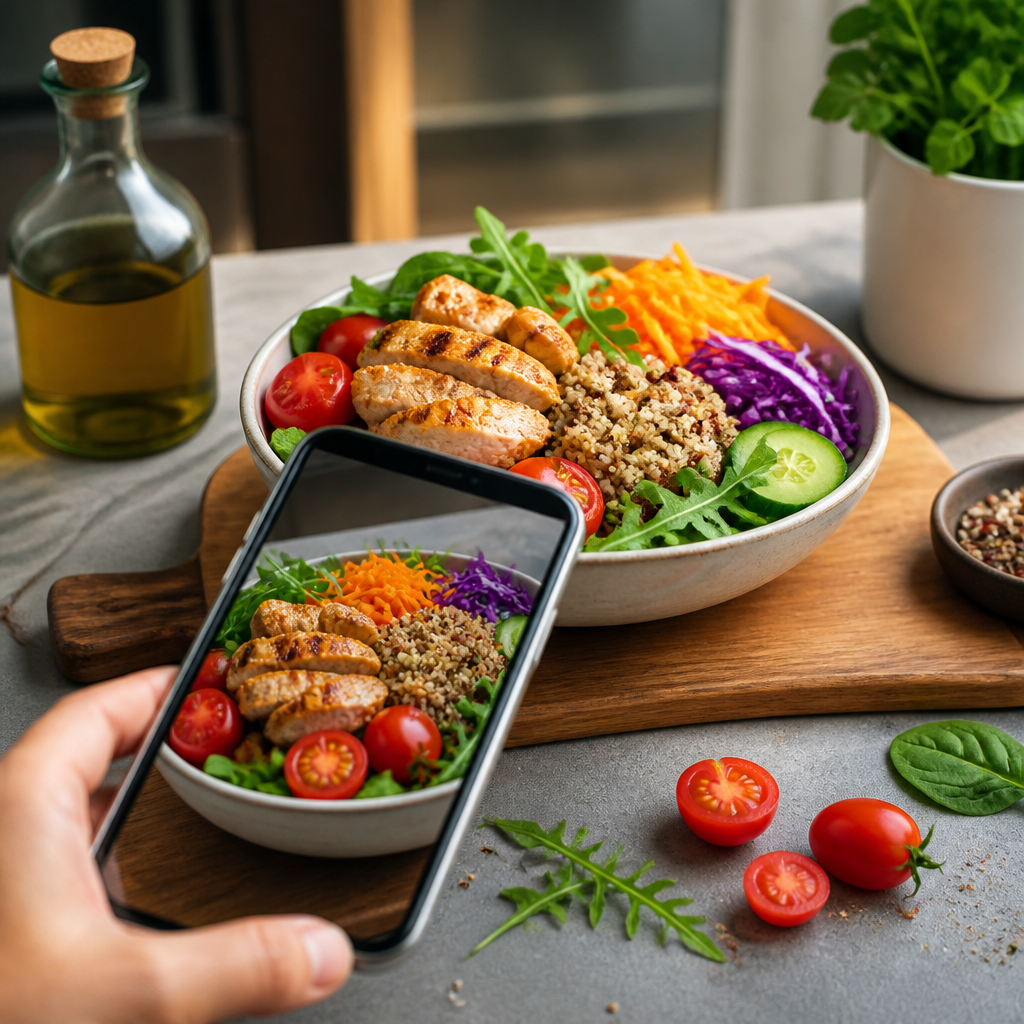
The Cal AI app integrates advanced technology to simplify calorie tracking. With features like food photo scanning and fitness tracking, it turns a daunting task into a manageable one. You simply take a picture of your meal, and the app will analyze the food items, providing you with accurate calorie counts as well as macronutrient breakdowns (proteins, fats, and carbohydrates).
Tip 1: Make the Most of Food Photo Scanning
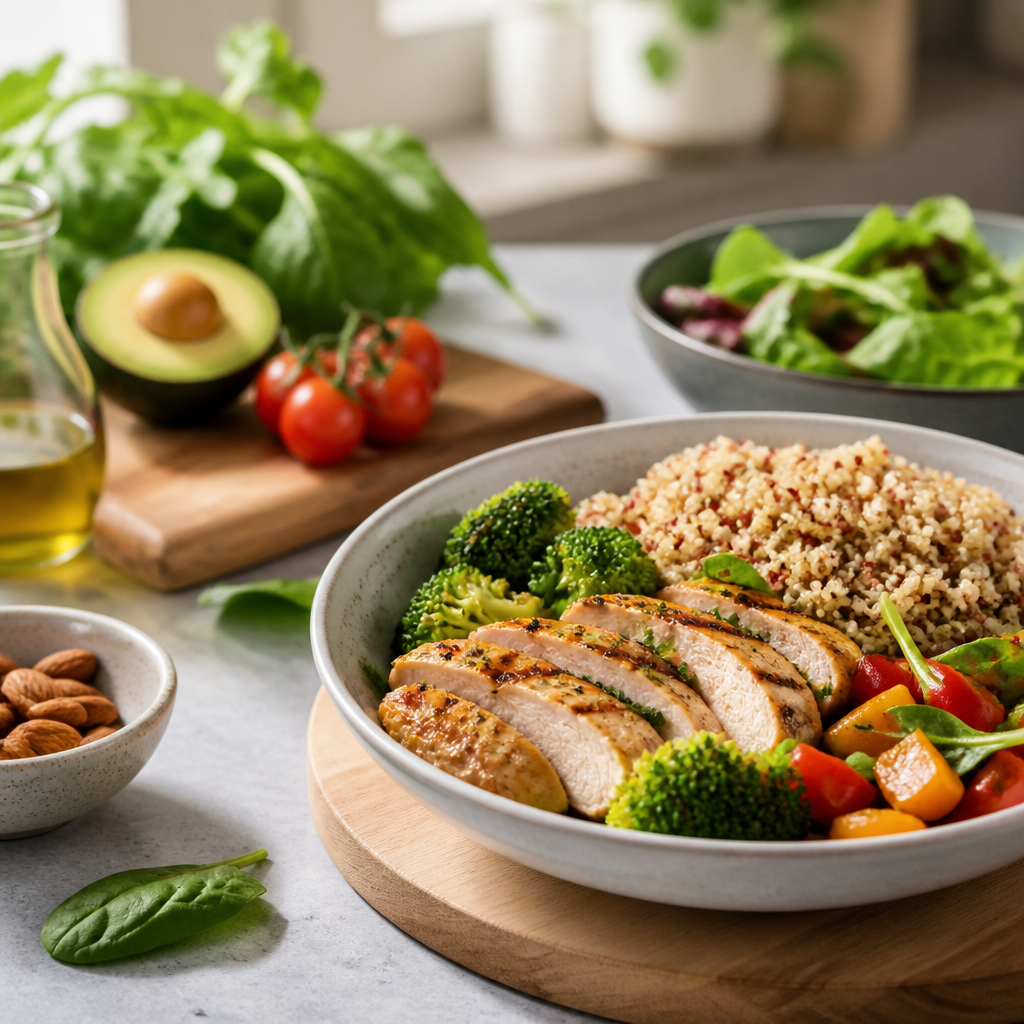
One of the standout features of the Cal AI app is its food photo scanning capability. Instead of logging each item manually, simply snap a photo of your meal before digging in.
Here’s how to optimize this feature:
- Good Lighting: Ensure your meal is well-lit when you take the photo. This helps the app identify food items more accurately.
- Clear Angles: Position your camera above the meal. A clear aerial view makes it easier for the AI to recognize ingredients.
- Sample Variety: Utilize this feature with a variety of meals. Try different cuisines and types of foods to see how well the app performs in various scenarios.
Tip 2: Set Daily Calorie Goals
The Cal AI app allows you to set personalized daily calorie and macronutrient targets based on your health goals. Whether you're looking to lose weight, maintain, or bulk up, having clear objectives will guide your eating decisions throughout the day.
- Calculate Your Needs: Use the app’s calculator to determine your daily calorie needs by inputting your age, weight, height, and activity level.
- Adjust as Needed: As your weight loss or fitness journey progresses, regularly reassess your goals to ensure they remain realistic and achievable.
Tip 3: Log Meals Consistently
While the Cal AI app streamlines the logging process, consistent use is key to effective tracking. Remember to log every meal and snack throughout the day to gain a comprehensive overview of your eating habits.
Tip 4: Integrate Fitness Tracking
The Cal AI app not only tracks calories from food but also allows for tracking your fitness activities. When you log workouts, you can adjust your daily calorie needs accordingly. This feature is especially beneficial for busy professionals who may squeeze in workouts at unconventional times.
- Caloric Expenditure: By documenting your workouts, you can see how many calories you burn in addition to what you consume, helping you maintain a balanced intake and expenditure.
Conclusion
Incorporating the Cal AI app into your daily routine can significantly enhance your calorie tracking experience. By utilizing its innovative features like food photo scanning and integrating fitness tracking, you can optimize your approach to nutrition—even on the busiest of schedules.
Ready to give calorie tracking a try? Download the Cal AI app today, snap a picture of your meals, and let the AI do the rest. With its help, managing your nutrition becomes not just practical but enjoyable!
Cal AI
Track meals faster with Cal AI
Scan food, estimate calories, and keep your nutrition log moving without typing every ingredient.
Get the appAuthor
Cal AI Editorial Team
Practical guides on nutrition, calorie tracking, meal planning, and building healthier habits with Cal AI.
Related articles
 The Most Filling Vegetables for Weight Loss
 Discover the Vegetables With the Fewest Calories: Your Guide to Guilt-Free Eating
 The Best Vegetables for a Calorie Deficit
 Why Strict Diets Don't Work: Understanding the Pitfalls of Extreme Restrictions
 The Best Weight Management Strategies: Proven Tactics for Success
 How to Keep a Weight Journal: Tips for Accountability and Progress Tracking
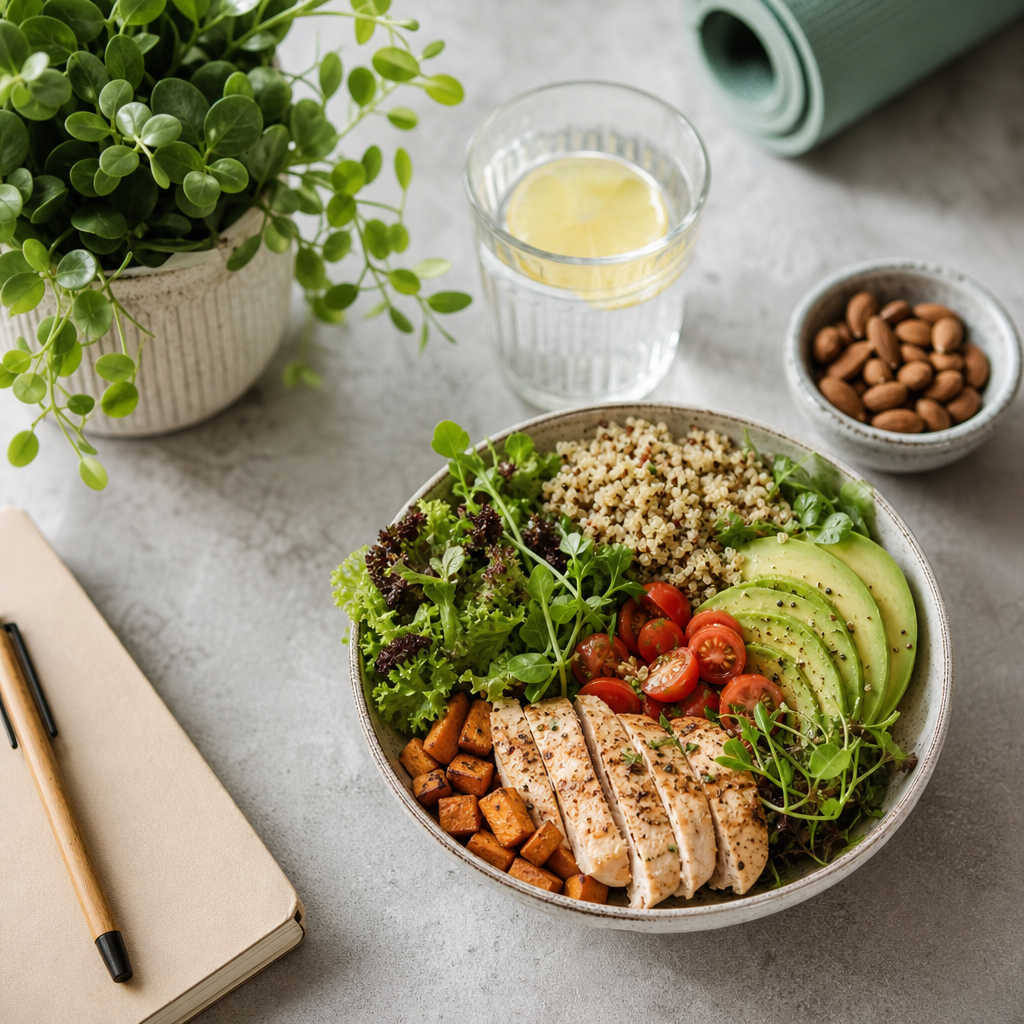 How to Lose Weight Without Stress: Embrace a Balanced Approach
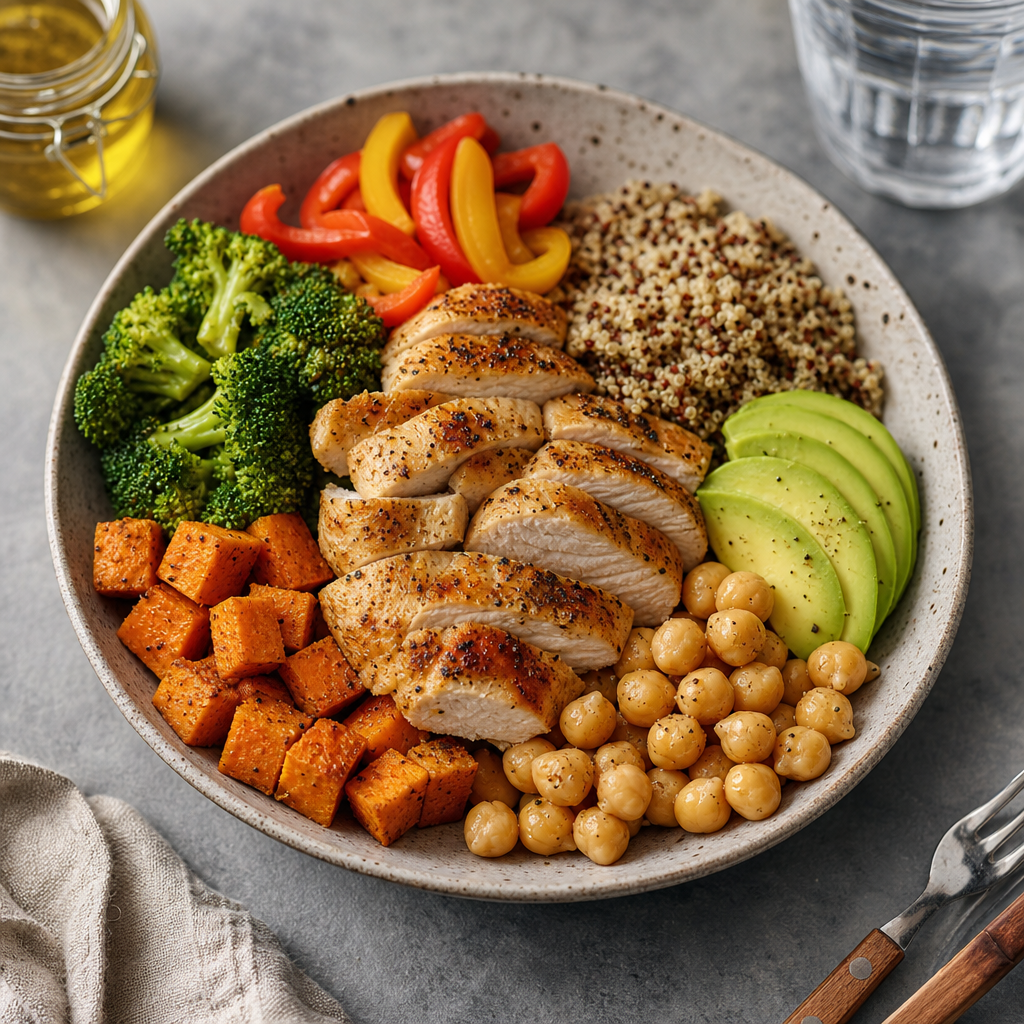 Common Macro Tracking Mistakes: Avoid These Pitfalls for Better Results
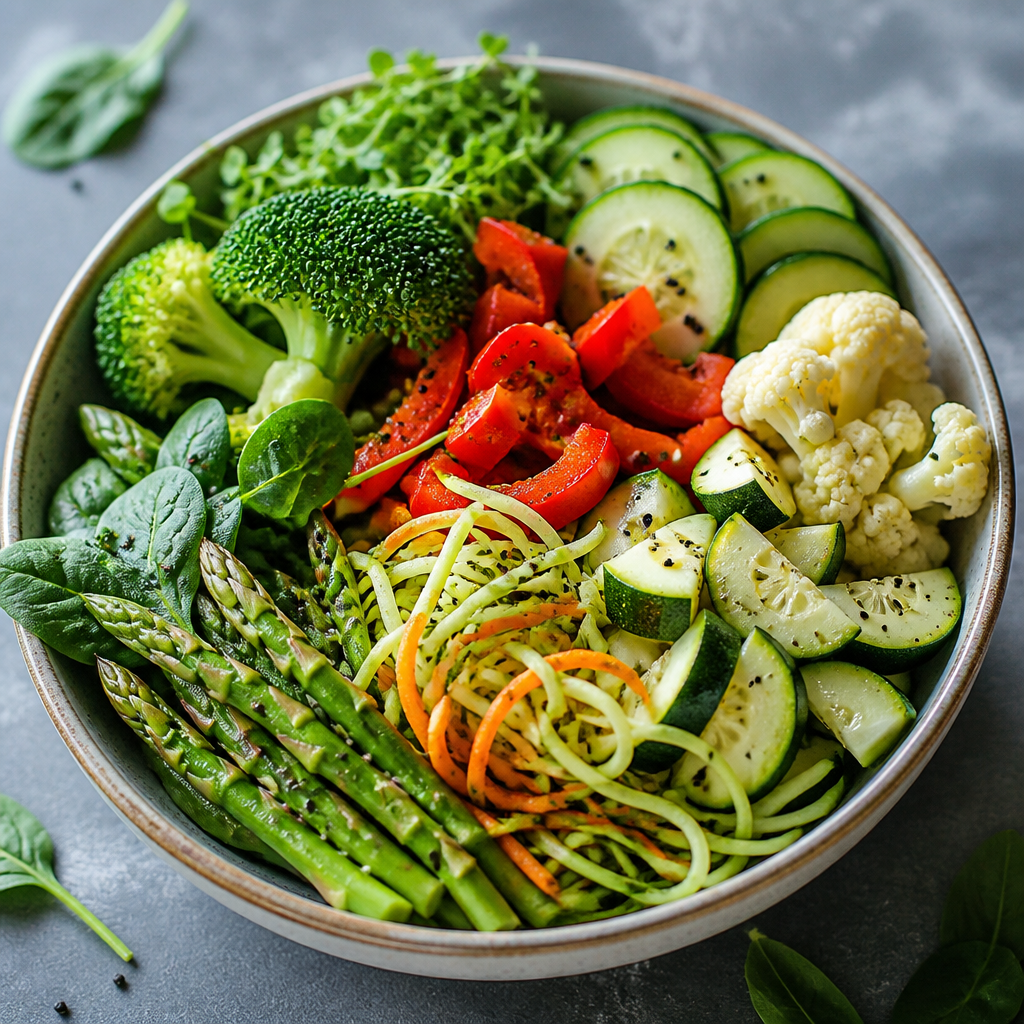 The Best Low-Calorie, Low-Carb Vegetables for Your Healthy Diet
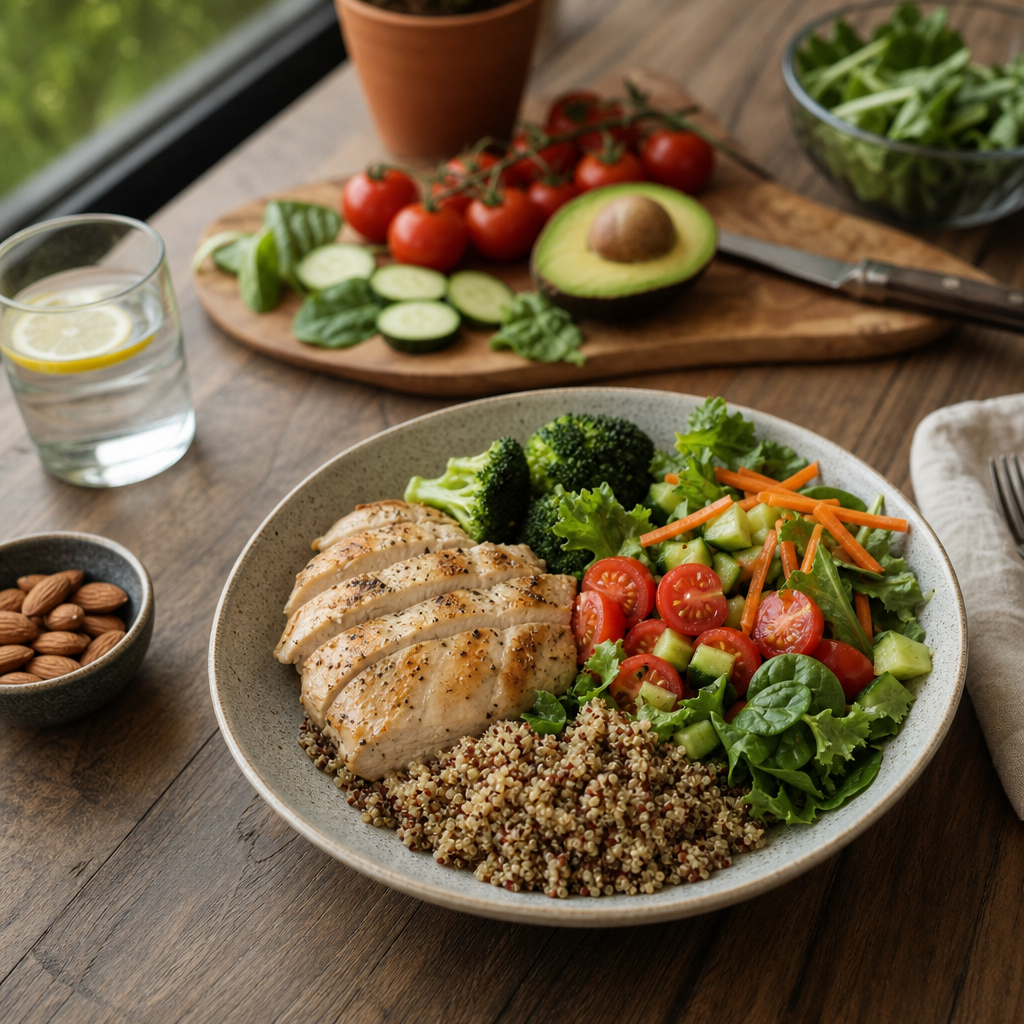 Sustainable Weight Loss Explained: Your Guide to Long-Term Success
 How to Control Your Weight With Calorie Tracking
 How to Build a Macro-Based Meal Plan: Your Ultimate Guide to Meal Prepping
 How to Track Macros Automatically: A Tech-Savvy Guide
 Macro Tracking for Beginners: Your Ultimate Guide to Nutritional Success
 How Many Calories Are in an Orange?
 Which Vegetables Keep You Full the Longest?
 How Many Calories Are in a Cucumber? Unveiling the Secrets of This Superfood
 How Many Calories Are in a Banana?
 The Healthiest Vegetables for Weight Loss: Your Ultimate Guide
 The Best Vegetables for Dinner: Nourishing Your Body While Losing Weight
 How Many Calories Are in Broccoli? An In-Depth Look
 How Many Calories Are in a Potato? Unpacking the Nutritional Value
 How to Estimate Calorie Counts Visually: A Guide for Impromptu Dieters
 Как считать калории в ресторане: Практическое руководство
 Формула Харриса-Бенедикта простыми словами
 Главные ошибки подсчета калорий
 Как считать калории без весов: Практическое руководство для диетчиков
 Почему вес не уходит при дефиците калорий: ключевые причины и решения
 Сколько калорий нужно есть в день: Определяем ваши потребности в ежедневном потреблении калорий
 Формула подсчета калорий: Ключ к успешному управлению весом