How to Estimate Calorie Counts Visually: A Guide for Impromptu Dieters
For those embarking on a diet journey, counting calories can seem daunting, especially when you don't have a food scale or measuring tools at hand. Good news: you can estimate calorie counts visually! This practical skill can be incredibly helpful for impromptu dieters who want to keep their intake in check without feeling overwhelmed. Let's delve into five essential tips on how to accurately estimate calories using your eyes alone.
1. Familiarize Yourself with Common Portion Sizes
The first step in estimating calories visually is to understand what common portion sizes look like. Here are some general guidelines:
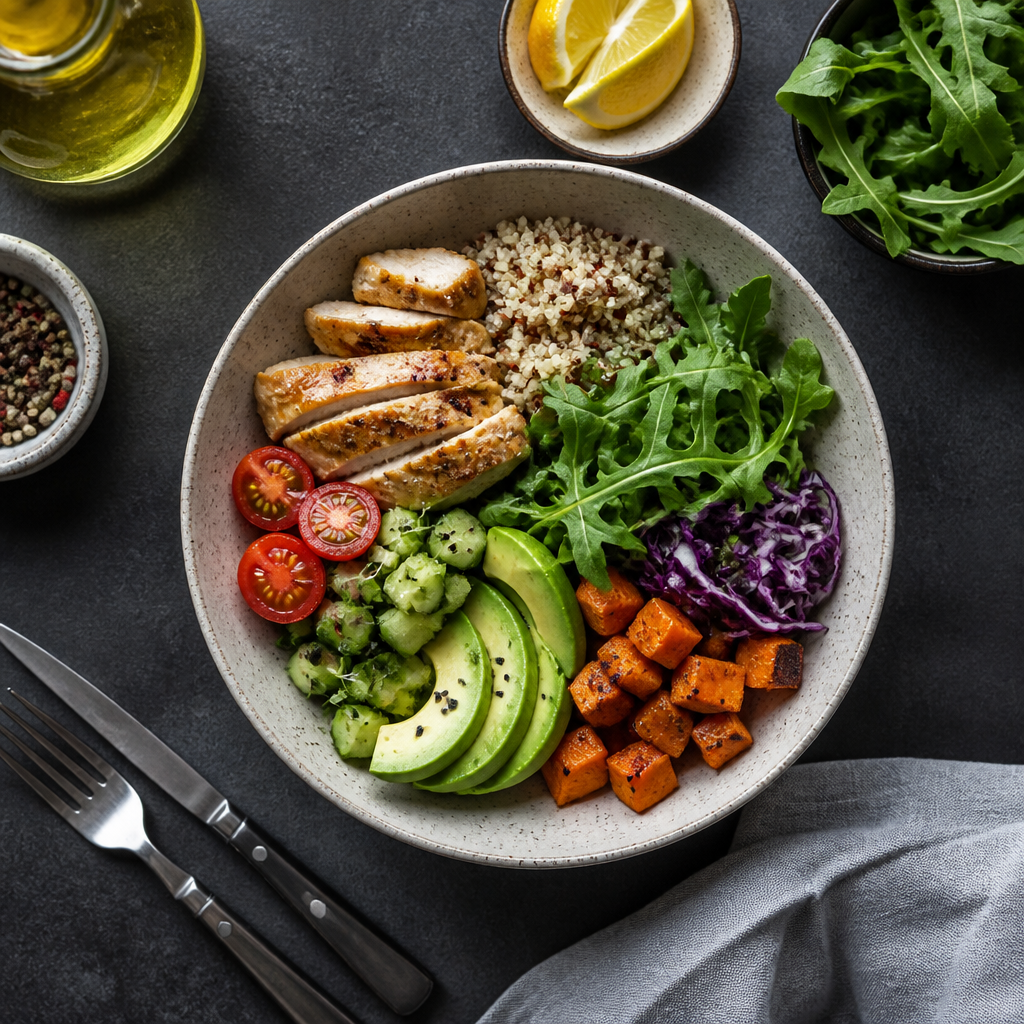
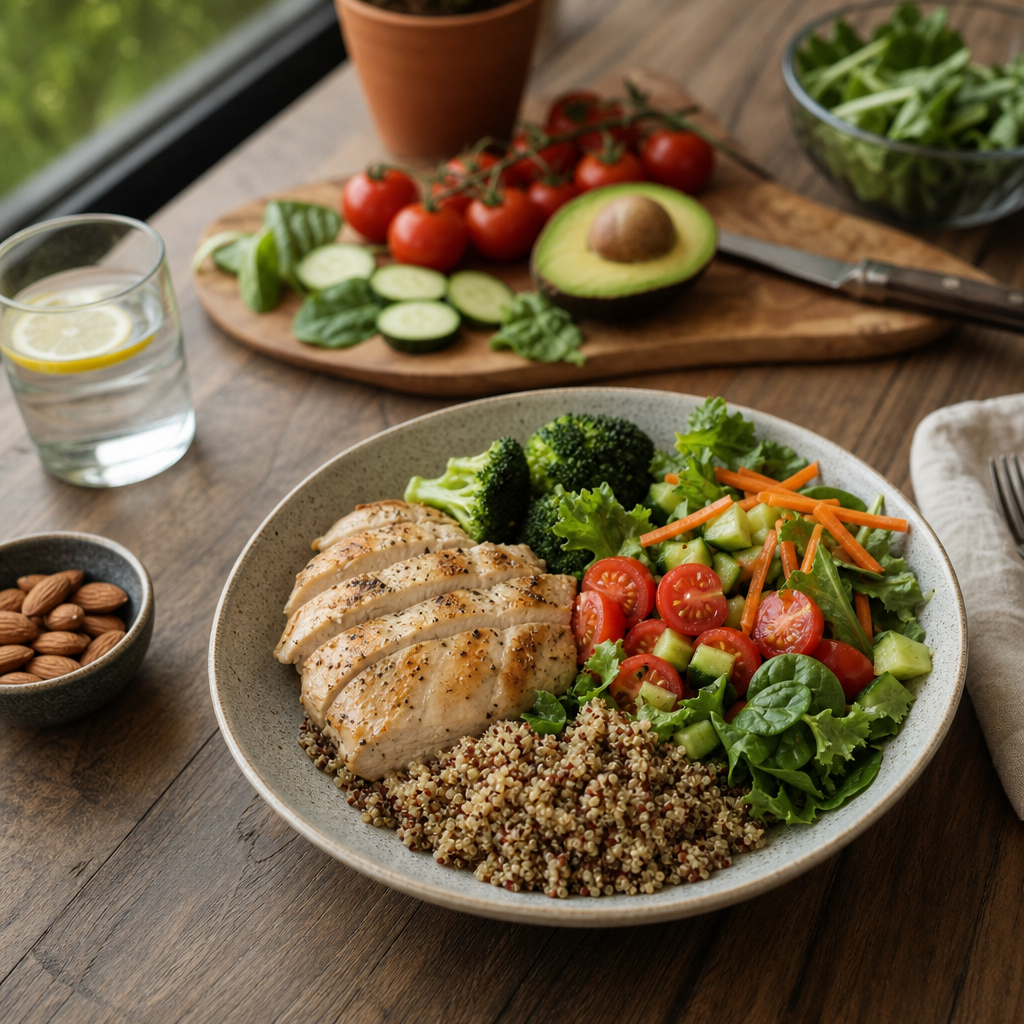
- Protein: A serving of meat or fish should be roughly the size of your palm (around 3-4 ounces). For chicken breast, that’s about 150-200 calories.
- Carbohydrates: A standard serving of rice or pasta is about the size of a fist (around 1 cup). This can be around 200-300 calories, depending on the type and preparation method.
- Vegetables: Most non-starchy vegetables can be eaten in larger portions—aim for about two fists worth, contributing only around 50-100 calories.
- Fats: Nuts or avocado are calorie-dense. A small handful of nuts (about 1 ounce) is roughly 160-200 calories, while half an avocado is about 120-150 calories.
2. Use Everyday Objects for Reference
When estimating portion sizes, use everyday objects to visualize your servings:
- Deck of Cards: Use this as a reference for protein portions.
- Tennis Ball: This can represent a medium-sized fruit or a scoop of rice/pasta.
- Golf Ball: A small serving of cheese or nut butter can be estimated with a golf ball size, translating to about 100-200 calories.
3. Practice Makes Perfect
The more you practice estimating calorie counts, the more accurate you’ll become. Start by visually assessing your meals before you eat them. Take a moment to look at the plate, and try to guess the calorie count based on the sizes you’ve learned. After eating, check the actual calorie counts using a reliable app or resource. Over time, you’ll start to notice patterns and improve your estimation skills.
4. Take Note of Food Density
Understanding food density is crucial as some foods are more calorie-dense than others. For example, dry foods like crackers or chips contain more calories per weight than fruits or vegetables due to their lower water content. Be mindful of this when estimating:
- Fried Foods: Often higher in calories due to added oil.
- Fresh Produce: Generally lower in calories and can be consumed in larger amounts.
5. Don't Forget to Account for Beverages
Liquid calories can add up quickly! Pay attention not only to food but also to the beverages you consume. A standard 12 oz can of soda has around 150 calories, while a custom latte can range between 200-500 calories. Try to visualize these as part of your overall intake.
Conclusion
Estimating calorie counts visually takes practice, but with these tips, you’re well on your way to becoming more mindful of your food intake. Remember, it’s not about achieving 100% accuracy; it’s about making informed choices and creating a healthier relationship with food.
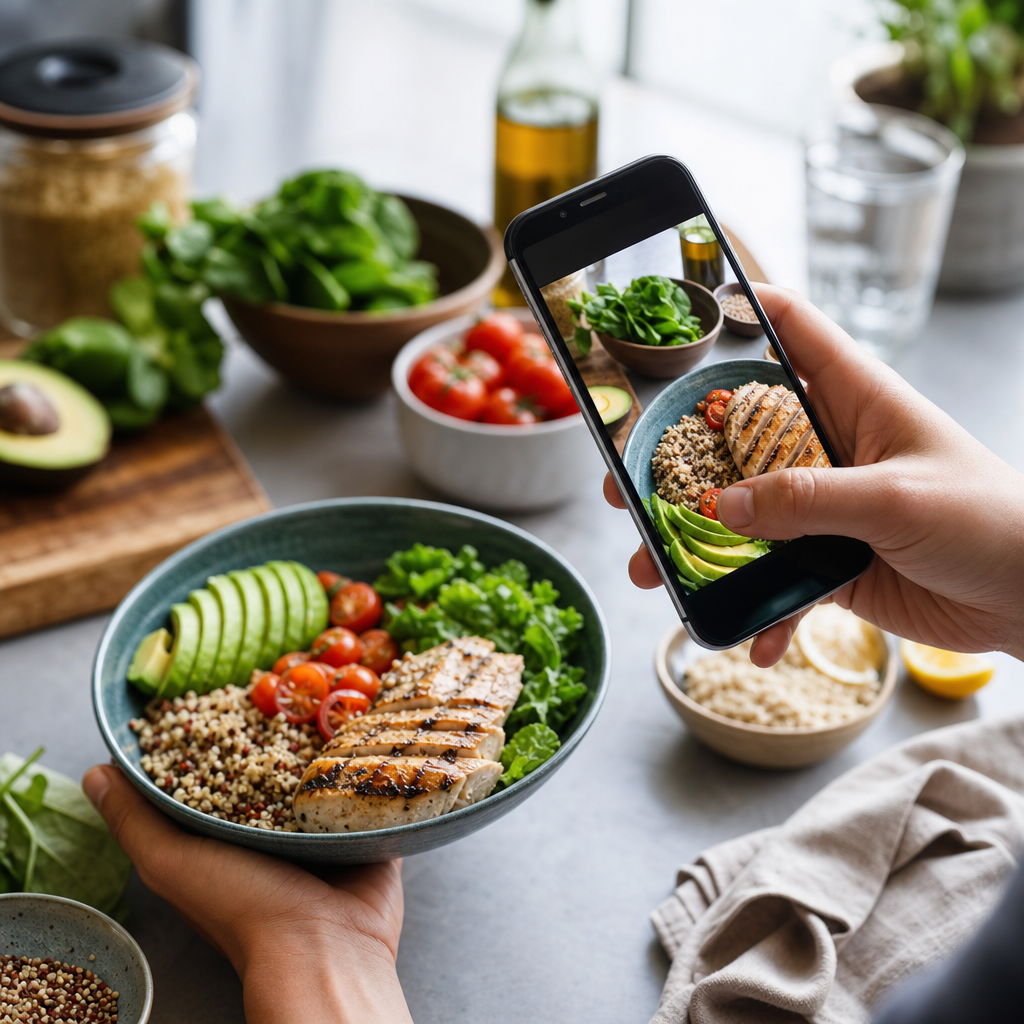
Want to take your calorie tracking a step further? Try our app that allows you to upload photos of your meals. Our AI will estimate the calories and breakdown the macro ratios for you, making it easier to stay on track!
Cal AI
Track meals faster with Cal AI
Scan food, estimate calories, and keep your nutrition log moving without typing every ingredient.
Get the appAuthor
Cal AI Editorial Team
Practical guides on nutrition, calorie tracking, meal planning, and building healthier habits with Cal AI.
Related articles
 The Most Filling Vegetables for Weight Loss
 Discover the Vegetables With the Fewest Calories: Your Guide to Guilt-Free Eating
 The Best Vegetables for a Calorie Deficit
 Why Strict Diets Don't Work: Understanding the Pitfalls of Extreme Restrictions
 The Best Weight Management Strategies: Proven Tactics for Success
 How to Keep a Weight Journal: Tips for Accountability and Progress Tracking
 How to Lose Weight Without Stress: Embrace a Balanced Approach
 Common Macro Tracking Mistakes: Avoid These Pitfalls for Better Results
 The Best Low-Calorie, Low-Carb Vegetables for Your Healthy Diet
 Sustainable Weight Loss Explained: Your Guide to Long-Term Success
 How to Control Your Weight With Calorie Tracking
 How to Build a Macro-Based Meal Plan: Your Ultimate Guide to Meal Prepping
 How to Track Macros Automatically: A Tech-Savvy Guide
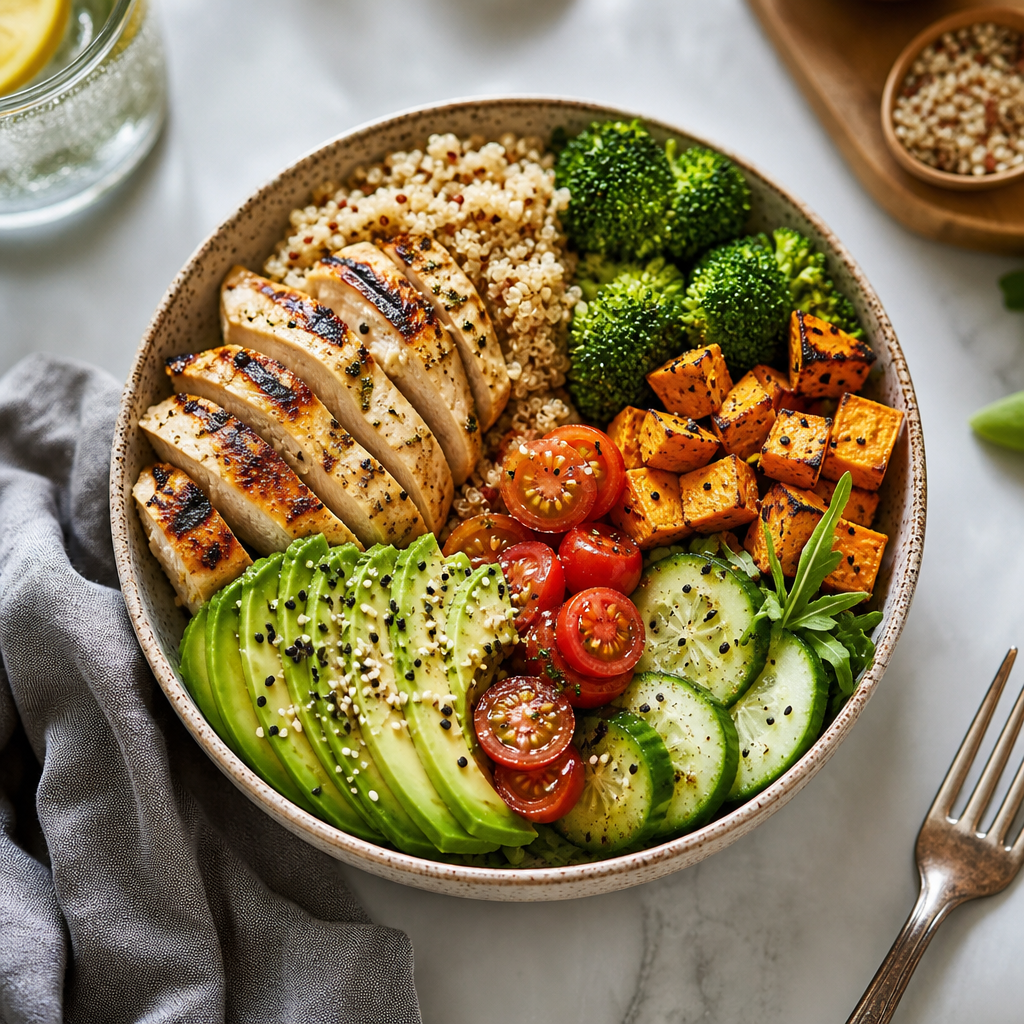 Macro Tracking for Beginners: Your Ultimate Guide to Nutritional Success
 How Many Calories Are in an Orange?
 Which Vegetables Keep You Full the Longest?
 How Many Calories Are in a Cucumber? Unveiling the Secrets of This Superfood
 How Many Calories Are in a Banana?
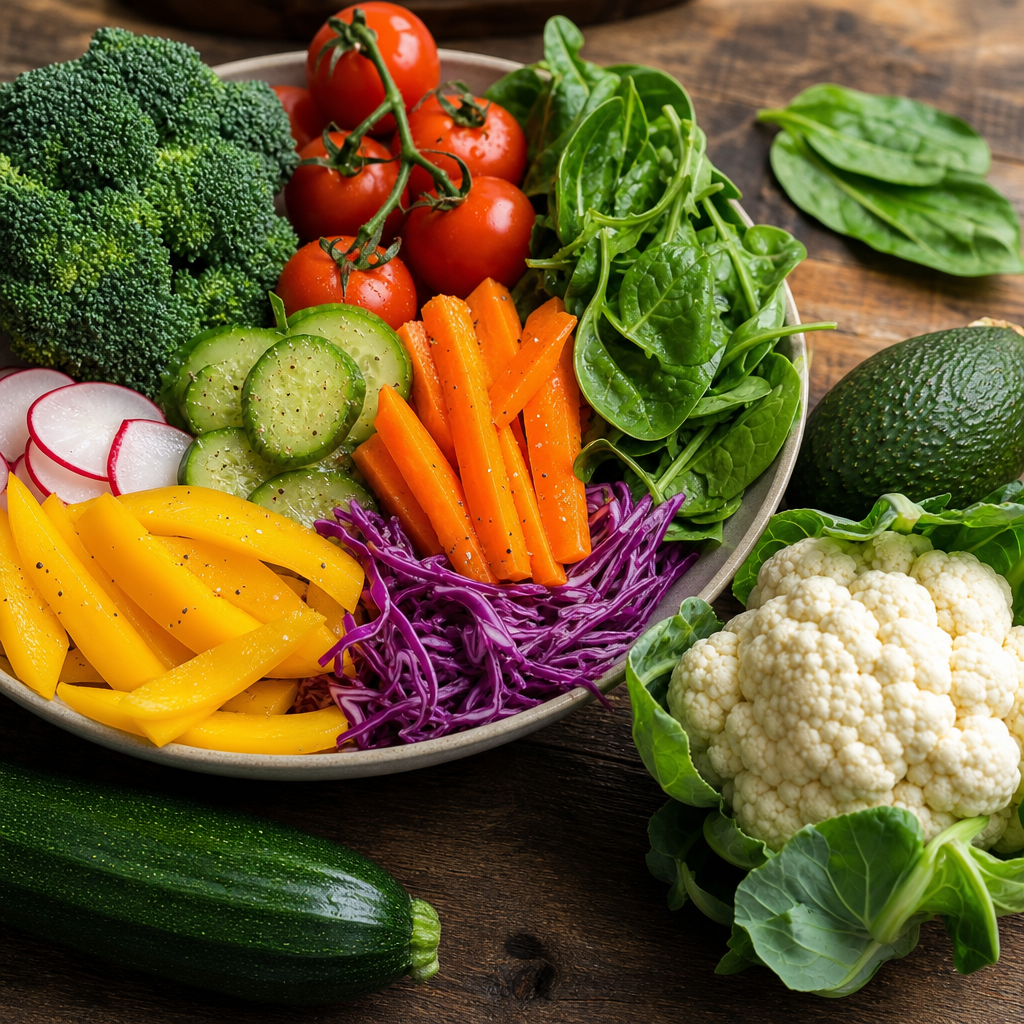 The Healthiest Vegetables for Weight Loss: Your Ultimate Guide
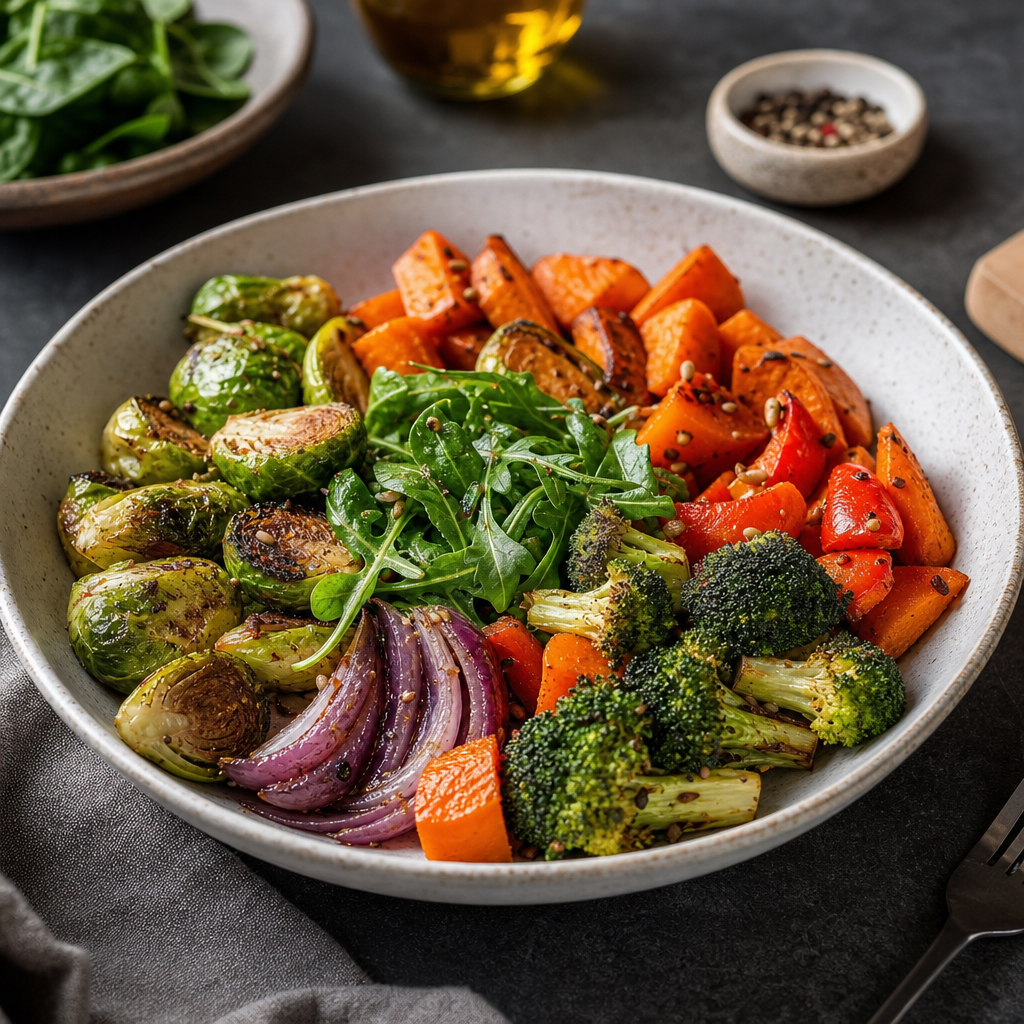 The Best Vegetables for Dinner: Nourishing Your Body While Losing Weight
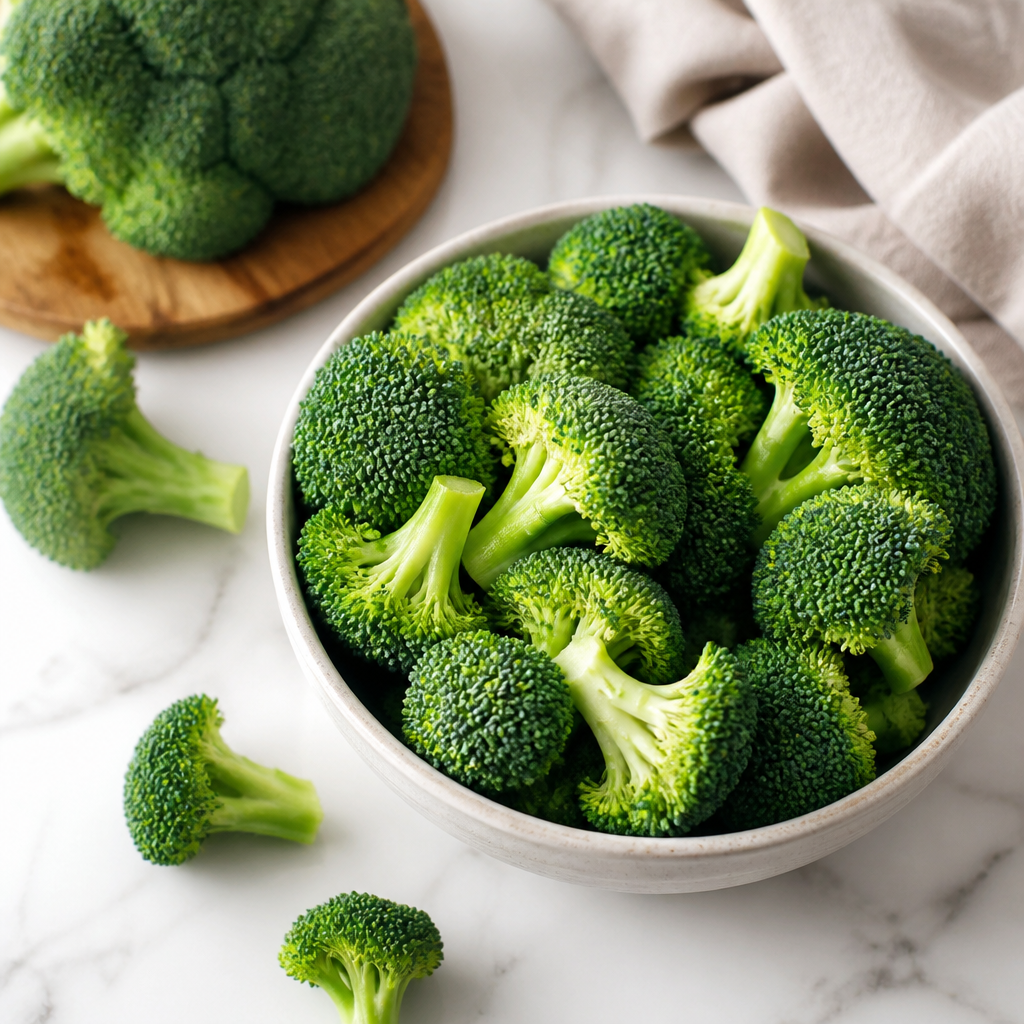 How Many Calories Are in Broccoli? An In-Depth Look
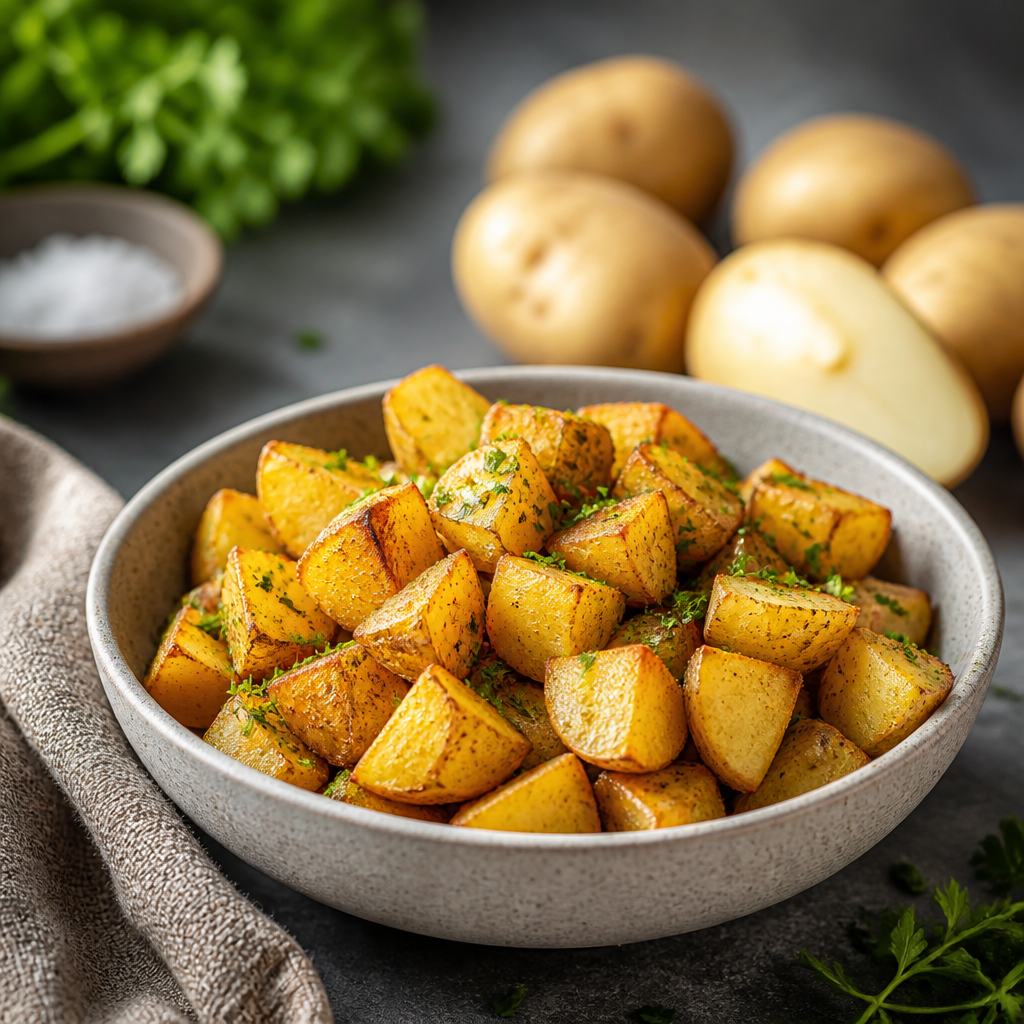 How Many Calories Are in a Potato? Unpacking the Nutritional Value
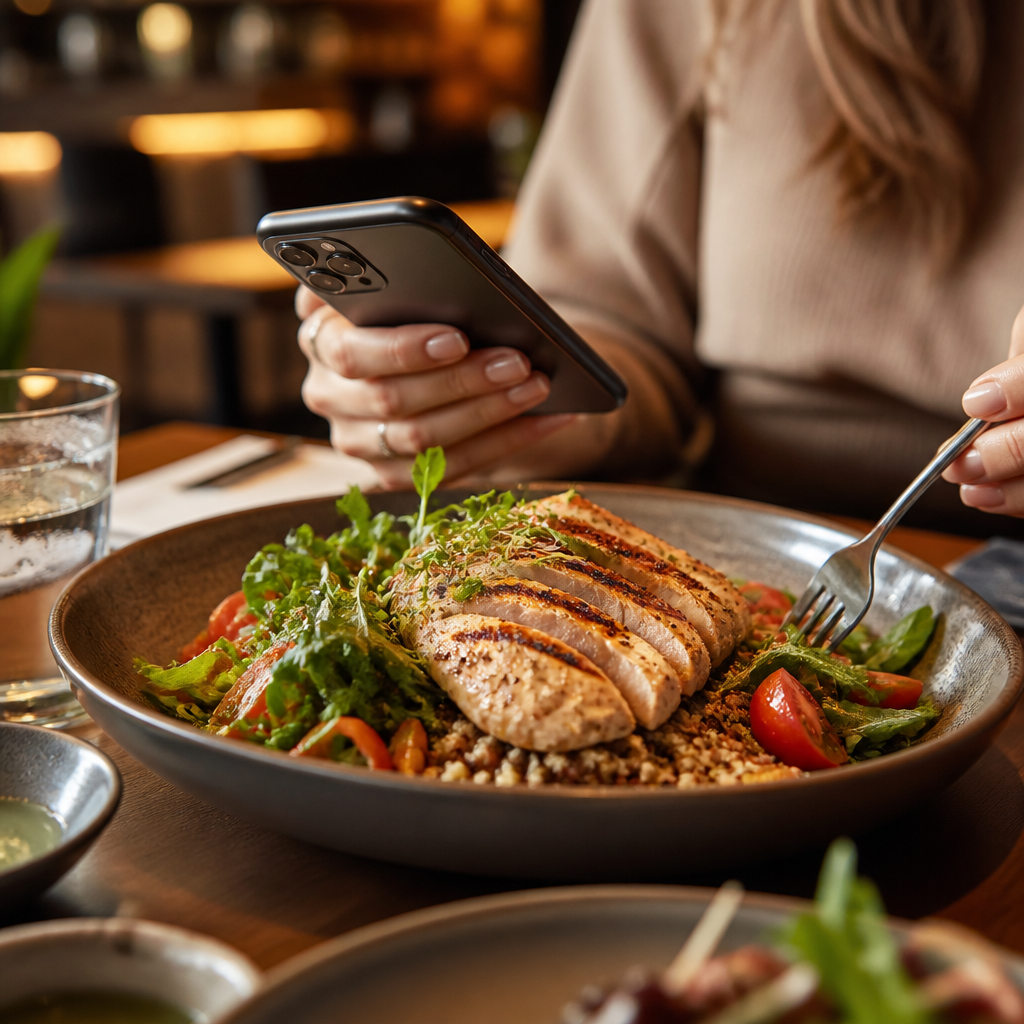 Как считать калории в ресторане: Практическое руководство
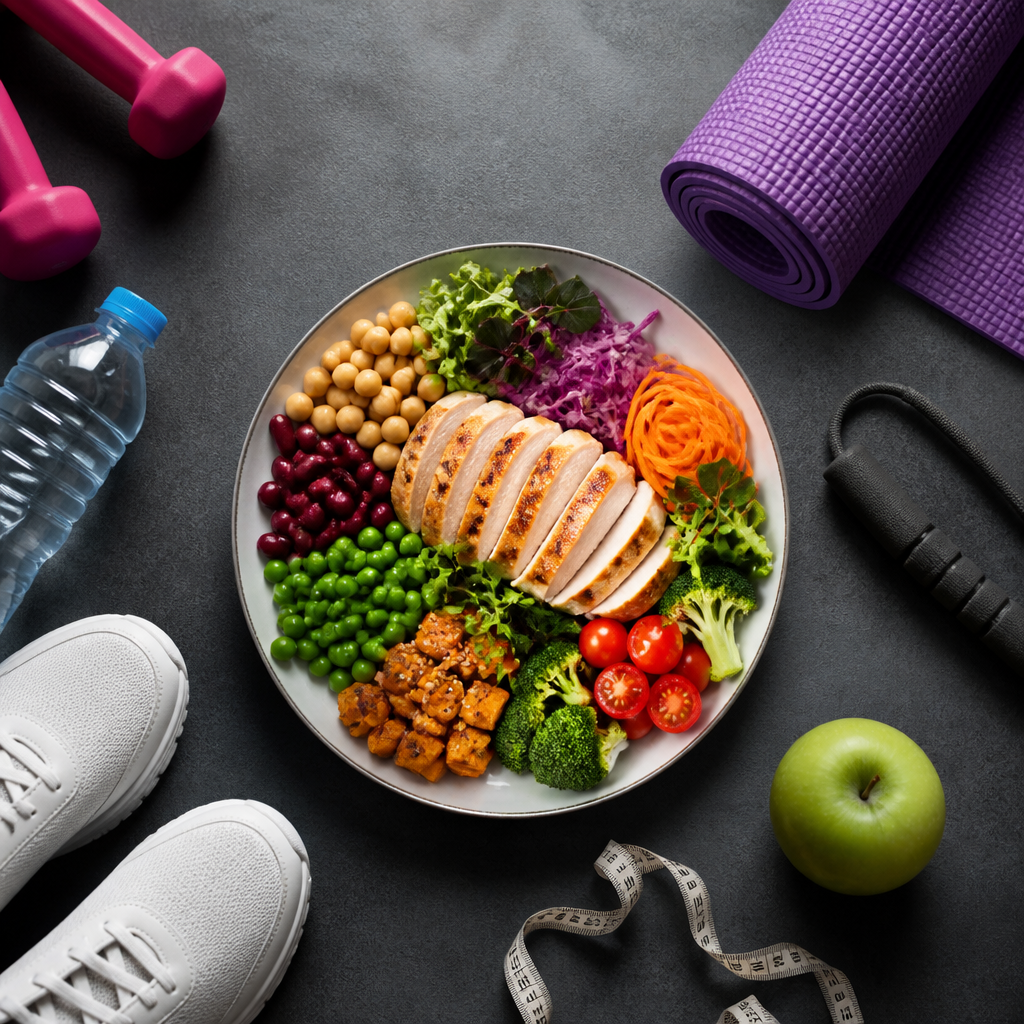 Формула Харриса-Бенедикта простыми словами
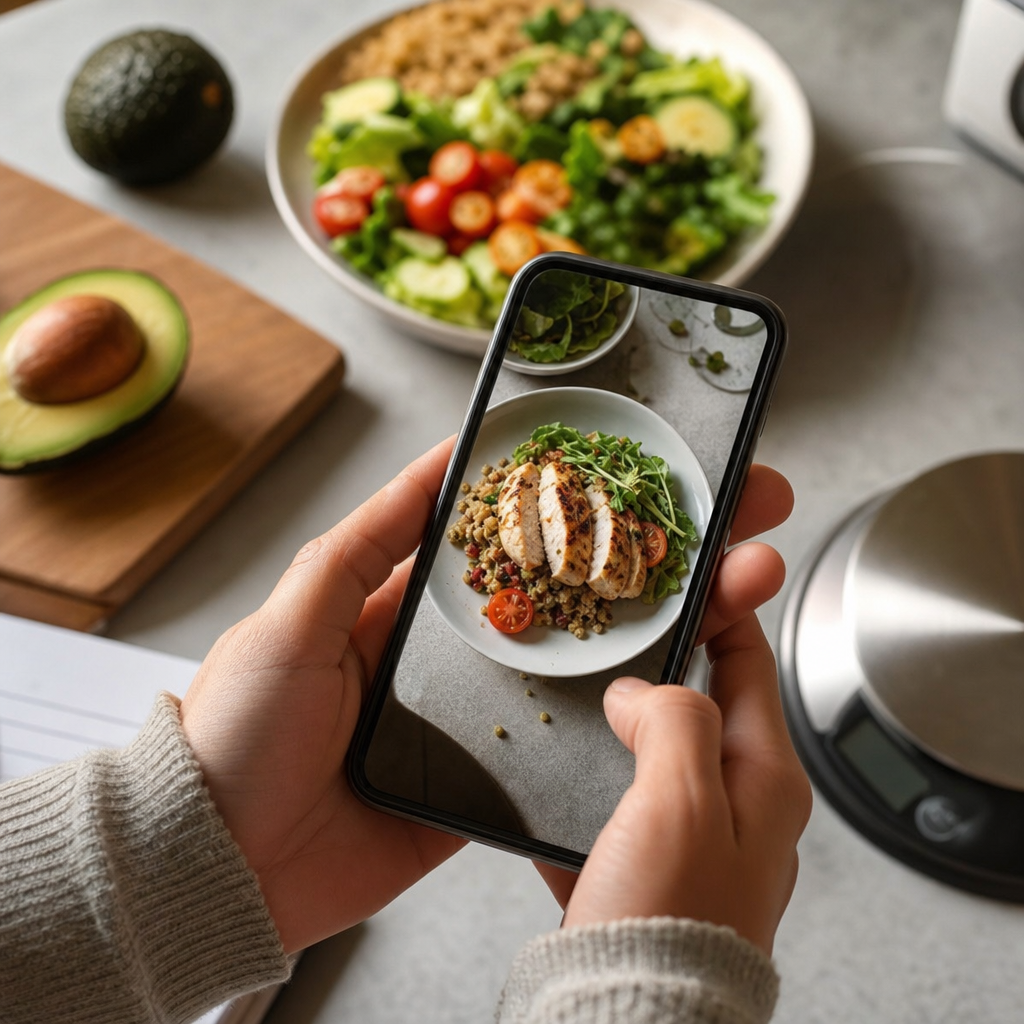 Главные ошибки подсчета калорий
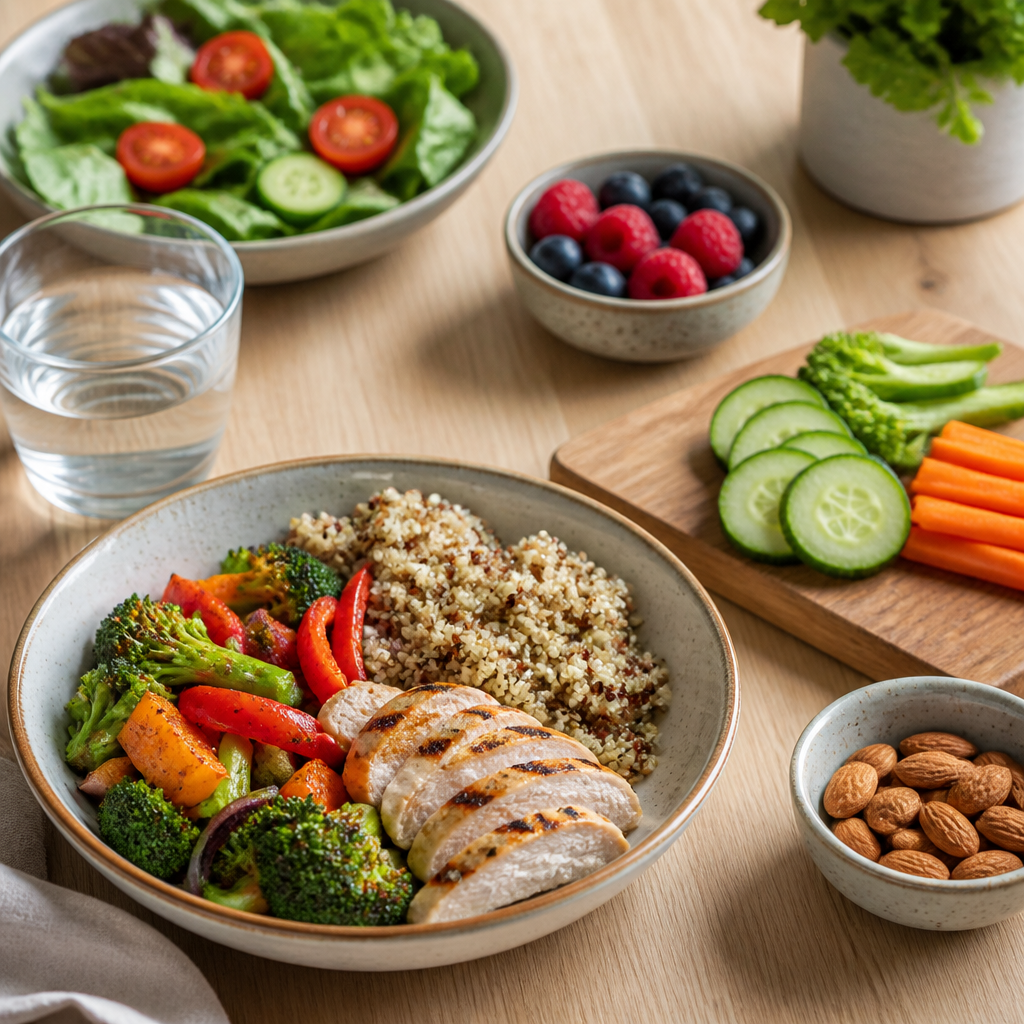 Как считать калории без весов: Практическое руководство для диетчиков
 Почему вес не уходит при дефиците калорий: ключевые причины и решения
 Сколько калорий нужно есть в день: Определяем ваши потребности в ежедневном потреблении калорий
 Формула подсчета калорий: Ключ к успешному управлению весом
 Почему подсчет калорий эффективнее диет