Counting Calories on Holiday Without Obsessing
A practical travel logging routine for holidays: photo meals, correct portions, log beer or wine, and use day-by-day history instead of chasing perfect days.
Updated Oct 17, 20268 min read2 views
In this guide
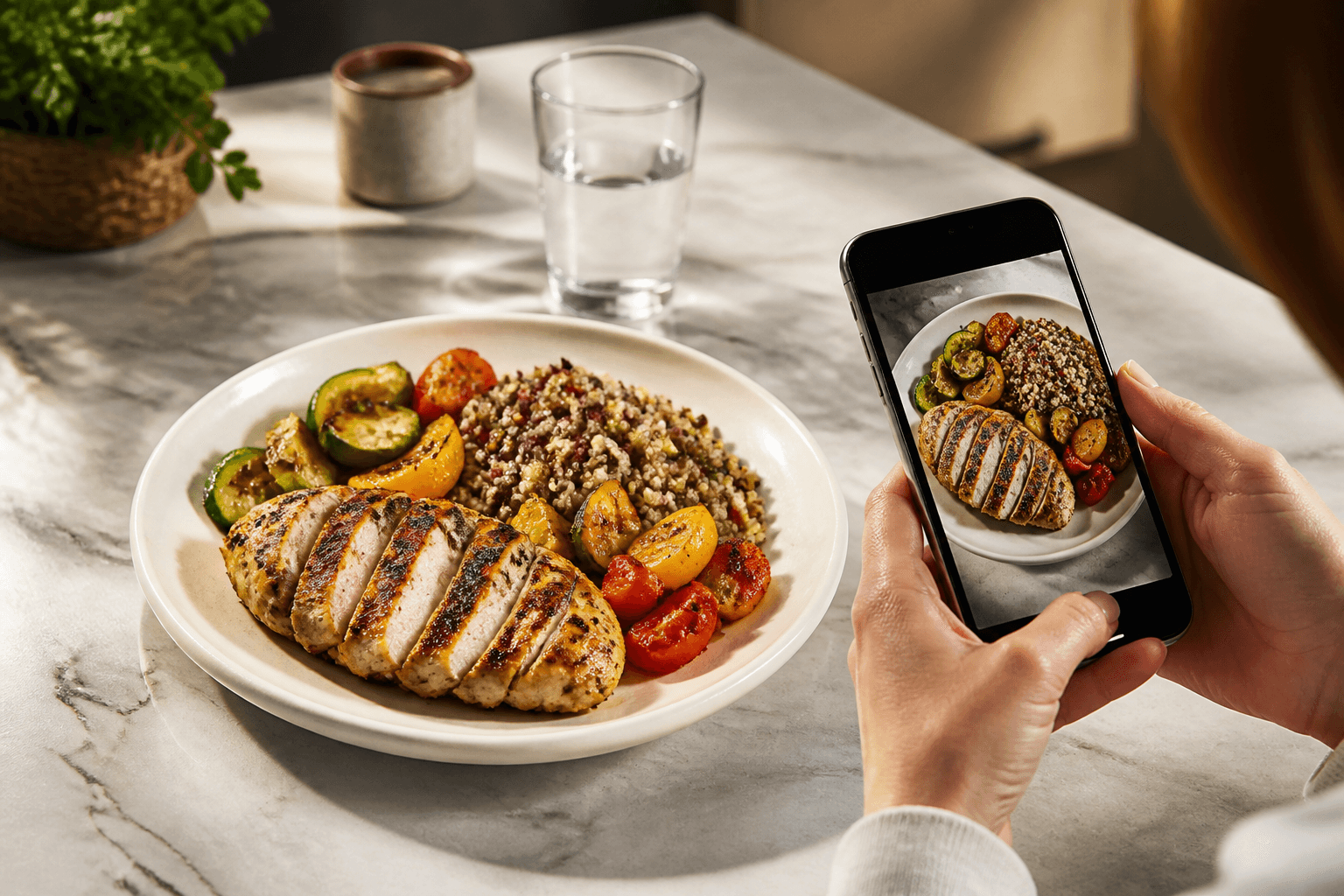
On holiday, keep a usable food log rather than a perfect one: take a photo before eating, choose the closest match, correct the grams, and include drinks.
This article is about the Cal AI app by BeeStudio (calai.me). The app can estimate a meal from a photo, lets you choose between recognition variants, and keeps a day-by-day history so one messy travel day does not have to decide the whole week.
If you have a medical condition, are pregnant, or have a history of eating disorders, talk to a clinician before cutting calories.
Why holidays make normal calorie logging harder
A holiday breaks the usual log because the usual cues disappear. At home, you may know the bowl, the brand, the recipe, and the time you normally eat. Abroad, breakfast may be a buffet, lunch may be street food, dinner may come as shared plates, and drinks may be spread across the afternoon.
Buffets are difficult because the plate changes shape quickly. A small spoon of hummus, a scoop of rice, a handful of fries, and a piece of salmon can look like “a bit of everything,” but the calories come from each part. Unfamiliar dishes add another problem: you may not know whether the sauce is mostly tomato, oil, coconut milk, or butter. The app can help with a photo, but you still need to check whether the suggested variant matches what is actually on the plate.
Drinks are easy to miss because they do not feel like a meal. Beer and wine still belong in the log if you are counting calories. Irregular meals also matter. A late breakfast, skipped lunch, and large dinner can make the day look unusual even when the weekly average is reasonable.
Use the daily calorie goal as a guide, not a travel rulebook. Cal AI sets the goal from TDEE using the Mifflin-St Jeor formula; if you want to check your starting point, use the Cal AI calculators. On a trip, the more useful target is consistency: log the main items, fix obvious portion errors, and move on.
How to log a holiday meal in Cal AI without overthinking it
Use the same short routine every time you can.
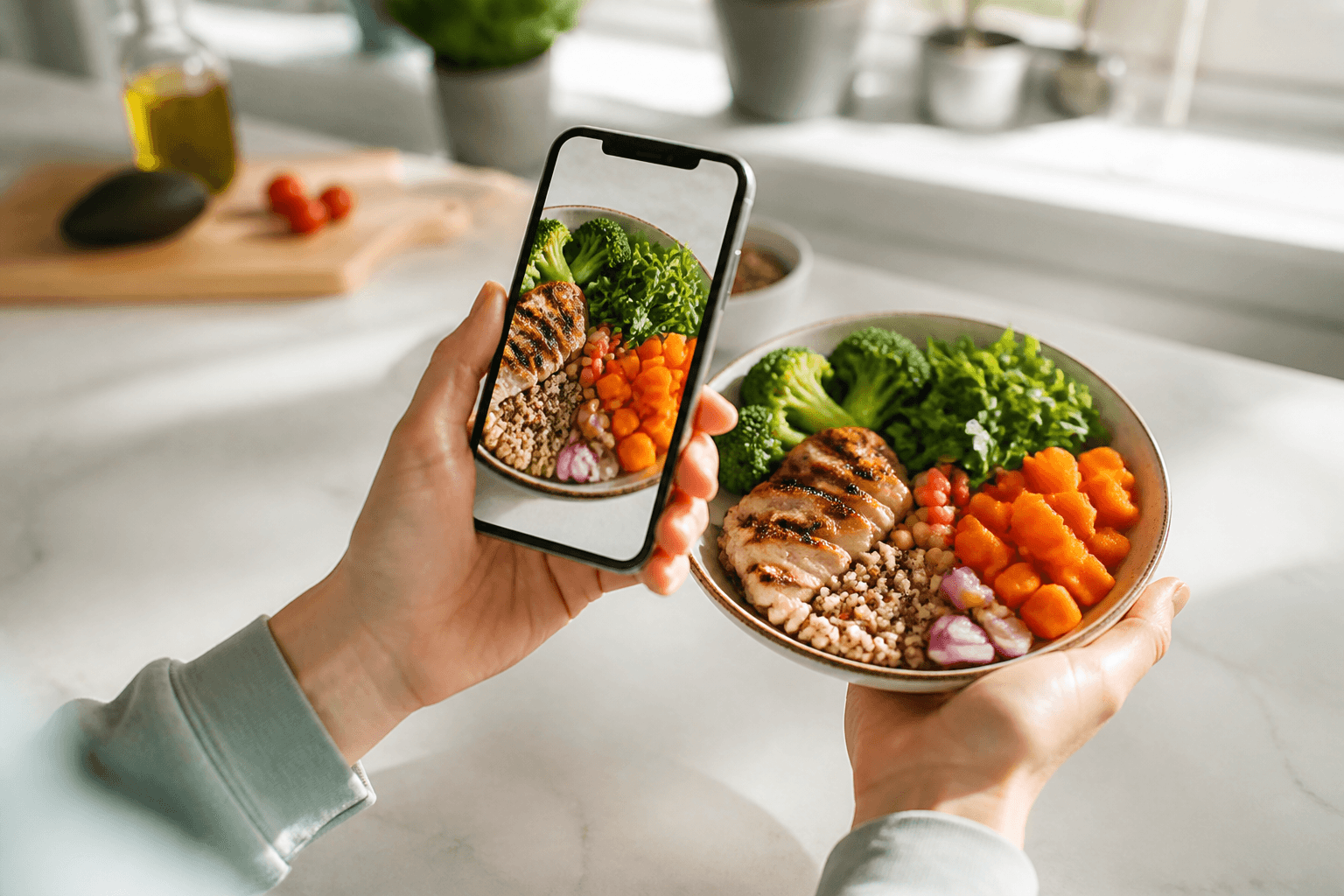
- Take one clear photo before you start eating.
- Pick the recognition variant that looks closest to the food in front of you.
- Correct the grams if the portion looks too large or too small.
- Add anything missing, especially sauces, sides, beer, or wine.
- If the scan is not useful, use manual entry instead.
The key step is the gram correction. A photo can identify a likely food, but travel portions vary. A restaurant serving of Pad Thai, for example, may be close to the catalog serving, smaller than expected, or much larger because of added noodles and oil. Open the item, adjust the grams, and use the calorie edit if the dish clearly does not match the scan.
Manual entry is useful when a photo would be awkward, when the plate is shared, or when the scan misses the food. Manual entry does not use scans. That matters on long trips because Premium includes 200 scans per month, and it also matters when you already know what you ate and just need to write it down.
Cal AI does not include fitness-tracker, Apple Health, or Google Fit integration, and it does not include weight tracking. It also does not have a searchable food database. For travel logging, treat it as a photo-and-edit food log with manual entry when scanning is not practical.
What typical holiday foods add up to
Use catalog portions as anchors, then adjust grams for the plate you actually have. The calculations below use the Cal AI catalog values, with the portion shown as grams or millilitres multiplied by the catalog value.
| Food or drink | Typical portion | Visible calculation | Calories | Protein | Carbs | Fat |
|---|---|---|---|---|---|---|
| Pad Thai | 245 g serving | 245 g × 139 kcal/100 g ≈ 340 kcal | 340 kcal | 12 g | 54 g | 10 g |
| Hummus | 30 g, about 2 tbsp | 30 g × 166 kcal/100 g = 50 kcal | 50 kcal | — | — | — |
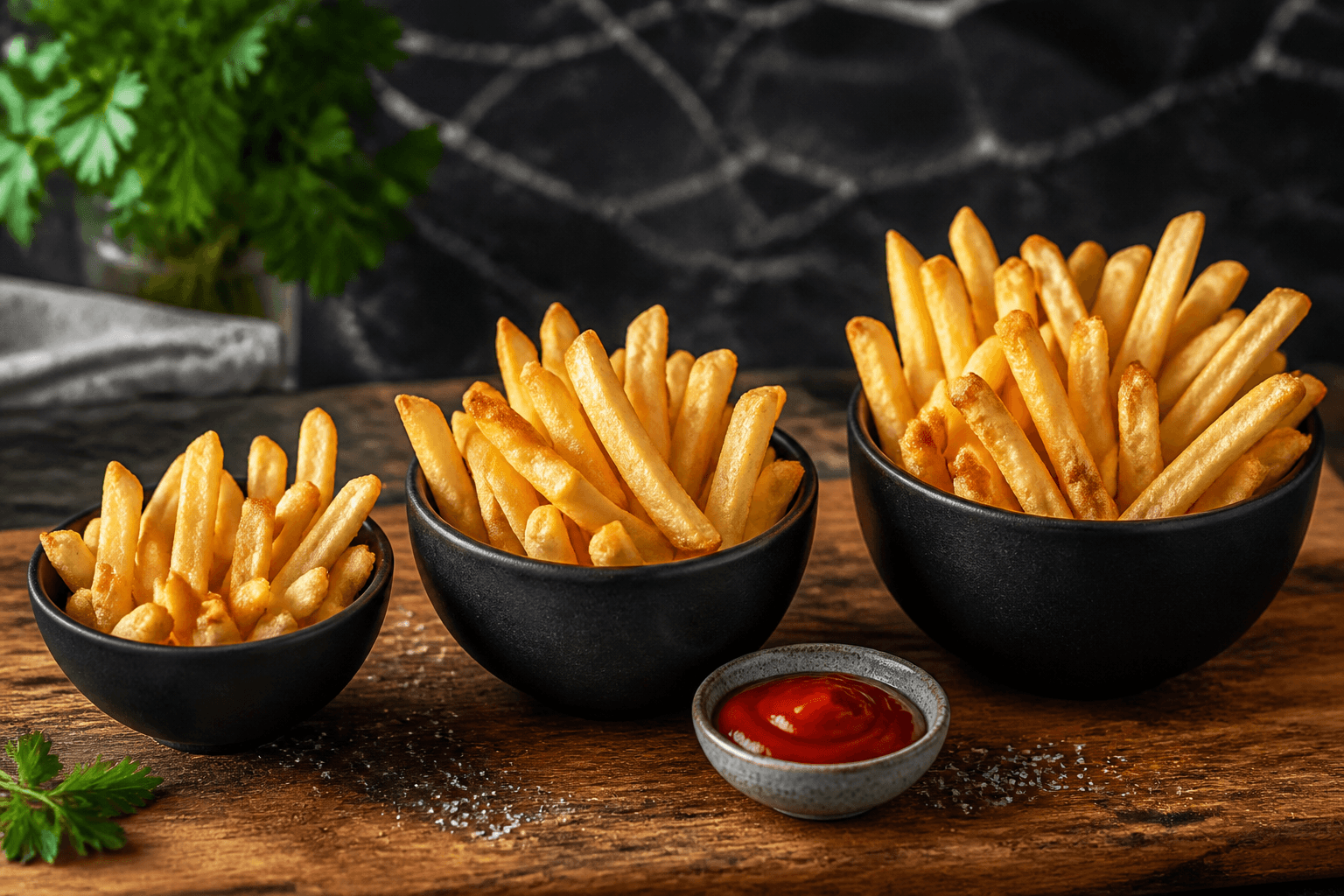
| French fries | 117 g medium serving | 117 g × 312 kcal/100 g = 365 kcal | 365 kcal | — | — | — |
| Cheese pizza | 107 g slice | 107 g × 266 kcal/100 g = 285 kcal | 285 kcal | — | — | — |
| White rice, cooked | 150 g cup | 150 g × 130 kcal/100 g = 195 kcal | 195 kcal | — | — | — |
| Salmon, cooked | 85 g fillet | 85 g × 206 kcal/100 g = 175 kcal | 175 kcal | — | — | — |
| Vanilla ice cream | 66 g half cup | 66 g × 207 kcal/100 g = 137 kcal | 137 kcal | — | — | — |
| Beer | 355 ml | 355 ml × 43 kcal/100 ml = 153 kcal | 153 kcal | — | — | — |
| Red wine | 148 ml glass | 148 ml × 85 kcal/100 ml = 126 kcal | 126 kcal | — | — | — |
That is about 17 percent of a 2,000 kcal day for the 340 kcal Pad Thai serving.
The table is not a rule for what to eat. It is a way to keep your log grounded when the meal is unfamiliar. If your plate has fries and a beer, log both. If your rice portion looks like half a cup, reduce the grams. If the salmon is clearly bigger than the catalog fillet, increase the grams.
For Pad Thai macros, the catalog gives 5 g protein, 22 g carbs, and 4 g fat per 100 g. For a 245 g serving, that is 245 g × 5/100 = about 12 g protein, 245 g × 22/100 = about 54 g carbs, and 245 g × 4/100 = about 10 g fat.
How to handle buffets and street food
At a buffet, do not try to identify every garnish. Log the biggest item first. If half the plate is rice, start with rice. If the plate is mostly fries, start with fries. Then add the next item that changes the total meaningfully, such as hummus, salmon, pizza, or dessert.
Estimate by portion size rather than by the meal name. “Buffet plate” is too vague to be useful. “150 g cooked white rice plus 85 g cooked salmon” gives you a better log, even if the exact sauce is unknown. When you are unsure, adjust the grams to match what you can see: a small scoop, a standard serving, or a larger plate.
Street food has a different problem. The item may be cooked in oil, dressed with sauce, or served with toppings you did not expect. Oil and sauces add calories, so do not let the scan stop at the main ingredient if the dish is glossy, creamy, or heavily dressed. Add a manual note or increase the calories when the scan finds the base food but misses the rich part of the dish.
Shared plates are easier if you log what you actually ate, not what the table ordered. If four dishes arrive and you only had a few bites of one, do not log a full serving. Use manual entry for a rough portion and keep the day moving.
How to log beer, wine, and irregular meals
Alcohol is one of the simplest travel items to log because the portion is often clear. From the Cal AI catalog, beer is 43 kcal per 100 ml, so 355 ml × 43/100 = 153 kcal. Red wine is 85 kcal per 100 ml, so 148 ml × 85/100 = 126 kcal.
Log drinks close to when you have them if you can. If not, write them down with the meal: “beer with lunch” or “wine at dinner.” This prevents the common holiday pattern where meals are logged carefully but drinks disappear from the day.
Irregular meals do not need special treatment. If breakfast is late and dinner is large, log the food where it happened. The day may look uneven, but the history will still show what happened across the trip.
What to do when scanning needs internet abroad
Photo recognition uploads the photo to the Cal AI server, so a scan needs mobile internet or Wi-Fi at the moment you take it. Roaming can be expensive, and many travellers use a travel eSIM for mobile data abroad; if you do not have a connection, write down what you ate and log it later with manual entry.
This is where a simple note helps. Write the food, the rough portion, and anything easy to forget: “medium fries,” “glass of red wine,” “rice plus salmon,” or “ice cream after dinner.” You do not need a full recipe. You need enough detail to make a reasonable entry when you are back online.
If you know you will be offline during the day, save scans for meals where the photo will help most. A mixed restaurant plate is usually a better use of a scan than a drink or a simple side you can enter manually.
How to use the weekly view instead of chasing a perfect day
Travel days are uneven. One day may include airport food, a late dinner, and drinks. Another may be lighter because you were walking around and ate one main meal. Looking only at one day can make the log feel worse than it is.
Use Cal AI’s day-by-day history to review the week as a pattern. Look for the entries that explain the high days: fries, pizza, ice cream, beer, wine, large rice portions, or sauces. Then decide what to adjust the next day. That might mean logging drinks earlier, choosing a smaller portion of fries, or correcting grams more carefully after a scan.
Do not delete a high day to make the history look cleaner. A useful travel log includes the messy parts. The next best entry is the next meal you actually eat, logged with the closest variant and corrected grams.
Topics
Frequently asked questions
Can I use Cal AI on holiday without buying Premium?
You can use manual entry without scans. Premium is for 200 scans per month and costs $2.99/month or $19.99/year in the US, bought only through the App Store or Google Play.
Should I log a whole restaurant dish if I only ate part of it?
No. Change the grams to match the amount you actually ate, especially with shared plates or tasting menus.
Does Cal AI pull activity calories from Apple Health or Google Fit while I travel?
No. Cal AI does not integrate with fitness trackers, Apple Health, or Google Fit, so keep food logging separate from any activity tracking you do elsewhere.
What if the app recognizes the wrong food abroad?
Choose the closest recognition variant if one fits, then edit the grams or calories. If none of the variants make sense, use manual entry instead of forcing the scan.
Cal AI Editorial Team
Practical guides on nutrition, calorie tracking, meal planning, and building healthier habits with Cal AI.
Editorial policyRelated articles
- Cal AI
The scan got the dish wrong: how to fix grams and calories in Cal AI in 20 seconds
Fix a wrong Cal AI scan by choosing the closest recognition variant, correcting grams, and editing calories when the portion still looks off.
Oct 26, 20266 min read
- french fries
Calories in French Fries: Small, Medium and Large Portions
French fries are 312 kcal per 100 g, and a standard 117 g serving is 365 kcal. Use grams, not size names, when the portion looks unclear.
Oct 23, 20266 min read
- Cal AI
How to Cancel Cal AI Subscription on iPhone and Android
Cancel Cal AI through Apple or Google Play, not inside the app. Follow the exact menu paths and see what cancellation means for history and scans.
Oct 20, 20265 min read1 views
- chicken breast
Calories in Chicken Breast: 100 g, One Breast, Grilled vs Fried
Chicken breast has 165 kcal per 100 g cooked. See one-breast calories, grilled and fried adjustments, and how to log it accurately.
Oct 17, 20266 min read1 views
- calorie calculator
How many calories do you need a day? Mifflin-St Jeor with worked examples
Use Mifflin-St Jeor to estimate daily calories from weight, height, age, and activity, with worked examples and portion checks.
Oct 11, 20268 min read
- Cal AI
Is Cal AI Free? Free Features, Premium Scans and Cost
Cal AI has a free version, while Premium adds 200 photo scans per month. Here is what each version includes and where to check the live price.
Oct 5, 20265 min read5 views