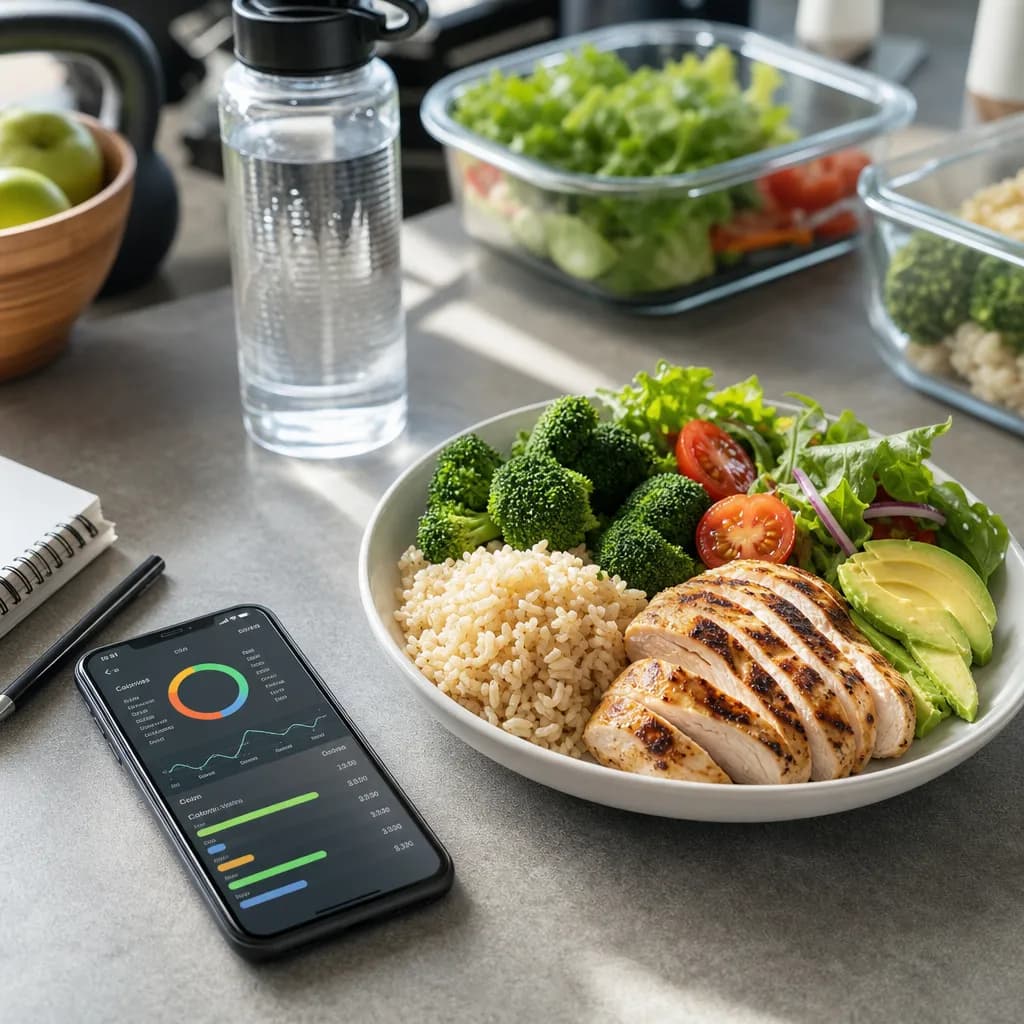
The scan got the dish wrong: how to fix grams and calories in Cal AI in 20 seconds
Fix a wrong Cal AI scan by choosing the closest recognition variant, correcting grams, and editing calories when the portion still looks off.
Published Oct 26, 20266 min read
In this guide
You can usually fix a wrong scan in about 20 seconds: choose the best recognition variant, correct grams, and edit calories if the app’s estimate still does not match your plate.
This article is about the Cal AI app published by BeeStudio at calai.me, not the other app that uses the same name.
How do you fix cal ai wrong calories in 20 seconds?
Use the scan result as a draft, not a locked answer. The fastest fix is to correct the part that caused the bad estimate.
- Open the meal you just scanned.
- Look through the recognition variants the scan offers.
- Pick the variant that most closely matches the dish in front of you.
- Check the grams.
- Edit the grams if the portion size is wrong.
- If the food is recognized correctly but the kcal number is still wrong for your plate, edit the calories directly.
Most wrong calorie results come from one of two problems: the dish was matched to the wrong variant, or the portion size was estimated too high or too low. Fix the variant first. Then fix grams. Direct calorie editing is best when you already know the number from packaging, a recipe, or your own portion calculation.
Which should you change first: the dish, the grams, or the calories?
Change the dish match first, because grams only help if the selected food is close. A scan that calls creamy pasta “plain noodles” can still be wrong after you resize the portion. Pick the closest variant, then adjust the weight.
Use grams when the food type is right but the serving size is off. Use the calorie field when the app’s kcal estimate needs to match a known value. For example, if you weighed the food separately or copied calories from a label, enter that number instead of trying to force the grams until the total happens to line up.
Because this is a support article, there is no single catalog calorie value to compute from. Use this table as the correction formula inside the app: kcal equals grams multiplied by the selected item’s kcal per gram. If you are checking a food manually, the site’s calorie pages live under the Cal AI calorie catalog.
| Portion | Grams to use | Calories to log |
|---|---|---|
| 100 g | 100 g | 100 × selected item kcal per gram |
| Small | your weighed or estimated grams | grams × selected item kcal per gram |
| Standard | your weighed or estimated grams | grams × selected item kcal per gram |
| Large | your weighed or estimated grams | grams × selected item kcal per gram |
That is about (corrected kcal ÷ 2,000) × 100 percent of a 2,000 kcal day.
If you are cutting calories and you are pregnant, have a medical condition, or have a history of an eating disorder, talk to a clinician before reducing intake.
How do you log the corrected meal without starting over?
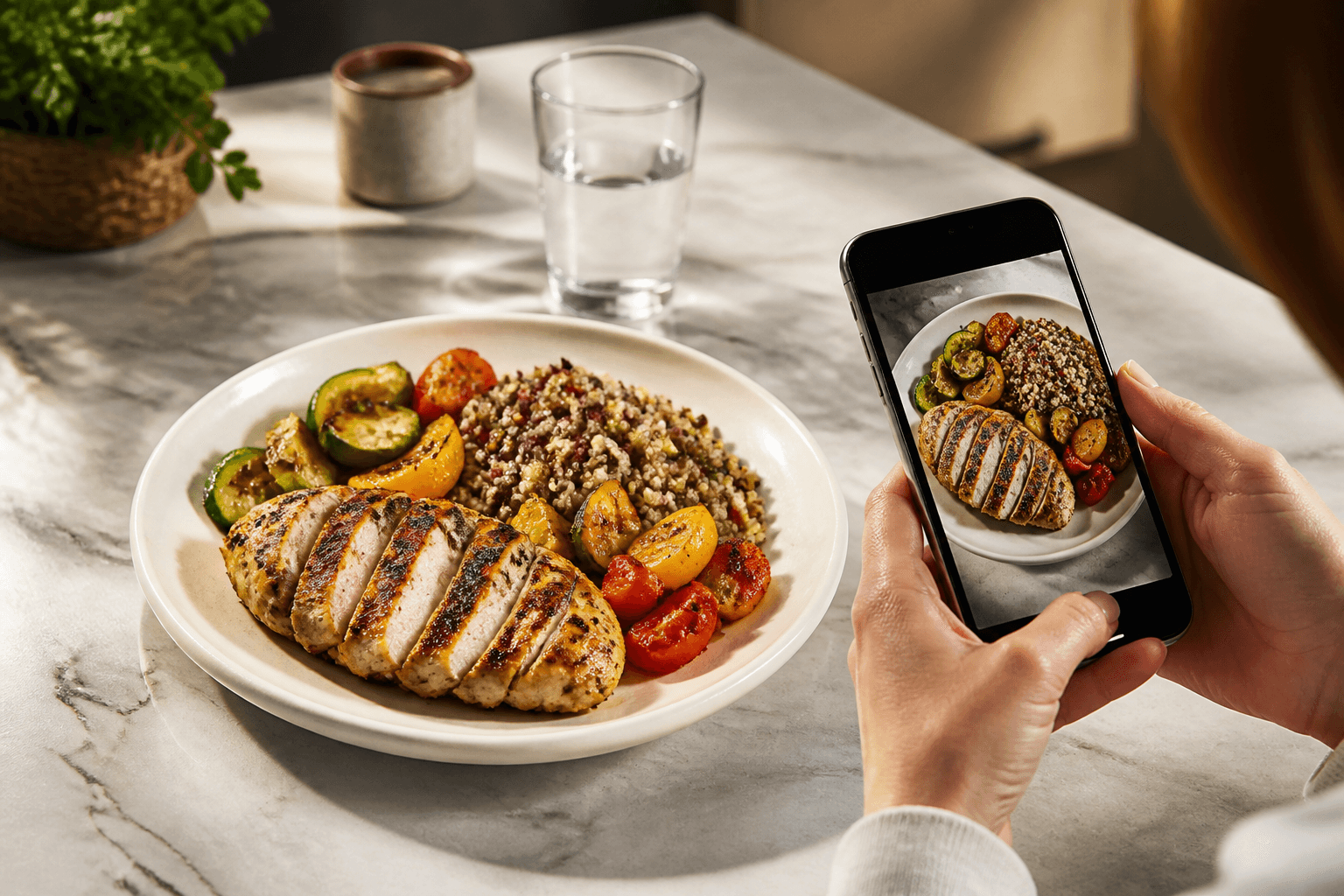
Take the photo, pick the matching variant, then correct the grams. That is the cleanest workflow in Cal AI because the scan gives you several recognition variants to choose from, and the editable fields let you repair the result instead of deleting it.
If the plate contains mixed foods, correct the part that changes the total most. A sauce-heavy dish, a fried item, or a large serving can move the estimate more than a small garnish. If the app recognized the broad category correctly but missed the exact preparation, select the closest variant and then adjust calories if needed.
When a photo is unclear, a fresh scan can be faster than repairing a bad one. Move the plate into better light, keep the whole dish in frame, and avoid covering the food with utensils or packaging. If the second scan still points to the wrong family of foods, stop scanning and use manual entry.
When should you use manual entry instead of another scan?
Use manual entry when the camera result is not a good starting point. Manual entry in Cal AI does not use scans, so it is useful for packaged foods, leftovers you already measured, or a meal where you know the calories from another source.
Manual entry is also the better choice when the food cannot be recognized from the photo. A bowl of stew, a blended smoothie, or a wrapped item may not show enough detail for a photo result to be useful. In those cases, enter the known grams and calories yourself.
Cal AI does not include a searchable food database. That means manual entry is not a lookup tool where you search for a branded item and select it from a list. It is for entering the meal details yourself. If you need to compare two foods before deciding what to log, use the site’s food comparisons.
Why can the same plate give different scan results?
A photo scan depends on what the camera can see. Angle, lighting, covered ingredients, and similar-looking foods can all lead to different recognition variants. That is why the variant picker matters: it lets you choose the closest result instead of accepting the first one blindly.
Portion size is the second source of variation. A flat plate can make a large portion look smaller, while a deep bowl can hide volume. If you have the weight, use it. If you do not, make a practical estimate and correct it later if you learn the real amount.
For repeat meals, check your day-by-day history. If yesterday’s corrected meal was the same portion, use it as a reference before changing today’s grams or calories. The history is there to help you stay consistent from one day to the next.
What can Cal AI not fix automatically?
Cal AI does not connect to fitness trackers, Apple Health, or Google Fit. It also does not track body weight. The app can show a daily calorie goal based on TDEE using the Mifflin-St Jeor formula, but it is not pulling exercise or weight changes from another app to rewrite your meal calories.
That matters when you review a day that looks too high or too low. A wrong meal entry has to be corrected in the meal itself. A workout recorded somewhere else will not come in and offset it automatically.
If your daily goal looks wrong, check the Settings screen rather than editing each meal to compensate. For a separate estimate, you can use the site’s calculators, then decide whether your in-app target needs updating.
How do Premium scans affect fixing a wrong result?
Premium includes 200 scans per month. If a scan is wrong, try the quick correction steps before spending more scans on the same plate. Pick another recognition variant, edit grams, then edit calories only if the result still needs a direct correction.
Premium is bought only through the App Store or Google Play. To manage the subscription on iPhone, use Settings > [your name] > Subscriptions. On Android, use Google Play > profile > Payments & subscriptions > Subscriptions.
If you are low on scans, use manual entry for meals where you already know the grams and calories, and save scans for plates where the photo result gives you a useful starting point.
Topics
Frequently asked questions
Does editing grams also update the calories?
Edit grams when the food match is right but the portion is wrong. If the calories still do not match what you know from a label or recipe, edit the calorie field directly.
Does manual entry use one of my monthly scans?
Manual entry does not use scans because it bypasses the photo scan flow. It is the better option when you already know the grams and calories.
Can Apple Health or Google Fit correct my meal calories automatically?
No. Cal AI does not integrate with Apple Health, Google Fit, or fitness trackers, so meal corrections have to be made inside the meal entry.
Why can’t I search for a branded food inside the app?
Cal AI does not include a searchable food database. For a branded or packaged item, enter the known grams and calories manually.
Where do I manage my Cal AI subscription?
On iPhone, go to Settings > [your name] > Subscriptions. On Android, go to Google Play > profile > Payments & subscriptions > Subscriptions.
Cal AI Editorial Team
Practical guides on nutrition, calorie tracking, meal planning, and building healthier habits with Cal AI.
Editorial policyRelated articles
- Cal AI
How to Cancel Cal AI Subscription on iPhone and Android
Cancel Cal AI through Apple or Google Play, not inside the app. Follow the exact menu paths and see what cancellation means for history and scans.
Oct 20, 20265 min read1 views
- cal ai
Cal AI vs MyFitnessPal: Photo Scans or Database Logging?
Choose Cal AI for photo-first meal logging; choose MyFitnessPal if you need database search, integrations, recipes or weight tracking.
Oct 8, 20267 min read
- Cal AI
Is Cal AI Free? Free Features, Premium Scans and Cost
Cal AI has a free version, while Premium adds 200 photo scans per month. Here is what each version includes and where to check the live price.
Oct 5, 20265 min read5 views
- calorie counting
Counting Calories on Holiday Without Obsessing
A practical travel logging routine for holidays: photo meals, correct portions, log beer or wine, and use day-by-day history instead of chasing perfect days.
Oct 4, 20268 min read2 views
- calorie tracking
How to Set Realistic Calorie Goals Using Cal AI
Discover effective strategies for setting realistic calorie goals with Cal AI to enhance your nutrition journey and track your progress.
Aug 28, 20264 min read4 views
- cal ai free vs premium
Cal AI Free vs Premium: Which Version Fits Your Budget and Goals?
A clear breakdown of Cal AI free vs premium, including features, limits, and real-life use cases so you can decide if the upgrade is worth it.
Jun 13, 20265 min read14 views