Is Cal AI Free? Free Features, Premium Scans and Cost
Cal AI has a free version, while Premium adds 200 photo scans per month. Here is what each version includes and where to check the live price.
Updated Oct 18, 20265 min read5 views
In this guide
Premium includes 200 photo scans per month; the free version is for logging without Premium scans, and the live subscription price is shown in the Premium screen and confirmed by the App Store or Google Play before you buy.
This article is about the Cal AI app published by BeeStudio at calai.me, not the other app with the same name.
Is Cal AI free to use?
Yes. You can install Cal AI and use the app without starting Premium, but the photo-scan allowance is the main difference between free use and Premium.
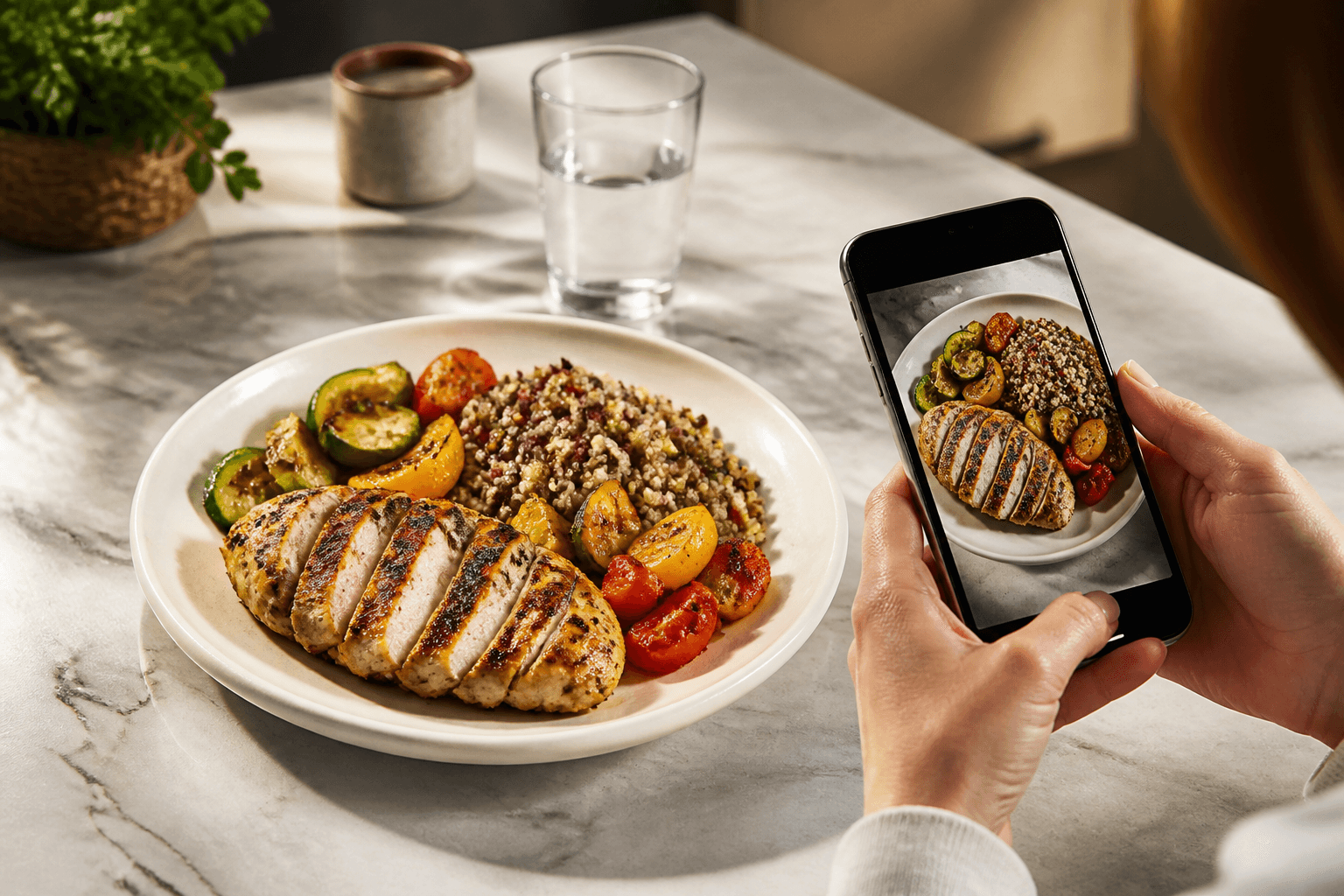
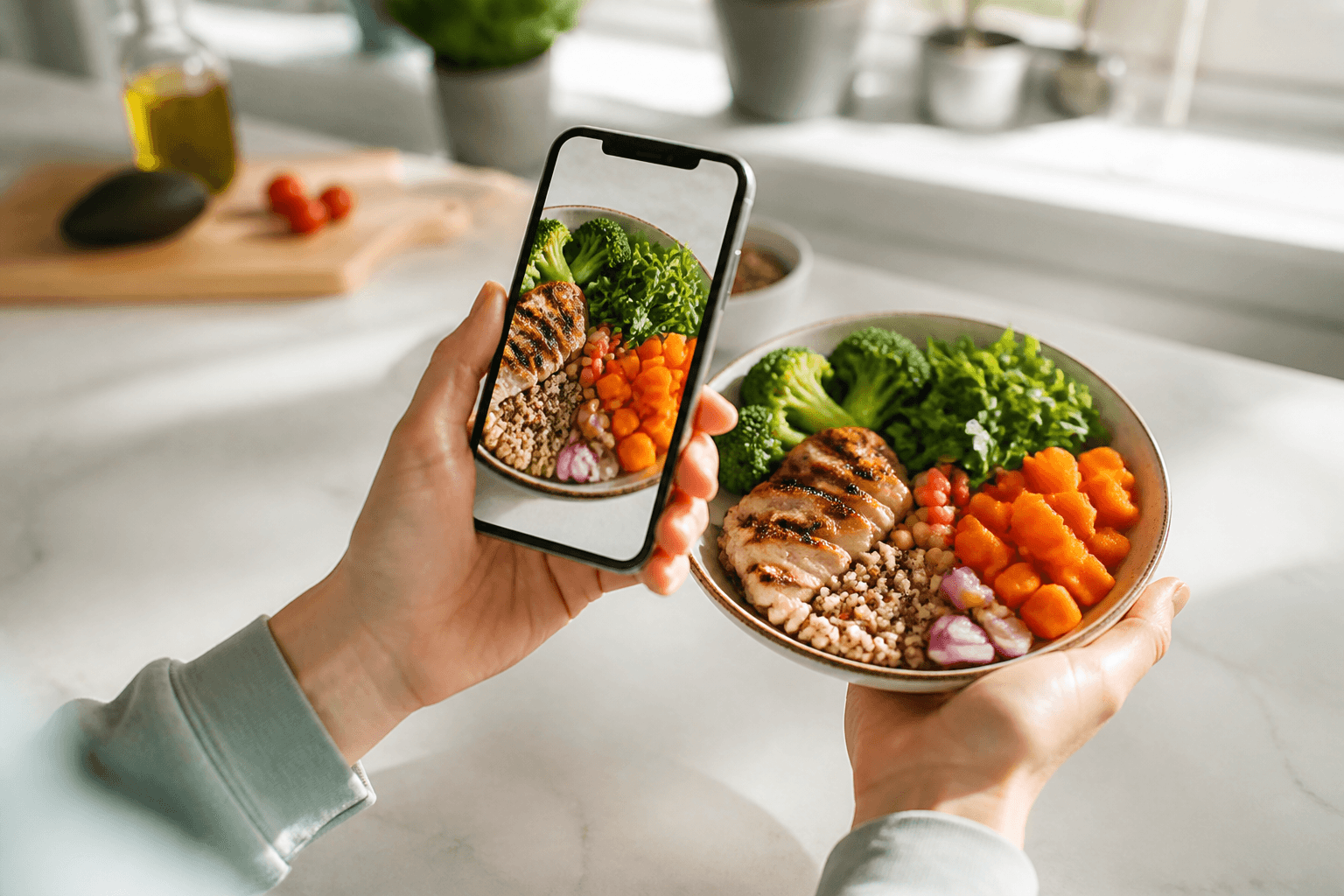
Use the free version when you want to track calories manually, check your daily calorie goal, and review previous days. Use Premium when you want the photo workflow: take a meal photo, review the recognition options, pick the closest match, then correct the grams or calories before saving.
The app does not have a searchable food database, fitness-tracker integration, Apple Health integration, Google Fit integration, or weight tracking. If you are looking for one of those tools, Cal AI will not replace it.
What the free version includes
The free version gives you the non-scan parts of the app experience. The most useful one is manual entry: you can add food without taking a photo and without using scans. This is the right path when you already know the calories, when a meal is too mixed for a clean photo, or when you want to log something quickly.
Cal AI also shows a daily calorie goal based on TDEE using the Mifflin-St Jeor formula. That goal is a target for the day inside the app, not a medical recommendation. If you are pregnant, have a medical condition, or have a history of an eating disorder, talk to a clinician before cutting calories.
You can also use day-by-day history to look back at previous logs. That helps when you repeat meals often: if yesterday’s lunch was the same as today’s, you can use the earlier entry as a reference and avoid guessing from scratch.
If you want to estimate calories outside the app before logging, use the site’s calorie calculators. For deciding between two foods, the food comparisons section can help before you enter the meal.
What Premium adds
Premium is the plan for photo scans. It adds 200 scans per month.
A scan starts when you use the camera/photo flow to estimate a meal. Cal AI may show several recognition variants for the same photo. You choose the one that matches the plate best, then edit the grams or calories if the estimate is off.
| Feature | Free version | Premium |
|---|---|---|
| Manual food entry | Yes | Yes |
| Daily calorie goal from TDEE | Yes | Yes |
| Day-by-day history | Yes | Yes |
| Photo meal scans | Not the Premium scan allowance | 200 scans/month |
| Recognition variants after a photo | No Premium scan workflow | Yes |
| Editable grams and calories | Yes, when editing entries | Yes |
| Searchable food database | No | No |
| Apple Health / Google Fit integration | No | No |
| Weight tracking | No | No |
Premium does not add a food database, body-weight charts, or automatic syncing with health and fitness apps. It is mainly for people who want to estimate meals from photos instead of entering everything by hand.
What Cal AI Premium costs
Cal AI Premium is sold as a monthly or yearly subscription in the United States, and the current price is shown before purchase in the app store checkout. The app can only be bought through the App Store or Google Play.
Use the Premium screen in Cal AI to see the current offer on your device. The store confirmation screen is the final place to check the live price, billing period, renewal terms, and the account that will be charged.
Do not rely on screenshots, old blog posts, or prices shown for another app called Cal AI. Storefront pricing can vary by country, account, currency, taxes, and active store display.
How to subscribe to Premium
Open the app and go to the Premium screen. Choose the monthly or yearly option shown there, then confirm through the App Store or Google Play. The payment is handled by the store, not by a separate checkout on the Cal AI website.
Before confirming, check three things on the store screen:
- The app name and publisher match the BeeStudio Cal AI app.
- The billing period is the one you intended to choose.
- The price shown by the store is acceptable before you approve the purchase.
If you use more than one Apple ID or Google account, confirm that the correct account is signed in before buying. Subscriptions are tied to the store account that completes the purchase.
How to cancel or manage the subscription
Subscription changes are managed through the store where you bought Premium.
On iPhone, use: Settings > [your name] > Subscriptions. Select Cal AI, then manage or cancel the subscription from that screen.
On Android, use: Google Play > profile > Payments & subscriptions > Subscriptions. Select Cal AI, then manage or cancel it there.
If you do not see the subscription, check whether you used a different Apple ID or Google account when you bought it. Cal AI cannot show a subscription under an account that did not make the purchase.
How to log a meal accurately in Cal AI
For a photo log, take the photo in good light, pick the recognition variant that matches the plate, then fix the grams before saving. The grams matter because the same food can look similar at different portion sizes.
For a manual log, enter the food without using a scan, then edit the calories if you already know the number. Manual entry is also useful for packaged foods, leftovers you weighed, or a meal where the photo estimate is hard to judge.
If a scan result looks wrong, do not save it unchanged. Pick another variant if one is closer, adjust the grams, or switch to manual entry when you have a better number.
Topics
Frequently asked questions
Does Cal AI have a free trial?
The live Premium screen and your app store checkout are the places to check any current trial or offer. Do not assume a trial is available unless the store shows it before confirmation.
Can I buy Cal AI Premium on the website?
No. Premium is purchased only through the App Store or Google Play, so billing and cancellation are handled by the store account you used.
Do unused Premium scans roll over?
The verified app details only specify 200 scans per month. If rollover terms are not shown in the Premium screen or store checkout, do not treat unused scans as carrying forward.
Can Cal AI connect to Apple Health or Google Fit after upgrading?
No. Premium adds the monthly photo-scan allowance, but it does not add Apple Health, Google Fit, or other fitness-tracker integration.
Is the BeeStudio Cal AI the same as the better-known app with the same name?
No. This article covers the Cal AI app by BeeStudio at calai.me. Check the publisher name in the App Store or Google Play before subscribing.
Cal AI Editorial Team
Practical guides on nutrition, calorie tracking, meal planning, and building healthier habits with Cal AI.
Editorial policyRelated articles
- Cal AI
The scan got the dish wrong: how to fix grams and calories in Cal AI in 20 seconds
Fix a wrong Cal AI scan by choosing the closest recognition variant, correcting grams, and editing calories when the portion still looks off.
Oct 26, 20266 min read
- Cal AI
How to Cancel Cal AI Subscription on iPhone and Android
Cancel Cal AI through Apple or Google Play, not inside the app. Follow the exact menu paths and see what cancellation means for history and scans.
Oct 20, 20265 min read1 views
- calorie counting
Counting Calories on Holiday Without Obsessing
A practical travel logging routine for holidays: photo meals, correct portions, log beer or wine, and use day-by-day history instead of chasing perfect days.
Oct 4, 20268 min read2 views
- calorie tracking
How to Set Realistic Calorie Goals Using Cal AI
Discover effective strategies for setting realistic calorie goals with Cal AI to enhance your nutrition journey and track your progress.
Aug 28, 20264 min read4 views