Cal i: How to log a meal from a photo and what to expect
Cal AI estimates calories and macros from a meal photo, not a manual database lookup [f:cal.product.0]. Here is how to log food, what it handles well, and what to fix when the estimate is off.
Updated Nov 8, 20268 min read
In this guide
What is Cal AI, and what does it do for calorie tracking?
Cal AI estimates calories and macros from a meal photo, not a manual database lookup . It gives you a fast first estimate, then lets you correct the details.
It is the Cal AI app by BeeStudio (calai.me), not the other app with the same name.
For most readers searching “cal i,” the useful path is simple: take a photo, review the estimate, and change the grams or calories if the serving size is off. The app also gives you a daily calorie goal from TDEE using Mifflin-St Jeor, editable grams and calories, manual entry that does not use scans, and day-by-day history. Subscriptions come with a trial, and live terms stay on the product page .
How do you use Cal AI to log a meal from a photo?
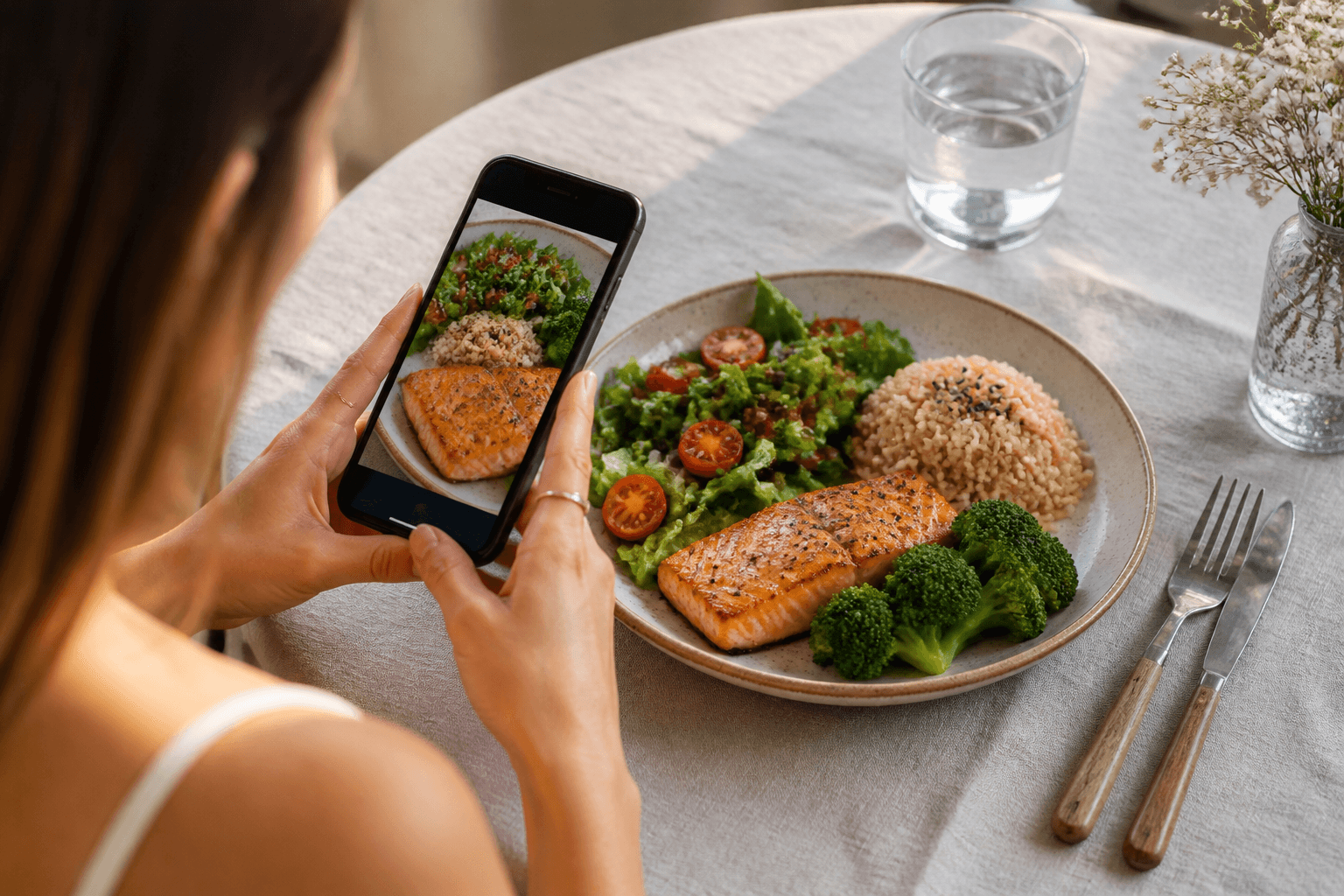
- Open the app and choose the photo scan path, not manual entry.
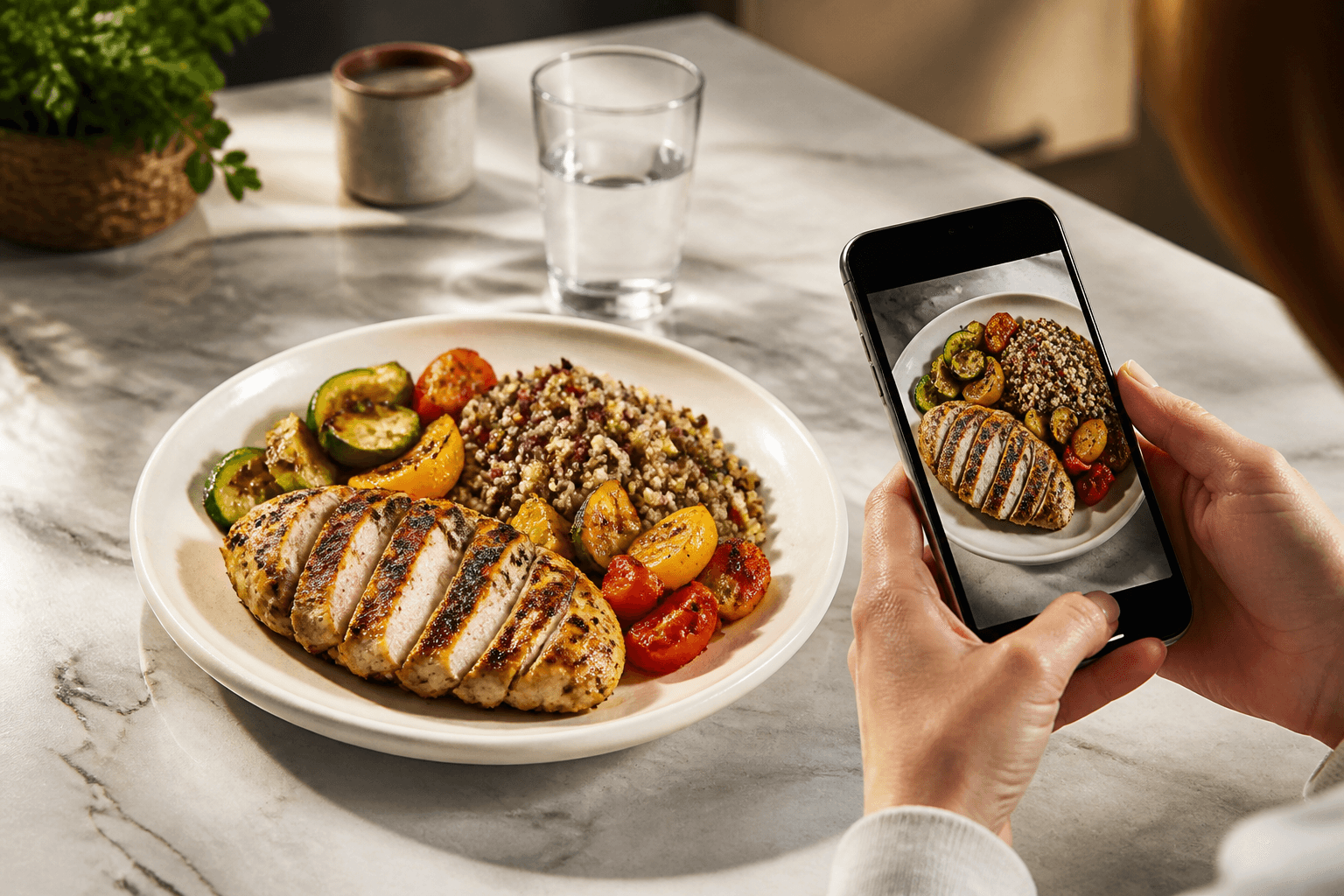
- Take a clear photo of the meal from above or at a slight angle, with the full plate in frame.
- Let Cal AI generate the estimate and review the recognition variants it offers.
- Pick the version that matches the meal best.
- Correct the grams if the portion is larger or smaller than the estimate.
- Review the calories and macros, then save the entry to your day.
That is the basic workflow. The app is built for a photo first pass, then an edit pass. If the plate has a known serving size, the gram field is the one to fix first because the calorie total follows it.
The parts that usually go wrong are not the app screen. They are the photo and the serving size. A half-eaten plate, a bowl with mixed ingredients, or a meal split across containers gives the model less to work with. If you know the food weighed more than the app guessed, correct the grams before you move on.
If you need a goal to log against, use the daily calorie target in the app. If you only need to track one meal, you can still save it as a standalone entry and adjust later from your history.
What kinds of foods does Cal AI handle well, and where does it struggle?
Cal AI handles some packaged products well because the package shape, label layout, and portion cues are consistent. It also works better on plated foods with visible components than on foods where everything is mixed together.
In Cal AI, packaged products make up 19% of food photos, while the rest are prepared meals . That split matters because the app spends most of its time on meals that are not neatly labeled.
Prepared meals are where you should expect more correction. Across 807 Cal AI photos of prepared meals from 241 people, the median estimate is 340 kcal per serving . That gives you a practical benchmark for a typical meal photo: if your plate is much lighter or heavier than that, the first estimate may need a stronger correction.
Foods Cal AI usually handles better:
- Single items with clean shapes, like a packaged bar or a clear fruit portion
- Plates with separated foods, where rice, protein, and vegetables are visible
- Meals with one obvious serving on the plate
Foods that are harder:
- Mixed dishes where ingredients are folded together
- Foods with hidden oils, sauces, or butter that are not visible from the top
- Bowls and casseroles where the portion depth matters more than the surface area
- Packaged foods with occluded labels, wrinkled packaging, or partial glare
When the food is mixed, the problem is not just recognition. The app may identify the dish correctly and still miss the calorie load because oil, cheese, dressing, or batter changes the total without changing the appearance much. For packaged foods, the failure mode is different: if the label is partly hidden or the serving size is not obvious, you may need to type in the grams manually.
How accurate is Cal AI on prepared meals and packaged foods?
Accuracy depends on what kind of food is in the frame and how clean the photo is. On prepared meals, the median estimate of 340 kcal per serving across 807 photos from 241 people is a useful real-world anchor . It tells you the app is working in the right range for a typical plated meal, but it also tells you not to treat the first number as final.
Packaged foods are easier to anchor when the package is readable, because the food is pre-portioned and the serving cues are clearer. Still, the app works best when you confirm the amount you actually ate. A snack bag, a cup, or a tray may look like one serving while the eaten amount is less or more.
Use this rule of thumb when you check the output:
- If the food is a single, clear item, the estimate is often close enough to log with a small edit.
- If the meal has sauces, toppings, or cooking oil that you cannot see, expect to raise the calories.
- If the package or label is hard to read, switch to manual grams instead of trusting the photo alone.
The best use of Cal AI is not “take one photo and never touch it.” It is “take one photo, then correct the known weak spots.” That keeps the log fast without pretending the camera can see every hidden ingredient.
What should you do if Cal AI gets your calories wrong?
- Check the recognition variant before you change the number. Sometimes the wrong food was matched, not the wrong portion.
- Edit the grams if the app got the serving size wrong.
- Edit the calories directly if you know the portion is right but the estimate still looks off.
- Re-scan from a better angle if the first photo cut off part of the meal.
- Use manual entry when the photo cannot show what matters, such as a hidden label or a mixed dish with a lot of sauce.
The app gives you editable grams and calories for exactly this reason. If the estimate for a sandwich is too low because of thick fillings, increase the grams rather than trying to force the photo to do more than it can.
A few failure modes show up again and again:
- The top of the plate is visible, but the depth of the bowl is not
- The label is there, but glare blocks the nutrition panel
- The meal is split across containers, and only one container is in frame
- The food was cooked with extra oil or butter that does not show in the image
If you have a medical condition, are pregnant, or have an eating disorder, talk to a clinician before cutting calories.
What’s new
Cal AI keeps its workflow centered on photo scanning, but the practical part is how the app lets you correct what the camera cannot know. You can choose among recognition variants, edit grams, edit calories, and save the result to your day-by-day history . That means the scan is only the first step.
Another useful detail is the trial that comes with subscriptions . If you want to test the app, the live terms are kept on the product page, so the app can keep the sign-up flow current without this article guessing at it. The main thing to check is whether the photo-first workflow matches how you already log meals.
Have additional questions
If you still have questions, start with the basics the app already covers: photo scan, editable grams and calories, manual entry, and daily calorie goal. That is enough for most simple meals and for adjusting the estimate when the portion is obvious .
If you want a clearer example of how the app behaves, compare a plated meal, a packaged item, and a mixed dish. The plated meal is usually the easiest photo, while mixed dishes need the most correction. For live subscription terms, use the product page, since those details can change .
Why do CAL I (Certified Agile Leadership) certification Training at Nevolearn
This article is about the Cal AI app by BeeStudio (calai.me), not CAL I (Certified Agile Leadership) Certification Training at Nevolearn. The phrase may look similar, but the app here estimates calories from a meal photo .
If that was the page you meant to find, the practical answer is to look at the app’s actual features: photo scanning, editable grams and calories, manual entry, and day-by-day history. Subscription details are handled on the product page, including the trial .
What learners are saying
The useful feedback for Cal AI is mostly about the workflow, not a class experience. People use the photo scan, compare the recognition variant, and then edit grams or calories when the first pass is off .
That pattern fits the numbers the app sees in practice. Packaged foods are a minority of photos, while prepared meals make up most of the use case . For prepared meals, the median estimate sits at 340 kcal per serving across 807 photos from 241 people . In plain terms, users are getting a first estimate they can adjust, not a fixed answer they never touch.
What is the next step if you want to try Cal AI?
Start with one meal you already know well, because that makes it easy to judge whether the estimate is sensible. Take the photo, choose the closest recognition variant, and correct the grams before you save it.
If you want to compare Cal AI with another food or meal, use the catalog and comparison pages on the site to see how different foods are logged and how portions change the total. If you are checking whether the app fits your routine, remember that the workflow is photo first, then edit; it is not a searchable food database.
The fastest way to decide is to test a meal that is easy to verify by sight, then another that is harder, such as a mixed dish or packaged snack. That will show you where the app is strong and where you should rely on manual correction.
Topics
Frequently asked questions
Does Cal AI replace manual food logging?
No. It is built around photo scanning and editable estimates, so you still correct grams or calories when the photo misses something. Manual entry is there when you do not want to scan.
Can I use Cal AI for packed snacks and drinks?
Yes, but it works best when the package or serving amount is clear. If the label is blocked or the container is partly empty, enter the grams yourself so the log matches what you actually had.
What if the app gives me two different recognition variants?
Pick the one that matches the food you can see, then check the grams and calories. If both are plausible but the meal has hidden sauce or oil, the serving correction matters more than the name.
Does Cal AI connect to fitness trackers or health apps?
No. That is not part of the app. If you want calorie logging only, the photo scan and day-by-day history are the relevant tools.
Cal AI Editorial Team
Practical guides on nutrition, calorie tracking, meal planning, and building healthier habits with Cal AI.
Editorial policyRelated articles
- Cal AI
Setting a Cal AI calorie goal: what TDEE means and how it works
Cal AI sets your daily calorie goal from TDEE, using the Mifflin-St Jeor formula. Here is what that means, where to check it, and how to fix a wrong estimate.
Nov 19, 20267 min read1 views
- chicken breast
Chicken breast vs turkey breast calories: protein, fat and the better pick
Chicken breast has **165 kcal per 100 g** and turkey breast has **135 kcal per 100 g**. Turkey also has less fat, while protein stays almost the same.
Nov 13, 20267 min read
- Cal AI
Cal AI manual entry: log food without using a photo scan
Cal AI manual entry lets you add food without using a scan. Use the photo path only when it helps, then fix grams or calories yourself.
Nov 4, 20266 min read
- Cal AI
The scan got the dish wrong: how to fix grams and calories in Cal AI in 20 seconds
Fix a wrong Cal AI scan by choosing the closest recognition variant, correcting grams, and editing calories when the portion still looks off.
Oct 26, 20266 min read3 views
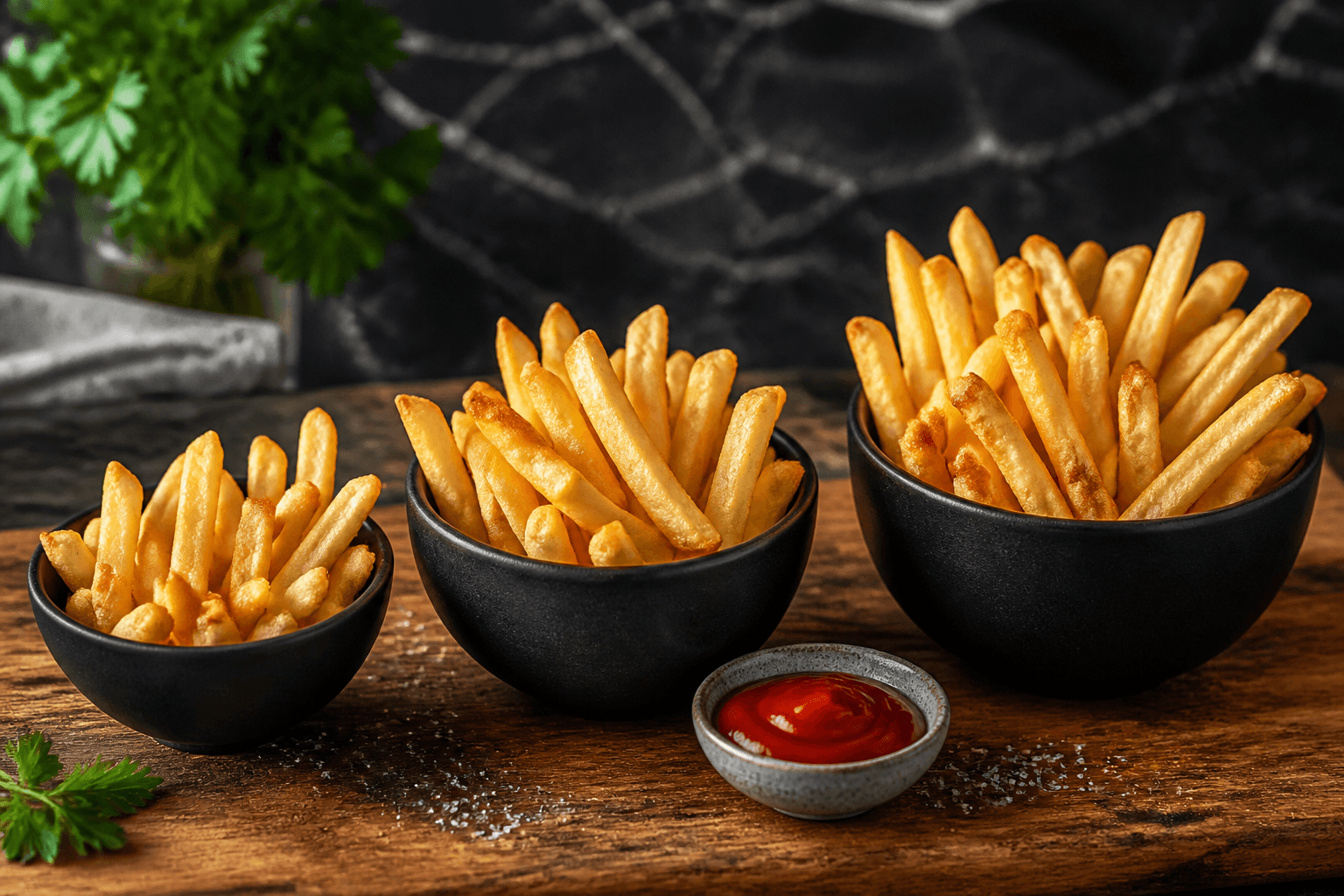
- french fries
Calories in French Fries: Small, Medium and Large Portions
French fries are 312 kcal per 100 g, and a standard 117 g serving is 365 kcal. Use grams, not size names, when the portion looks unclear.
Oct 23, 20265 min read4 views
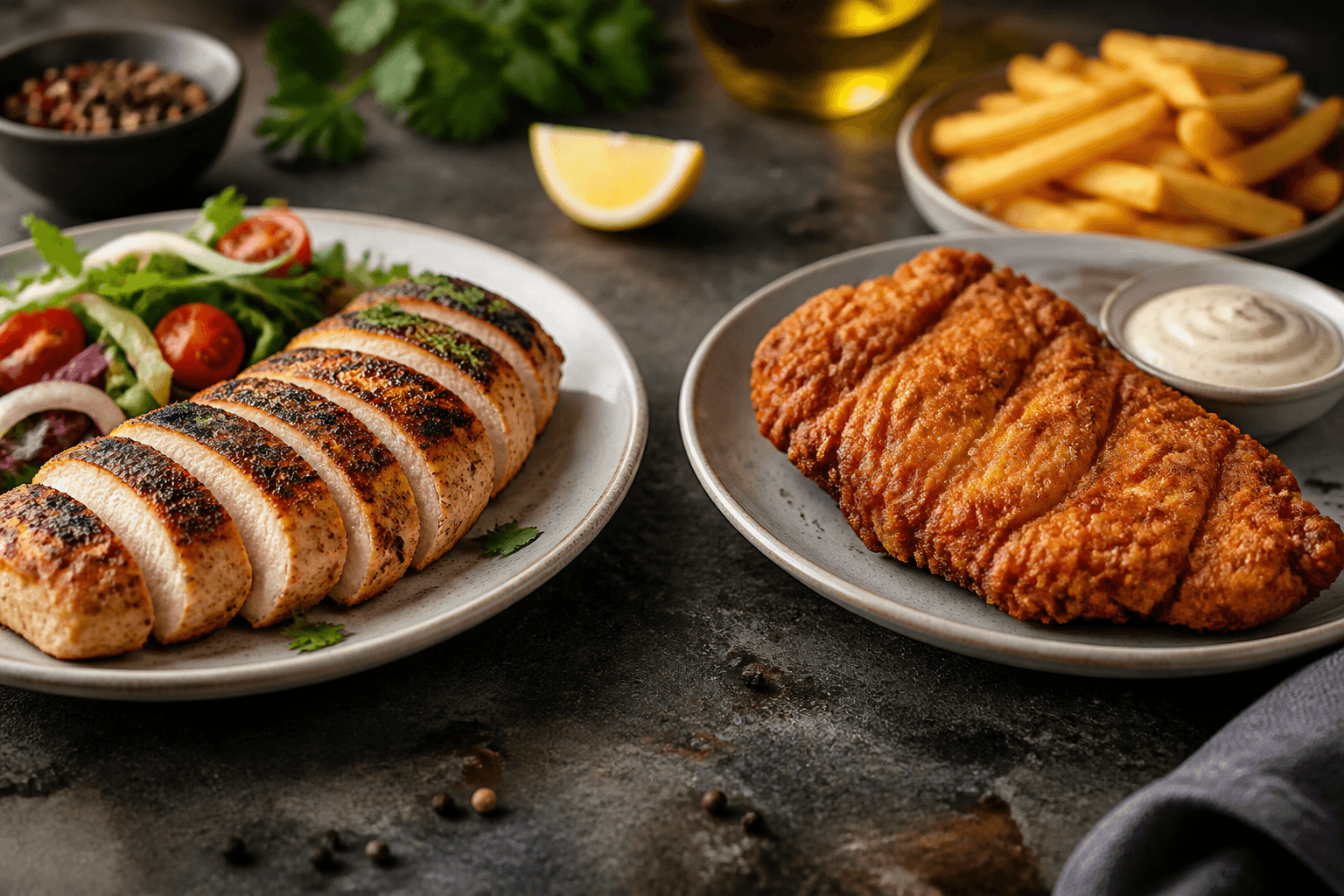
- chicken breast
Calories in Chicken Breast: 100 g, One Breast, Grilled vs Fried
Chicken breast has 165 kcal per 100 g cooked. See one-breast calories, grilled and fried adjustments, and how to log it accurately.
Oct 17, 20266 min read3 views