Quick and Easy Cal AI Tricks for Busy Students

In the whirlwind of student life, balancing studies, socializing, and self-care can be a challenge. When it comes to nutrition, busy students often find it hard to keep track of their meals and caloric intake. Thankfully, Cal AI tools are here to simplify the process! Here are some quick and easy Cal AI tricks designed specifically for students looking to streamline their nutrition tracking.
1. Use a Cal AI App
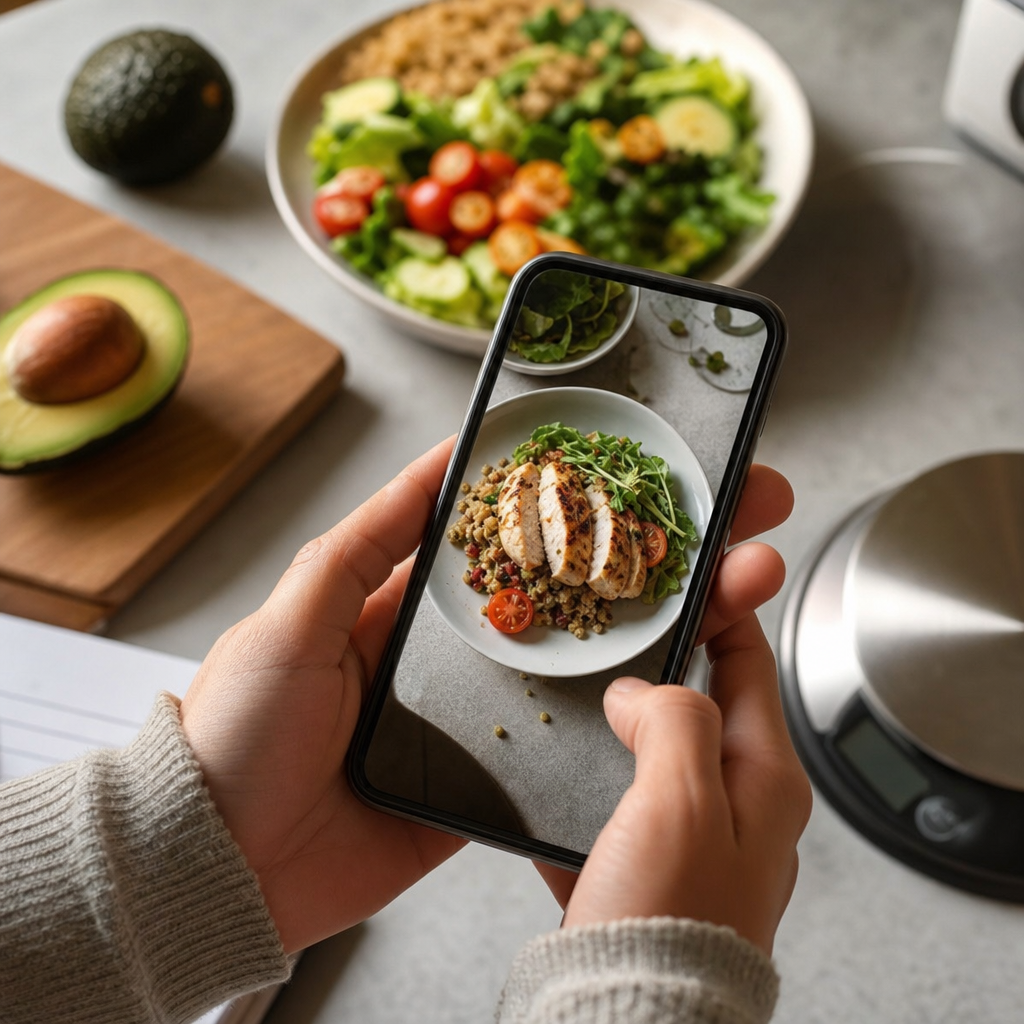
Start by downloading a Cal AI app on your smartphone. Many of these apps allow you to take a quick snap of your meal, and in seconds, they provide you with accurate calorie counts, macronutrient breakdown (carbohydrates, proteins, fats), and more. Not only is this super-efficient, but it also saves time when you're juggling classes and assignments.
Popular Cal AI Apps:
- MyFitnessPal: Offers comprehensive features and a massive food database.
- Lose It!: User-friendly and allows for barcode scanning.
- Yummly: Great for discovering recipes along with their nutritional content.
2. Set Daily Reminders
Setting daily reminders can keep you accountable to track your meals consistently. Choose specific times that fit into your daily schedule, like before lunch or dinner, to remind yourself to log your meals. This simple trick helps build a habit around nutrition tracking and ensures that you’re not forgetting to log what you eat.
3. Simplify Your Meals
Chopping fruits and vegetables or meal prepping on weekends can streamline your daily routine. Consider creating a few go-to meals that are easy, quick, and nutritious, such as a hearty salad, a smoothie, or a simple stir-fry. You can log these meals once into your Cal AI app, and then it's just a matter of a few taps to keep track of your intake.
Example Meal Ideas:
- Breakfast: Overnight oats with fruits and nuts.
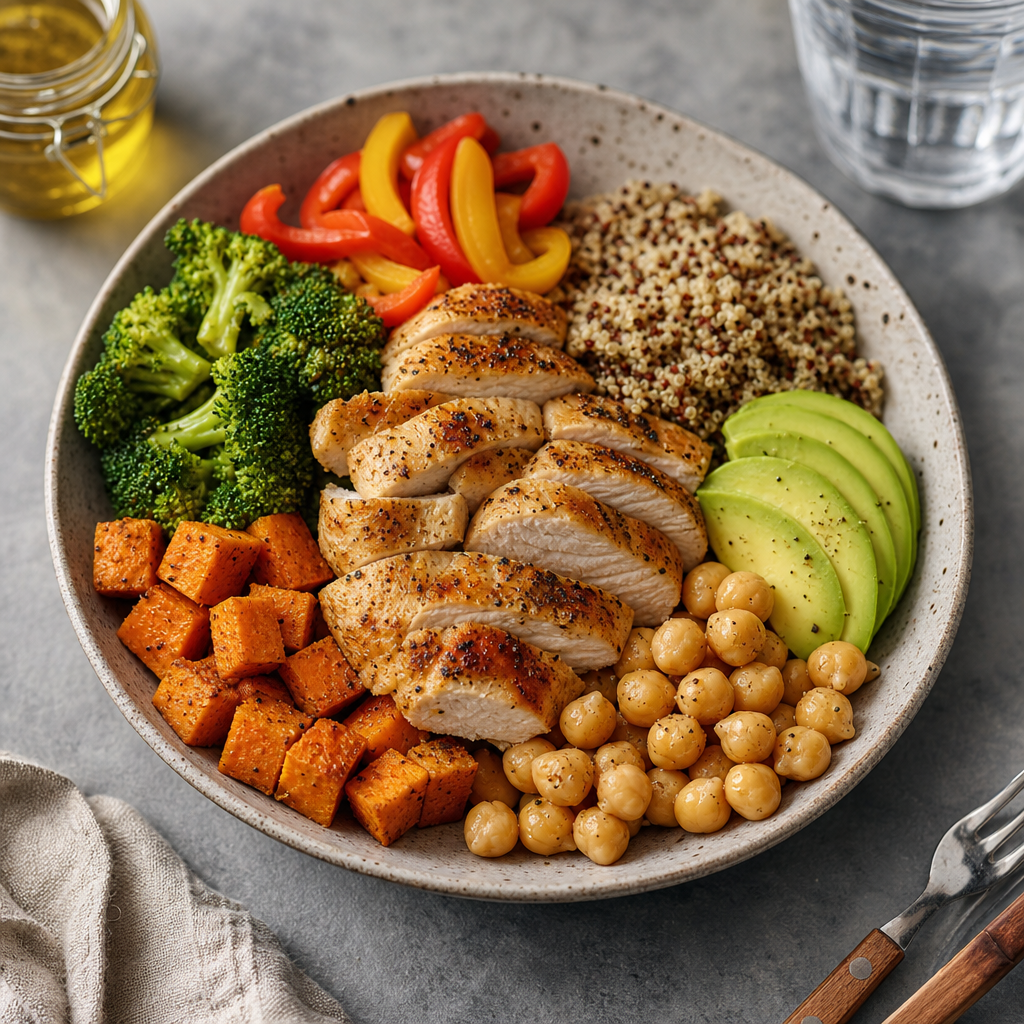
- Lunch: Quinoa salad with chickpeas and mixed vegetables.
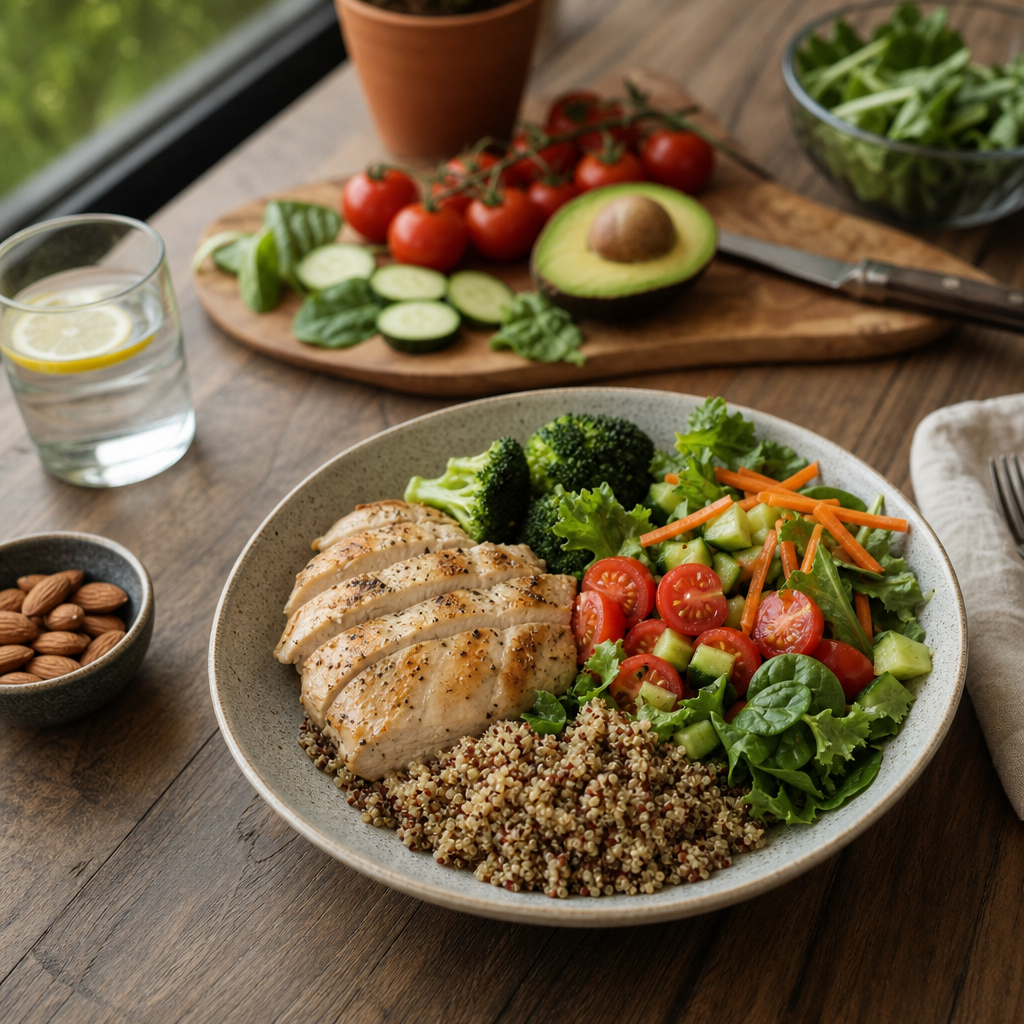
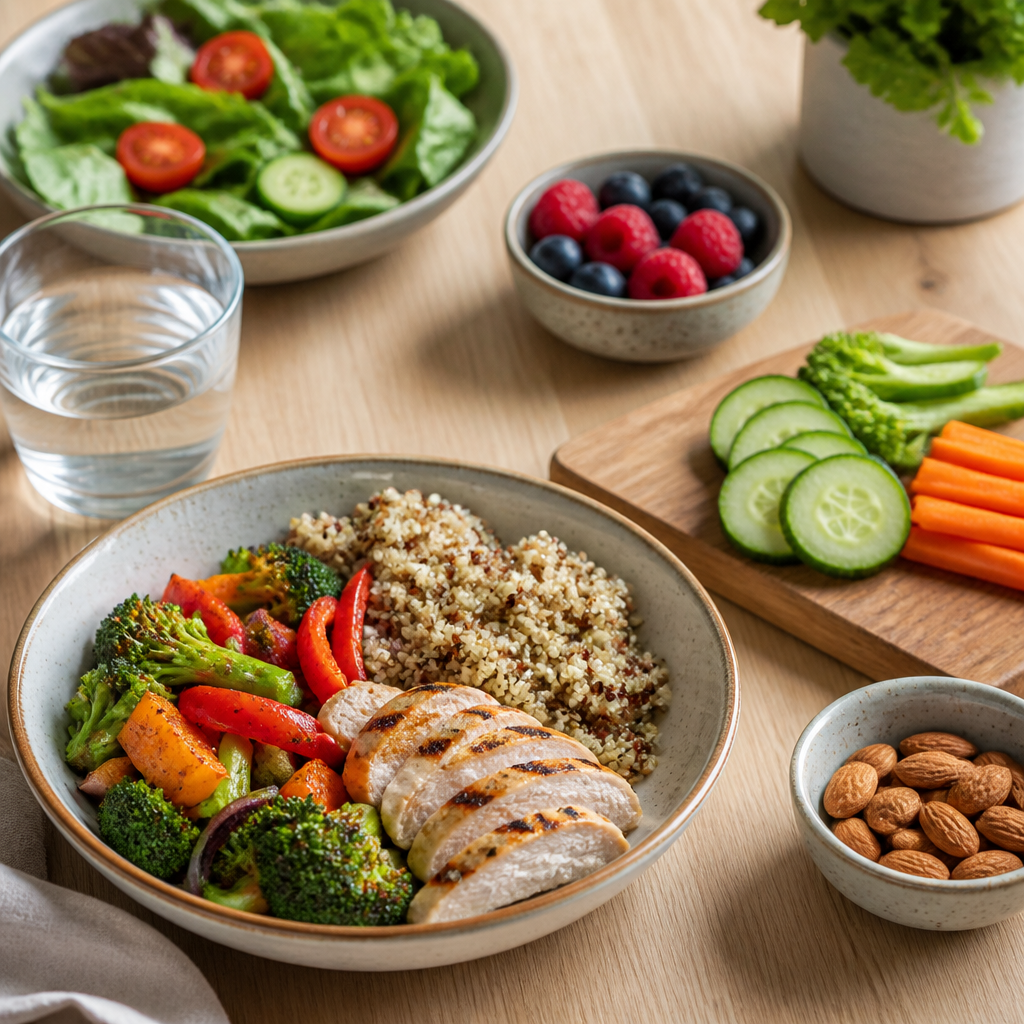
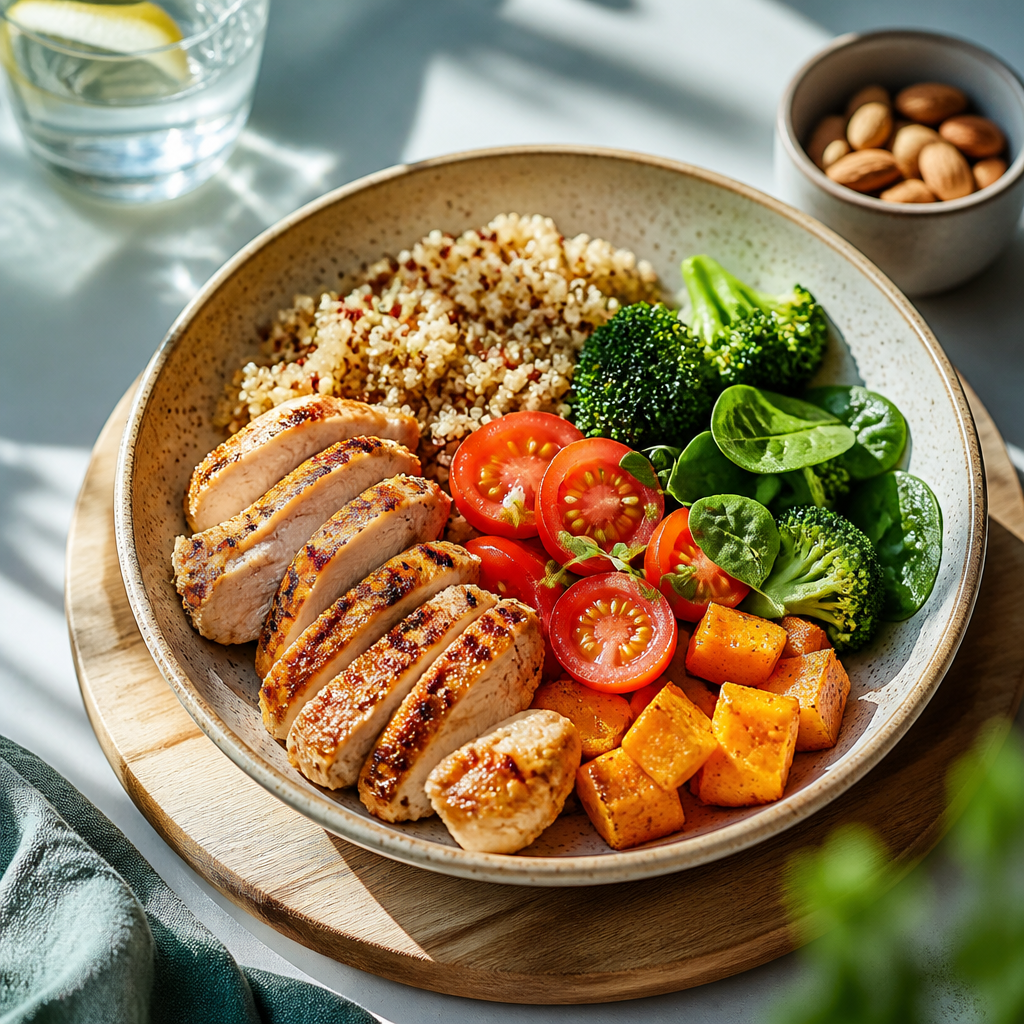
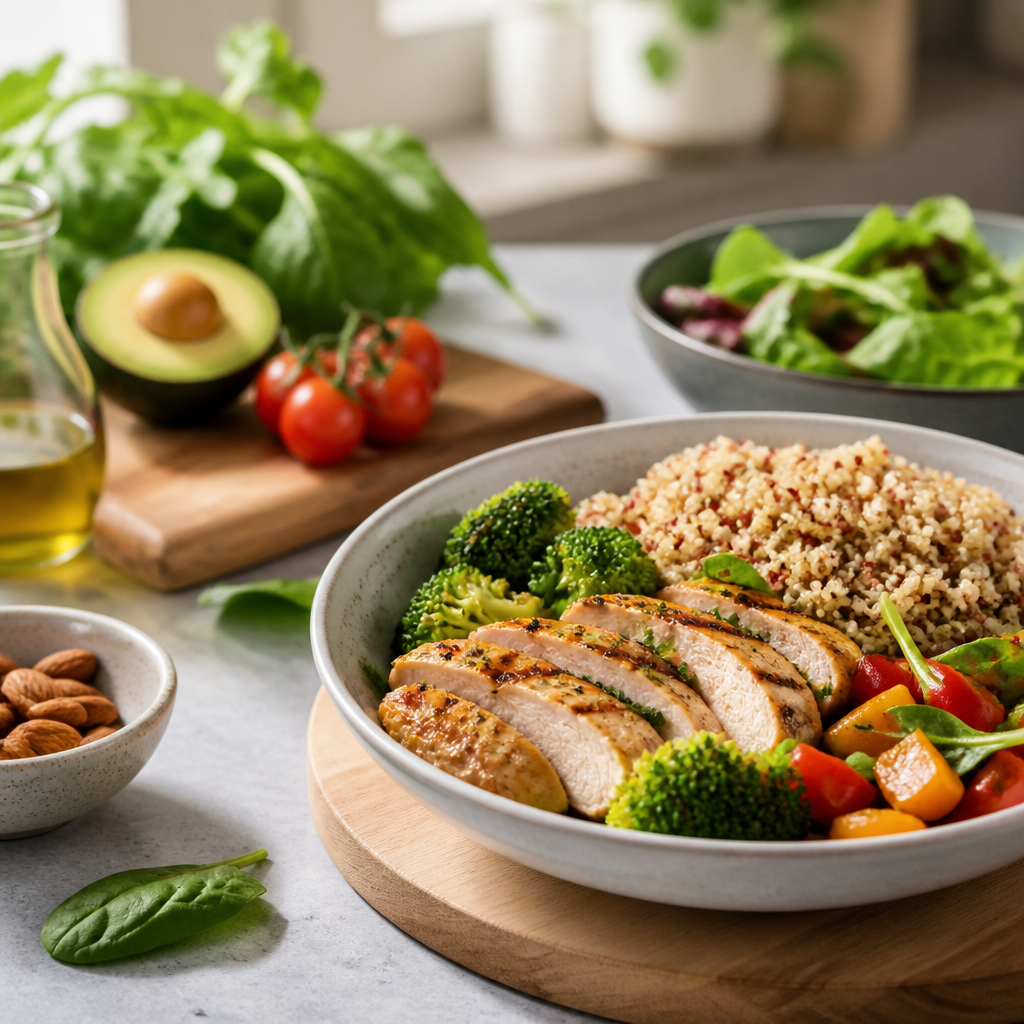
- Dinner: Grilled chicken with steamed broccoli.
4. Keep a Food Journal
While Cal AI apps are great, having a physical food journal can complement digital tracking perfectly. Jot down what you eat, how you feel, and any cravings you experience. This not only helps you keep track of calories but also encourages mindfulness about your eating habits. Additionally, if you forget to log in your app, your journal can serve as a backup.
5. Leverage Social Features
Many Cal AI apps offer community features where you can share your meals and progress with friends or fellow students. Engaging with a community can provide motivation and support when tracking calories feels overwhelming. You can exchange quick tricks, recipes, and encouragement.
Conclusion
Balancing academics and nutrition is a struggle for many students, but with the right Cal AI tricks, you can simplify the process significantly. By using apps, setting reminders, meal prepping, maintaining a food journal, and engaging with a community, you can easily track your meals and maintain a healthy lifestyle.
Ready to take your nutrition tracking to the next level? Try out a Cal AI app today—just snap a photo of your meal, and let the AI handle the rest!
Cal AI
Track meals faster with Cal AI
Scan food, estimate calories, and keep your nutrition log moving without typing every ingredient.
Get the appAuthor
Cal AI Editorial Team
Practical guides on nutrition, calorie tracking, meal planning, and building healthier habits with Cal AI.
Related articles
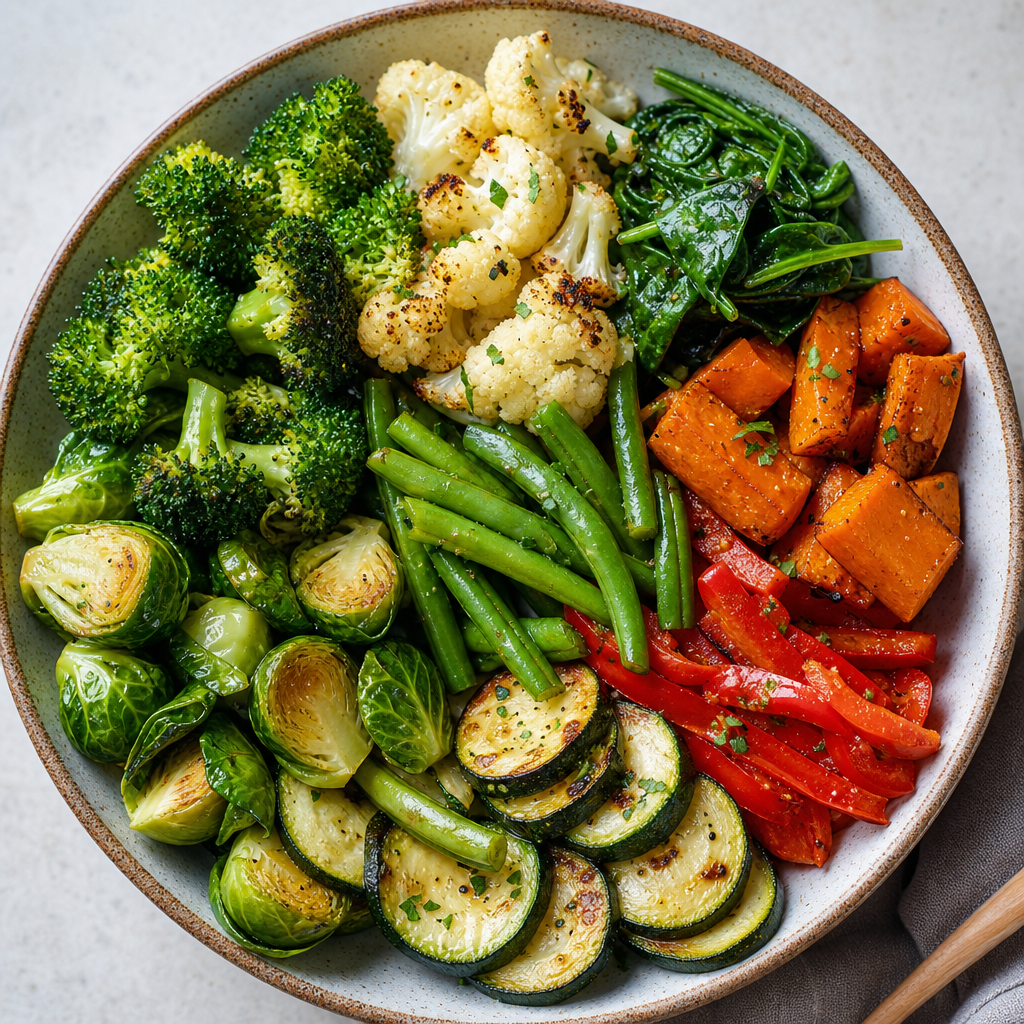 The Most Filling Vegetables for Weight Loss
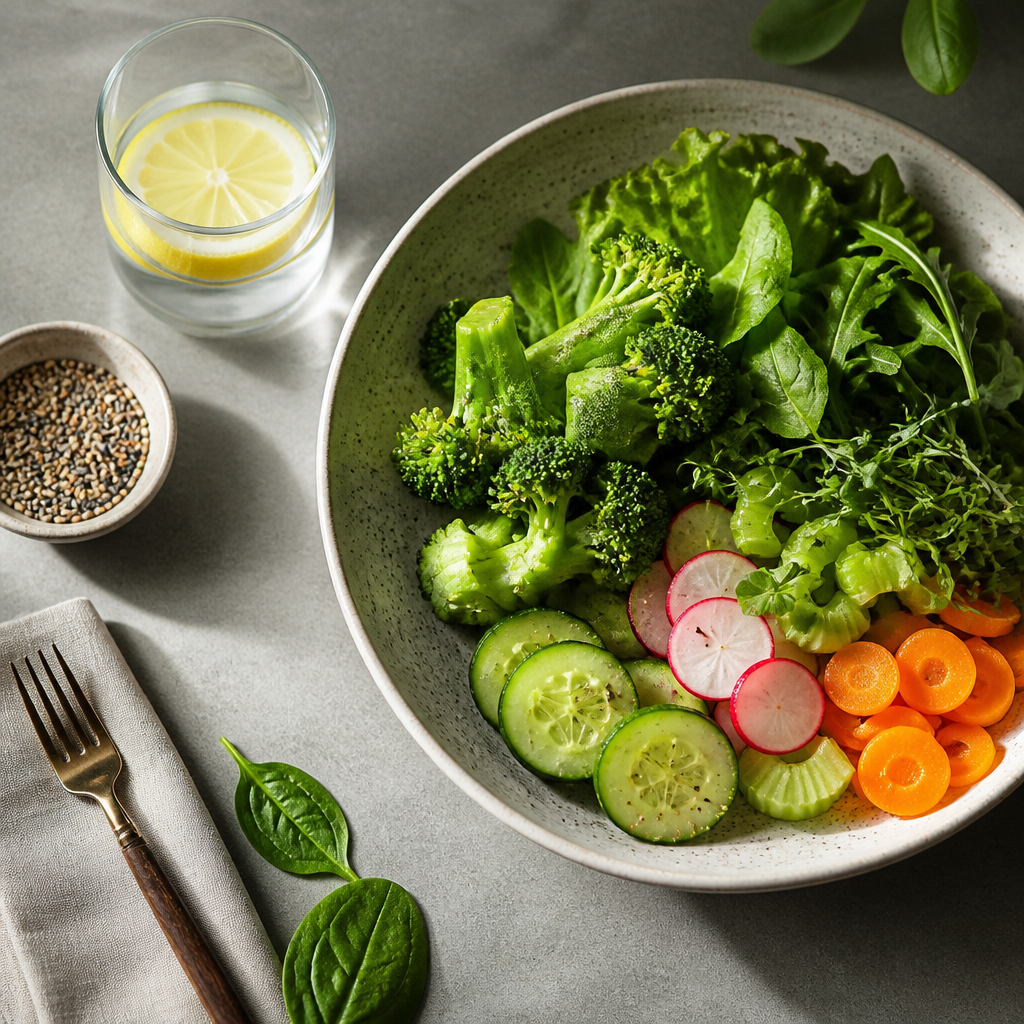 Discover the Vegetables With the Fewest Calories: Your Guide to Guilt-Free Eating
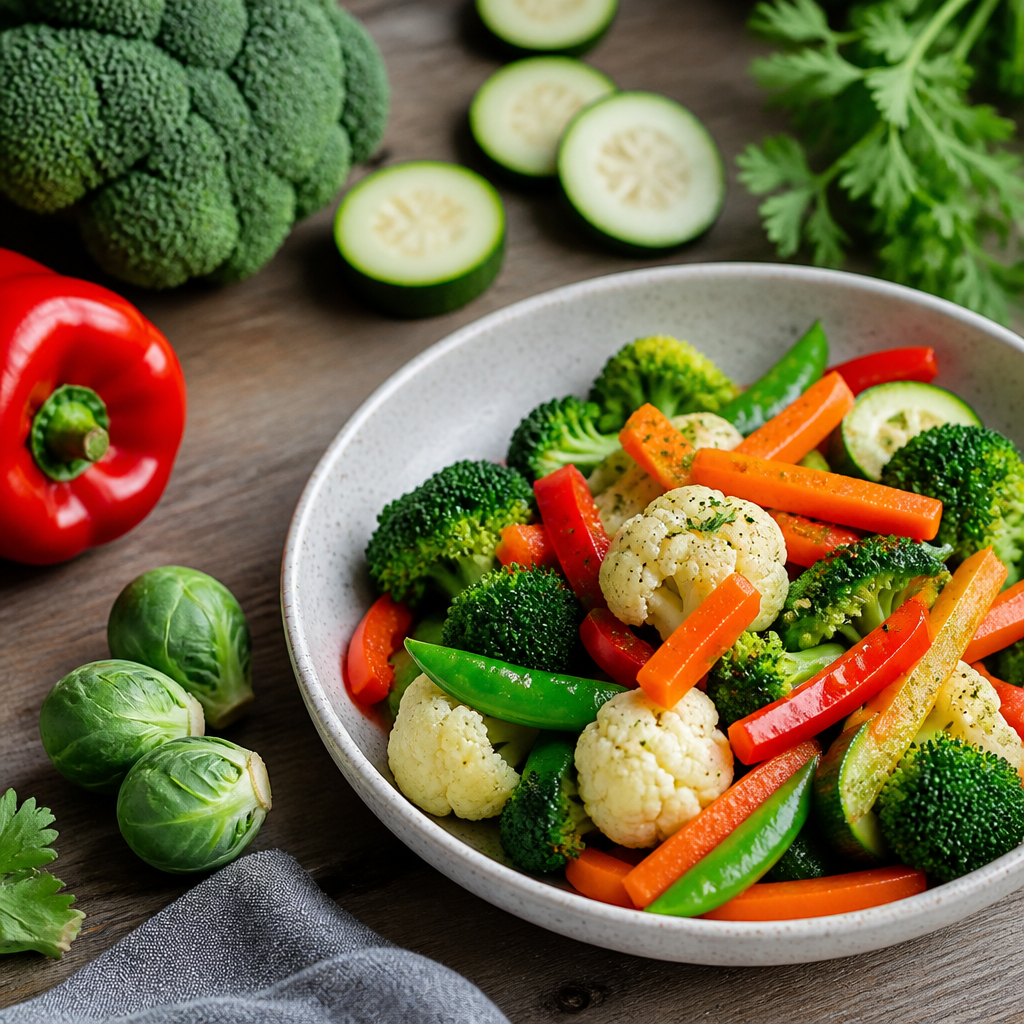 The Best Vegetables for a Calorie Deficit
 Why Strict Diets Don't Work: Understanding the Pitfalls of Extreme Restrictions
 The Best Weight Management Strategies: Proven Tactics for Success
 How to Keep a Weight Journal: Tips for Accountability and Progress Tracking
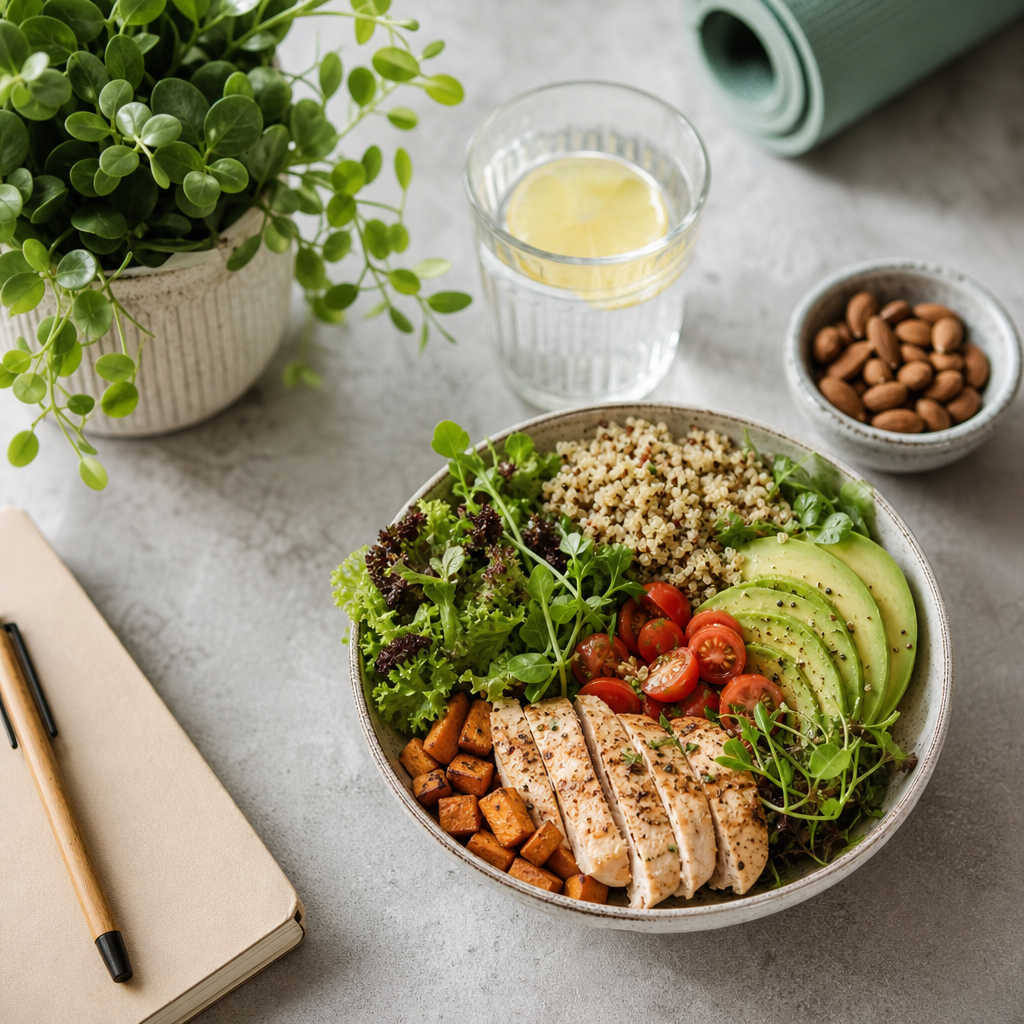 How to Lose Weight Without Stress: Embrace a Balanced Approach
 Common Macro Tracking Mistakes: Avoid These Pitfalls for Better Results
 The Best Low-Calorie, Low-Carb Vegetables for Your Healthy Diet
 Sustainable Weight Loss Explained: Your Guide to Long-Term Success
 How to Control Your Weight With Calorie Tracking
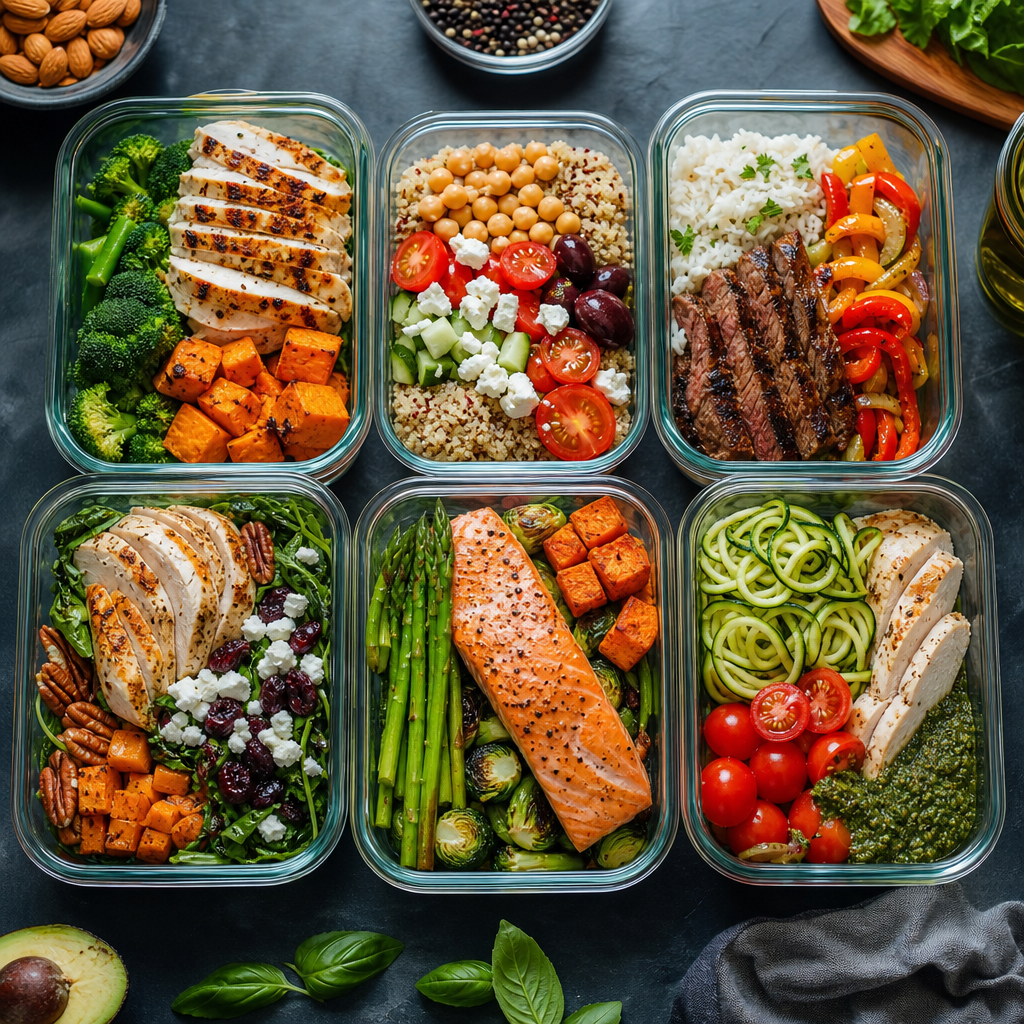 How to Build a Macro-Based Meal Plan: Your Ultimate Guide to Meal Prepping
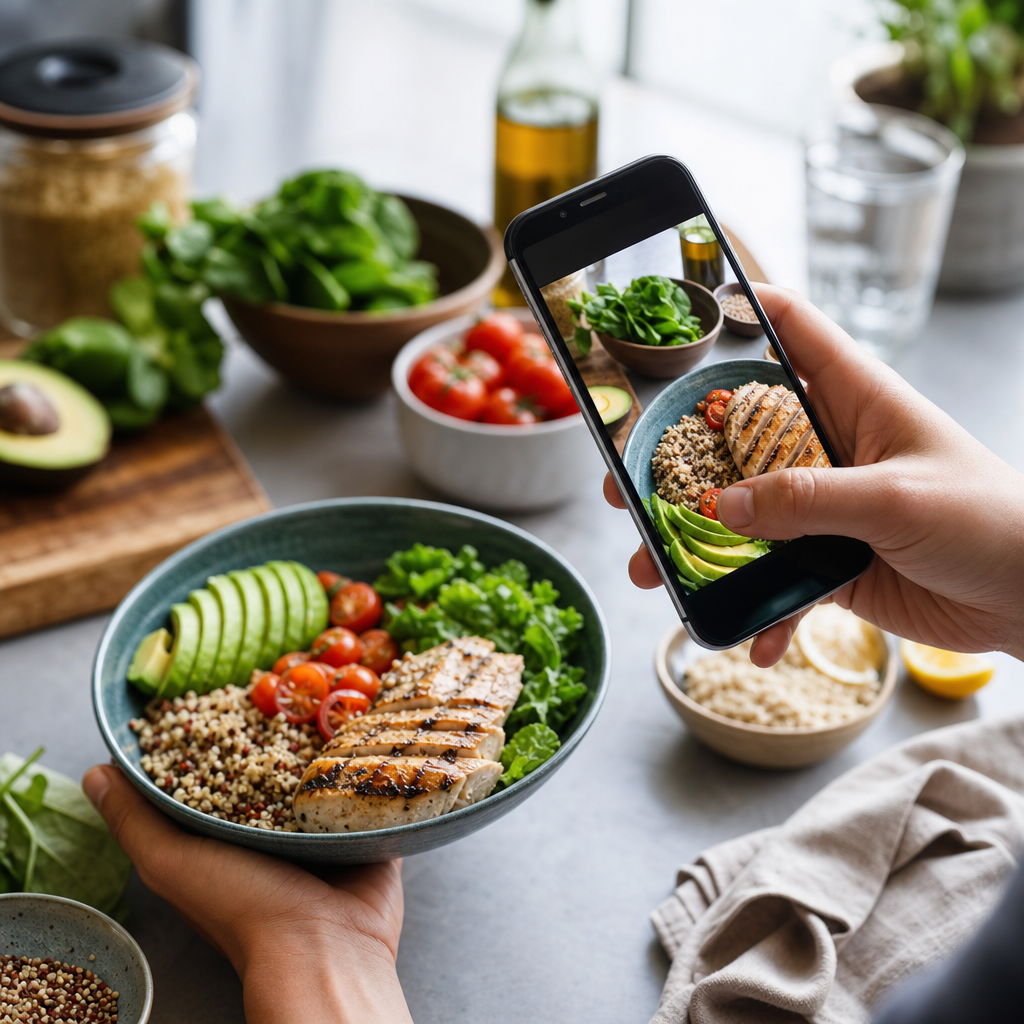 How to Track Macros Automatically: A Tech-Savvy Guide
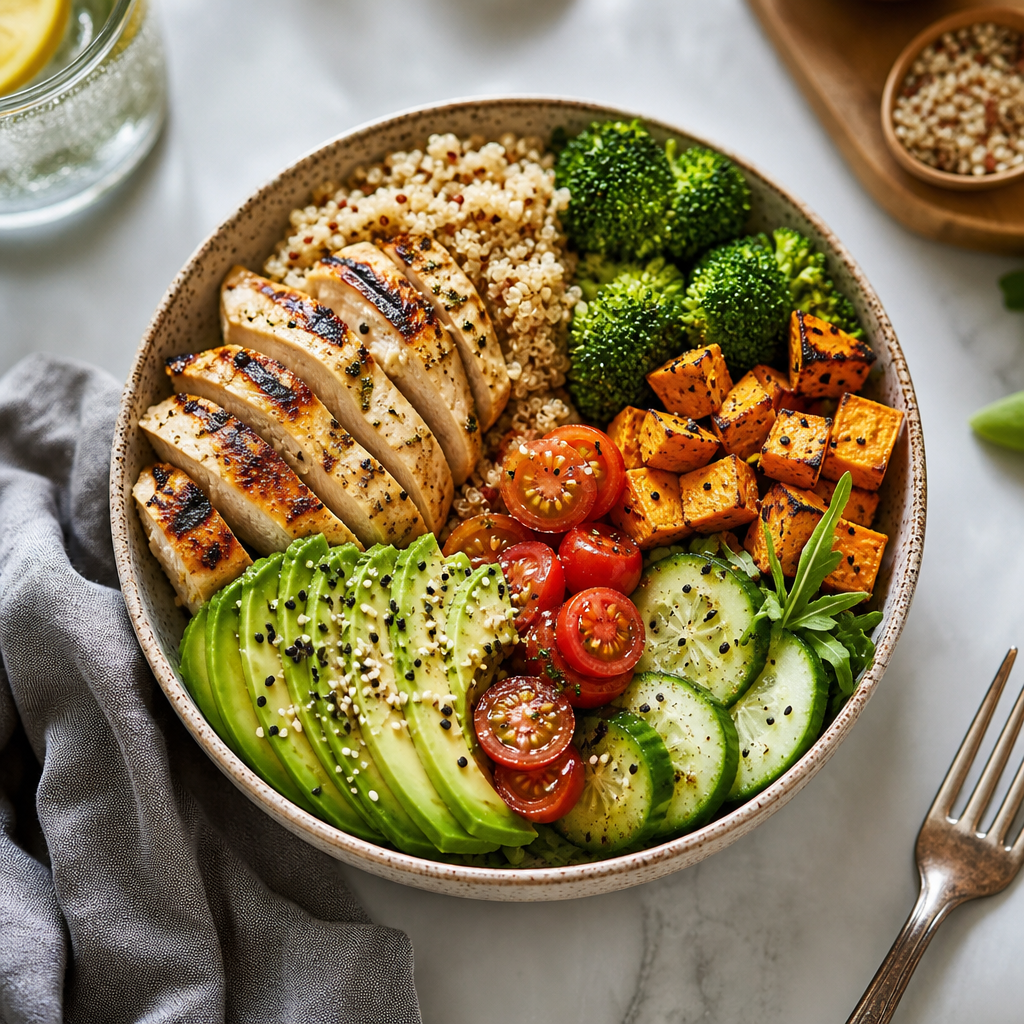 Macro Tracking for Beginners: Your Ultimate Guide to Nutritional Success
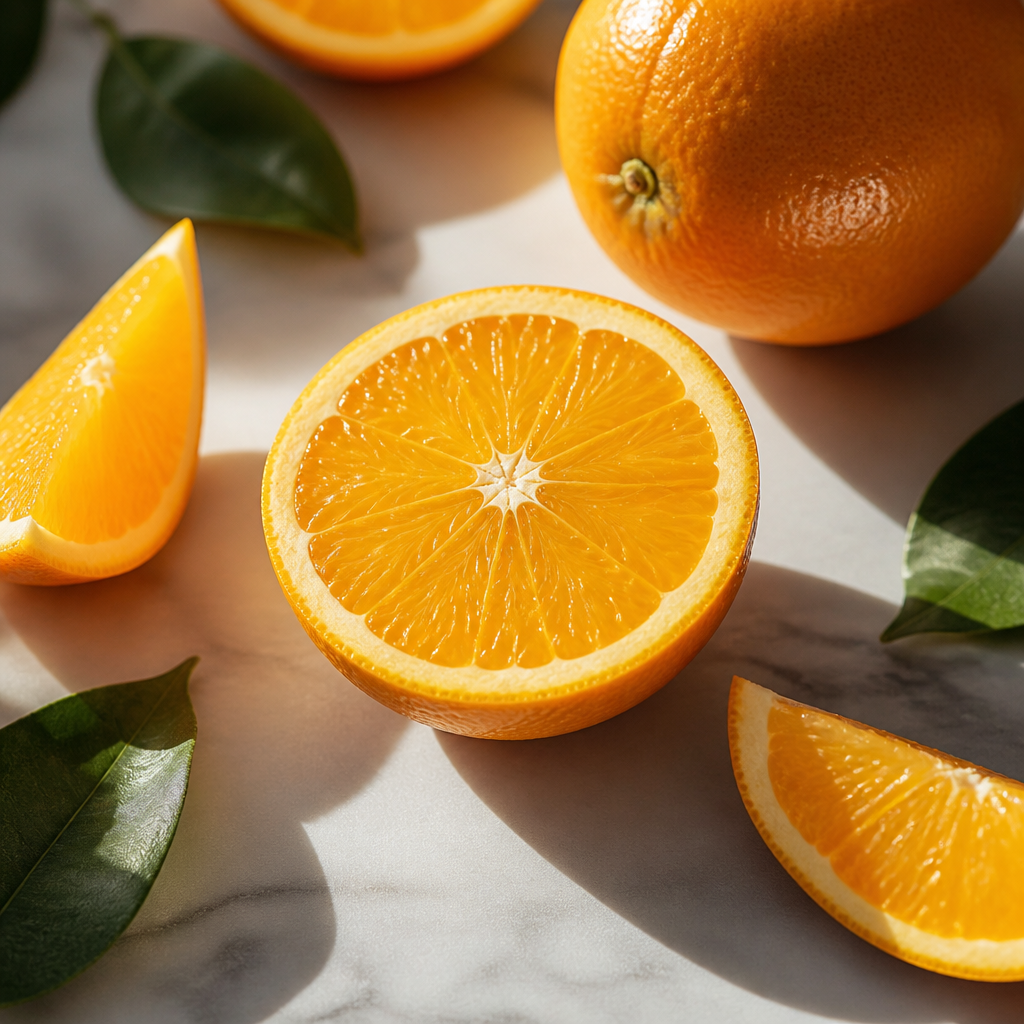 How Many Calories Are in an Orange?
 Which Vegetables Keep You Full the Longest?
 How Many Calories Are in a Cucumber? Unveiling the Secrets of This Superfood
 How Many Calories Are in a Banana?
 The Healthiest Vegetables for Weight Loss: Your Ultimate Guide
 The Best Vegetables for Dinner: Nourishing Your Body While Losing Weight
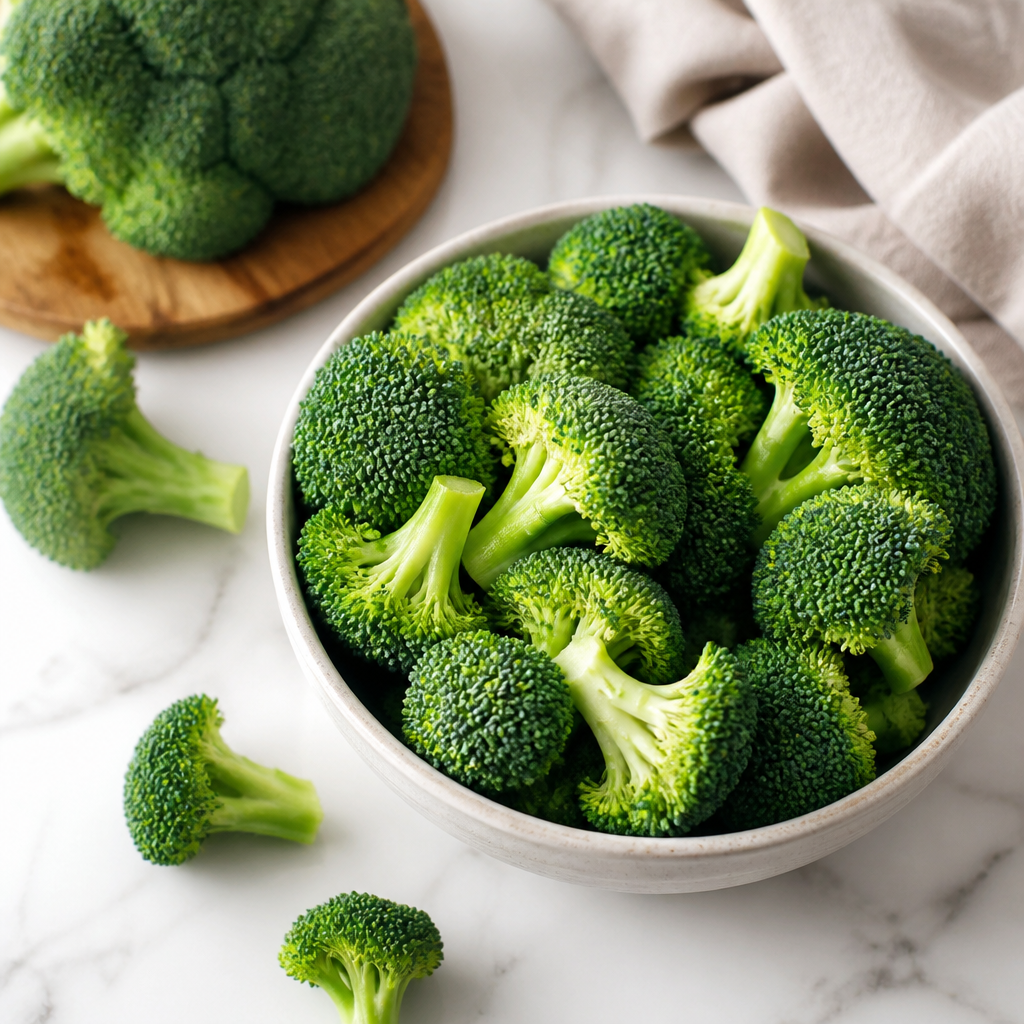 How Many Calories Are in Broccoli? An In-Depth Look
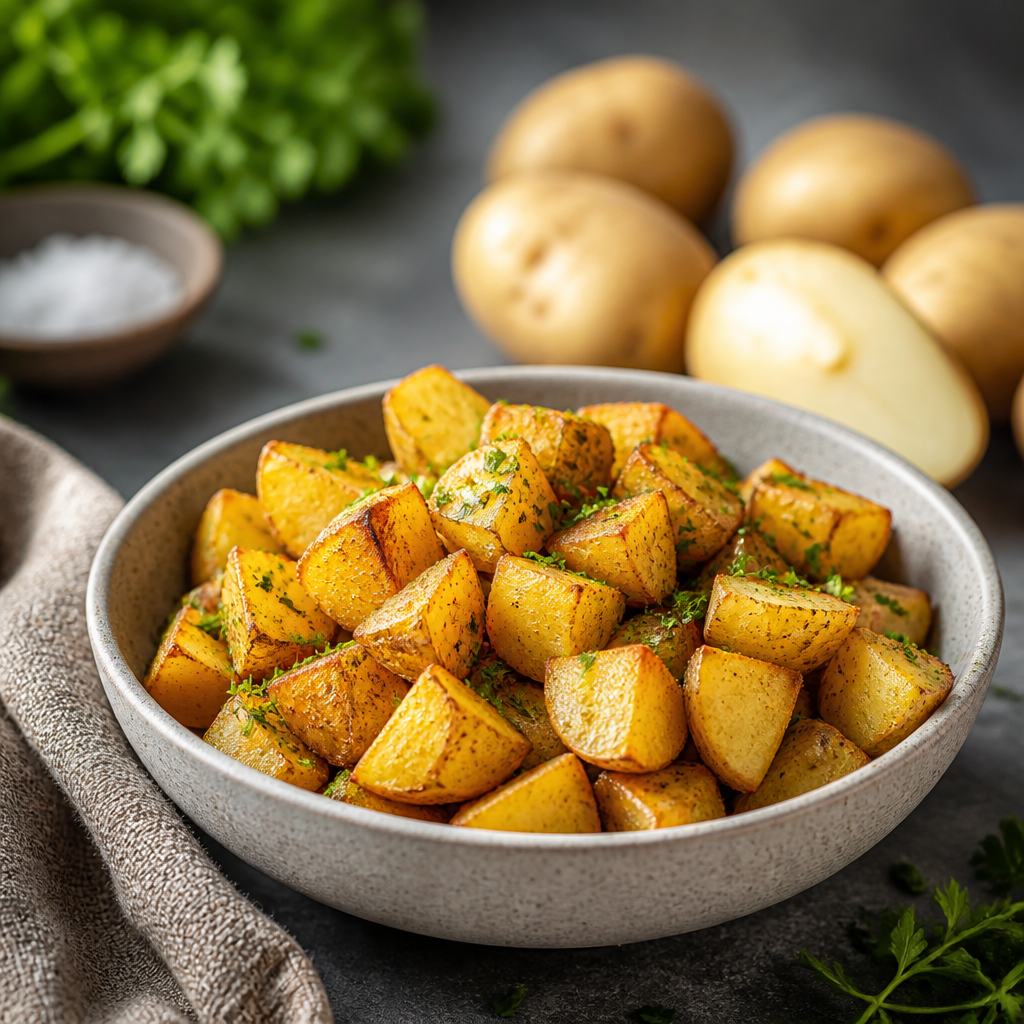 How Many Calories Are in a Potato? Unpacking the Nutritional Value
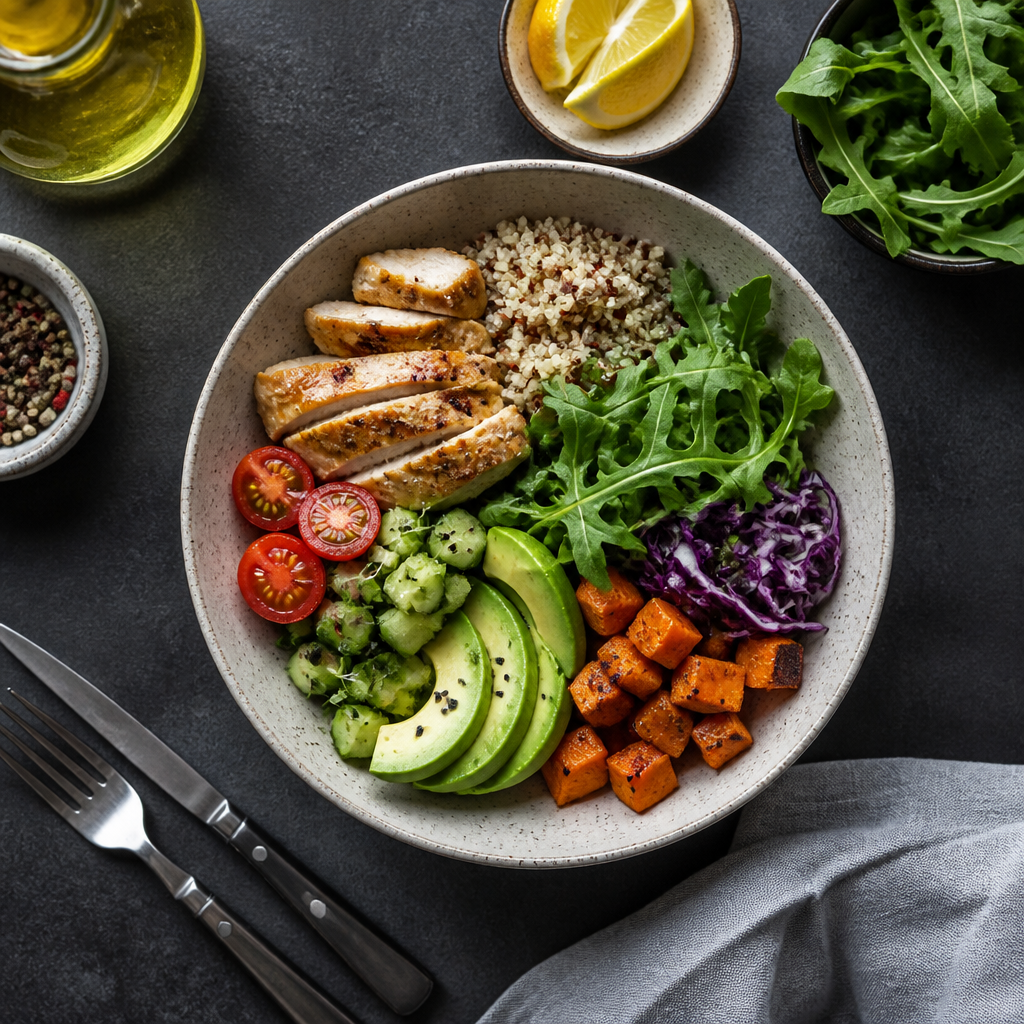 How to Estimate Calorie Counts Visually: A Guide for Impromptu Dieters
 Как считать калории в ресторане: Практическое руководство
 Формула Харриса-Бенедикта простыми словами
 Главные ошибки подсчета калорий
 Как считать калории без весов: Практическое руководство для диетчиков
 Почему вес не уходит при дефиците калорий: ключевые причины и решения
 Сколько калорий нужно есть в день: Определяем ваши потребности в ежедневном потреблении калорий
 Формула подсчета калорий: Ключ к успешному управлению весом