Mastering Advanced Scanning Techniques with Cal AI: A Guide for Power Users
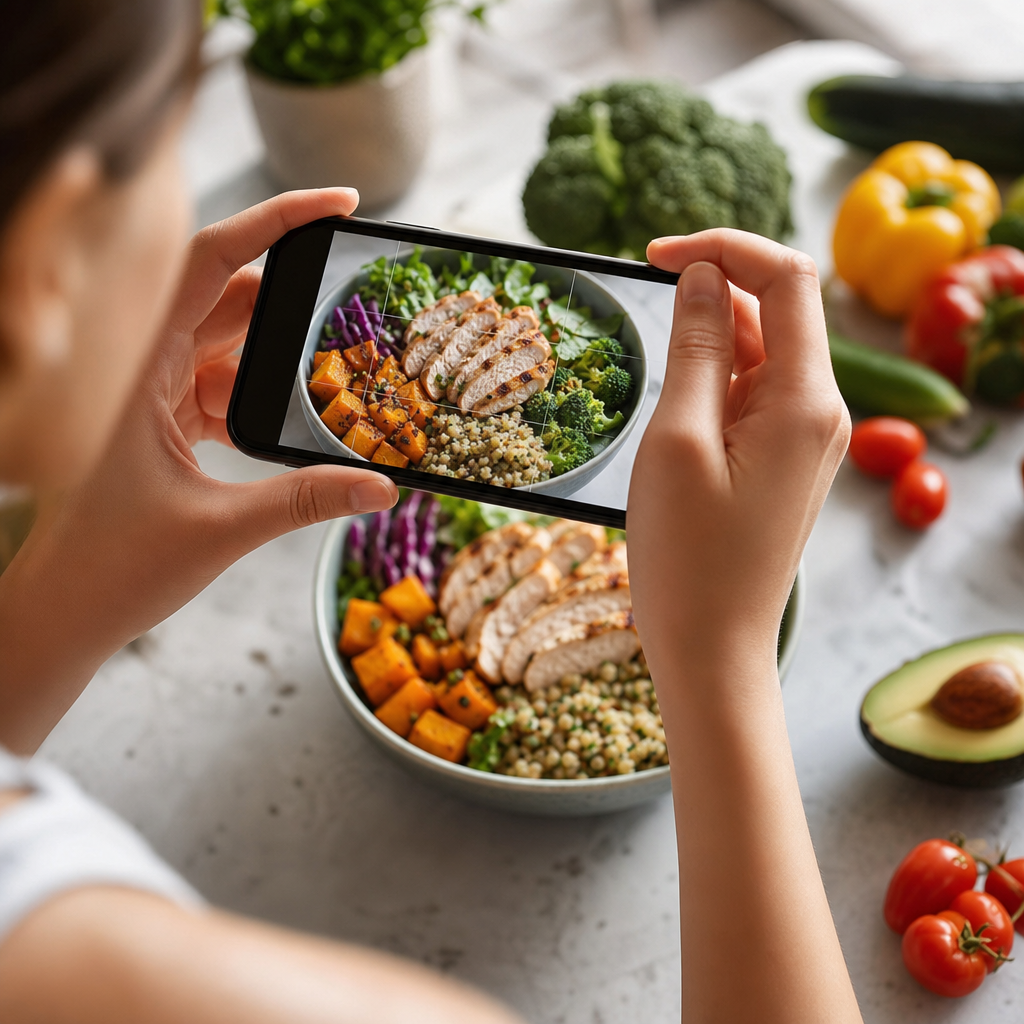
In the dynamic realm of nutrition tracking, mastering the intricacies of Cal AI's scanning feature can significantly enhance your user experience. This guide dives into advanced scanning techniques that will empower you, the Cal AI power user, to optimize your food tracking journey.
Understanding Advanced Scanning Techniques
For those already familiar with the basic scanning capabilities of Cal AI, it’s time to refine your skills with advanced techniques that can make nutrient tracking faster and more accurate. These methods go beyond just capturing images of food; they incorporate a broader understanding of food composition and storage.
Tip 1: Optimize Your Scanning Environment
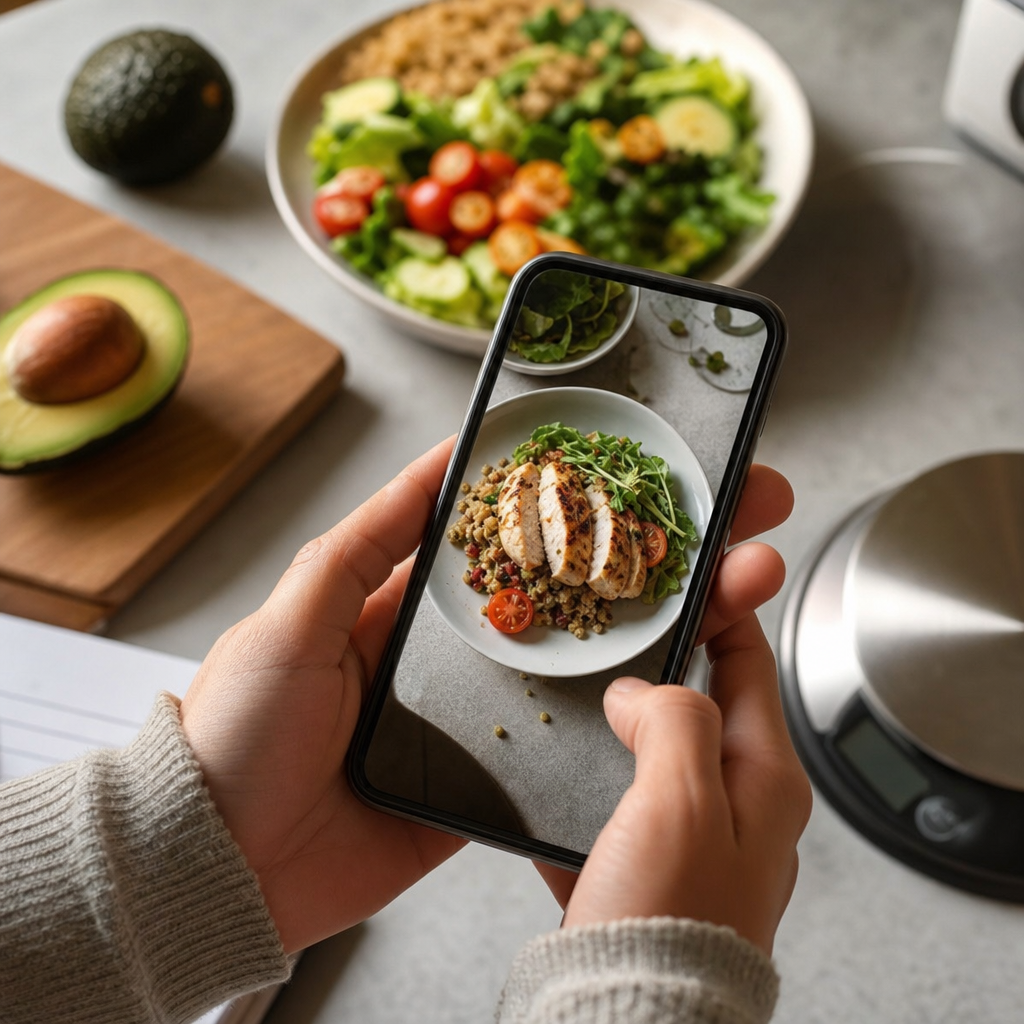
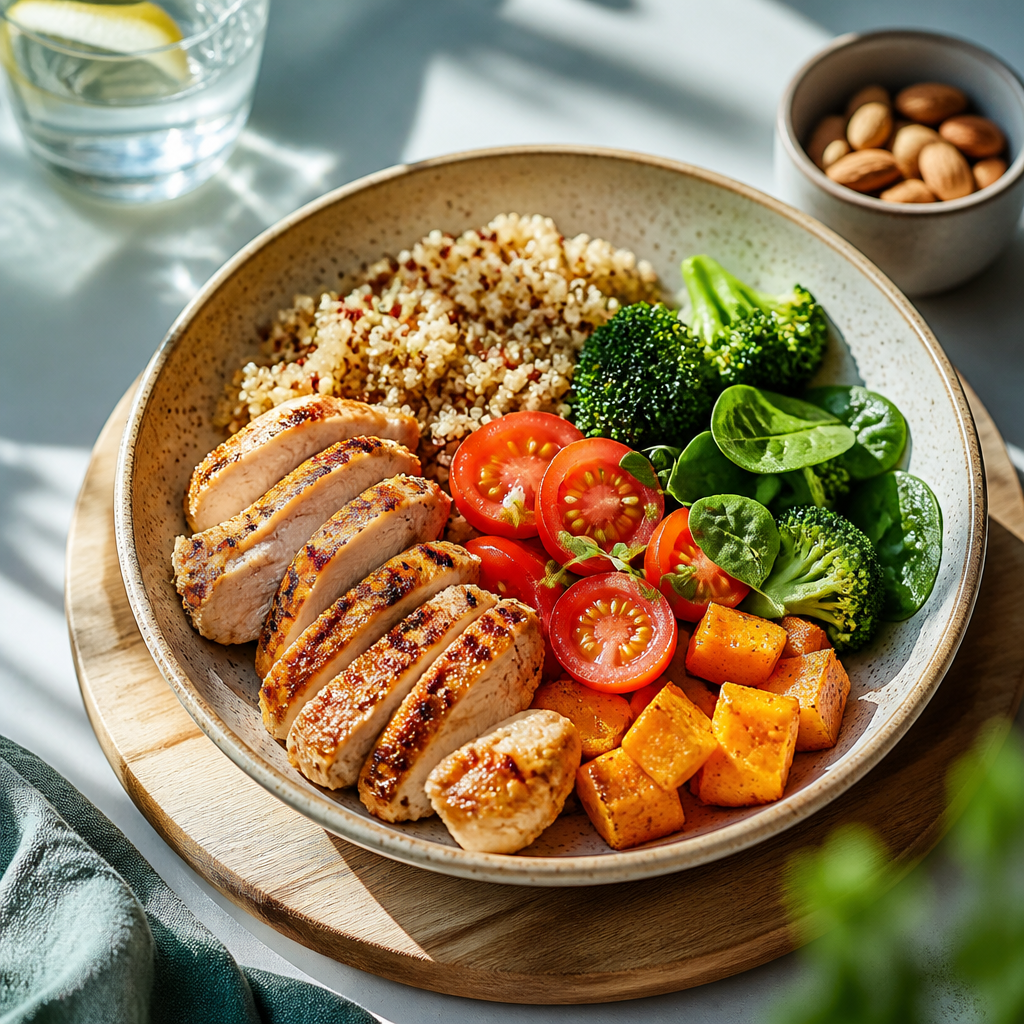
Lighting plays a crucial role in obtaining a clear image. When scanning, ensure that your food is well-lit but not overly shiny, which can obscure details. Natural light tends to yield the best results, so consider scanning near windows during the day.
Additionally, use a neutral background to prevent distractions that could confuse the AI. A simple white or light-colored plate minimizes background noise in the image.
Tip 2: Identify Serving Sizes
As an experienced user, you know that portion sizes can vary significantly. For advanced tracking, familiarize yourself with standard serving sizes for different food groups. This knowledge allows you to adjust the estimated serving sizes provided by Cal AI based on your personal consumption.
For example, if you frequently scan a bowl of pasta, consider measuring your bowl's capacity once and using it as a reference for future scans.
Tip 3: Utilize Manual Adjustment Features
Cal AI's strength lies not just in its AI capabilities but also in your control over the data. After a scan, don’t hesitate to manually adjust the nutritional values based on your knowledge of ingredients. If you know a specific ingredient has a higher fat content than the scanned data suggests, modify the values accordingly to reflect a more accurate picture of your intake.
Tip 4: Explore Ingredient Substitutions
If you're experimenting with healthier alternatives or substitutions in recipes, Cal AI allows you to scan various ingredients for comparison. For instance, if you regularly switch between regular and whole-grain bread, scan both to review the differences in caloric content and macronutrient profiles. This technique aids in making informed choices while maintaining dietary restrictions or preferences.
Common Best Practices
Here are some best practices to consider while diving into advanced techniques:
- Keep the Camera Steady: A steady hand ensures sharper images, leading to better recognition.
- Use Fresh Ingredients: Fresh foods are often easier to categorize and tend to give more accurate nutritional values compared to processed items.
- Regularly Update Your App: Cal AI evolves, and frequent updates may introduce refined scanning functionalities that improve accuracy.
Conclusion
By adopting these advanced scanning techniques, you not only enhance your expertise as a Cal AI power user but also improve the quality of your nutrition tracking. Remember, every scan is an opportunity to learn more about your food and make healthier choices.
Ready to take your nutritional tracking to the next level? Upload a photo of your latest meal, and let Cal AI provide you with calorie information, macros, and detailed insights into your eating habits. Stay informed and in control of your nutrition journey!
Cal AI
Track meals faster with Cal AI
Scan food, estimate calories, and keep your nutrition log moving without typing every ingredient.
Get the appAuthor
Cal AI Editorial Team
Practical guides on nutrition, calorie tracking, meal planning, and building healthier habits with Cal AI.
Related articles
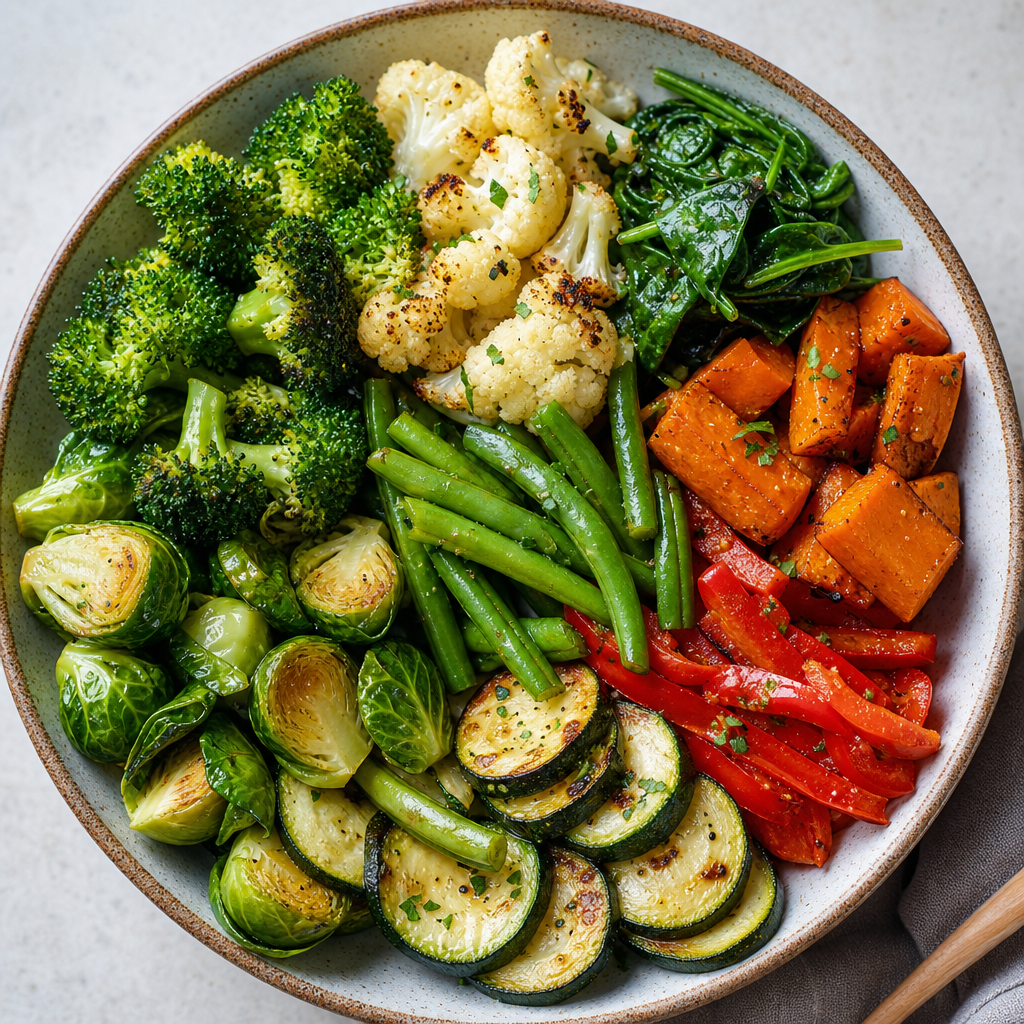 The Most Filling Vegetables for Weight Loss
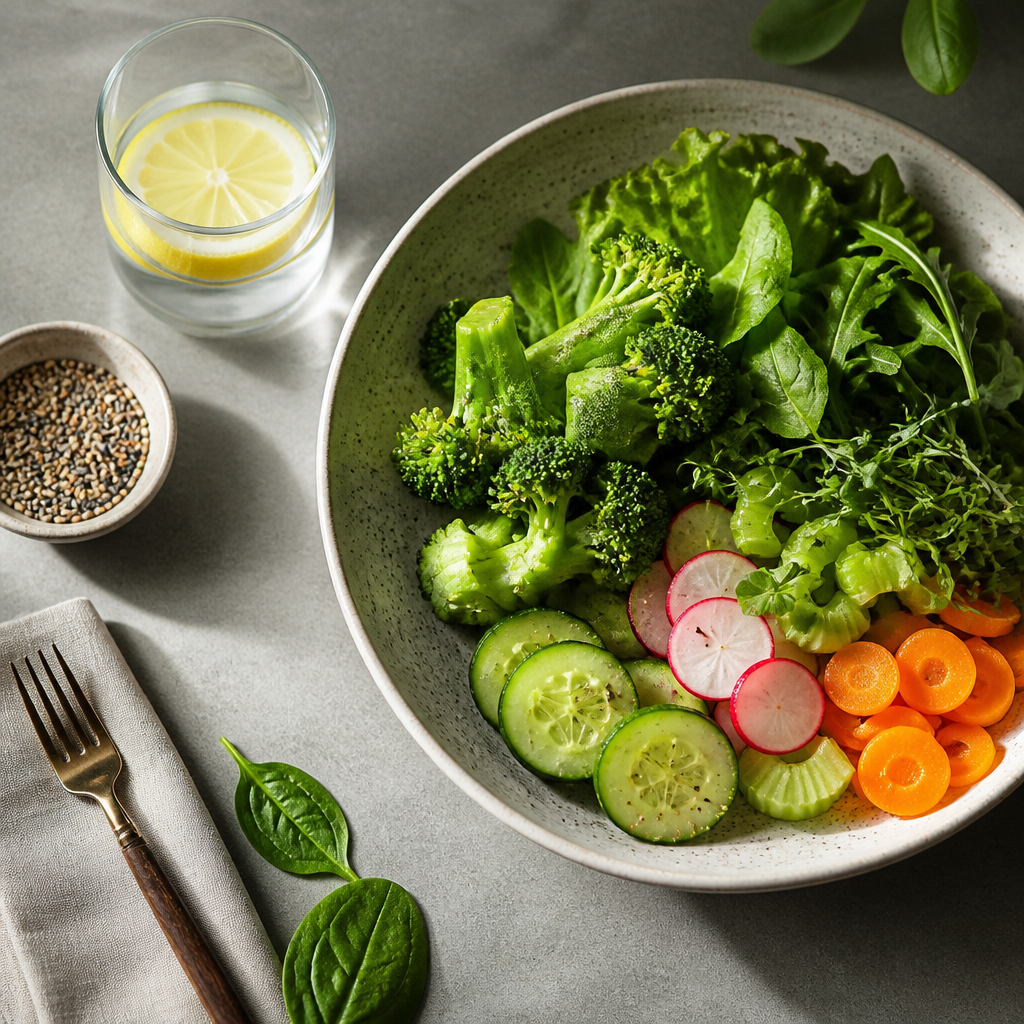 Discover the Vegetables With the Fewest Calories: Your Guide to Guilt-Free Eating
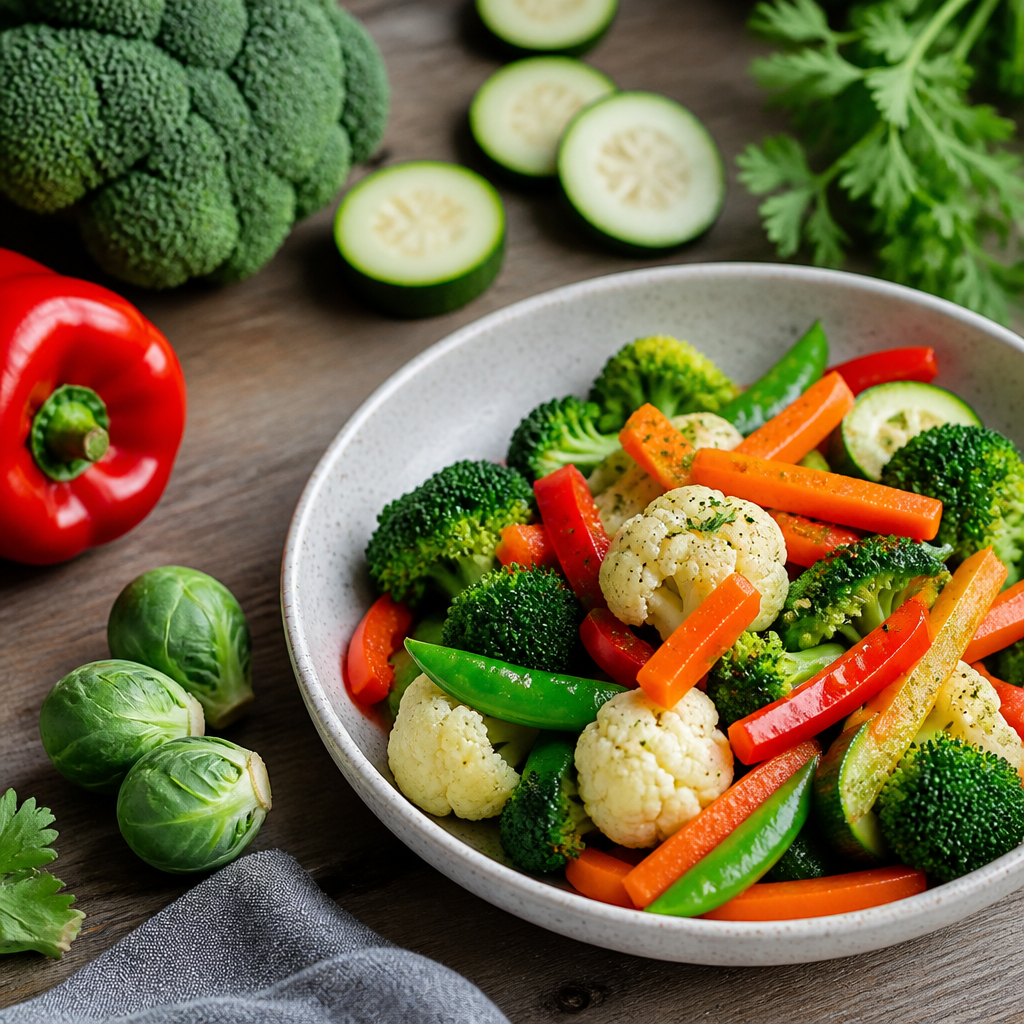 The Best Vegetables for a Calorie Deficit
 Why Strict Diets Don't Work: Understanding the Pitfalls of Extreme Restrictions
 The Best Weight Management Strategies: Proven Tactics for Success
 How to Keep a Weight Journal: Tips for Accountability and Progress Tracking
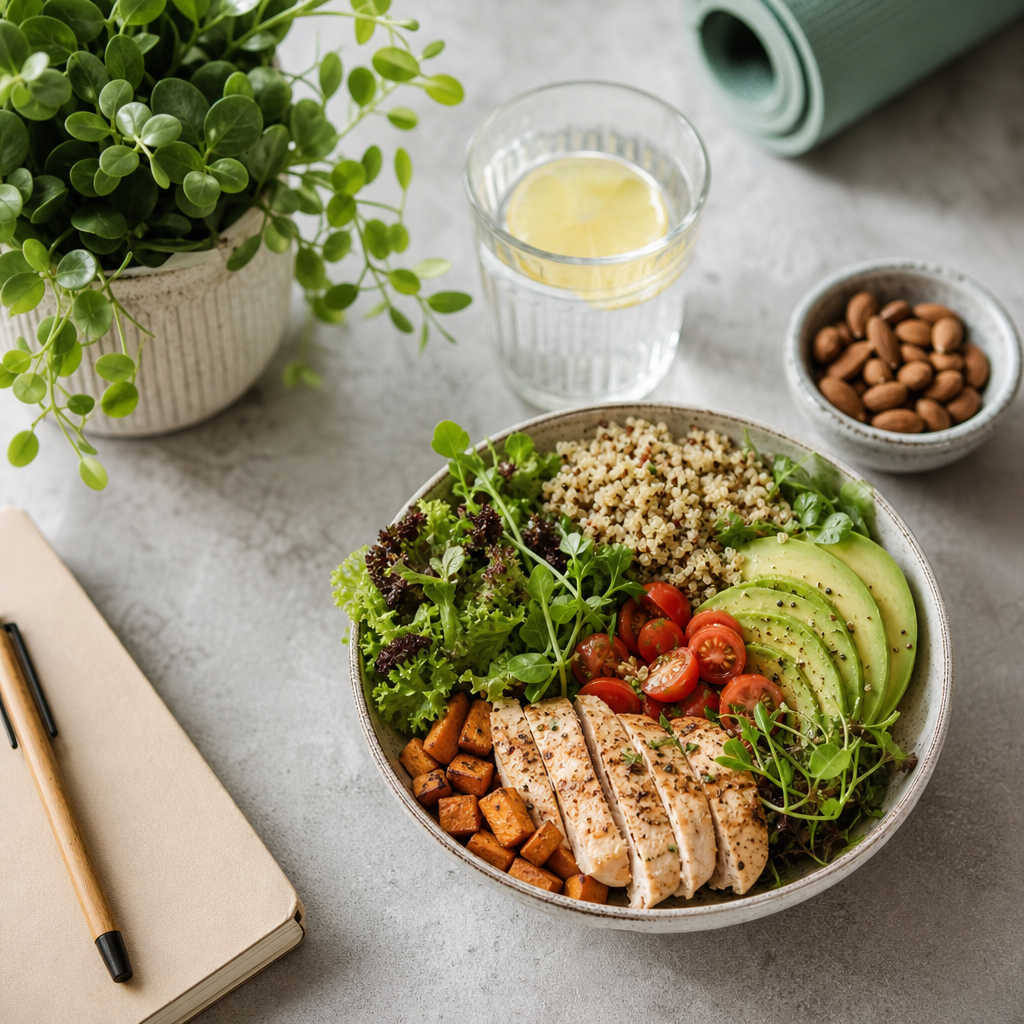 How to Lose Weight Without Stress: Embrace a Balanced Approach
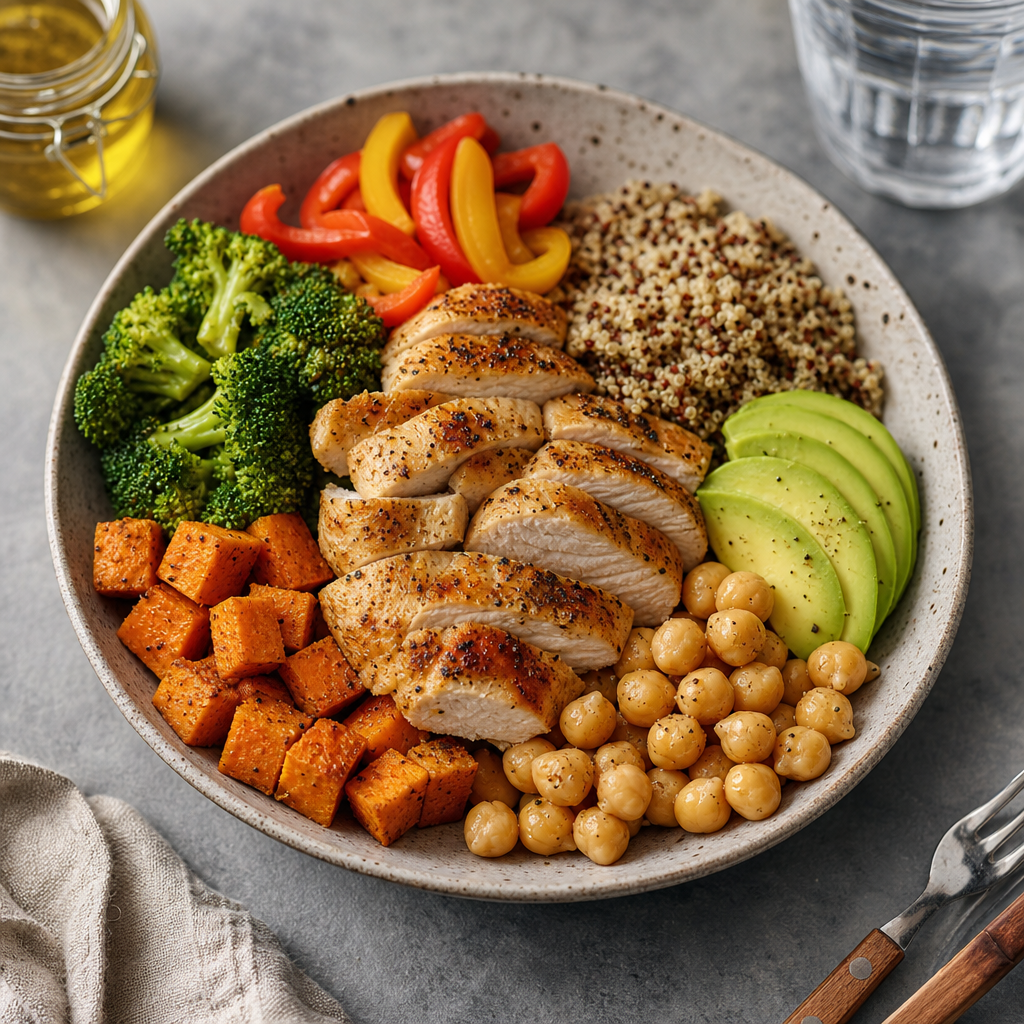 Common Macro Tracking Mistakes: Avoid These Pitfalls for Better Results
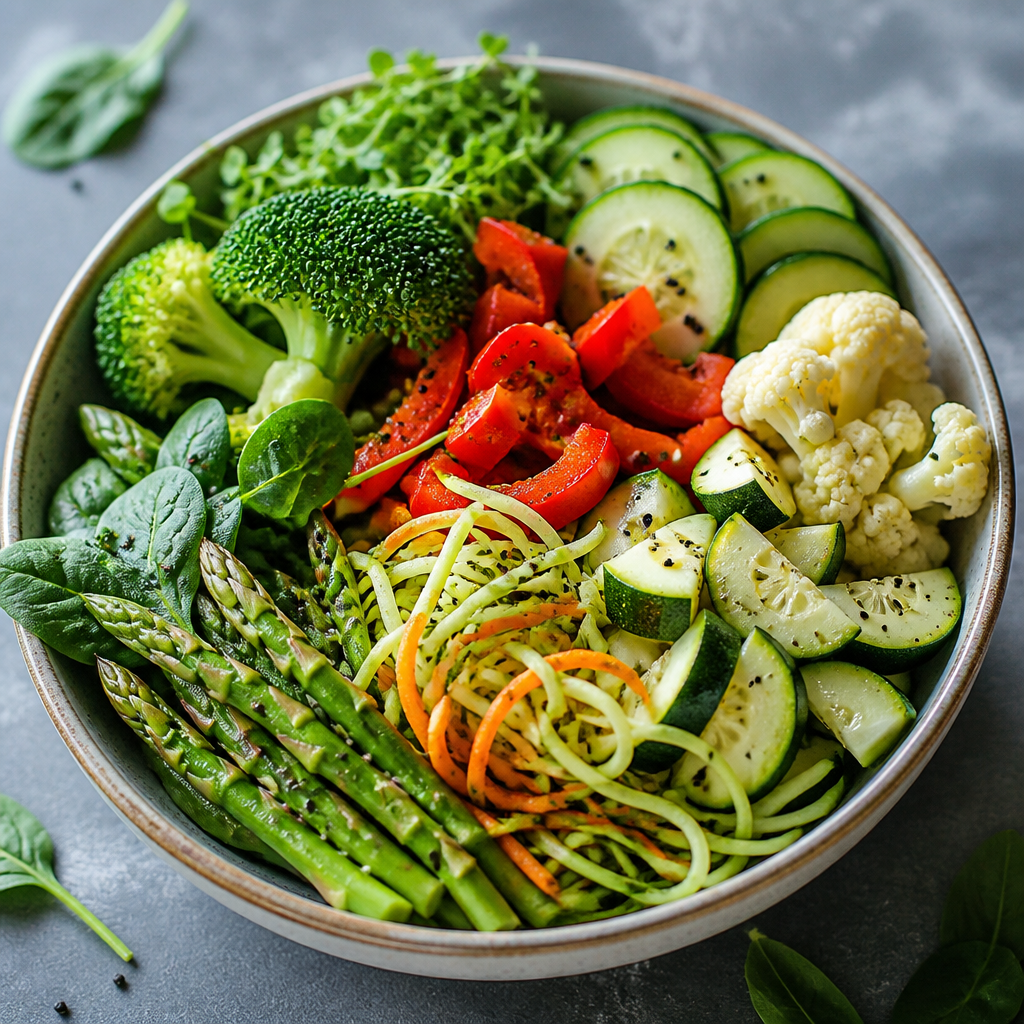 The Best Low-Calorie, Low-Carb Vegetables for Your Healthy Diet
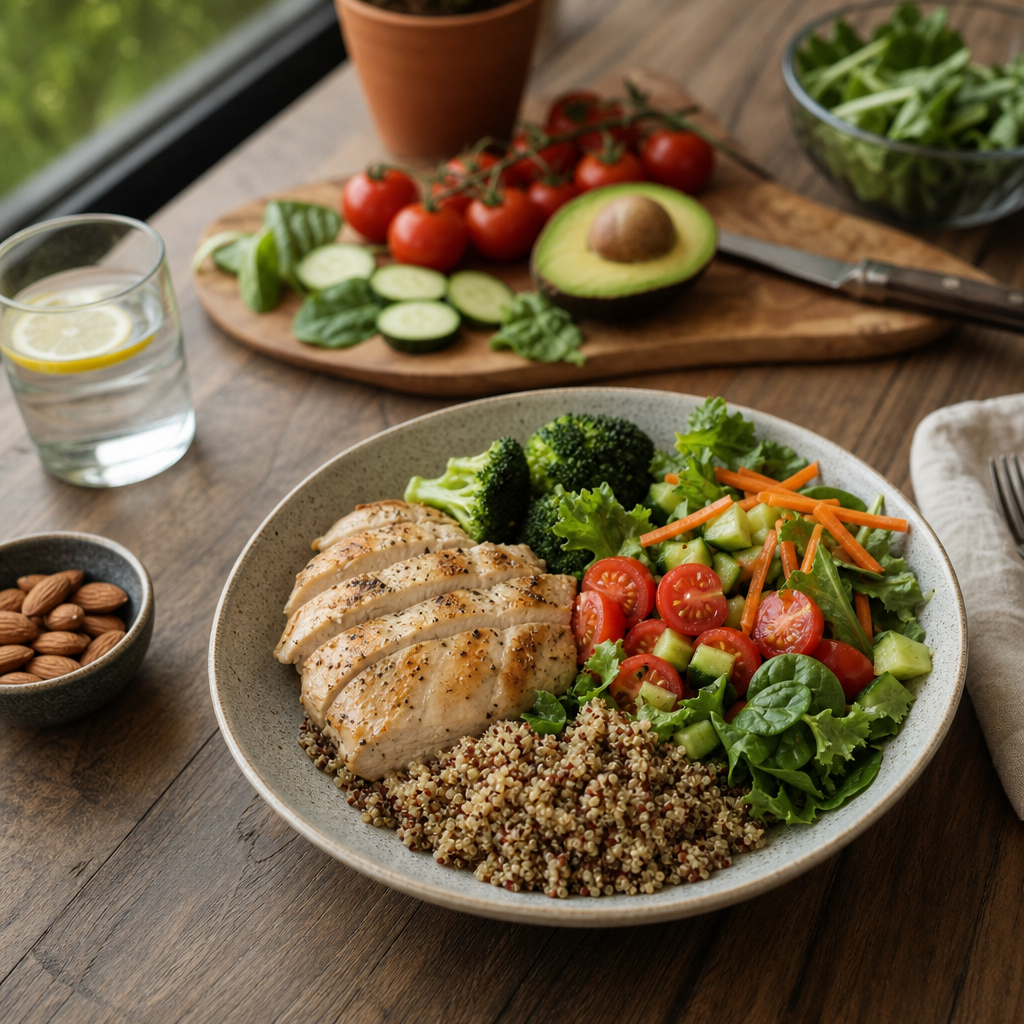 Sustainable Weight Loss Explained: Your Guide to Long-Term Success
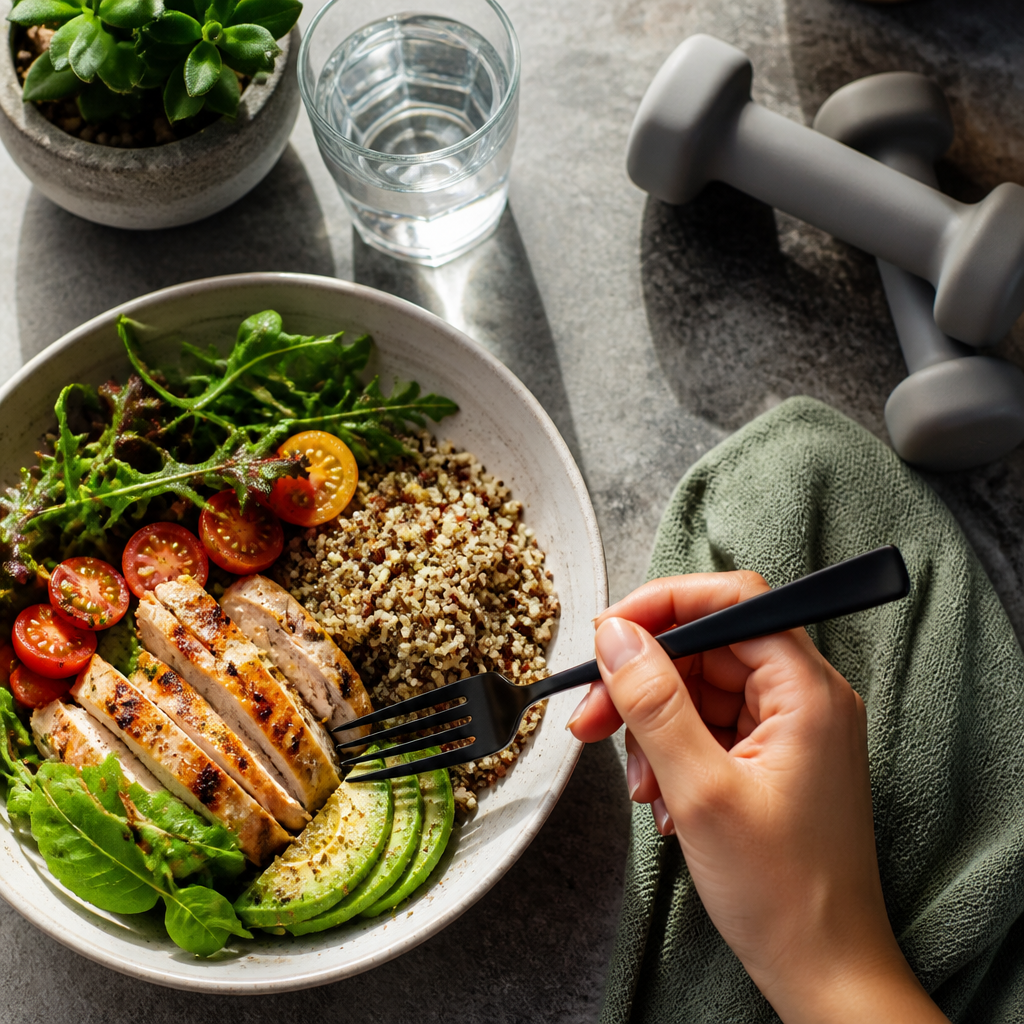 How to Control Your Weight With Calorie Tracking
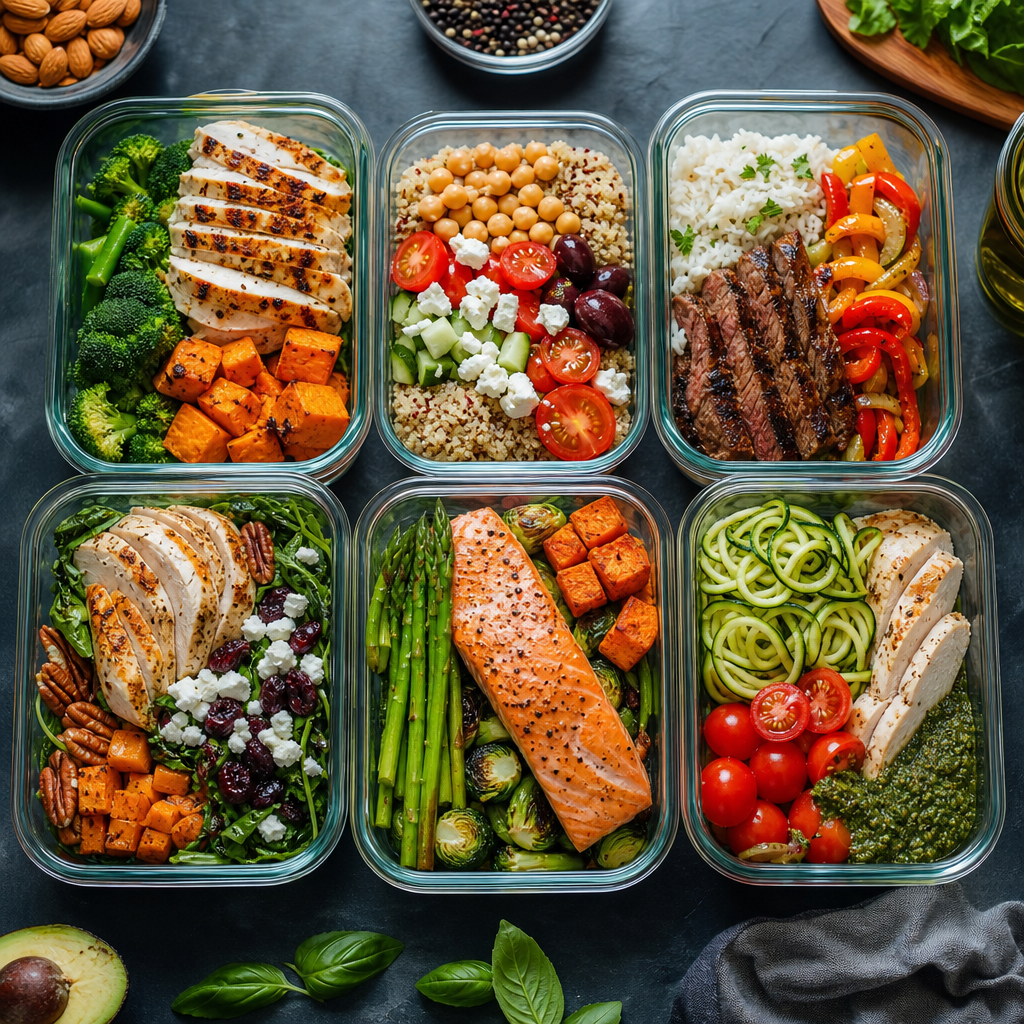 How to Build a Macro-Based Meal Plan: Your Ultimate Guide to Meal Prepping
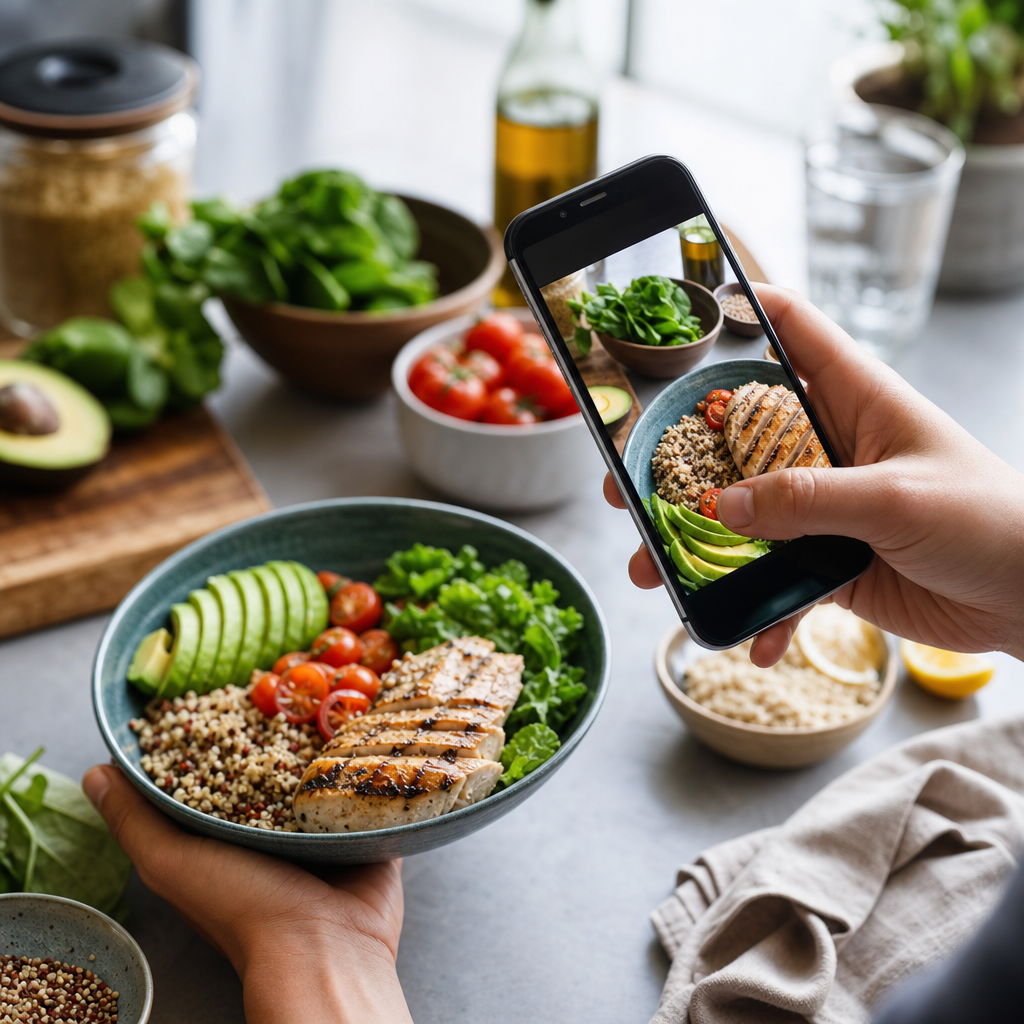 How to Track Macros Automatically: A Tech-Savvy Guide
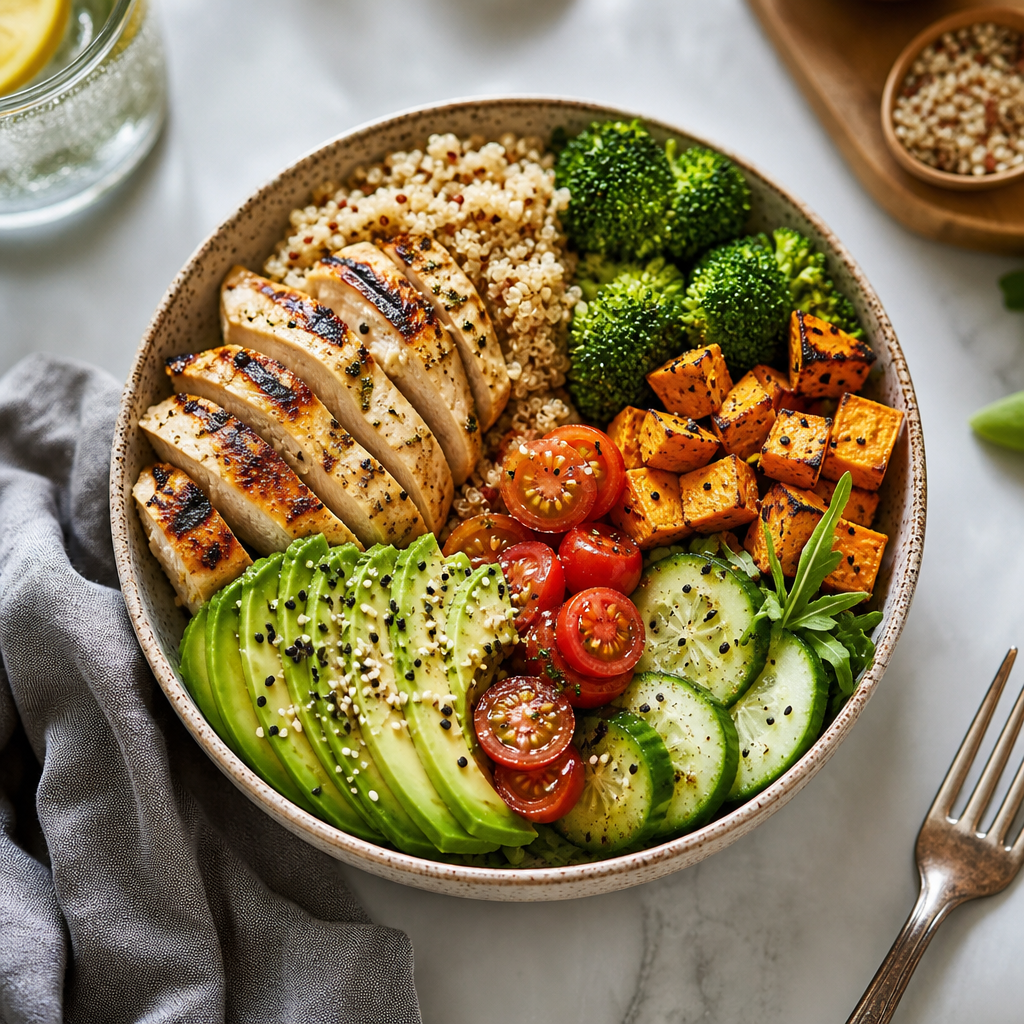 Macro Tracking for Beginners: Your Ultimate Guide to Nutritional Success
 How Many Calories Are in an Orange?
 Which Vegetables Keep You Full the Longest?
 How Many Calories Are in a Cucumber? Unveiling the Secrets of This Superfood
 How Many Calories Are in a Banana?
 The Healthiest Vegetables for Weight Loss: Your Ultimate Guide
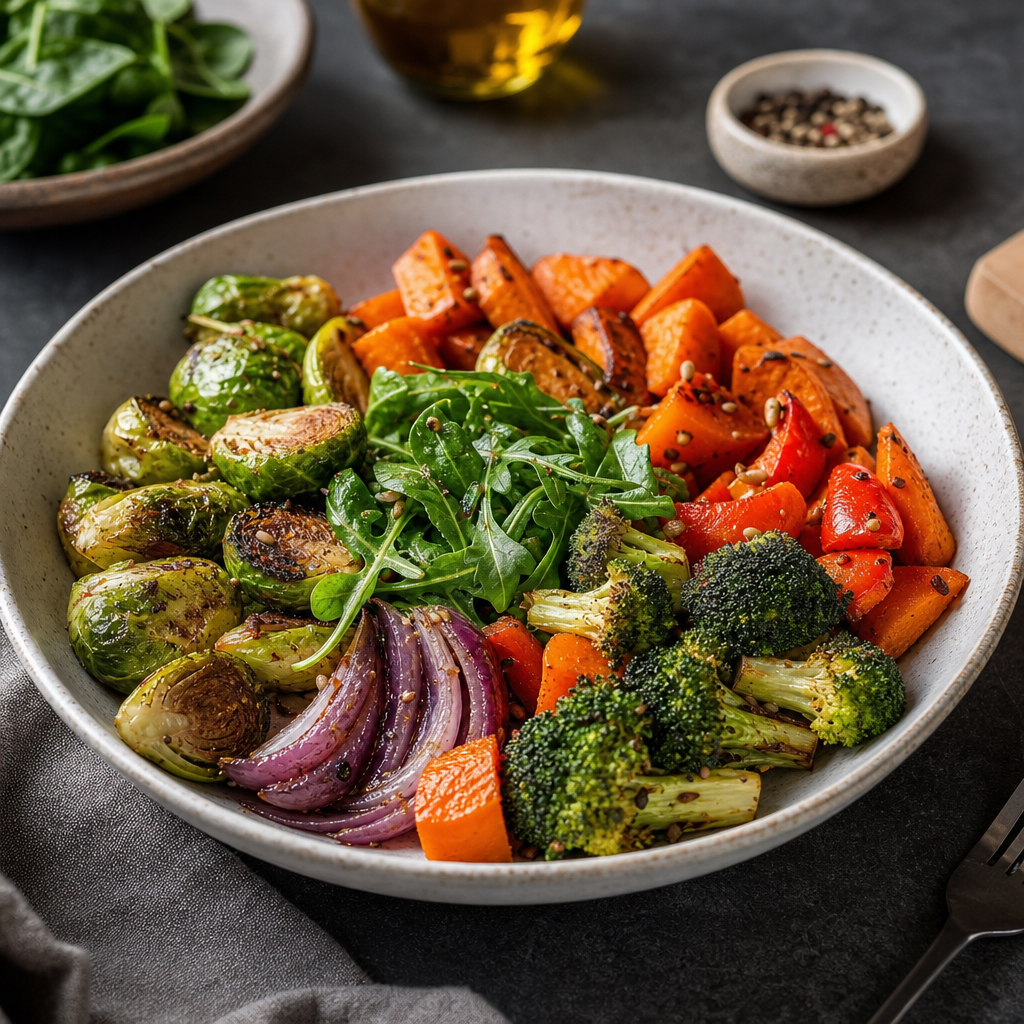 The Best Vegetables for Dinner: Nourishing Your Body While Losing Weight
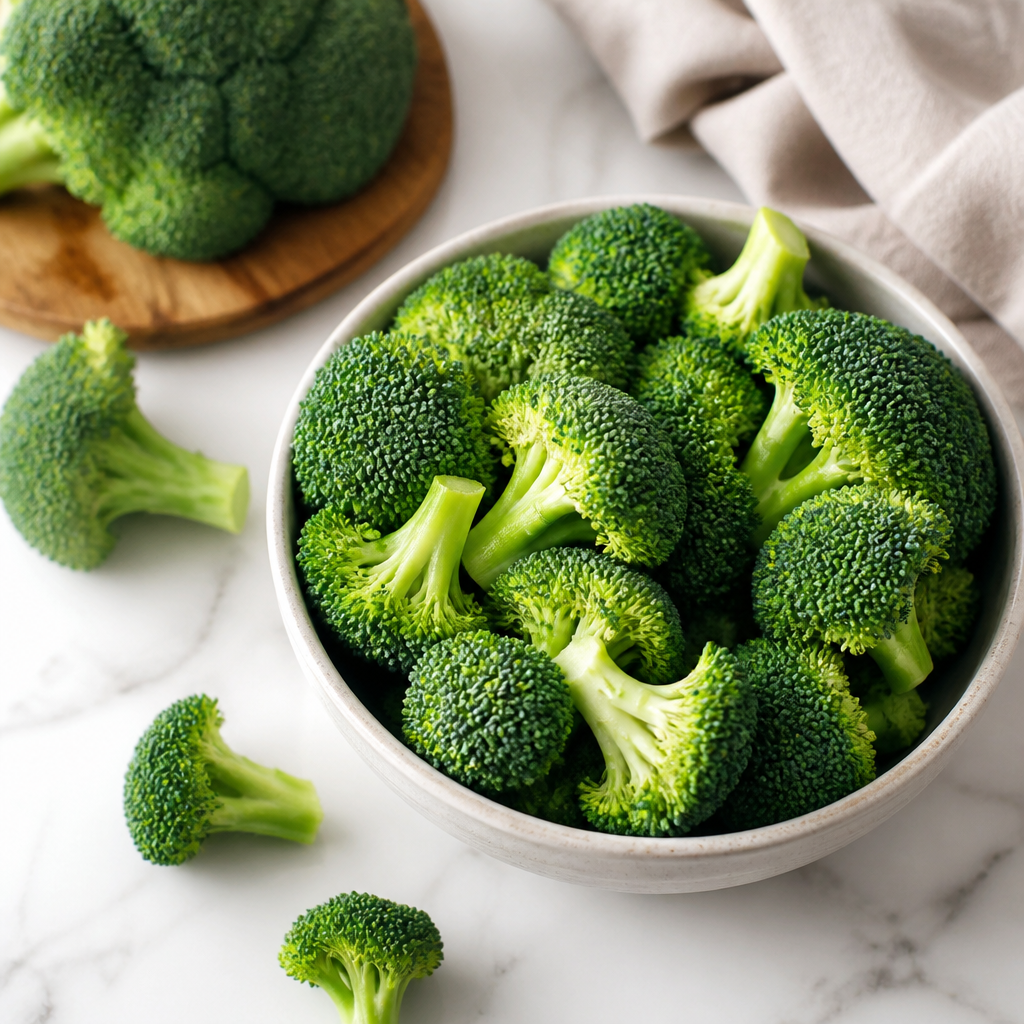 How Many Calories Are in Broccoli? An In-Depth Look
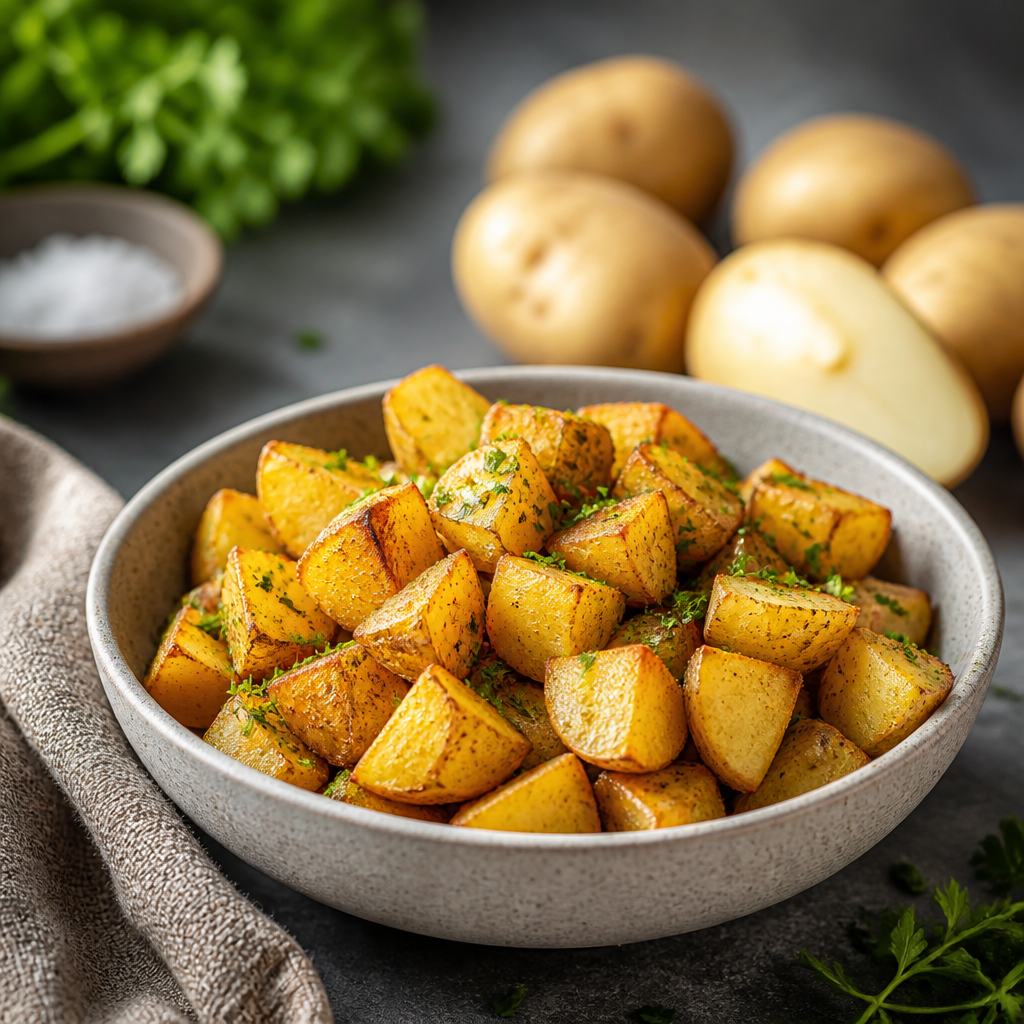 How Many Calories Are in a Potato? Unpacking the Nutritional Value
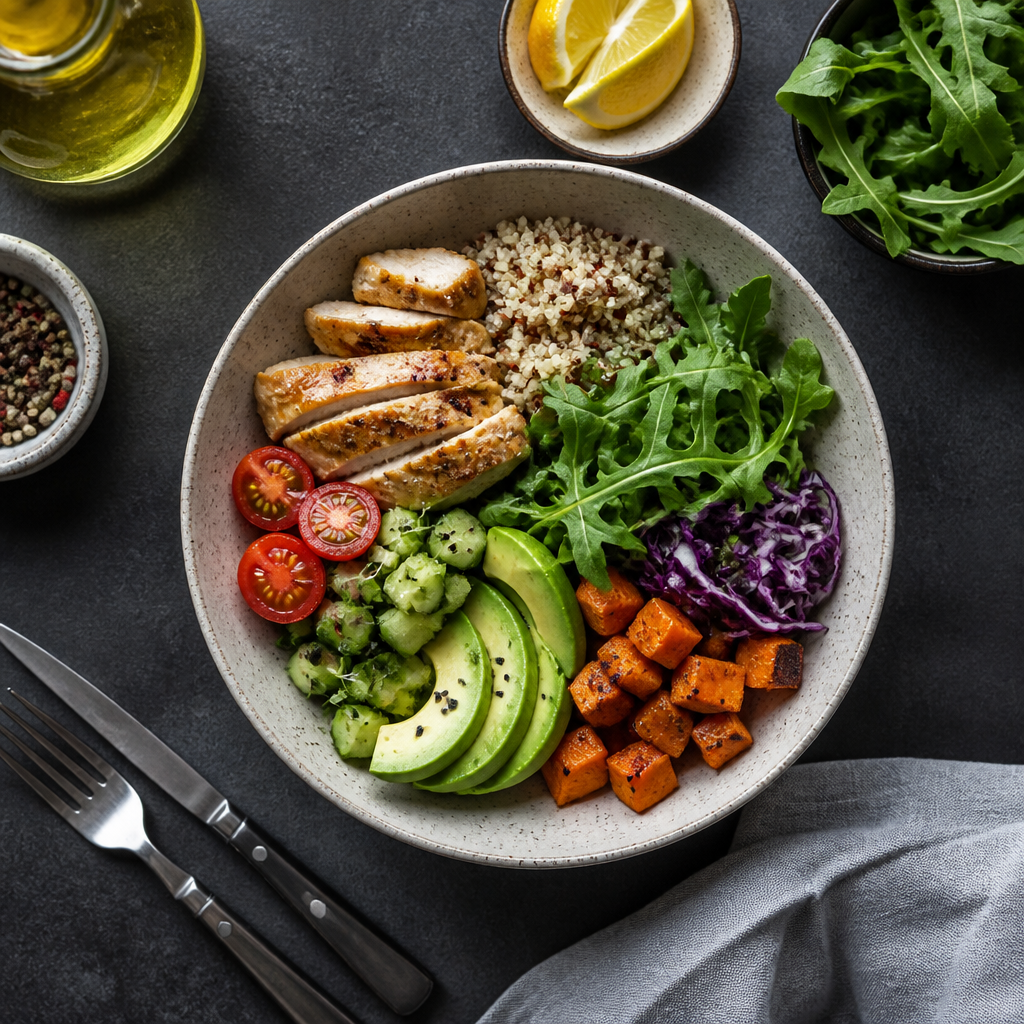 How to Estimate Calorie Counts Visually: A Guide for Impromptu Dieters
 Как считать калории в ресторане: Практическое руководство
 Формула Харриса-Бенедикта простыми словами
 Главные ошибки подсчета калорий
 Как считать калории без весов: Практическое руководство для диетчиков
 Почему вес не уходит при дефиците калорий: ключевые причины и решения
 Сколько калорий нужно есть в день: Определяем ваши потребности в ежедневном потреблении калорий
 Формула подсчета калорий: Ключ к успешному управлению весом