Cal AI Free vs Premium: Which Version Fits Your Budget and Goals?
A clear breakdown of Cal AI free vs premium, including features, limits, and real-life use cases so you can decide if the upgrade is worth it.
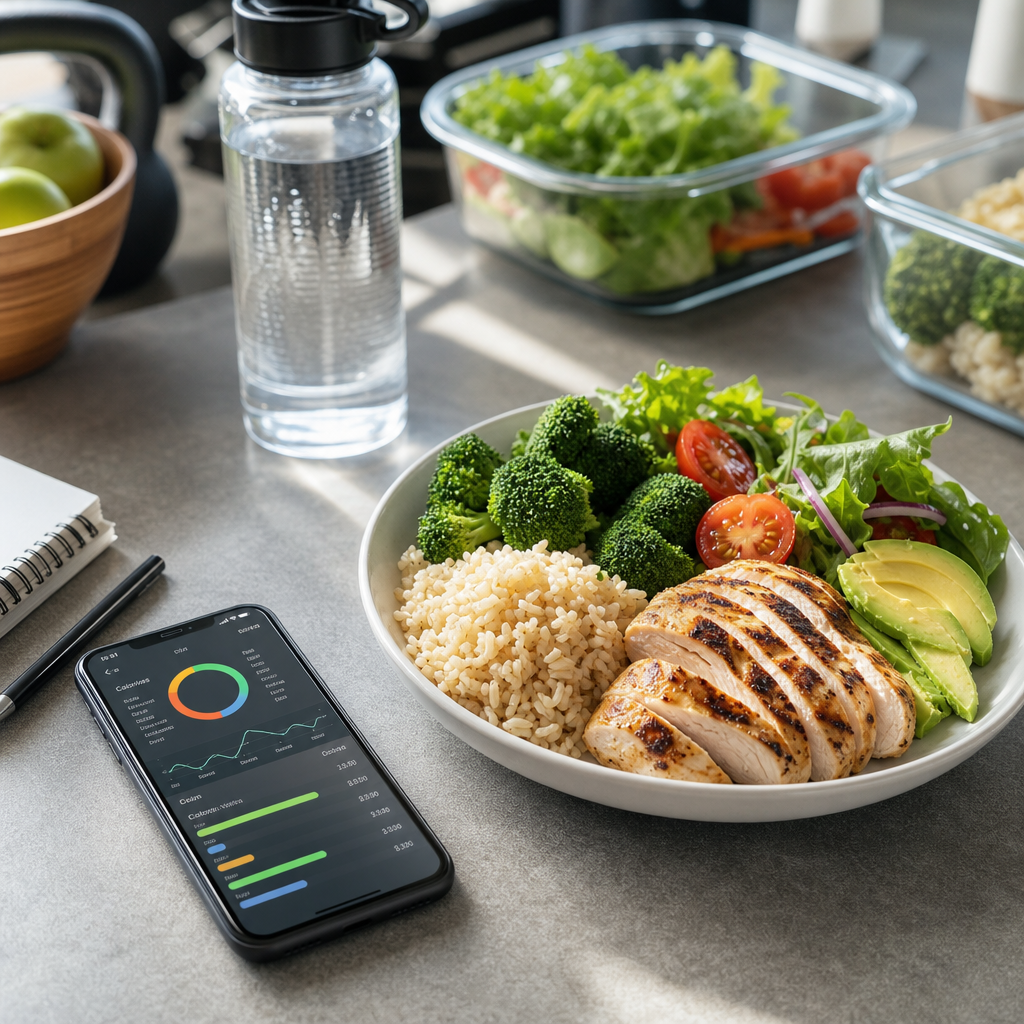
What Cal AI free vs premium actually means
When people search for Cal AI free vs premium, they usually want one thing: a simple answer about value. The free version is designed for basic calorie tracking and a low-commitment entry point, while premium is built for people who want more speed, deeper nutrition insights, and fewer limits.
That difference matters because the best app is not always the one with the most features. If you only log a few meals a week, a free plan may be enough. But if you are actively losing weight, improving macros, or tracking meals daily, premium can save time and reduce friction.
What you typically get with the free version
The tradeoff is usually speed and depth. Free tiers often come with limits such as fewer scans, fewer advanced nutrition breakdowns, or less detailed macro analysis. If you track everything manually, those restrictions can feel minor. If you want to scan breakfast, lunch, dinner, and snacks every day, they add up quickly.
For example, if you log just one meal per day, a free plan may be perfectly functional. But if you track four eating occasions daily, a 30-scan monthly limit can disappear in a week. That is where the difference between Cal AI free vs premium becomes more than a feature list—it becomes a workflow issue.
What premium adds for serious tracking
Here is a real-world example. Suppose your lunch is a turkey sandwich, apple, and yogurt. A basic estimate might tell you the meal is around 550 calories. Premium-style analysis can help you see that the sandwich may contribute 30g protein, the yogurt adds another 12g, and the hidden calorie creep may be coming from mayo, cheese, or a larger bread portion.
That extra detail is useful for anyone following a meal planning strategy or trying to improve high-protein foods. When you know what is actually driving calories, you can make changes that matter instead of just guessing.
Cost vs value: when upgrading makes sense
A simple way to judge value is to compare the subscription cost to the benefit of better adherence. If premium saves you even 10 minutes a day, that is about 5 hours a month. For someone who values convenience and accuracy, that time savings can easily justify the upgrade.
Think of it this way: if you spend $0 on free tracking but stop using it after two weeks because it feels tedious, the real cost is lost progress. If premium keeps you logging meals consistently, the subscription may be cheaper than the frustration of starting over.
Who should stay free and who should upgrade
- You track meals every day and want fewer restrictions.
- You are focused on weight loss and need tighter calorie control.
- You want better macro tracking for protein, carbs, and fat.
- You regularly eat mixed meals and want more detailed analysis.
- You are tired of switching between apps, notes, and manual estimates.
A runner, for example, may use free tracking to estimate post-workout meals. A person cutting body fat may need premium to track lunch, dinner, snacks, and protein targets more accurately. The difference is less about status and more about how much support your routine needs.
How to make the most of free before paying
You can also reduce friction by pairing the app with simple habits. Weigh calorie-dense foods like nuts, oil, and cheese when possible. Keep repeat meals in mind. And use your estimated totals to compare against your target rather than obsessing over perfect numbers.
For broader context, it can help to read a guide on how to estimate restaurant calories or how to track macros. The better your tracking habits, the more useful either version of the app becomes.
The bottom line on Cal AI free vs premium
In short, Cal AI free vs premium is not just about features—it is about commitment. Use the plan that helps you stay honest with your food intake, because consistency matters more than perfect estimates. For many people, the right version is the one they will actually keep using.
Frequently Asked Questions
Is Cal AI free enough for weight loss?
Yes, if you only need basic calorie estimates and can stay consistent. Free can work well for simple weight loss goals, especially if you log meals regularly.
What is the biggest advantage of premium?
Premium usually offers fewer limits, faster meal logging, and more detailed nutrition breakdowns, which is helpful for daily tracking and macro-focused goals.
Should beginners start with free or premium?
Beginners should usually start with free. It lets you test the app, learn calorie tracking habits, and decide whether the added features are worth paying for.
Does premium help with protein tracking?
Premium is generally better for seeing protein, carbs, and fat more clearly, which makes it easier to monitor macros and support fitness goals.
How do I know if the upgrade is worth it?
If you log meals daily, want more accurate nutrition analysis, or feel limited by the free plan, premium may be worth the cost. If you track only occasionally, free may be enough.
Ready to make tracking easier? With Cal AI, you can take a photo of your food, instantly estimate calories, view protein, carbs, and fat, analyze meals with AI, and track nutrition goals more easily.
Share this article
Cal AI
Track meals faster with Cal AI
Scan food, estimate calories, and keep your nutrition log moving without typing every ingredient.
Author
Cal AI Editorial Team
Practical guides on nutrition, calorie tracking, meal planning, and building healthier habits with Cal AI.
Editorial policyFrequently asked questions
Is Cal AI free enough for weight loss?
Yes, if you only need basic calorie estimates and can stay consistent. Free can work well for simple weight loss goals, especially if you log meals regularly.
What is the biggest advantage of premium?
Premium usually offers fewer limits, faster meal logging, and more detailed nutrition breakdowns, which is helpful for daily tracking and macro-focused goals.
Should beginners start with free or premium?
Beginners should usually start with free. It lets you test the app, learn calorie tracking habits, and decide whether the added features are worth paying for.
Does premium help with protein tracking?
Premium is generally better for seeing protein, carbs, and fat more clearly, which makes it easier to monitor macros and support fitness goals.
How do I know if the upgrade is worth it?
If you log meals daily, want more accurate nutrition analysis, or feel limited by the free plan, premium may be worth the cost. If you track only occasionally, free may be enough.
Related articles
 Dehydration Loss of Appetite: How Not Drinking Enough Can Mute Hunger SignalsDehydration loss of appetite is more common than many people realize. Learn how fluid balance affects hunger, digestion, and practical ways to tell thirst from true appetite.
 How Many Calories Are in an Avocado?Wondering about calories in avocado? This guide breaks down serving sizes, nutrition facts, health benefits, and easy ways to fit avocado into weight-conscious meals.
 How Many Calories Are in Chocolate? A Practical Guide to Dark, Milk, and White ChocolateWondering how many calories are in chocolate? This guide breaks down calories in chocolate by type, serving size, and cocoa content so you can enjoy it without guessing.
 How Many Calories Are in Cheese? A Practical Guide for Cheese LoversWondering how many calories are in cheese? This guide breaks down calories in cheese by type, serving size, and fat content so you can choose smarter portions without giving up flavor.
 How Many Calories Are in a Burger? A Practical Guide to calories in burger CountsBurger calories can swing wildly depending on patty size, cheese, sauces, and bun choice. Learn the typical calories in burger meals and how to estimate them fast.
 How Many Calories Are in Juice? A Practical Guide to Calories in JuiceJuice can look healthy, but the calorie count changes fast depending on the fruit, serving size, and whether sugar has been added. Here’s how to compare popular juices and make smarter choices.
 How Many Calories Are in Coca-Cola? A Practical Guide to Calories in Coca-ColaCoca-Cola’s calorie count is easy to underestimate, especially when portions get larger. Here’s a clear breakdown of calories in Coca-Cola, plus sugar, serving sizes, and better ways to fit soda into your day.