How to Use Cal AI for Effective Calorie Tracking
Updated Oct 5, 20263 min read35 views

In short: open Cal AI, photograph your meal from above in good light, check the dish the app suggests (pick another suggestion if it guessed wrong), set the portion in grams, and save. Set a daily calorie goal once in the settings, and add anything the camera cannot see, like oil or a sweet drink, as a manual entry. The tips below go through each step.
Understanding the Cal AI App
Cal AI is a photo calorie tracker. You take a picture of your meal, the app recognises the dish and estimates its calories, and you can correct the estimate before saving it to your diary. It is an estimate, not a lab measurement: portion size and hidden fat are where it can be off, which is why the app lets you set the portion in grams and adjust the calories.
Tip 1: Make the Most of Food Photo Scanning
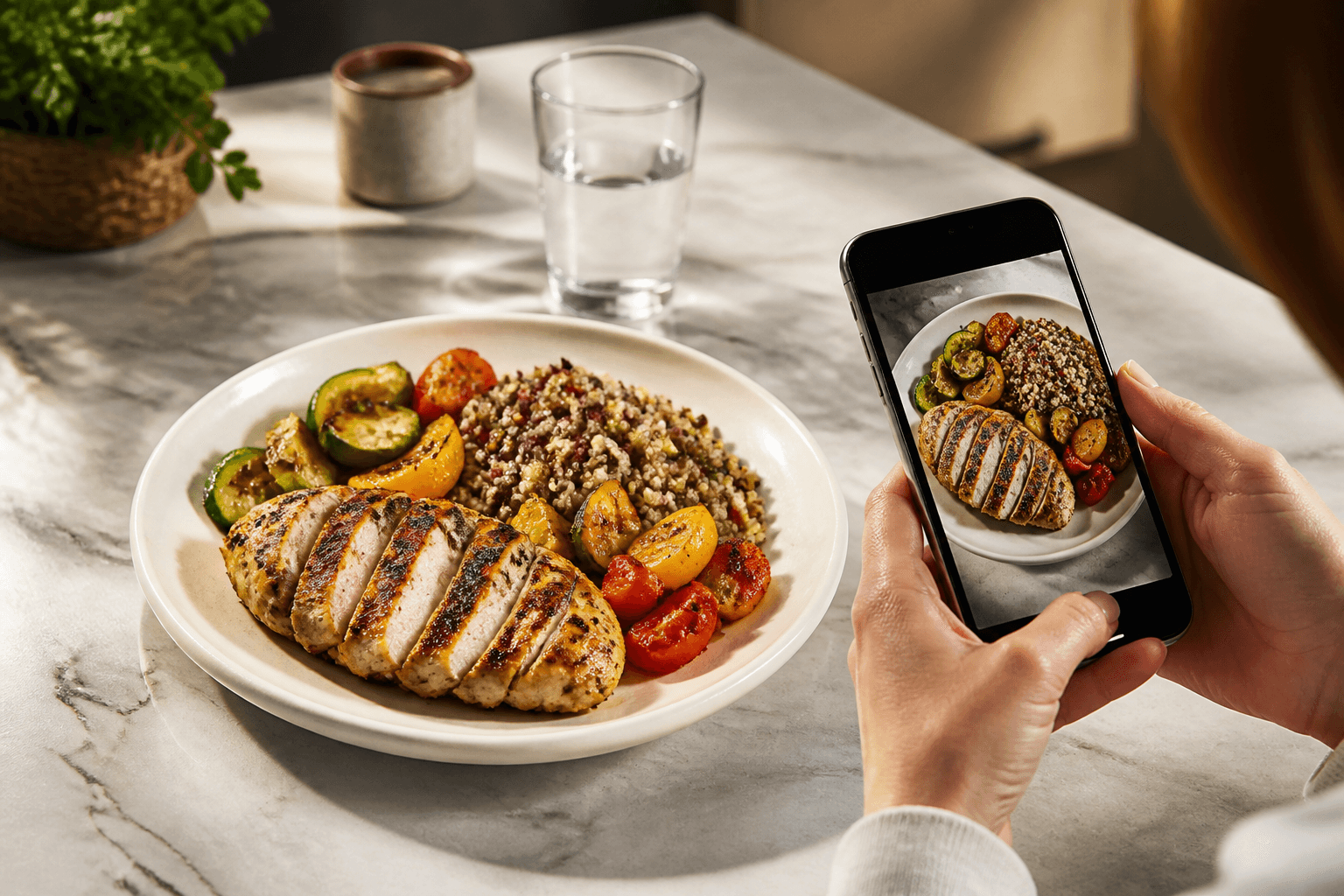
One of the standout features of the Cal AI app is its food photo scanning capability. Instead of logging each item manually, simply snap a photo of your meal before digging in.
Here’s how to optimize this feature:
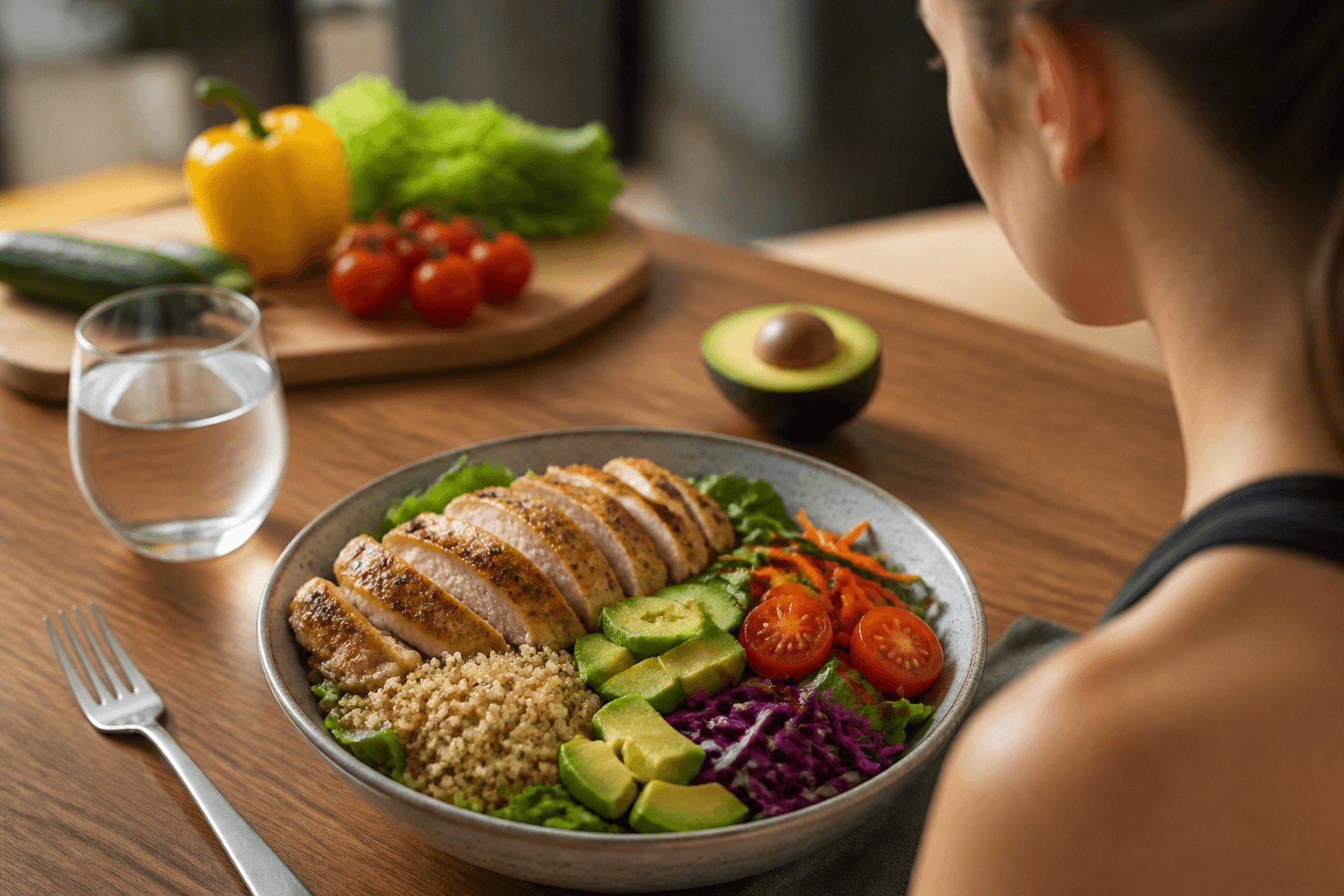
- Good Lighting: Ensure your meal is well-lit when you take the photo. This helps the app identify food items more accurately.
- Clear Angles: Position your camera above the meal. A clear aerial view makes it easier for the AI to recognize ingredients.
- Sample Variety: Utilize this feature with a variety of meals. Try different cuisines and types of foods to see how well the app performs in various scenarios.
Tip 2: Set Daily Calorie Goals
The Cal AI app allows you to set personalized daily calorie and macronutrient targets based on your health goals. Whether you're looking to lose weight, maintain, or bulk up, having clear objectives will guide your eating decisions throughout the day.
- Calculate Your Needs: Use the app’s calculator to determine your daily calorie needs by inputting your age, weight, height, and activity level.
- Adjust as Needed: As your weight loss or fitness journey progresses, regularly reassess your goals to ensure they remain realistic and achievable.
Tip 3: Log Meals Consistently
While the Cal AI app streamlines the logging process, consistent use is key to effective tracking. Remember to log every meal and snack throughout the day to gain a comprehensive overview of your eating habits.
Tip 4: Correct the Estimate and Log What the Camera Cannot See
A photo cannot show the oil in a pan, the sugar in a coffee or a sauce under the rice. After a scan, check the result: pick another of the suggested dishes if the first one is wrong, set the portion in grams if you know it, or correct the calories directly. For drinks, snacks and anything you ate without a photo, add a manual entry with a name and calories — manual entries do not use up your scans.
Conclusion
Used this way — a photo of each meal, a quick check of the estimate, a daily goal set once and a manual entry for the extras — Cal AI turns calorie tracking into a few seconds per meal, even on busy days.
Ready to give calorie tracking a try? Download the Cal AI app today, snap a picture of your meals, and let the AI do the rest. With its help, managing your nutrition becomes not just practical but enjoyable!
Cal AI Editorial Team
Practical guides on nutrition, calorie tracking, meal planning, and building healthier habits with Cal AI.
Editorial policyRelated articles
- Cal AI
The scan got the dish wrong: how to fix grams and calories in Cal AI in 20 seconds
Fix a wrong Cal AI scan by choosing the closest recognition variant, correcting grams, and editing calories when the portion still looks off.
Oct 26, 20266 min read
- french fries
Calories in French Fries: Small, Medium and Large Portions
French fries are 312 kcal per 100 g, and a standard 117 g serving is 365 kcal. Use grams, not size names, when the portion looks unclear.
Oct 23, 20266 min read
- Cal AI
How to Cancel Cal AI Subscription on iPhone and Android
Cancel Cal AI through Apple or Google Play, not inside the app. Follow the exact menu paths and see what cancellation means for history and scans.
Oct 20, 20265 min read1 views
- chicken breast
Calories in Chicken Breast: 100 g, One Breast, Grilled vs Fried
Chicken breast has 165 kcal per 100 g cooked. See one-breast calories, grilled and fried adjustments, and how to log it accurately.
Oct 17, 20266 min read1 views
- rice
White Rice vs Brown Rice: Calories, Protein, and Which to Pick
Brown rice is slightly lower in calories than white rice, but the gap is small. Compare cooked portions, macros, and which one fits your goal at meals.
Oct 14, 20266 min read2 views
- calorie calculator
How many calories do you need a day? Mifflin-St Jeor with worked examples
Use Mifflin-St Jeor to estimate daily calories from weight, height, age, and activity, with worked examples and portion checks.
Oct 11, 20268 min read