Cal AI vs MyFitnessPal: Photo Scans or Database Logging?
Choose Cal AI for photo-first meal logging; choose MyFitnessPal if you need database search, integrations, recipes or weight tracking.
Updated Oct 24, 20267 min read
In this guide
Choose Cal AI if you want photo-first calorie logging; choose MyFitnessPal if you want a food database, tracker integrations, recipe tools, or weight tracking. This article is about the Cal AI app published by BeeStudio at calai.me, not another app with a similar name.
Which app fits how you eat?
The practical difference is the starting point.
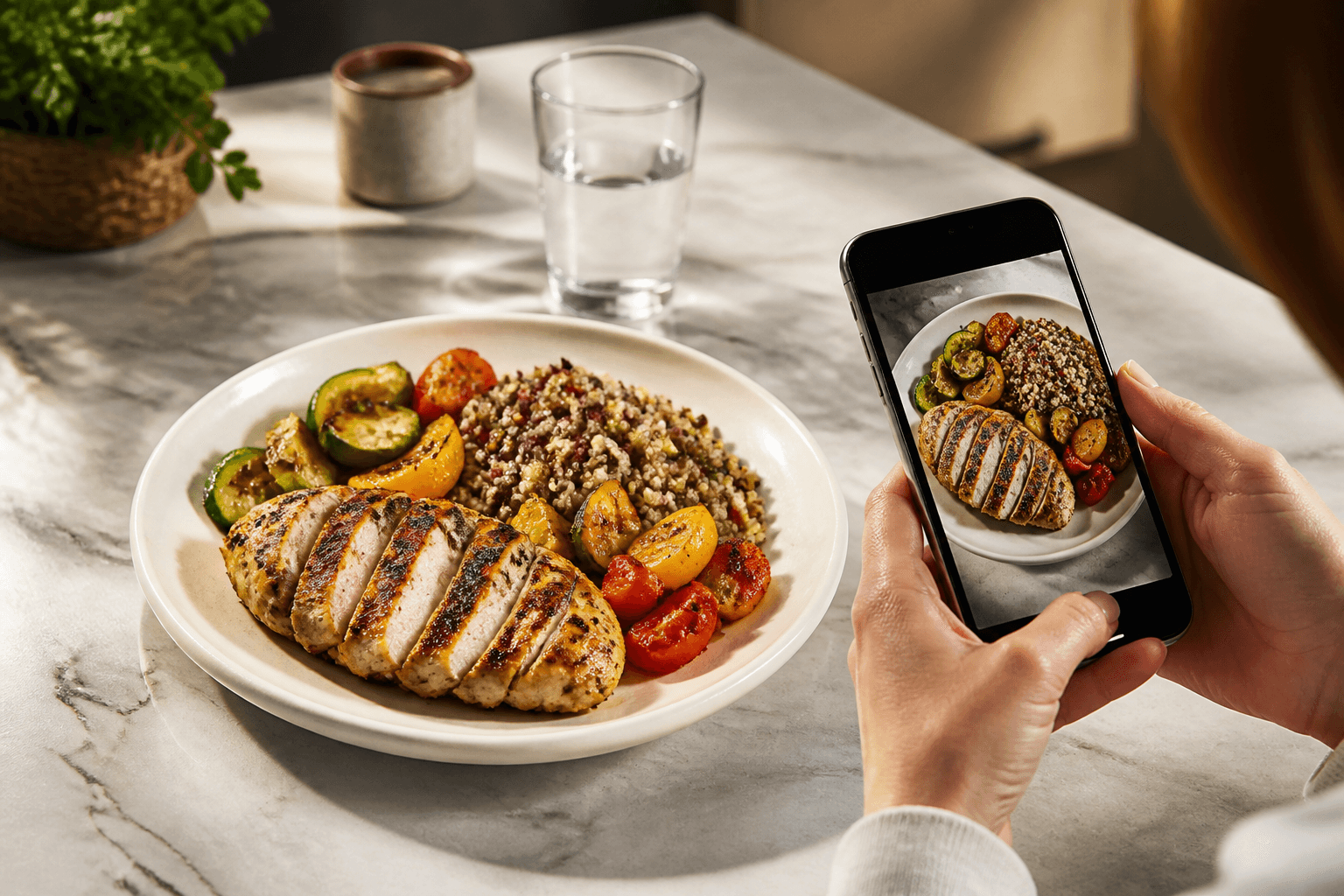
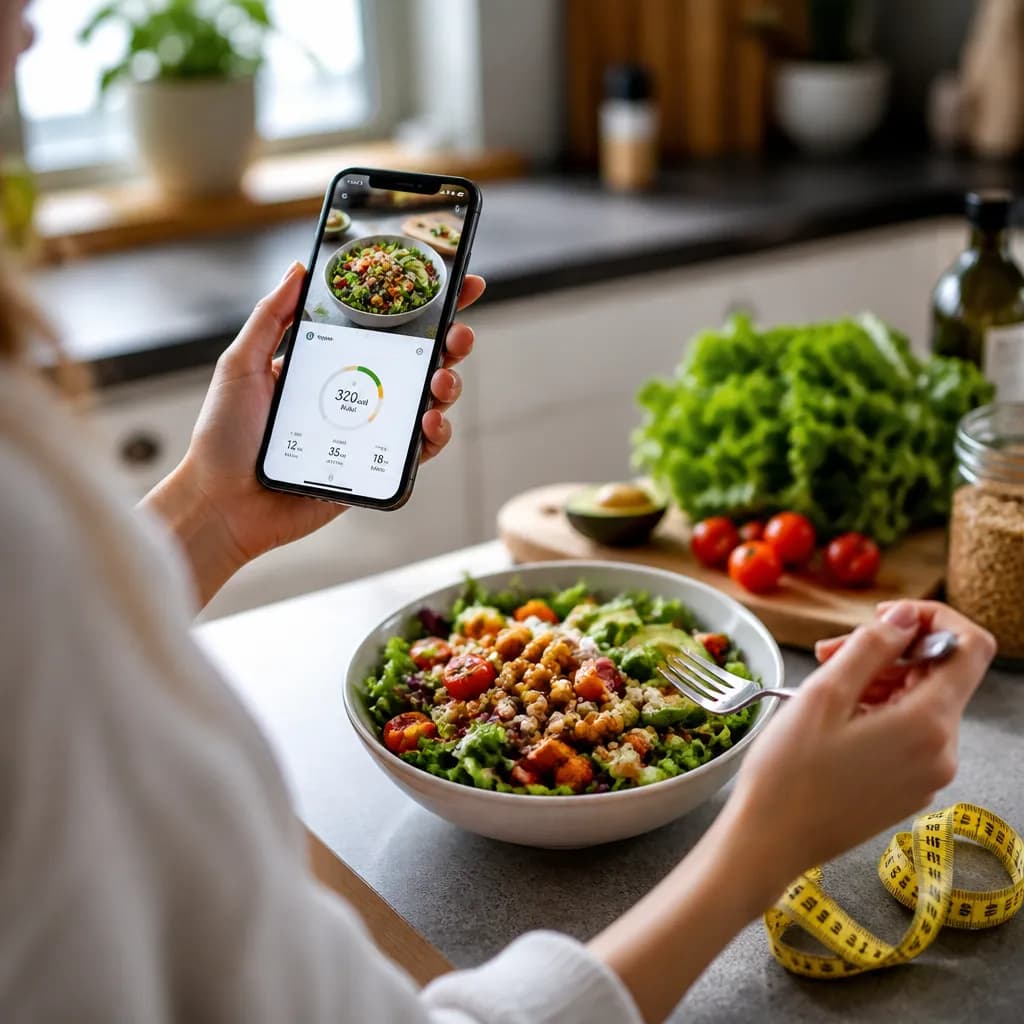
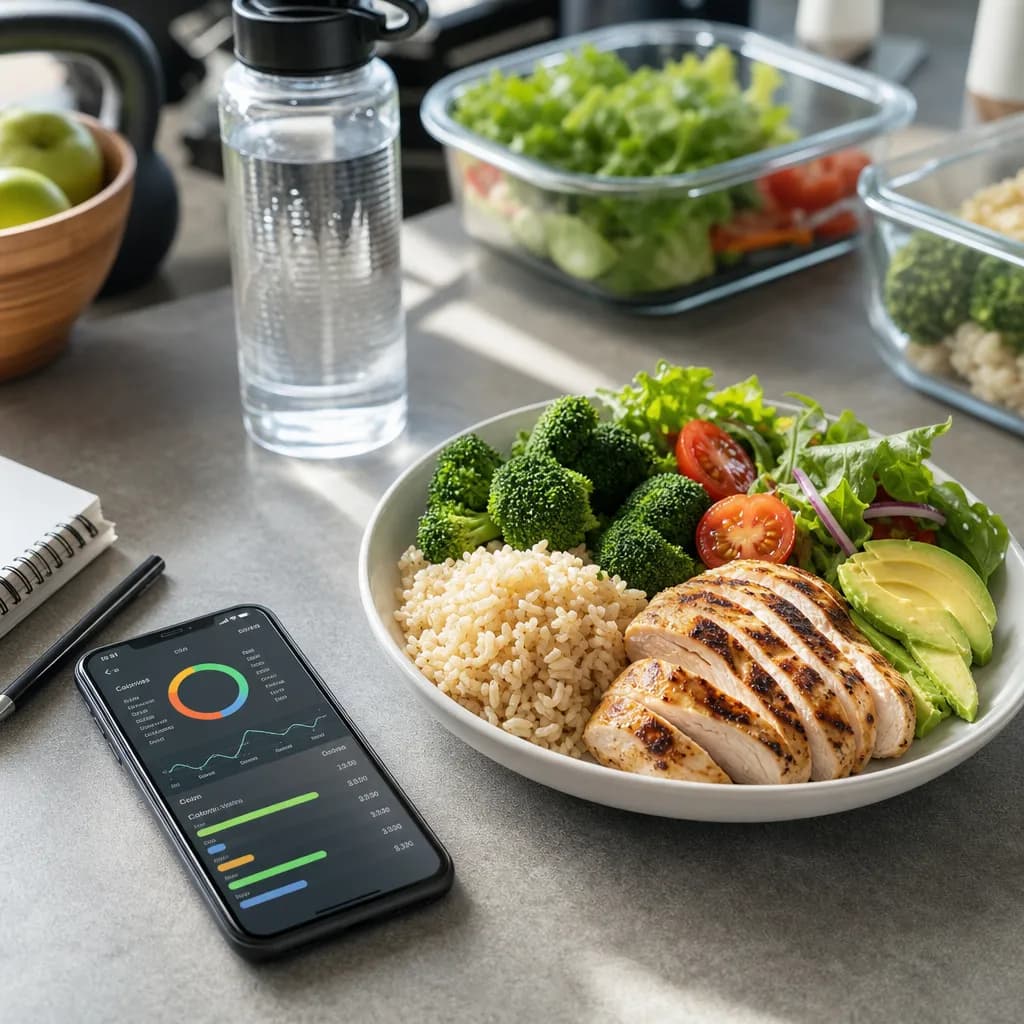
Cal AI starts with the plate. You take a photo, review the recognition variants the app gives you, pick the closest one, then correct grams or calories if the estimate does not match what you ate. That fits people who often eat mixed meals, restaurant plates, leftovers, cafeteria food, or home-cooked dishes where searching item by item feels slower than taking a picture.
MyFitnessPal is the better fit if your logging routine starts with known items. If you like searching a food database, scanning packaged foods, saving recipes, or using weight and fitness-tracker workflows, MyFitnessPal is the stronger choice. Those are exactly the areas where Cal AI is not trying to compete: Cal AI does not have a searchable food database, does not integrate with Apple Health or Google Fit, and does not track weight.
If you are comparing them because you want the least friction, choose based on the meal you log most often. A bowl you built from five known packaged items is usually easier in a database-style app. A takeout plate with sauce, rice, meat, and vegetables is often easier to start from a photo, then edit.
What features are actually different?
Use this table as the decision point. For MyFitnessPal, check the current App Store or Google Play listing before buying or relying on a specific paid feature, because plans and included tools can change.
| Feature | Cal AI by BeeStudio | MyFitnessPal |
|---|---|---|
| Photo meal scanning | Yes | Check the listing |
| Multiple recognition variants after a scan | Yes | Check the listing |
| Editable grams | Yes | Yes |
| Editable calories | Yes | Check the listing |
| Manual entry without using a scan | Yes | Yes |
| Searchable food database | No | Yes |
| Barcode-style packaged-food workflow | No searchable database in Cal AI | Check the listing |
| Recipe-style logging | No | Check the listing |
| Daily calorie goal | Yes, from TDEE using Mifflin-St Jeor | Check the listing |
| Day-by-day history | Yes | Yes |
| Apple Health / Google Fit / fitness-tracker integration | No | Check the listing |
| Weight tracking | No | Check the listing |
| Premium scan allowance | 200 scans per month | Check the listing |
| Where to buy | App Store or Google Play only | Check the listing |
That 200-scan allowance is the key Cal AI number: it is enough for photo logging several meals on many days, but it is still a limit. Manual entries in Cal AI do not use scans, so you can save scans for meals where the photo gives you a faster starting point.
There is no portion-calorie table in this comparison because the question is about apps, not a specific food. For food-specific calorie checks, look the food up in the Cal AI food catalog. If a meal is 500 kcal, that is about 25 percent of a 2,000 kcal day.
When Cal AI is the better fit
Cal AI is better when the hard part is identifying the meal, not finding a known brand or saved recipe. If you eat from restaurants, family-style meals, office cafeterias, buffets, leftovers, or plates assembled without a label, a photo-first workflow can remove the first round of searching.
The useful part is not that the scan is final. It should not be treated that way. The useful part is that it gives you several recognition variants, so you can choose the closest match and then correct the amount. If the app reads a chicken-and-rice plate as a larger portion than you actually ate, edit the grams. If you already know the calories from a menu or package, edit the calories directly.
Cal AI also works for people who want a simple daily calorie target without building a full fitness profile. The app sets a daily calorie goal from TDEE using the Mifflin-St Jeor formula. That gives you a target to log against, and the day-by-day history lets you review what happened on each date.
The trade-off is clear: Cal AI is not a full nutrition ecosystem. It does not connect to a fitness tracker, Apple Health, or Google Fit. It does not track body weight. It does not offer a searchable food database. If those are central to your routine, Cal AI will feel too narrow.
If you are pregnant, have a medical condition, or have a history of an eating disorder, talk to a clinician before cutting calories.
When MyFitnessPal is the better fit
MyFitnessPal is the better choice when you want structured logging around a database. That matters if most of your food comes from packaged items, repeat meals, saved recipes, or entries you expect to search and reuse.
A database-first workflow is also better when you care about consistency across repeated foods. If you eat the same yogurt, protein bar, frozen meal, cereal, or homemade recipe often, a database and recipe system can be faster after the first setup. You search once, save or reuse the item, and avoid estimating from a plate every time.
MyFitnessPal is also the better direction if integrations matter. Cal AI has no Apple Health, Google Fit, or fitness-tracker integration. If you want exercise data, steps, wearable activity, or weight-tracking workflows to sit inside the same app as your food log, check MyFitnessPal’s current listing and feature details.
The same goes for weight tracking. Cal AI does not include it. If your app choice depends on weighing in, seeing weight history, or connecting weight changes to food logs, do not choose Cal AI for that job.
How accurate logging depends on your workflow
Neither workflow removes judgment. Photo scanning and database search fail in different ways.
With a photo-first app, the common issue is portion size. The app can recognize the right kind of meal but still need correction for grams. A plate that looks large in a close photo may not be large in real life. A sauce may be hidden under rice. A bowl may look deeper or shallower than it is. The fix is to treat the scan as a draft: pick the closest variant, then edit grams or calories before saving.
With a database-first app, the common issue is choosing the wrong entry. Two entries for the same food can describe different serving sizes, cooking methods, or brands. A generic database result may not match your portion. A barcode or saved food can help when the item is packaged, but for restaurant plates or home cooking, the match still needs checking.
This is why the better app is not the one with the longest feature list. It is the one that fits the error you are most willing to correct. If you prefer correcting grams from a photo, Cal AI fits. If you prefer choosing from search results and saved foods, MyFitnessPal fits.
How to log the same meal in Cal AI
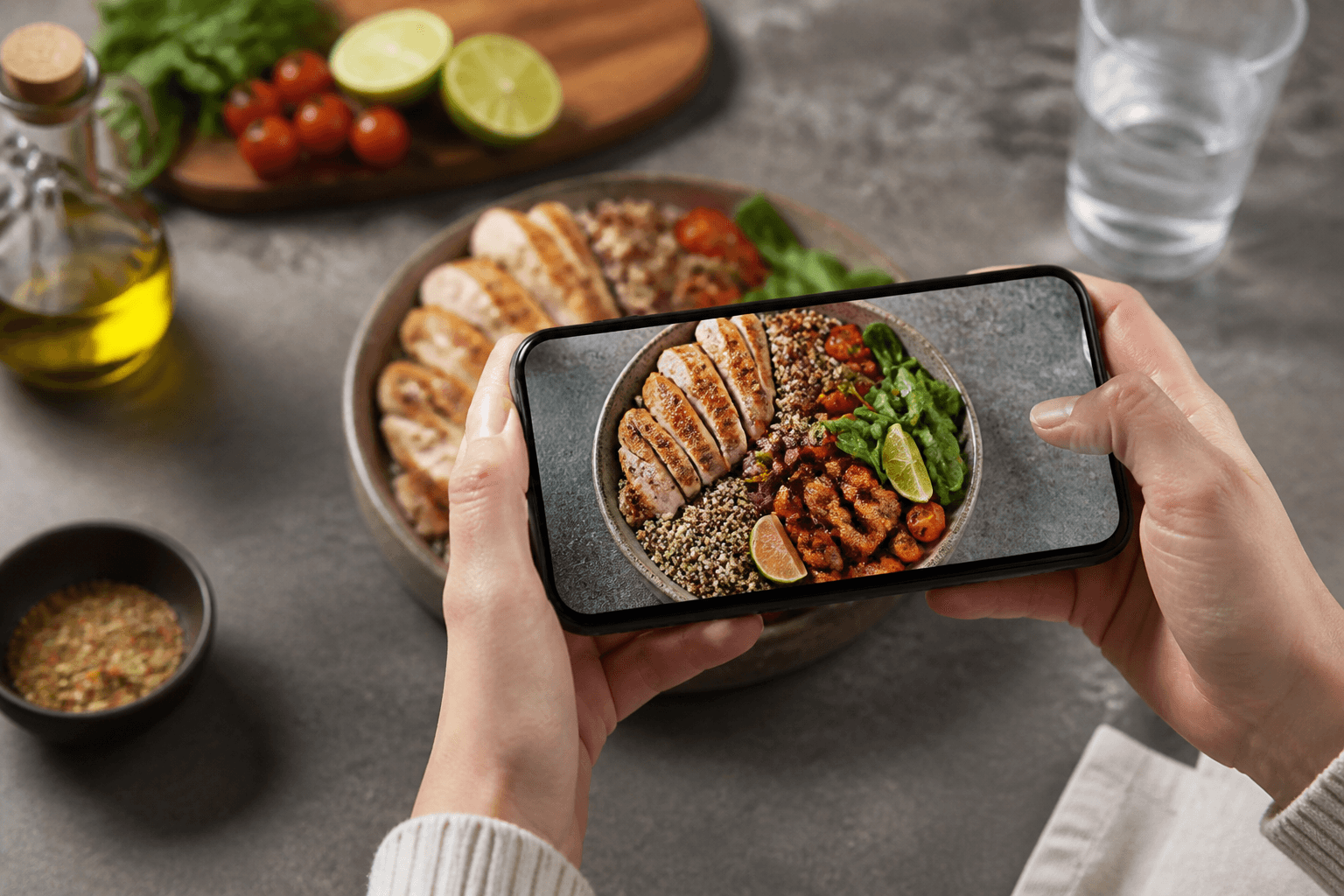
In Cal AI, log a meal by taking the photo, picking the recognition variant that best matches what is on the plate, and correcting the grams before you save. If the scan is not useful, use manual entry instead; manual entry does not use a scan.
For mixed meals, take the clearest photo you can before food is moved around. Keep the plate visible, avoid covering part of the meal with cutlery, and check whether the app split the meal in a way that matches what you ate. If one variant is close but the portion is wrong, do not rescan first. Edit the grams.
If you already know a value from a menu, label, or your own weighed ingredients, enter the known calories manually. Cal AI allows editable calories, so you do not have to force a photo estimate when a better number is already available.
How to choose before you subscribe
Start with the meals you logged this week, not the features on a sales page.
If most meals were unlabeled plates, restaurant meals, leftovers, or bowls you assembled quickly, Cal AI is likely the cleaner test. Install it from the App Store or Google Play links on calai.me, scan the meals that usually slow you down, and see whether choosing a variant plus editing grams feels faster than manual logging.
If most meals were packaged foods, repeat grocery items, saved recipes, or meals you want to rebuild often, test MyFitnessPal’s database workflow. Search for the foods you actually eat, check the current listing for the tools you need, and make sure the entries match your portions closely enough.
If you need both, split the job rather than forcing one app to do everything. Use Cal AI for meals where a photo is the best starting point, and use a database-first app for packaged foods, recipes, integrations, or weight tracking. For quick side-by-side app decisions, the comparison hub at /compare is the next useful stop, and calorie targets can be checked from /calculators.
Topics
Frequently asked questions
Does Cal AI have a free food search like MyFitnessPal?
No. Cal AI does not include a searchable food database, so it is not the right choice if searching saved food entries is your main logging method.
Does manual entry in Cal AI count against the scan limit?
No. Manual entry does not use scans, so you can save the monthly scan allowance for meals where a photo is useful.
Can I buy Cal AI Premium on the website?
No. Cal AI Premium is purchased only through the App Store or Google Play, where the current plan details are shown before purchase.
Which app should I choose for packaged foods?
MyFitnessPal is usually the better fit for packaged foods because its workflow is built around database search and packaged-food logging. Check the current store listing for the exact tools included.
Can Cal AI track my weight over time?
No. Cal AI has day-by-day food history, but it does not include weight tracking.
Cal AI Editorial Team
Practical guides on nutrition, calorie tracking, meal planning, and building healthier habits with Cal AI.
Editorial policyRelated articles
- Cal AI
The scan got the dish wrong: how to fix grams and calories in Cal AI in 20 seconds
Oct 26, 20266 min read
- cal ai free vs premium
Cal AI Free vs Premium: Which Version Fits Your Budget and Goals?
Jun 13, 20265 min read14 views