Does Cal AI Work in Russia and Other Countries?
Cal AI works where the App Store or Google Play is available, but billing stays in the store. This guide covers travel setup, languages, and common country traps.
Published Nov 25, 20266 min read
In this guide
Is Cal AI available in Russia and other countries?
Cal AI is about app access, not a country-specific calorie calculator, and this article is about the Cal AI app published by BeeStudio (calai.me). It estimates calories and macros from a meal photo — no manual database lookup.
Availability depends on whether you can get the app through the store on your device and keep your store account active while you travel. If the app shows up in your App Store or Google Play account, you can usually install it and use it normally. If it does not appear, the problem is usually store access, account region, or device settings, not the app itself.
What makes Cal AI different from many other food apps is what it does not try to be. There is no searchable food database, no fitness-tracker integration with Apple Health or Google Fit, and no weight tracking inside the app. That matters when you are abroad, because you should not expect it to sync with another service to fill gaps in local access.
How do I download and activate Cal AI while traveling?
Start with the store on the phone you will actually use. Cal AI subscriptions come with a trial; never name a price in the article — live terms stay on the product page.
Use this order if you are away from home:
- Open the App Store on iPhone or Google Play on Android.
- Search for Cal AI by the app name, then open the listing before you install.
- Check that the seller is the right one and that the listing is the app you want, not the other Cal AI app with a different publisher.
- Install the app while you still have stable Wi-Fi.
- Open the app and finish activation inside the app flow.
If you are crossing borders, do not wait until the airport or hotel lobby to solve account problems. Store verification, payment approval, and first launch are all easier when you still have access to your usual email and phone number.
If the app is already on your phone before you travel, keep it installed. Deleting it can force you back through the store check at the worst time. If you reinstall later, use the same store account you used before.
Can I pay for Cal AI through the App Store or Google Play in my country?
Yes, if your store account supports the purchase flow shown on the product page. Cal AI is bought only through the App Store or Google Play, not through a separate website checkout. That means the store account is the key part of payment, not your browser or a direct invoice.
Check the billing path before you rely on the app abroad:
- iPhone: Settings > [your name] > Subscriptions
- Android: Google Play > profile > Payments & subscriptions > Subscriptions
Use those screens to confirm the subscription, see renewal status, or cancel if needed. If the app was installed on one store region and your payment method belongs to another, the store may block the purchase even when the app itself opens normally.
This is the main country trap for travelers: the app can be reachable while the store purchase is not. If you already subscribe at home, keep that store account active and do not switch regions casually just because you are abroad. That is where most billing headaches start.
What languages and local settings does Cal AI support?
The app uses your phone and store environment rather than a separate country mode. In practice, that means the language you see usually follows the device and the store account you are using.
For travel use, check three settings before you assume something is broken:
- Phone language
- App Store or Google Play country/region
- Keyboard and number format on the device
If the app shows the wrong language or formatting after you land, switch the phone language first and reopen the app. If the store listing itself is unavailable in that region, the issue is bigger than language. You may still have the app on the phone, but you will not be able to manage billing cleanly through the store in the same way.
Keep in mind what Cal AI does and does not store. It has a day-by-day history, a daily calorie goal from TDEE, editable grams and calories, and manual entry that does not use scans. It does not have a searchable food database or weight tracking. So local language support matters most when you are naming meals, correcting a photo result, or checking your past days.
How do I log a meal in Cal AI if I’m outside the US?
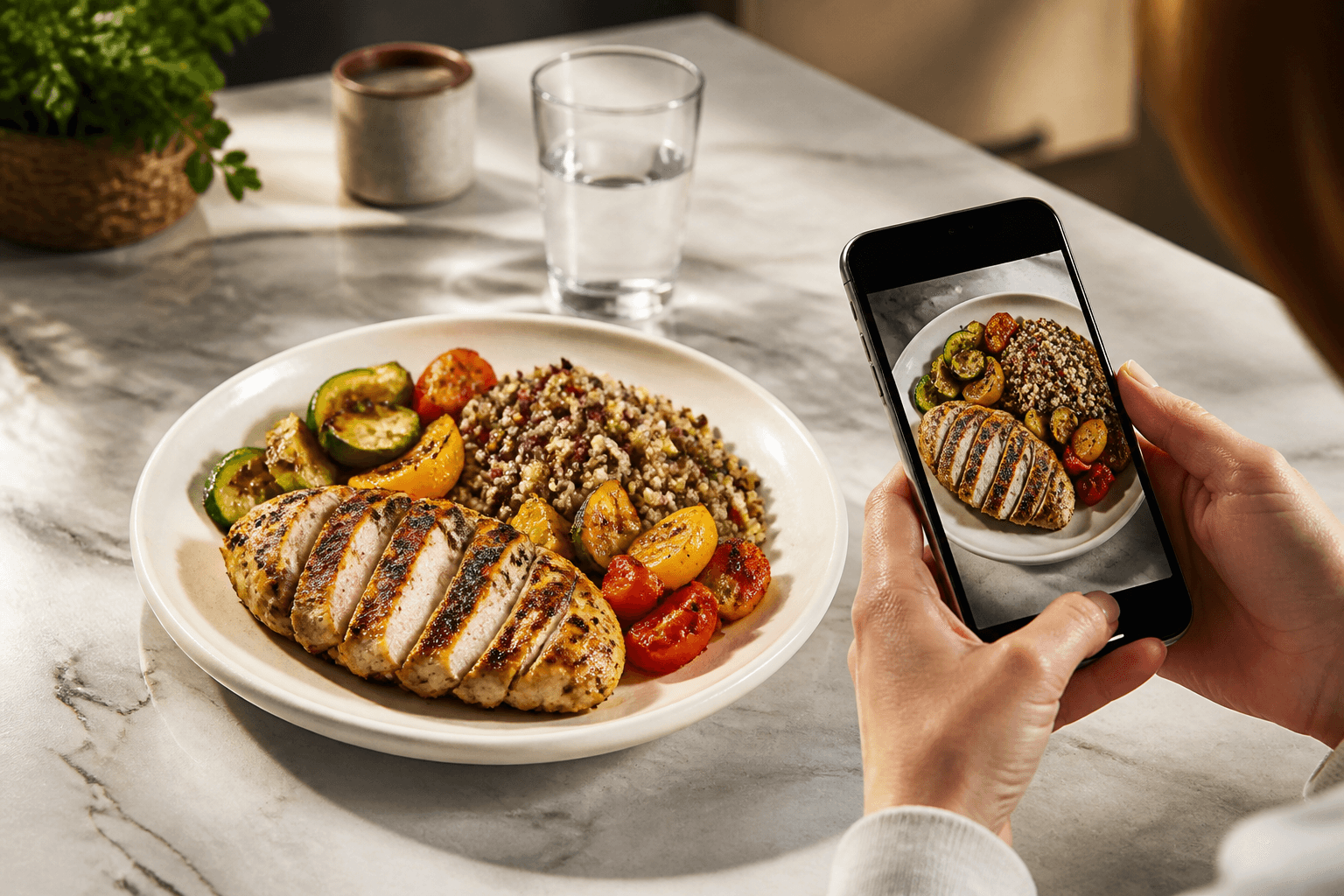
Use the same workflow you would at home. Take the photo, pick the matching recognition variant, then correct the grams if the estimate is off.
That last step matters more when you are traveling, because meals vary by country, restaurant style, and package size. Cal AI uses photo recognition variants, so if one result looks wrong, choose the closest match rather than forcing a bad estimate. Then edit the grams and calories directly.
A practical travel routine looks like this:
- Photograph the full plate or package in good light.
- Review the recognition variants and pick the closest one.
- Change the grams if the portion is bigger or smaller than the default.
- Save the entry and check it in day-by-day history later.
If you do not want to scan at all, use manual entry. That is useful for travel days when lighting is poor, the meal is mixed, or the package label is clearer than the plate. Manual entry avoids the scan step entirely.
If you want a reference while you estimate portions, the median estimate across 992 Cal AI photos of prepared meals from 252 people is 350 kcal per serving. Across the photo set, 21% of food photos are packaged products and the rest are prepared meals, which is why packaged items often need a different approach than bowls, plates, or restaurant dishes.
What should I do if Cal AI looks like the other app with the same name?
Stop and check the publisher before you subscribe or sign in. Cal AI is also the name of a different, better-known app, so the name alone is not enough.
Use these checks before you tap buy:
- Confirm you are on the BeeStudio app page from calai.me.
- Open the store listing from the site, not from a random search result.
- Make sure the screenshots, support links, and publisher match the app you expect.
If you already installed the wrong app, delete it and reinstall from the correct store listing. Do not import assumptions from the other app. The Cal AI app here is the one with photo-based calorie estimates, editable grams and calories, manual entry, and day-by-day history. It does not have Apple Health, Google Fit, or a searchable food database.
If you are traveling and you are not sure which app is on the phone, the fastest safe check is the store listing itself. Open the listing, read the publisher name, and only then continue with activation or subscription.
If you have a medical condition, are pregnant, or have an eating disorder, talk to a clinician before cutting calories.
Topics
Frequently asked questions
Can I use Cal AI if I change countries after installing it?
Usually yes, if the app stays installed and your store account remains usable. The main thing to watch is billing through the App Store or Google Play, since that is tied to your store region and payment setup.
Does Cal AI need an internet connection while I travel?
You should plan to have a connection for setup, store access, and account checks. If you are just logging food already on the phone, the app workflow is still centered on the photo and the saved entry rather than a food database.
What if I cannot find Cal AI in my country’s store?
That usually points to store availability or region settings, not the app itself. Check the country on your App Store or Google Play account first, then open the listing from the official store path on the site.
Can I rely on Cal AI for restaurant meals abroad?
Yes, but use the recognition variants and correct the grams after the scan. Mixed dishes and shared plates are the cases most likely to need a manual adjustment.
Cal AI Editorial Team
Practical guides on nutrition, calorie tracking, meal planning, and building healthier habits with Cal AI.
Editorial policyRelated articles
- turkish food calories
Turkish food calories for travellers: what to log first
Turkish dishes can stay modest or climb fast, depending on bread, oil and dessert. Here are the Cal AI catalog values and the easiest way to log them on the trip.
Nov 25, 20268 min read1 views
- Cal AI
Setting a Cal AI calorie goal: what TDEE means and how it works
Cal AI sets your daily calorie goal from TDEE, using the Mifflin-St Jeor formula. Here is what that means, where to check it, and how to fix a wrong estimate.
Nov 19, 20267 min read1 views
- Cal AI
Cal AI manual entry: log food without using a photo scan
Cal AI manual entry lets you add food without using a scan. Use the photo path only when it helps, then fix grams or calories yourself.
Nov 4, 20266 min read
- white rice
Calories in White Rice: Cup, Bowl, Restaurant Portion
Calories in white rice start at **130 kcal per 100 g**. See the cup, bowl, and restaurant portions, plus the quickest way to log rice in Cal AI.
Oct 30, 20267 min read4 views
- Cal AI
The scan got the dish wrong: how to fix grams and calories in Cal AI in 20 seconds
Fix a wrong Cal AI scan by choosing the closest recognition variant, correcting grams, and editing calories when the portion still looks off.
Oct 26, 20266 min read3 views
- Cal AI
How to Cancel Cal AI Subscription on iPhone and Android
Cancel Cal AI through Apple or Google Play, not inside the app. Follow the exact menu paths and see what cancellation means for history and scans.
Oct 20, 20265 min read1 views