Cal AI vs Yazio: calorie goals, logging speed, and what each does better
Cal AI is faster for photo-based logging, while Yazio is the safer pick if you want database search, tracker integrations, or weight tracking.
Updated Nov 21, 20268 min read3 views
In this guide
How do Cal AI and Yazio differ at a glance for calorie tracking?
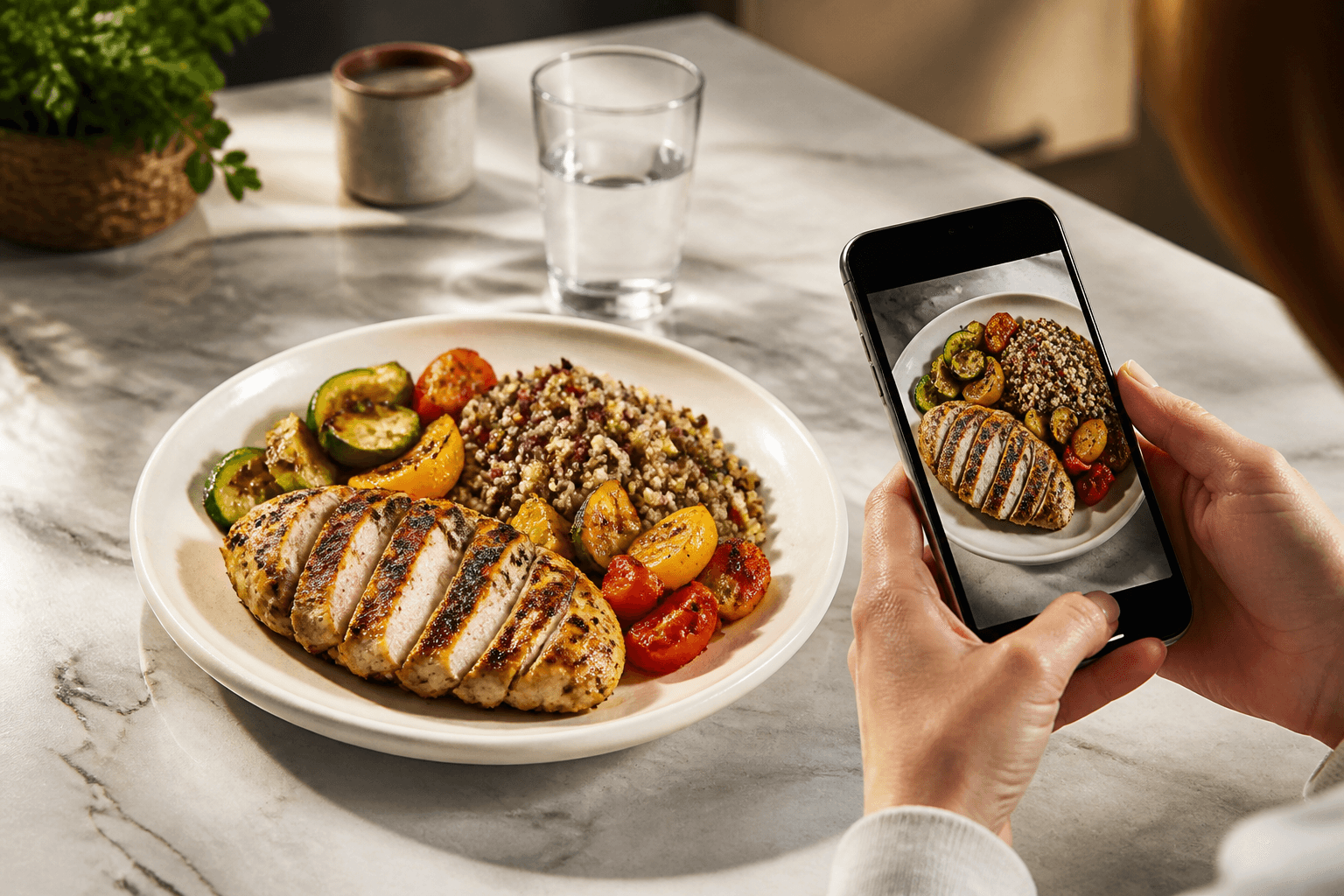
Cal AI is built around photo logging: it estimates calories and macros from a meal photo, then lets you pick a recognition variant and fix the grams or calories by hand . Yazio is better known as a broader calorie tracker with database-style logging, which makes it the better fit if you want search-heavy entry, recipe-style logging, or a workflow that does not depend on a photo first.
This article is about the Cal AI app published by BeeStudio (calai.me), not the other app with the same name.
Here is the practical split:
| Feature | Cal AI | Yazio |
|---|---|---|
| Photo-based meal logging | Yes | Check the listing |
| Manual entry without a scan | Yes | Check the listing |
| Searchable food database | No | Check the listing |
| Fitness tracker / Apple Health / Google Fit integration | No | Check the listing |
| Weight tracking | No | Check the listing |
| Daily calorie goal | Yes | Check the listing |
| Day-by-day history | Yes | Check the listing |
| Subscription trial | Yes | Check the listing |
The simplest way to choose is this: if you want the fastest photo-first workflow, Cal AI usually fits better. If you want to build a log from search, saved foods, integrations, or body-weight tracking, Yazio is the safer choice.
How we compared Cal AI vs Yazio
We checked the Cal AI app flow by hand in the app and matched it against the product facts in the brief . We also checked the live product positioning on the site and the store purchase model for Cal AI, including the trial on subscription plans . For Yazio, we limited ourselves to general, user-facing differences that are easy to verify in the store listing and in the app itself, without naming prices or scan limits.
As of 2026-10-01, the comparison below focuses on what matters at log-in time: how fast you can record a meal, how goals are set, what you can edit, and where each app stops helping.
Which app is faster for logging meals, and what’s the exact Cal AI flow?
Cal AI is faster when you already have a plate, bowl, or package in front of you. The main reason is that it starts from the photo and then narrows the result rather than making you search first . In practice, the flow is short:
- Take a photo.
- Pick the recognition variant that best matches the meal.
- Edit the grams or calories if the portion looks off.
That is the core workflow. It is useful because it keeps the number of taps low, but it still leaves room to correct the estimate when the first pass is too generous or too small . Cal AI also supports manual entry that does not use scans, so you can log a known item without taking a picture .
Yazio is usually slower for a single plate if your habit is photo-first, because a database-led app tends to ask you to search, confirm a match, and then adjust the serving. That extra control can be worth it for repeat foods, but it costs time when you just want a quick meal log.
Cal AI has one more advantage for speed: you can correct the estimate immediately after the scan instead of leaving the meal as a fixed guess. If the portion was bigger than the picture suggests, change the grams. If the recognition chose the wrong variant, switch it before saving.
The trade-off is obvious. Cal AI is quick because it narrows the field from the image. Yazio is often better when you already know the exact food entry you want and prefer a searchable list over a photo estimate.
Which app handles calorie goals and daily tracking better?
Cal AI handles goals in a straightforward way. It gives you a daily calorie goal based on TDEE using the Mifflin-St Jeor method, and it keeps a day-by-day history so you can see what happened over time . That is enough for a lot of users who mainly want a target and a record of what they ate.
The useful part is not the formula alone. It is the pairing of a daily target with a log you can review the next day. If you miss a meal, you can still add it later with manual entry. If a scan is off, edit the grams or calories and move on .
Yazio often makes more sense if your goal tracking needs are broader than calories alone. If you want food search, recipe logging, or connections to health and fitness services, that kind of setup usually fits a more complete daily tracker. Cal AI does not include fitness-tracker, Apple Health, or Google Fit integration, and it does not have weight tracking.
That absence matters. If your routine depends on syncing activity or body weight, Yazio is the better choice. If you only need a calorie target and a clean meal history, Cal AI is enough.
Where does Yazio do more than Cal AI, and when is that the better choice?
Yazio does more when your logging habits go beyond photos. The biggest difference is the missing searchable food database in Cal AI. If you like typing in foods, saving repeat items, or building meals from database entries, Yazio is the more natural fit.
Yazio is also the better option if you expect app-to-app or device integration. Cal AI has no fitness-tracker, Apple Health, or Google Fit integration, so it will not pull in activity or body data from those sources. It also has no weight tracking, so it cannot be your one place for calories and body-weight trends.
Use Yazio if any of these describe you:
- You want database search as your main entry method.
- You want to connect health or fitness data.
- You want weight tracking inside the same app.
- You log a lot of repeat meals and prefer saved entries over photos.
Use Cal AI if you mostly eat meals you can photograph and you want the log to stay short. It is built for that use case first .
There is one more practical difference that people often miss: Cal AI’s trial is included with subscriptions, and the purchase happens through the App Store or Google Play . If you want to compare the live offer against Yazio, check the current store listing before you buy. Do not judge the apps only by screenshots; check what each listing says about the current plan and feature set.
Which app is better for photos, mixed meals, and packaged foods?
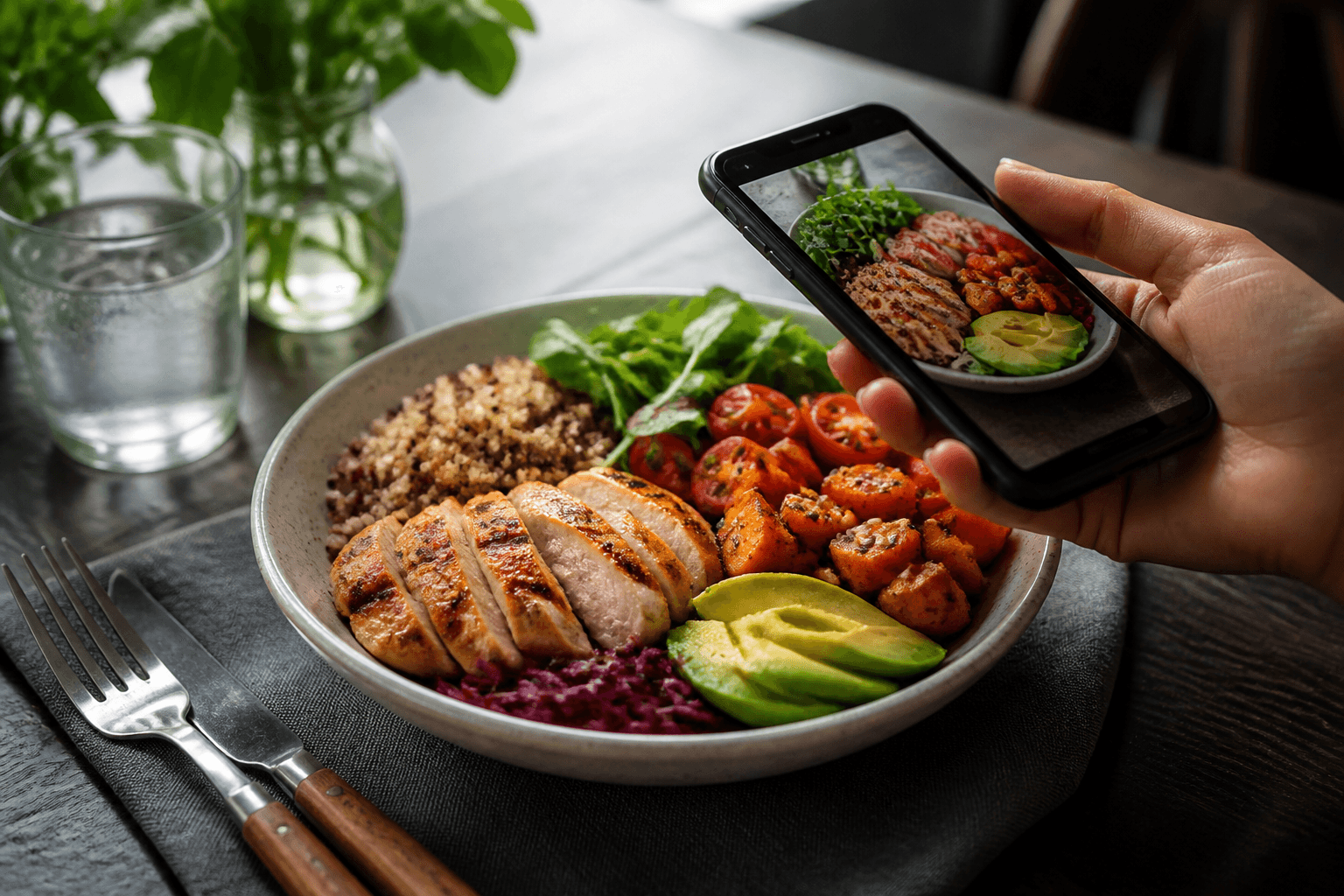
Cal AI is the stronger pick for photos because that is the core of the app . The photo workflow is useful for mixed meals, especially when you do not want to enter every ingredient one by one. You take the picture, choose the closest recognition variant, then correct the grams or calories if needed .
That said, photo logging is not the same as perfect logging. Mixed meals can be harder to estimate than a single packaged item. In those cases, the editable grams and calories matter more than the first scan result. If the meal includes several components and one looks undercounted, fix the portion before you save it.
Packaged foods are a smaller part of Cal AI’s use patterns than prepared meals. In the app’s photo logs, 19% of food photos are packaged products, and the rest are prepared meals . That tells you where the app is strongest: bowls, plates, cooked meals, and mixed dishes rather than barcode-style grocery logging.
Yazio is often better when packaged foods are a big part of your day, because database and barcode-style logging tends to handle branded items more naturally than a photo estimate. If your pantry is full of labeled items and you want exact product matches, that is the use case where Yazio usually wins.
If you want a general calorie reference for common foods, the site’s food catalog can help you sanity-check a meal before you commit it to the log. For swaps and portion choices, the comparison pages are also useful.
What should you check before you subscribe or switch?
Start with the one thing you log most often. If that is a plate you can photograph, Cal AI may be enough. If it is a repeat breakfast, a branded snack, or a meal you already know by name, Yazio’s database-led approach may save more time.
Before you switch, check these points:
- Whether you need a searchable food database.
- Whether you rely on Apple Health, Google Fit, or another tracker.
- Whether you want body-weight tracking in the same app.
- Whether you prefer photo-first logging or text-first logging.
- Whether a subscription trial is included before payment .
For Cal AI specifically, remember the limits. It does not have a searchable food database, tracker integration, or weight tracking. Those are not small omissions if those features shape your routine.
Also check how often you want to log. Cal AI is best when you want speed and are fine correcting the result after the scan. If you are meticulous and want to build every meal from named entries, Yazio will probably feel cleaner.
If you manage a medical condition, are pregnant, or have an eating disorder, talk to a clinician before cutting calories.
Cal AI vs Yazio: which one fits your habits best?
Cal AI fits best if you want to point the camera at a meal, pick the right recognition variant, and adjust the grams or calories without a long setup . It is the faster app for photo-based logging, and its daily calorie goal plus day-by-day history cover the basics well .
Yazio fits best if you want broader tracking tools. If you care about search, integrations, or weight tracking, Cal AI leaves too much out, and Yazio is the safer pick.
If you want to test Cal AI first, use the trial and log a few real meals before you decide . Photo one meal, enter one packaged item manually, and see which workflow feels faster. The better app is the one you will keep using on an ordinary Tuesday.
Topics
Frequently asked questions
Does Cal AI have a searchable food database like Yazio?
No. Cal AI estimates calories and macros from a meal photo and supports manual entry, but it does not include a searchable food database . If database search is central to your routine, that is a strong reason to choose Yazio instead.
Can Cal AI sync with Apple Health or Google Fit?
No. Cal AI does not include fitness-tracker, Apple Health, or Google Fit integration. If you want app-to-app or device syncing, check Yazio’s current listing before you switch.
What is the fastest way to log a meal in Cal AI?
Take a photo, choose the recognition variant that best matches the meal, then correct the grams or calories before saving . That workflow is the main speed advantage over search-first apps.
Does Cal AI work for packaged foods?
Yes, but it is not built around packaged-food search. Packaged products make up 19% of the food photos in Cal AI, while the rest are prepared meals . If most of your food is branded and labeled, a database app may fit better.
Cal AI Editorial Team
Practical guides on nutrition, calorie tracking, meal planning, and building healthier habits with Cal AI.
Editorial policyRelated articles
- Cal AI
The scan got the dish wrong: how to fix grams and calories in Cal AI in 20 seconds
Oct 26, 20266 min read3 views